All Activity
- Past hour
-
 jwjk8888 joined the community
 -

Latest version of Emby - Random lockups - Connection Timeout to https://api4.thetvdb.com
vaise replied to vaise's topic in General/Windows
FYI - I am happy to kill all api keys and reset those apps, plus I am happy to kill all manually added plugins for a fresh system, I was just looking at an order of which is more likely to be the culprit. -
Latest version of Emby - Random lockups - Connection Timeout to https://api4.thetvdb.com
vaise replied to vaise's topic in General/Windows
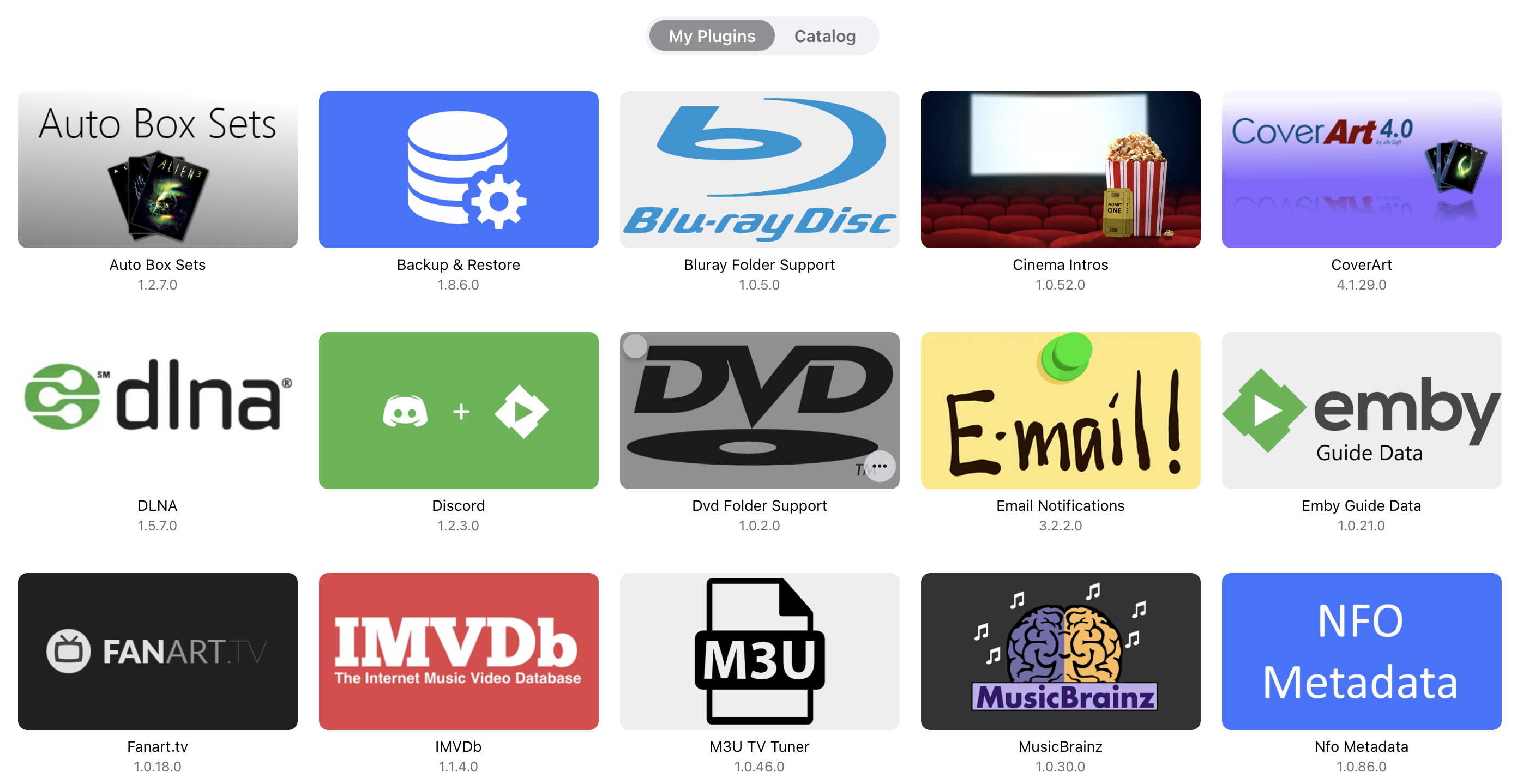
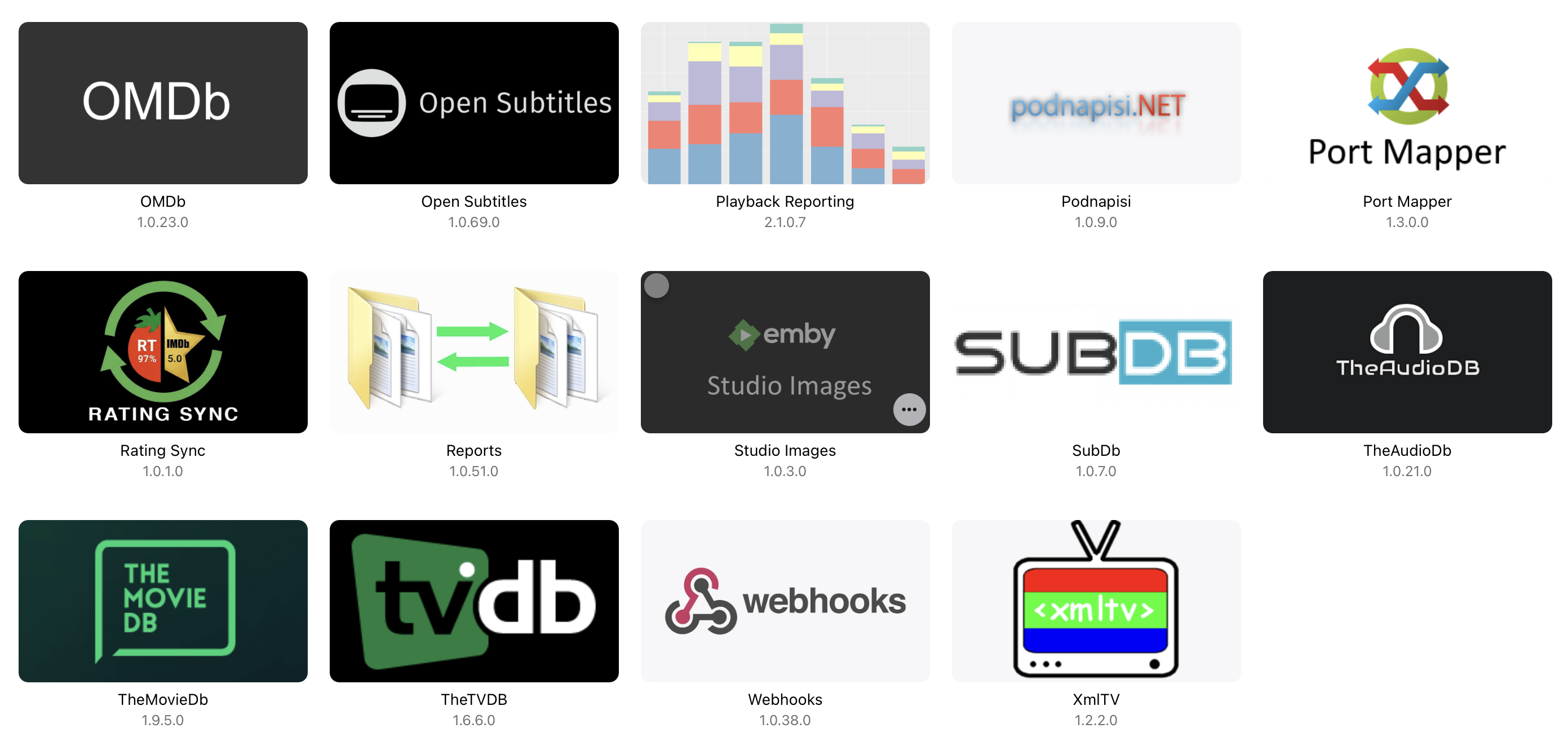
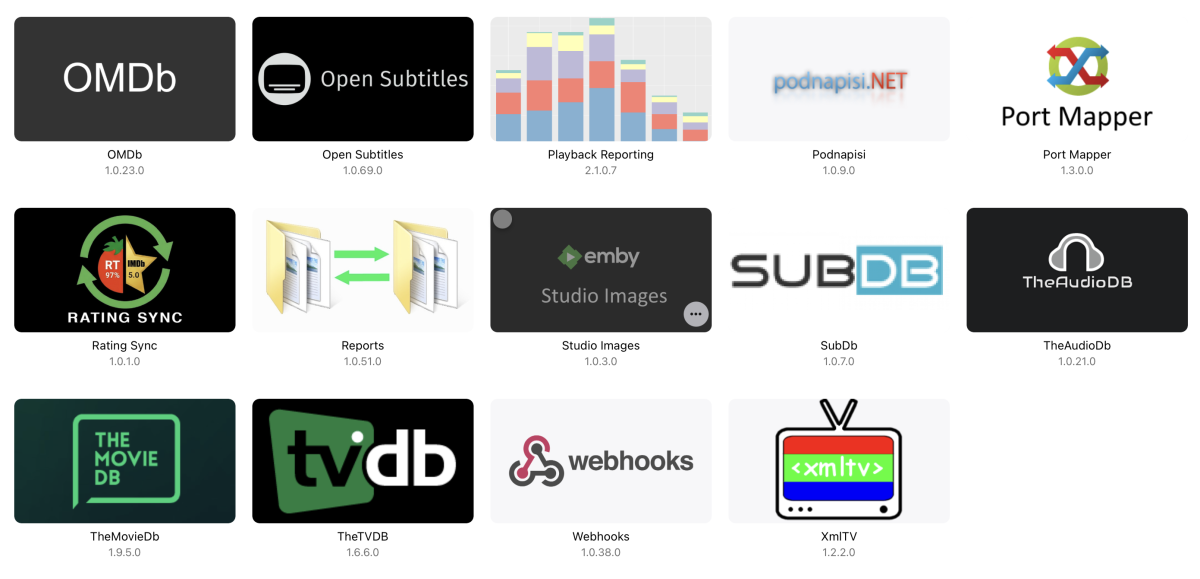
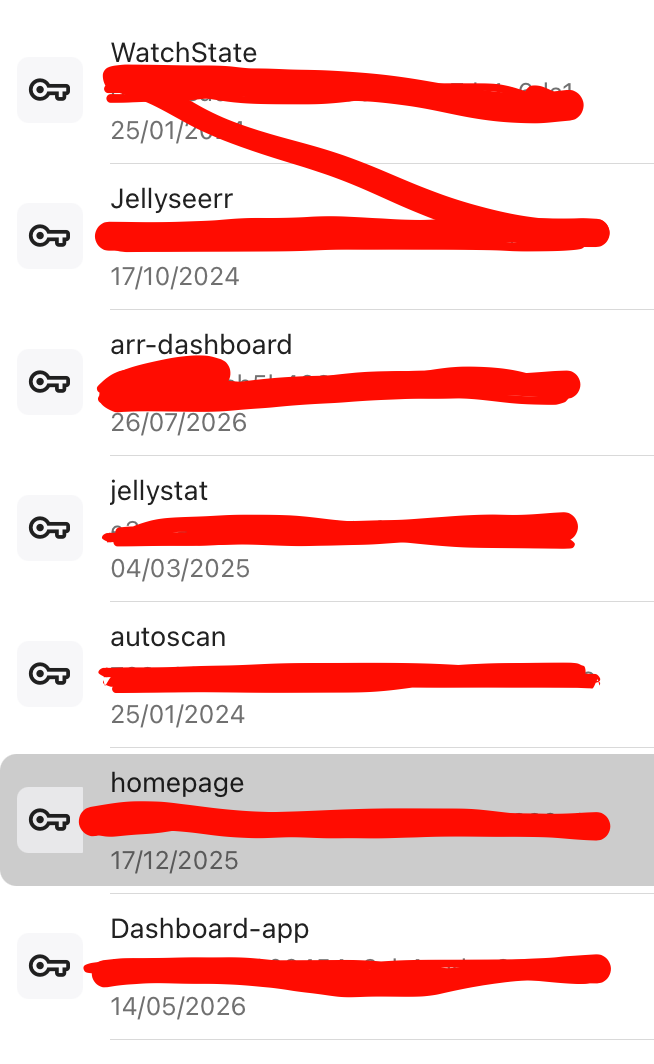
As to what happens when it stops working, the first time, I got calls from a few friends, but as I was away, I just did a remote restart. The second time I was watching it myself and just got the spinning disk, and then calls from others, and EVEN the Emby console was not responding - refresh in the browser and timeouts. I again restarted the docker container and all good again. I just checked the jellyseer logs and it is going to do a full Emby sync in 15 hours - I will be in bed then. I don't think it's that as it runs every 24 hours and this issue was at 7:10PM. To rule it out however, I just kicked off a manual full Emby sync. Checked Emby logs and processes - no impact and little log activity. With regards to external access - I have check log files for the same timeframe for jellystat, seerr, Nothing else does any sort of sync. My API keys are thus - Any idea what order, or what below may be the culprit for removal from the plugins -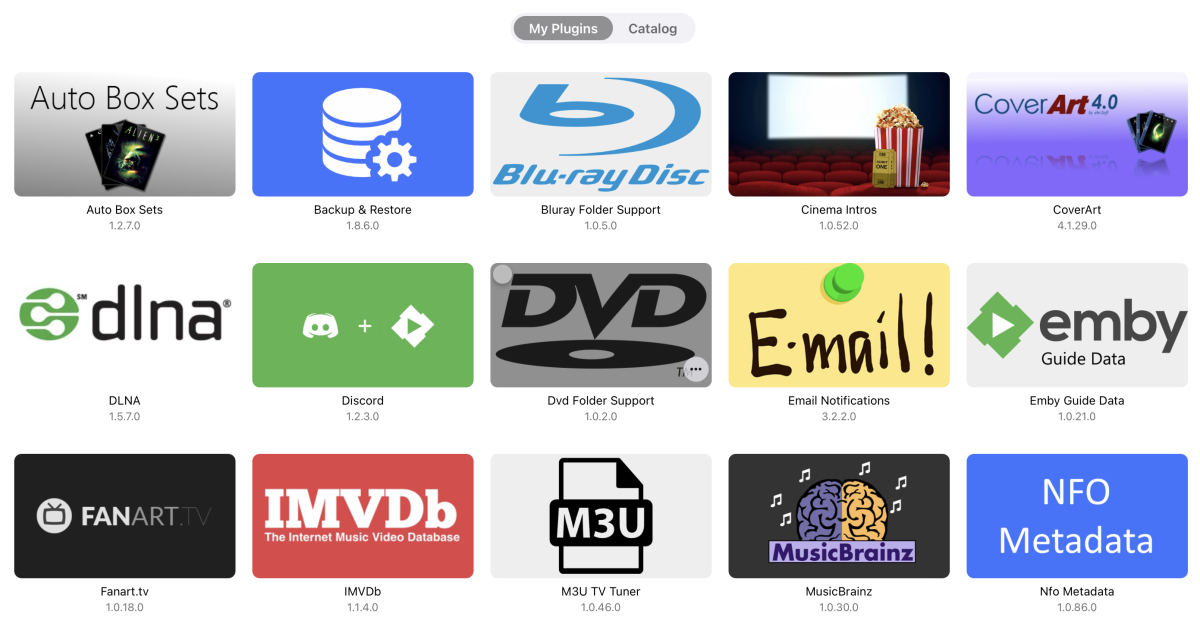
-
 sherkonq joined the community
 -
I definitely have a VegaOS device. I'm running Emby on all my FireTV devices. It's just this new one that was having a problem. No worries, though, I'm able to see my server now using Astra.
-
 uemby10148 joined the community
 -
3.5.58 Fix When "autoplay next episode" is off, the app still prevents screen from going off Core UI Changes from 26.0.23 to 26.0.25 Various spotlight fixes for older devices General slideshow fixes Support mousewheel for horizontal sections in TV display mode Improve spotlight design Fix text not visible in screensavers
-
Emby for Android 3.5.58 Released Changes 3.5.58 Fix When "autoplay next episode" is off, the app still prevents screen from going off Core UI Changes from 26.0.23 to 26.0.25 Various spotlight fixes for older devices General slideshow fixes Support mousewheel for horizontal sections in TV display mode Improve spotlight design Fix text not visible in screensavers
-
Hi, can you please try 3.5.58+ and let us know how that compares? Thanks !
-

NVIDIA Shield screensaver appears while paused, then playback resumes behind it
Luke replied to Dr. Technolust's topic in Android
Hi, can you please try 3.5.58+ and let us know how that compares? Thanks ! -
 mattfrom6 joined the community
 -
When "autoplay next episode" is off, the app still prevents screen from going off
Luke replied to SucksToBeYou's topic in Android
Hi, can you please try 3.5.58+ and let us know how that compares? Thanks ! -
 liufenglin joined the community
 -
 Shleubeups joined the community
 -
Hi there, please attach the complete emby server log file. thanks.
-
Unable to search for artwork after address change on NAS.
Luke replied to Johdal's topic in Synology
Thanks for following up. -

Unable to search for artwork after address change on NAS.
Johdal replied to Johdal's topic in Synology
Please ignore this. Problem solved: DNS error! Cheers, John -
Per the attached log file, I tried searching the guide for shows containing the word "Task" which fails to generate any results. A couple minutes later the port mapper generates an error, after which my search for "Task" suddenly works and generates some results. embyserver_2026-09-15.txt
-
 IKudo joined the community
 -
 pedroarroyo2 joined the community
 -
 adakota26 joined the community
 -
26.0.25 Various spotlight fixes for older devices General slideshow fixes Support mousewheel for horizontal sections in TV display mode
-
Emby Web App Update: Version 26.0.25 The Emby Web app has been updated to version 26.0.25 Go and try out: https://app.emby.media/ Changes 26.0.25 Various spotlight fixes for older devices General slideshow fixes Support mousewheel for horizontal sections in TV display mode
-
@nospotifyhas this helped?
-
Hi, this is on our to do list. Thanks.
-
 祁悠 joined the community
 -
Yikes released this to main branch? Man
-
That's not a Vega device... But we are definitely in the normal Fire OS app store - twice, in fact. What part of the world?
-
Thought it might be useful (or not) to be able to add some form of note to the above, so if there's an address or three I can say somehow which address belongs to which user. Maybe a separate row of ID's per address, or a way to have in the filter stuff in quotes, as in "Colin='131.294.265.265, or something.
-
OK, are you trying to connect to your own Emby Server, or someone else's server?
-
Latest version of Emby - Random lockups - Connection Timeout to https://api4.thetvdb.com
Luke replied to vaise's topic in General/Windows
If you can get it to happen again with debug logging enabled then that may tell us more. -
Sorry - I misread that. Your solution is good. Paul
-
Latest version of Emby - Random lockups - Connection Timeout to https://api4.thetvdb.com
vaise replied to vaise's topic in General/Windows
The log I imagine shows my plugins. Could it be conversant or something that is incomparable with the later release? -
Latest version of Emby - Random lockups - Connection Timeout to https://api4.thetvdb.com
vaise replied to vaise's topic in General/Windows
I have not changed anything for a long while. Except emby upgrade. By all means I can shutdown jellyseer, which if the only external thing. But it has its own request thing, it does not request emby do this. - Today
-
4.10.0.40 Regression - Android and Samsung sessions no longer remotely controllable
Luke replied to Cr8iveLosr's topic in Linux
Also maybe this is helpful: Because your reverse proxy is NGINX, the interaction between recent .NET 8 servicing updates and NGINX's strict handling of HTTP headers is exactly where this WebSocket rejection usually triggers. When Microsoft rolls out security patches in .NET 8 maintenance releases (specifically targeting HTTP Request Smuggling vulnerabilities), Kestrel becomes exceptionally strict about evaluating request headers. If NGINX modifies or strips specific upgrade headers during the handshake proxying, Kestrel will instantly reject the socket. To restore functionality, your NGINX location configuration must explicitly preserve the WebSocket handshake headers: The Required NGINX Configuration Fix In your NGINX site configuration file (e.g., /etc/nginx/sites-available/default), update your location block for the ASP.NET Core application to explicitly map the Upgrade and Connection parameters: nginx location / { proxy_pass http://127.0.0.1:5000; # Address to your Kestrel instance # Force HTTP/1.1 for the WebSocket handshake proxy_http_version 1.1; # Explicitly map the upgrade headers required by Kestrel proxy_set_header Upgrade $http_upgrade; proxy_set_header Connection "upgrade"; # Forward original client routing details to ForwardedHeaders proxy_set_header Host $host; proxy_set_header X-Real-IP $remote_addr; proxy_set_header X-Forwarded-For $proxy_add_x_forwarded_for; proxy_set_header X-Forwarded-Proto $scheme; # Optional: Prevent NGINX from prematurely killing long-lived connections proxy_read_timeout 86400; } Use code with caution. Why This Fails After Recent Updates Stricter Connection Headers: By default, NGINX strips the Upgrade header entirely when proxying requests unless instructed otherwise. Prior to the .NET 8 patches, Kestrel was sometimes lenient if it could still parse the raw payload, but recent maintenance releases immediately abort the request if the explicit Connection: upgrade handshake is absent. [1, 2, 3] The map Directive Variant: If your application serves both normal HTTP traffic and WebSockets over the exact same URL path, hardcoding proxy_set_header Connection "upgrade" can cause standard HTTP requests to behave unexpectedly. If you run into this, declare a dynamic header map at the top of your nginx.conf (in the http block): nginx http { map $http_upgrade $connection_upgrade { default upgrade; '' close; } } Use code with caution. Then inside your app's location block, use: nginx proxy_set_header Connection $connection_upgrade; Use code with caution. [1, 2] After applying the proxy_set_header additions and running sudo nginx -s reload, check if the error persists. If it does, are you seeing a 400 Bad Request or a 404/502 error