All Activity
- Past hour
-
 jdhuijb joined the community
 -
 Sameerah joined the community
 -
 ugur29 joined the community
 -
 Jasey joined the community
 -
 Afr.94 joined the community
 -
 13284 joined the community
 -
 M3bdal joined the community
 -

Atrium — a native tvOS app for your Emby server
vdatanet replied to vdatanet's topic in Third Party Apps
Atrium 1.8 is on the App Store, and it's mostly this thread. Nearly all of it was reported here in the past few days. The "Recently Added" rows ran out after sixteen items — they show 128 now. Coming back from a film sent the focus to the top of the screen instead of leaving it on the card you came from. Channels arrived in number order rather than your server's own, which with two tuners means repeated numbers and both sources interleaved; and the sort pill still said "Number" after I changed that. Person pages show the biography the app never asked your server for. The alphabet in your libraries is the size it should be next to Sort and Filter. Also from here: the "Next Episode" button used to leave thirty seconds before the end, so when the credits start just before that, it vanished while you were reaching for it. And Live TV now opens a session on your server: before, watching a channel showed up nowhere on your dashboard. The top row on the tvOS home screen speaks the right language too, as long as it's one of the three the app has: English, Catalan or Spanish. Want another, say so here. Two new things: from an episode you can jump straight to its series, and music can finally be stopped from Now Playing. And one to try, if you like: Settings ▸ Home ▸ Enhanced Home Screen. It's off by default. Turn it on and the header stays put, only the bottom row scrolls, and the background follows the card you're on. It's the part I can't test for you: every Apple TV moves a little differently. Say here whether you keep it on. -
 Sam4riaz joined the community
 -
 Raymoz joined the community
 -
 DerMarkus joined the community
 -

4K HEVC shows as 1080p, think I can't find any setup to fix?
yocker replied to PeteGul's topic in Android
Not entirely. Kodi might have codex available internally that Exoplayer doesn't have on the Ugoos. Nvidia has licenses to play most formats on their Shield that the Ugoos might not have active when using Android and/or Exoplayer. -

Any update on hardware (Nvidia) transcoding support on ARM64 platforms?
Luke replied to WayneZ's topic in Linux
Hi, we are looking into this. Thanks. -

Offline Music Sync - Not Viable in 2026 despite statements back to 2022 that it's planned for the future
ColinPostsHere replied to ColinPostsHere's topic in Feature Requests
Excellent news, @Luke. Thank you!! I understand you may not be able to provide too many details, but can you give a rough sense of timing (2026, 2027, later?) and generally what changes you intend for offline play? By the way, I do appreciate that the way it works now probably does make sense for movies, where most people would not try to take their entire movie library with them on a phone, and searching by title makes sense for movies. But for music in particular, the ability to sync all music and retain the ability to use Album Artists, Playlists, and Genres for selecting songs to play is essential for the typical offline user. Assume users who use Emby have larger-than-typical music libraries -- at least dozens (often hundreds) of artists, hundreds of albums, and many thousands of songs would be the norm. Therefore, retaining the organizational structure (especially album artists, playlists, and genres) is vital to even using the offline music. Ideally, offline will work just like online, with the same UI and same features (the online UI is excellent, best I've seen), but if not feasible to just keep that whole UI working offline, then please at least add playlist, genre, and album artist to the existing album and song for offline sorting, filtering, and playback. (At least for me, "album artist" is more important than "artist".) -
NVIDIA Shield screensaver appears while paused, then playback resumes behind it
Luke replied to Dr. Technolust's topic in Android
Hi, we are looking into this. Thanks. -
Hi, the item payload will have a list of MediaSources, so you can examine those and see if there is more than one. Make sure to use the single item endpoint, not the multi-item one.
-
HDR Tone Mapping Issues on SDR Displays - Browser & Windows App
Luke replied to denisj's topic in Linux
@denisj Hi, we are working on this. Thanks. -

4K HEVC shows as 1080p, think I can't find any setup to fix?
Teddyknuddel replied to PeteGul's topic in Android
You may well be right about HTTP technically qualifying as Direct Play when the original file is delivered unchanged. But that's really beside the point I was making. A checksum only proves that the bytes arriving at the client are identical to the bytes on the server. It does not prove that the client then buffers, demuxes, decodes and outputs those bytes equally well. In fact, your own argument about buffering, throughput and the player confirms exactly that distinction. My point is what happens after those identical bytes reach the client. A good example is my Ugoos AM6B+ running Android. With the Emby Android app, I have certain media where specific HD audio tracks remain silent. The very same files and audio tracks work correctly in Kodi on the same Ugoos, under the same Android installation. That does not happen on my Shield, so I'm not claiming that this is some universal Emby Android audio bug across every device. But it does demonstrate the point perfectly: Same hardware. Same operating system. Same file. Same AVR. Different playback engine — different result. So your 120 Mb/s + TrueHD example proves that your particular material works with your particular setup. It doesn't prove that Emby's Android playback path is equivalent to Kodi's, nor that it exposes everything the underlying hardware is actually capable of. Dolby Vision Profile 7 FEL makes that distinction even clearer. Successfully receiving the original DV7 stream over HTTP does not mean that the playback engine is actually processing the FEL. Transporting all the information and actually using all the information are two entirely different things. And that brings us straight back to the problem of the thread starter. If the original 4K file arrives unchanged but the client nevertheless interprets or handles it incorrectly, then the fact that the transfer itself was bit-identical obviously doesn't solve the problem. That's why I brought up direct access to the original media through something like SMB and a capable playback engine such as Kodi in the first place. It removes parts of Emby's playback path from the equation and lets software that demonstrably handles these files correctly deal with them. So yes, you may be right about the definition of HTTP Direct Play. But proving that HTTP can transport an unchanged file was never the interesting question. The interesting question is what the client does with it once it gets there. -
Hi, were you able to get connected with https?
-
Hi, there are force transcoding options in the app now for many formats.
-
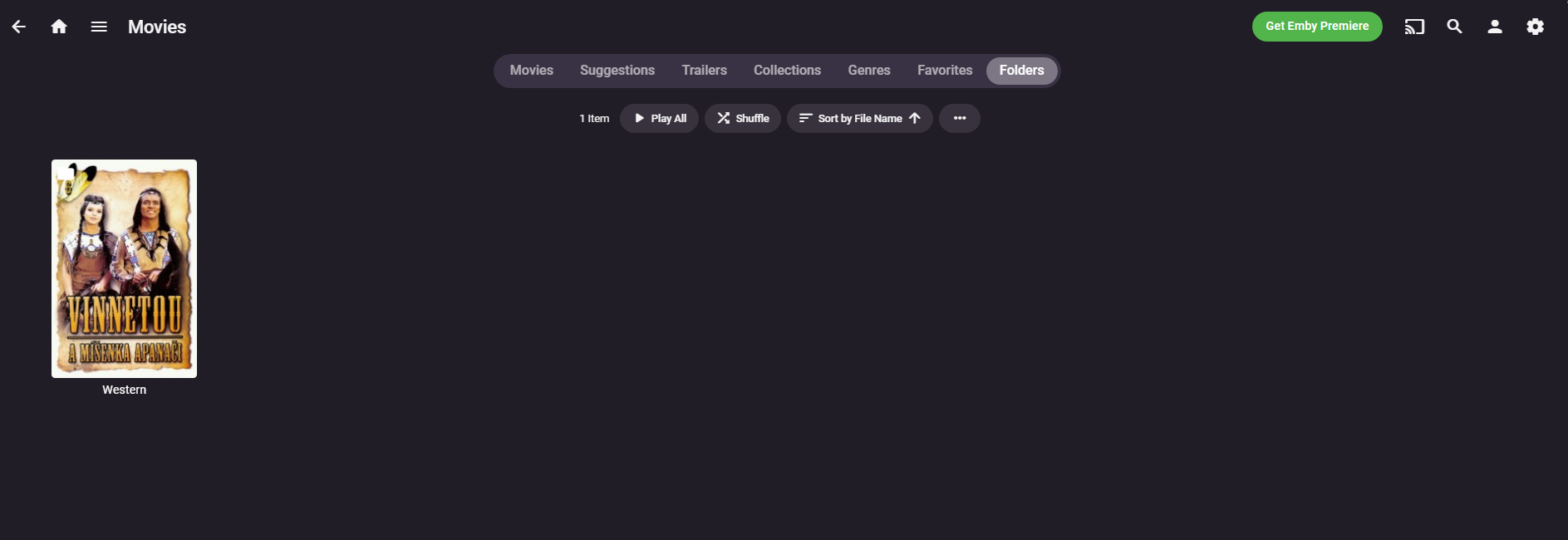
In newer versions there needs to be something in the western folder with an image. it could be a video, or it could be a folder.jpg file.
-
Offline Music Sync - Not Viable in 2026 despite statements back to 2022 that it's planned for the future
Luke replied to ColinPostsHere's topic in Feature Requests
Hi, we are working on improvements to this. Thanks for the feedback. -
4K HEVC shows as 1080p, think I can't find any setup to fix?
vdatanet replied to PeteGul's topic in Android
Let's separate two different claims, because they're getting mixed together. 1. "HTTP alters the file." This one is testable. Download the file from Emby over HTTP and run a checksum against the source file on disk. They match, bit for bit. Nothing is added, removed or re-encoded — it's a byte-for-byte transfer, the same as any download. And Emby itself tells you what it's doing: the dashboard says "Direct playing", "Remuxing" or "Transcoding". If it says direct play, the server isn't touching the stream, regardless of transport. 2. "It stutters at high bitrate." That's a different problem, and I don't doubt you're seeing it. But it's a buffering/throughput issue on a specific client, network path or player, not evidence that the file was modified. Stuttering means the player isn't getting bytes fast enough or isn't buffering enough of them — the bytes it does get are still the original ones. For reference: I run Blu-ray remuxes at over 120 Mb/s with TrueHD and I've never had an issue. The TrueHD passthrough is the giveaway, actually — my receiver locks onto a genuine TrueHD bitstream. If HTTP were altering anything, that lossless track wouldn't survive intact. So SMB may well work better on your setup, and there are good reasons to prefer it — no argument there. But "HTTP can't do direct play" is a different statement, and it isn't accurate. -
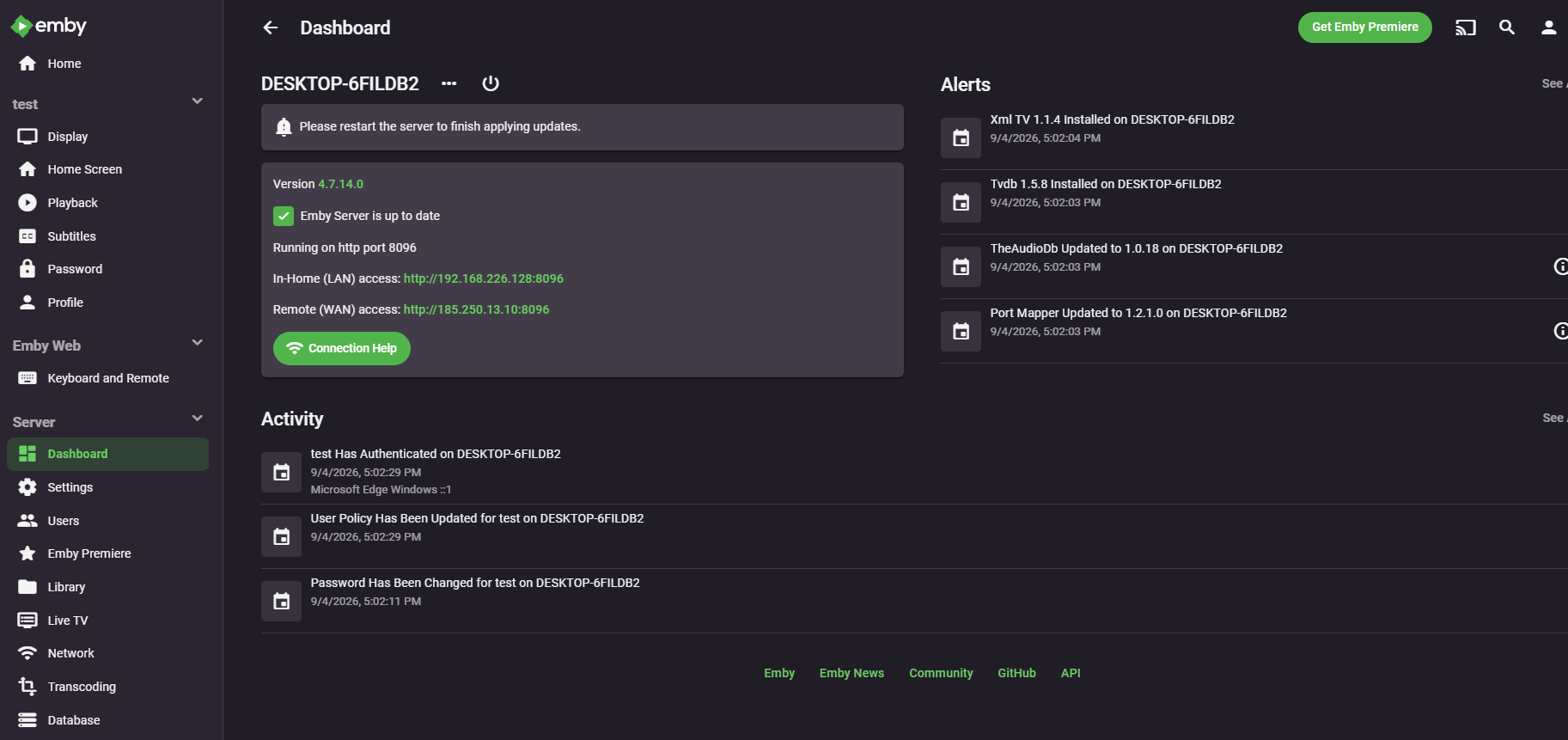
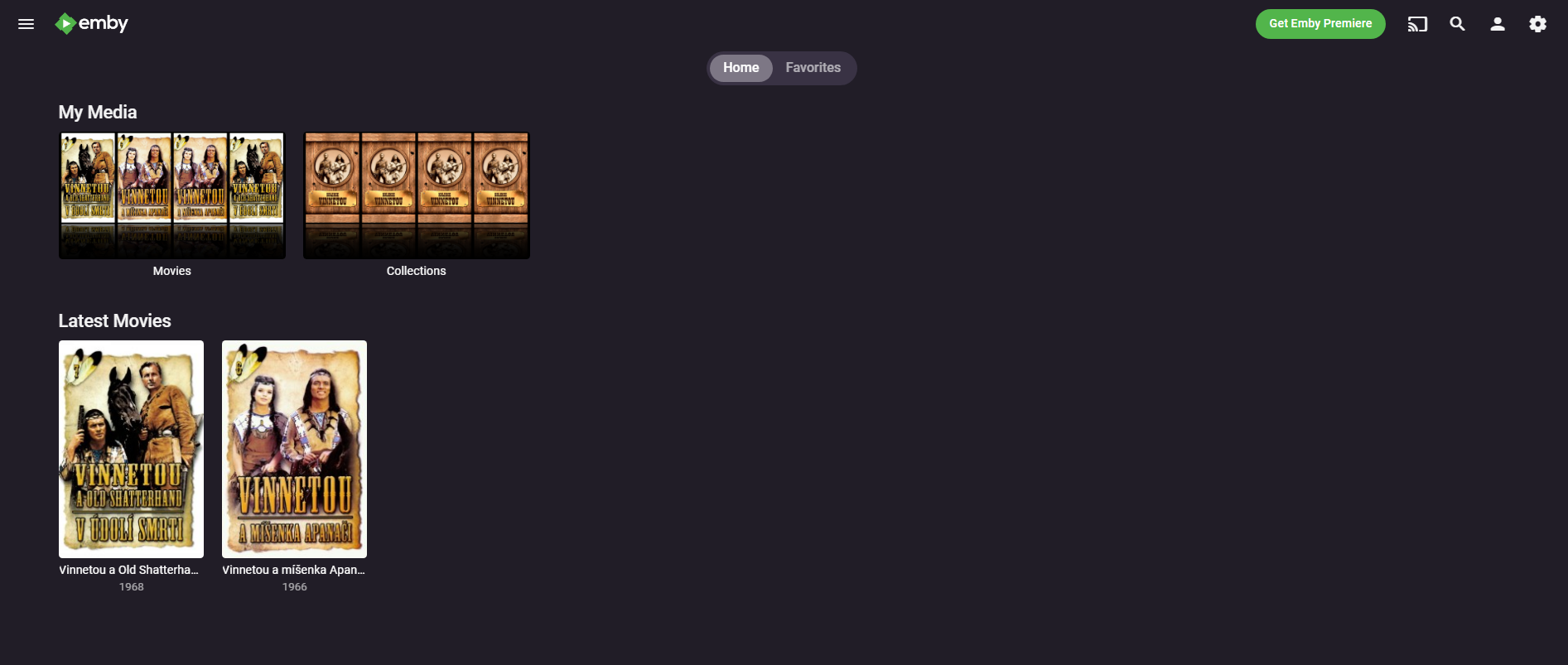
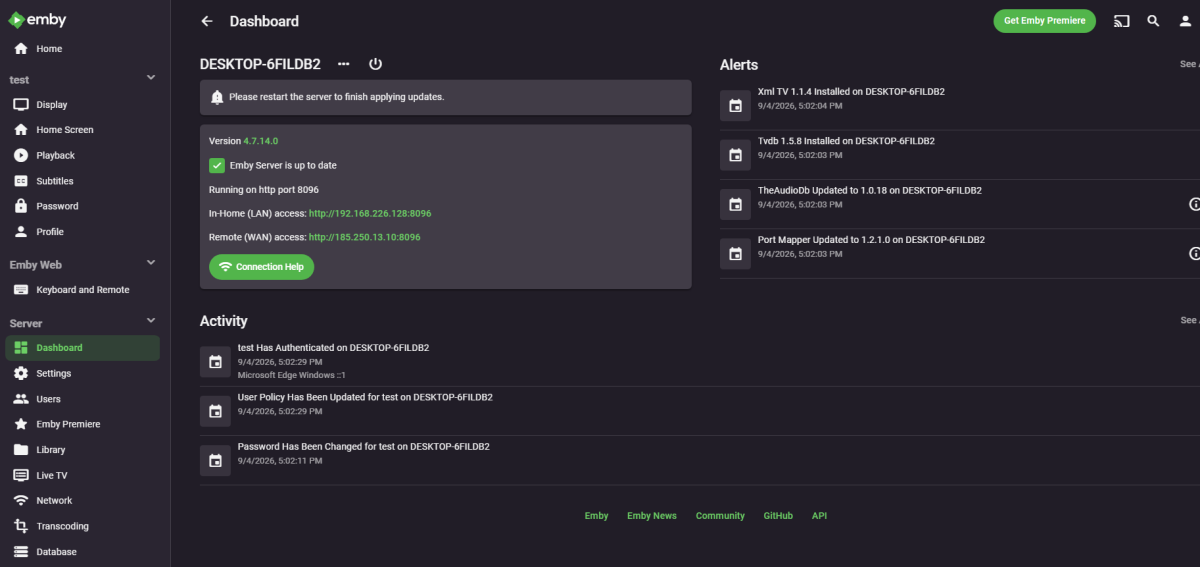
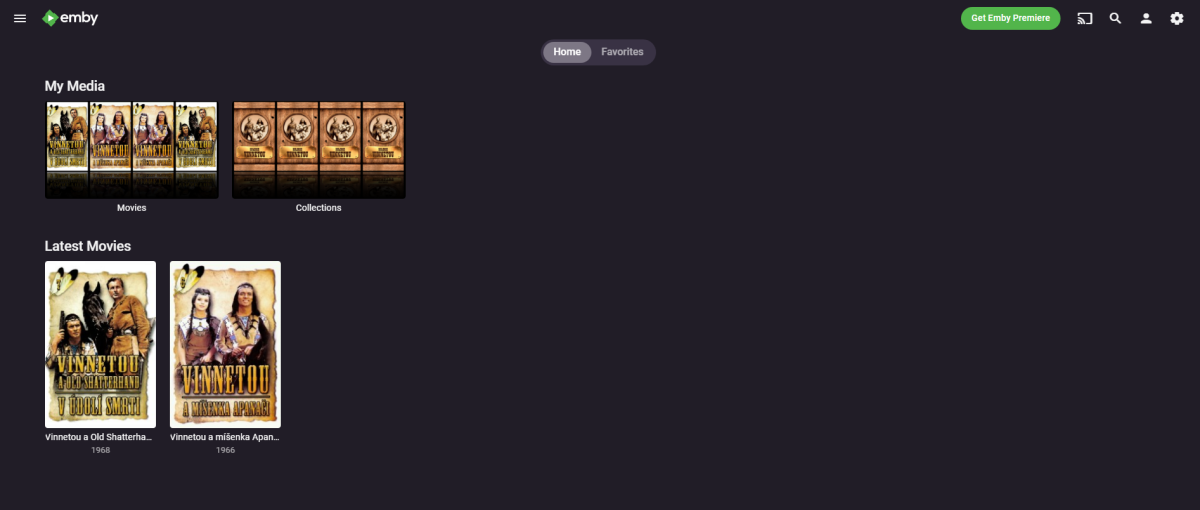
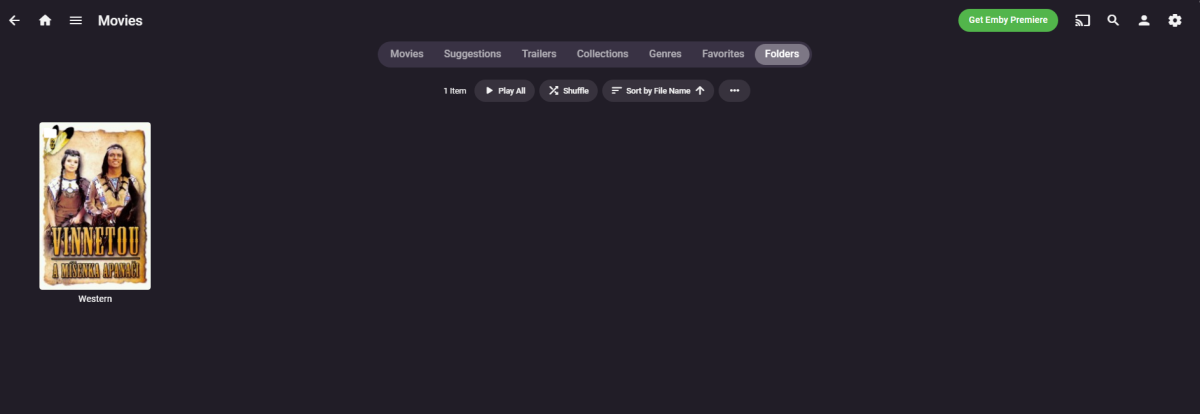
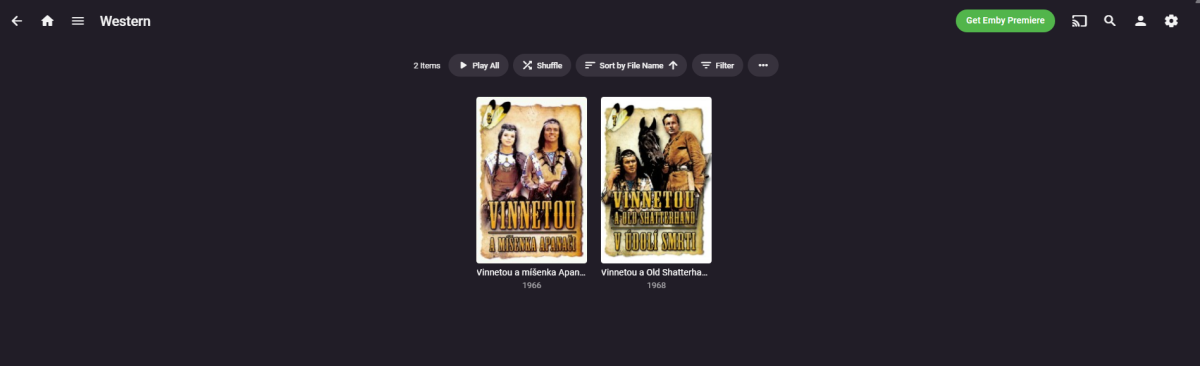
Hello Luke i tested Emby on WIndows (more versions) in Virual Machine and version 4.7.14 had collage in Folders view and show Czech names (not folders names) afted this version, this features disappeared ;-( Logs embyserver.txt Screenshots
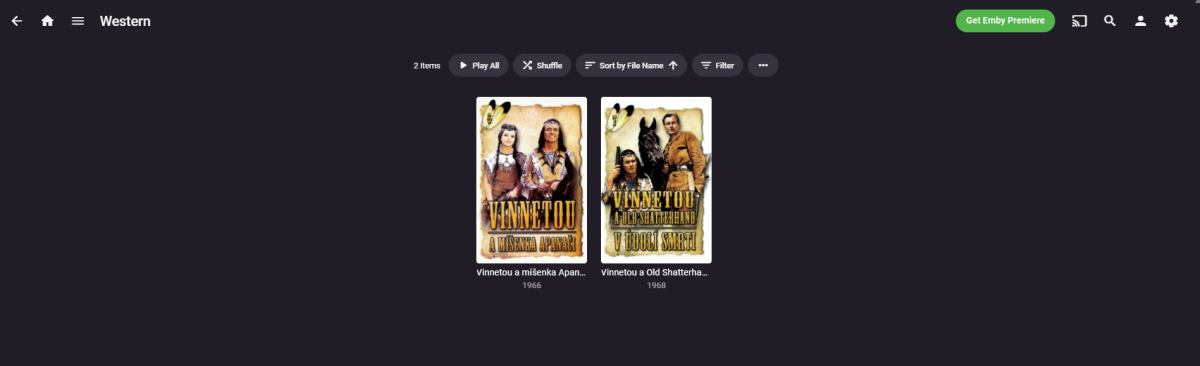
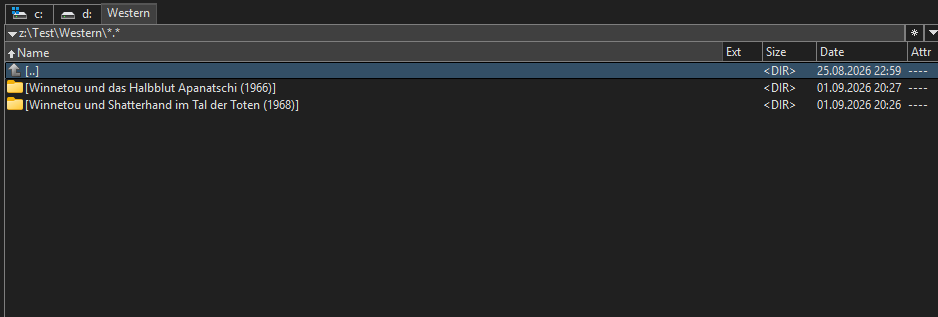
-
HI, we'll take a look at this. Thanks.
-
4K HEVC shows as 1080p, think I can't find any setup to fix?
Teddyknuddel replied to PeteGul's topic in Android
See my explanations here: and here and here You can try to sugar-coat HTTP all you like – it’s not ‘direct play’. That’s simply not true. And we can go through it another 1,000 times – the stuttering and jerkiness will remain, no matter how powerful the hardware is. Of course, if I want a film without HD sound, in Full HD with a video bitrate of 6 Mb/s, then that stupid HTTP is enough. -
【I need to add a custom option for transcoding frame rate】
Luke replied to Kaouning's topic in Feature Requests
So it sounds like you don't just want to transcode at a certain framerate, you also want to force transcoding if something is a higher framerate? -

embyforkodi (next-gen) 12.X.X support
Eisi2005 replied to quickmic's topic in Emby For Kodi Next Gen
Yes, I do. When I go to my Emby in my web browser, I now see another library called “Trailers” that also has the Trailers plugin logo, and inside it I also see the “New and Upcoming Movies” folder. But when I go into that folder, it plays random internet trailers in English for movies I don't even want to watch—it's as if it just randomly picked them out. But as I said, this is all just in the browser and not in the Emby plugin on Kodi. -
BUG: Parental control tag restrictions do not hide tagged items from restricted users
Luke replied to Relocate0604's topic in General/Windows
Hi, we are looking into it. Thanks. -

Library Real Time Monitoring needs SAFETY CHECK
speechles replied to MacGyver27's topic in General/Windows
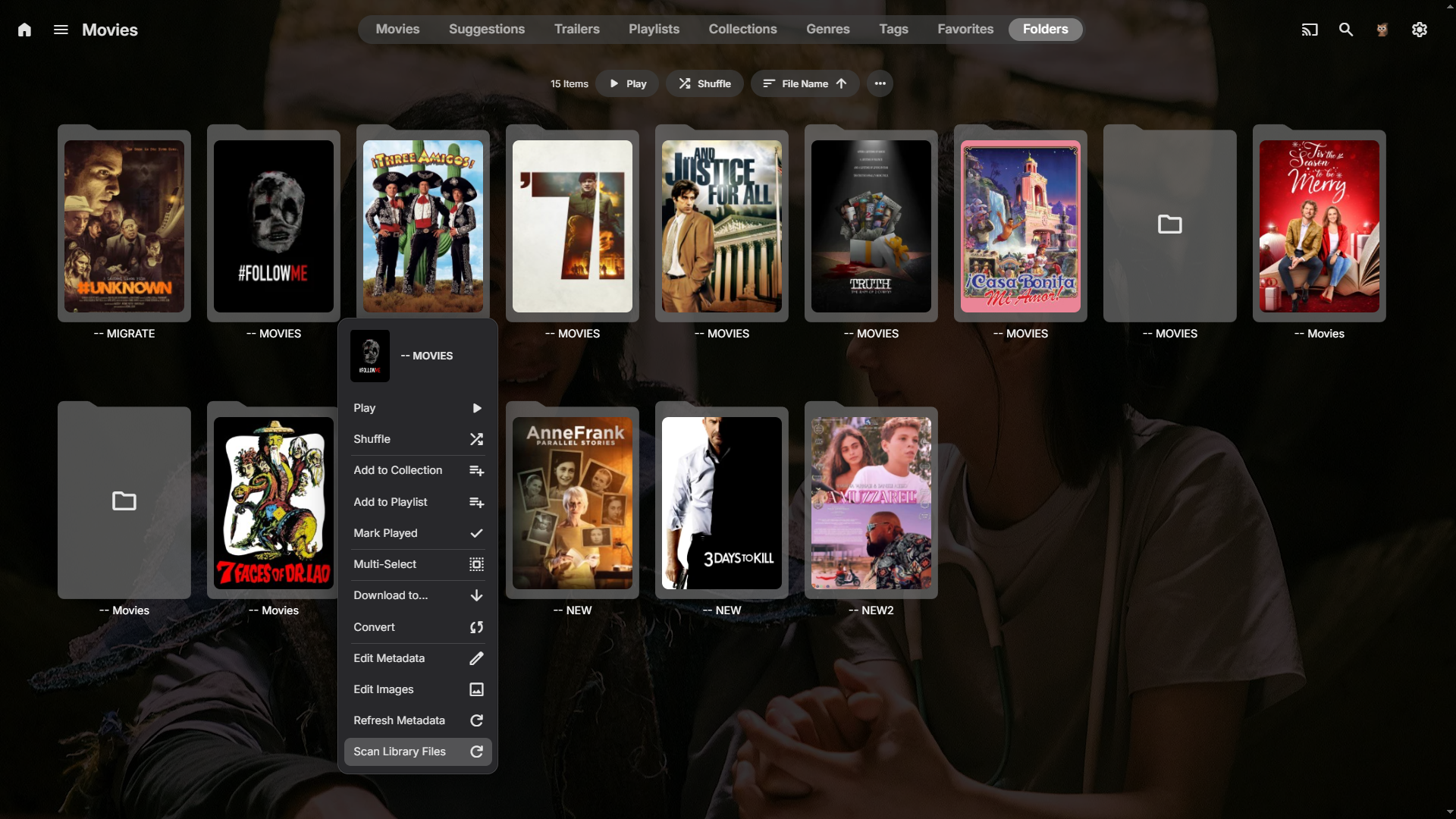
The issue is you are trying to blame Emby for something that Emby has no control over. Why is your drive not staying mounted when it goes to sleep? It should still be mounted just goes to sleep. Mine stay this way on both Windows and Linux. The enclosures are USB and they sleep and stay mounted just fine. Why does it not always appear when you boot the PC? What type of drives are these? What is the enclosure? As stated by others this isn't an Emby problem. It is a hardware or OS issue. Fix your power plan that is turning off the hard drive after a period of time of no use. That is what this sounds like. You want the drive to always stay mounted and that power plan is causing it to unmount. It can still fall asleep and wake just fine. A temporary solution is turn off real time monitoring. Use scan library instead. Then when adding new media navigate to the folder view of that type of library. In this case I've added new media to this particular folder inside my Movies library. Rather than scan the entire library I just want to update this folder. I can do that with scanning just the library in the folder. Did you know you could do this? If you add new media across your libraries just use the normal scan library to cover all. But when adding to just certain folders you can just scan those folders. If you add a new episode to a series. You can also just click that series name on the 3 dots menu. Find the scan library and just scan in that series. Quickly. It works at any level and will just scan at that level.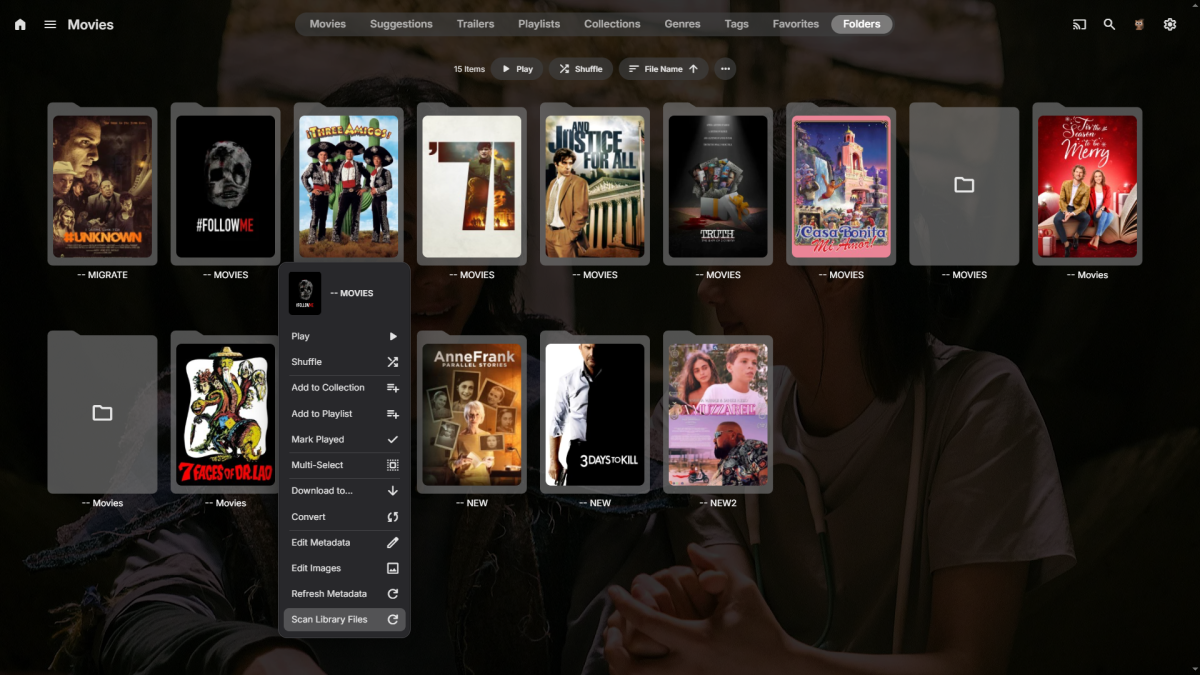
-
HI, how does Emby for LG 1.0.51 compare?
-

embyforkodi (next-gen) 12.X.X support
quickmic replied to quickmic's topic in Emby For Kodi Next Gen
Di you have emby premiere? -
embyforkodi (next-gen) 12.X.X support
Eisi2005 replied to quickmic's topic in Emby For Kodi Next Gen
Sorry, but I've been using Kodi for more than 15 years now, and I'm really at my wits' end with this plugin—or rather, with how it works. I can't even access the “Remote Trailers Selection” feature in the Emby plugin anymore. -
Thanks for following up !
-
Hi, that is not idiotic if they are both named with the same episode number.