All Activity
- Past hour
-
Please let us know what you find. Thanks.
-
 aeyii21 joined the community
 -
OK this should be resolved in the next update to the Emby Samsung app.
-

Emby Beta Linux - not retaining server information
Luke replied to TenderBabyMeat's topic in Linux & Raspberry Pi
Hi, what is the first screen that is shown upon launching? -
 EandE joined the community
 -
Leveraging the native HDHomeRun ScanInProgress flag for channel lineup syncs
Luke replied to PowerCC's topic in Feature Requests
But we don't have any operations that are just an upsert. I would test again on a fresh install. Maybe you've been doing enough tinkering to cause an issue with it. But I can remove a channel from the hdhr web interface, run a guide refresh in emby server, and then the channel is gone from t he server. -
Can we PLEASE!!!!! Take out suggestions at top of search?
Luke replied to Beardedgrump's topic in Feature Requests
Hi, in the upcoming 4.10 release this has been changed to Recently Searched -
That would not be too complicated to make. In simple terms it would be: If this, then do that. Problem is that i would have to add a whole new rules section for when that tag is detected. User customizable every thing pretty much. I have been thinking of ways to fix the problem before but never really found a way to do it that i like. Instead what i do my self is have icons go up and down instead as that avoids hitting the poster text.
-
Hi, what version of the server are you on?
-
Lifetime Emby Premiere Abo, yet App keeps nagging
Luke replied to WonkoTheSane's topic in LG Smart TV
Hi, when exactly does this happen? Does your Emby Server dashboard reflect your premiere status? -
 钧钧 joined the community
 -
Hi, what exactly is the same? What others?
-
 gamer_at_law joined the community
 -
 ronald2 joined the community
 -
 WillHiss joined the community
 -
 Kaidavis joined the community
 -
 aziz401 joined the community
 -
 naquena34567 joined the community
 -
When the GrimReaper requests you better deliver! I added an option to copy or move the external subtitles, this is all only possible when exporting to custom folder. WARNING: Moving as the name suggests will move the subtitles out of the original video folder! Also moved the "Export to custom folder" to the main tab for ease of use. Hope it helps yocksers/MetaExtractor: Extract metadata from Emby. ***SMOKE BOMB!!*** back to vacation!
-
 chuchocab joined the community
 -

Merging Live TV recordings and downloaded TV recordings for same show
flashls82 posted a topic in General/Windows
Apologies if this has been asked and answered; I've searched the forums and not found a solution to the exact situation I'll describe here. Situation: I have some downloaded episodes and some recorded Live TV episodes of the same show (Jeopardy). The downloaded TV shows go into a "TV" library, the recorded shows go into a "Recorded TV" library. Emby's metadata is correctly identifying both instances of this show as the same (e.g. same TVDB IDs). Desired result: Episodes of this show across these two libraries should show up in a single "Jeopardy" listing in my bigger "TV" library. I have enabled "Automatically merge series that are spread across multiple folders" in the big TV library (i.e. where I would like the merged version of this to show up). What I tried: I tried adding the folder for the recorded TV library as a second folder in the big TV library, too (i.e. this folder is now part of two libraries). When I did this, the big TV library found the recorded episodes of Jeopardy, but added it as a separate instance of the show -- i.e. I see two different "Jeopardy" shows in this library now, one with the episodes from the recorded TV folder and on with the episodes from the downloaded TV folder. Both are showing up as identical metadata wise; they just are not merging as I would have expected "merge series across multiple folders" to do. Any ideas on how to get the result I want? Or is what I'm describing how things are supposed to work for better or worse? -

Playback issues with certain shows on Sony Bravia using Emby app
cnieuweboer replied to Zaryt's topic in Android TV / Fire TV
- you can easily disable all the resolution and aspect ratio stuff in handbreak - AVIdemux development is super slow, so doesn't include the latest stuff from AV1 like variance-boost - it's completely irrelevant if the source was original 8 or 10 bit (read the link you posted, it's all explained there pretty well), encoding to 10 bit is still good - under the hood handbreak and AVIdemux are just ffmpeg, like pretty much all opensource video software - transcoding with AVIdemux to h264 with x264, high10 profile, has the same issue when playing the file in the Emby Android app on my Sony tv -
yes it will pass through as pcm. any formats that arent set to bitstream will be decoded by MPV and passed to the receiver. you might also want to connect hdmi to the tv directly and separate hdmi audio to the receiver. I have one setup with 2 video outputs direct to the TV and projector and also 2 audio to different receivers.
-

Latest Update - Continue Watching Limited to 9
Mahinepua replied to dekekun's topic in Windows & Xbox
Mine isnt limited to 9 when in TV mode -
same issue for me, crashes randomly on first start, never happened on any release or beta until the final 2.310. on second start works fine, something defintely off. i7 4770 with gtx1050ti
-
Thanks for the explanation, @yocker What do you think about a simpler approach based on manual tags? For example, instead of the plugin trying to detect the poster content automatically, the user could manually add a tag to a specific movie, series, season, or collection to override the icon position only for that item. Something like: embyicons-position-top-left or icons-top-left So if my global profile has the icons at the bottom-left, but one specific season poster has important text at the bottom, I could add that tag and only that item would display the icons at the top-left. The rest of the library would continue using the normal global profile position. This would not require automatic image/text detection. It would just be a manual override for specific problematic posters. Do you think something like that could be possible, or would it also be too complicated for the plugin?
-

Playback issues with certain shows on Sony Bravia using Emby app
visproduction replied to Zaryt's topic in Android TV / Fire TV
I'm suspicious that Handbreak default transcoding might do some futzy things, like try to force the Aspect ratio in 16:9. Is he original really 10 bit or is it amn 8 Bit or 8Bit upconverted. I don't like Handbreak because you seem to need to go into the settings everytime to stop it from making compromised settings to try to get the video streaming at some average setting and then you lose a generation when you didn't have to. I much prefer AVIDemux. -
Having the plugin detect when there is text near the button and react accordingly would be extremely difficult and way beyond me to make for a plugin like this. The best you can do is switch how the icons are displayed, as in horizontal or vertical, this would effect all posters though. I could maybe make some poster scaling when the icon bars are active but i fear that would make the posters sometimes look weird.
- Today
-
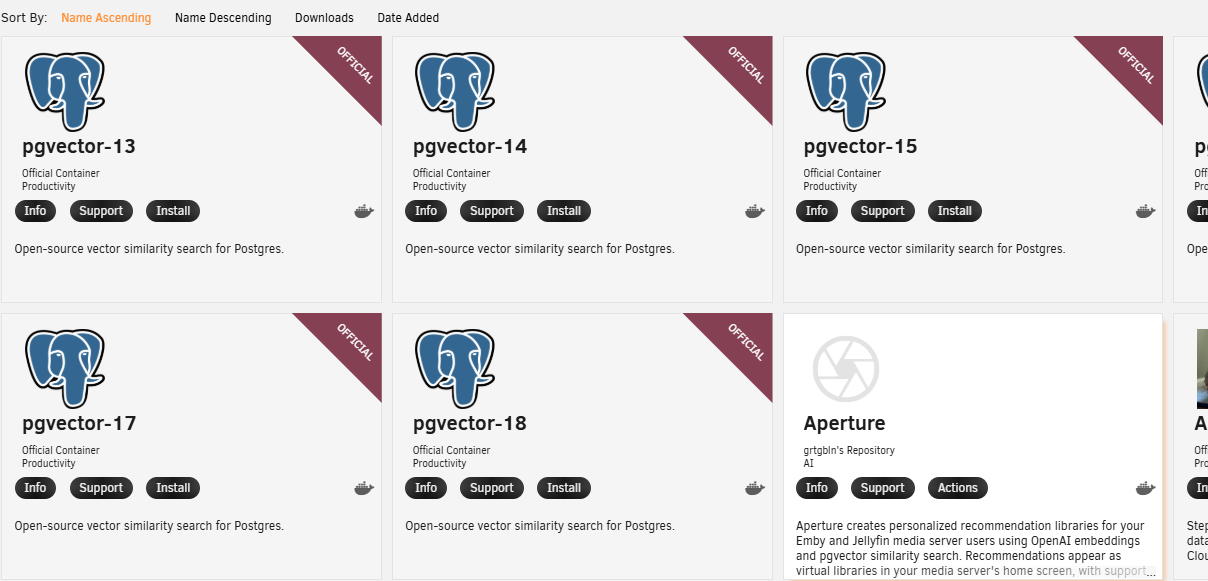
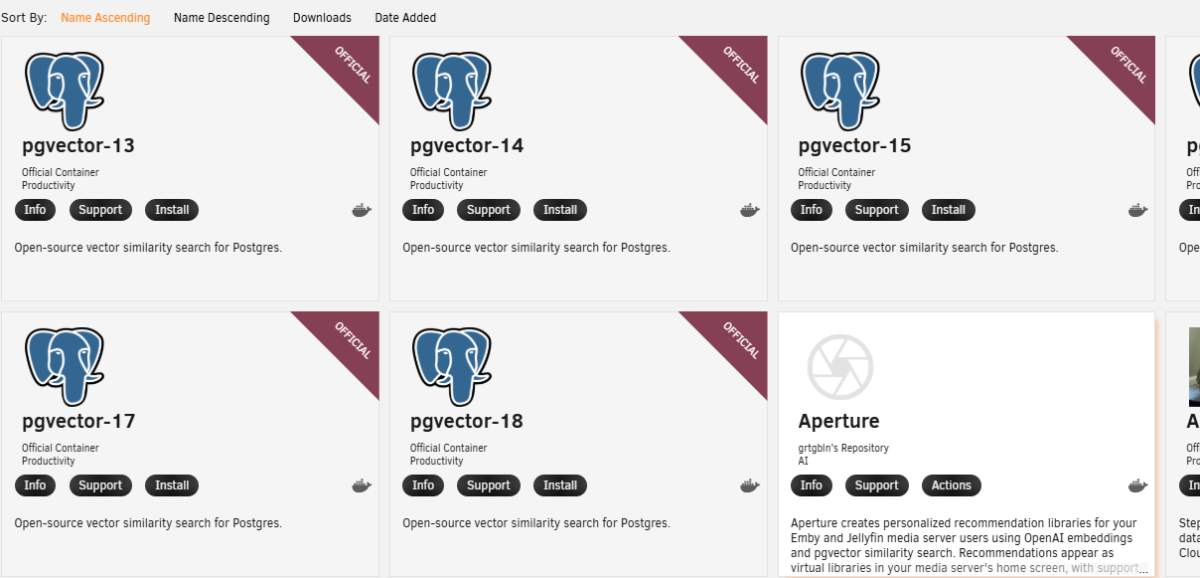
Hi! Thanks for this, I have installed Aperture (ghcr.io/dgruhin-hrizn/aperture:latest) but it has postgresql entries required? Am I to install one of the pgvector dockers (presumable pgvector-18)? and enter the pgvector database settings in that section? Sorry, complete noob!

-
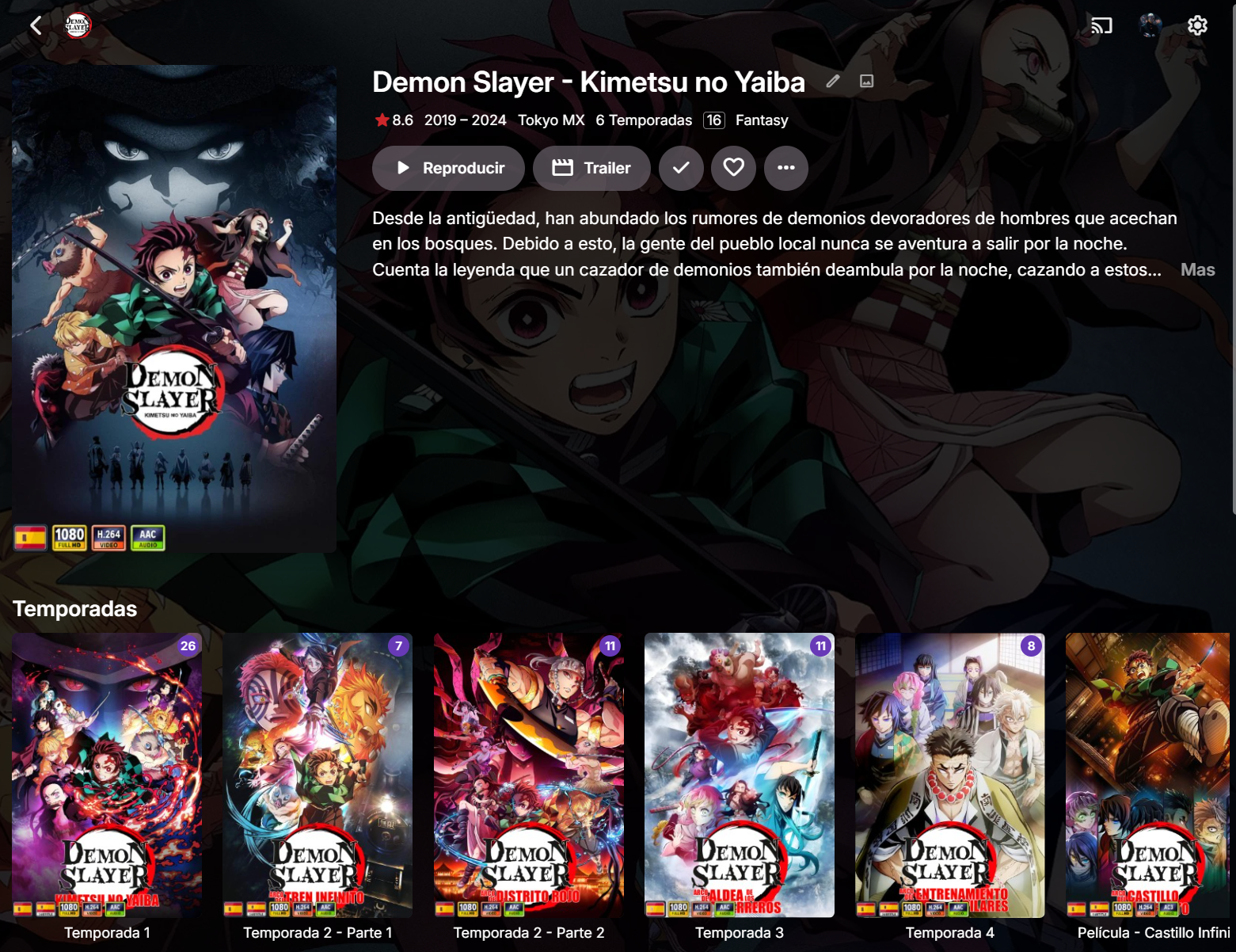
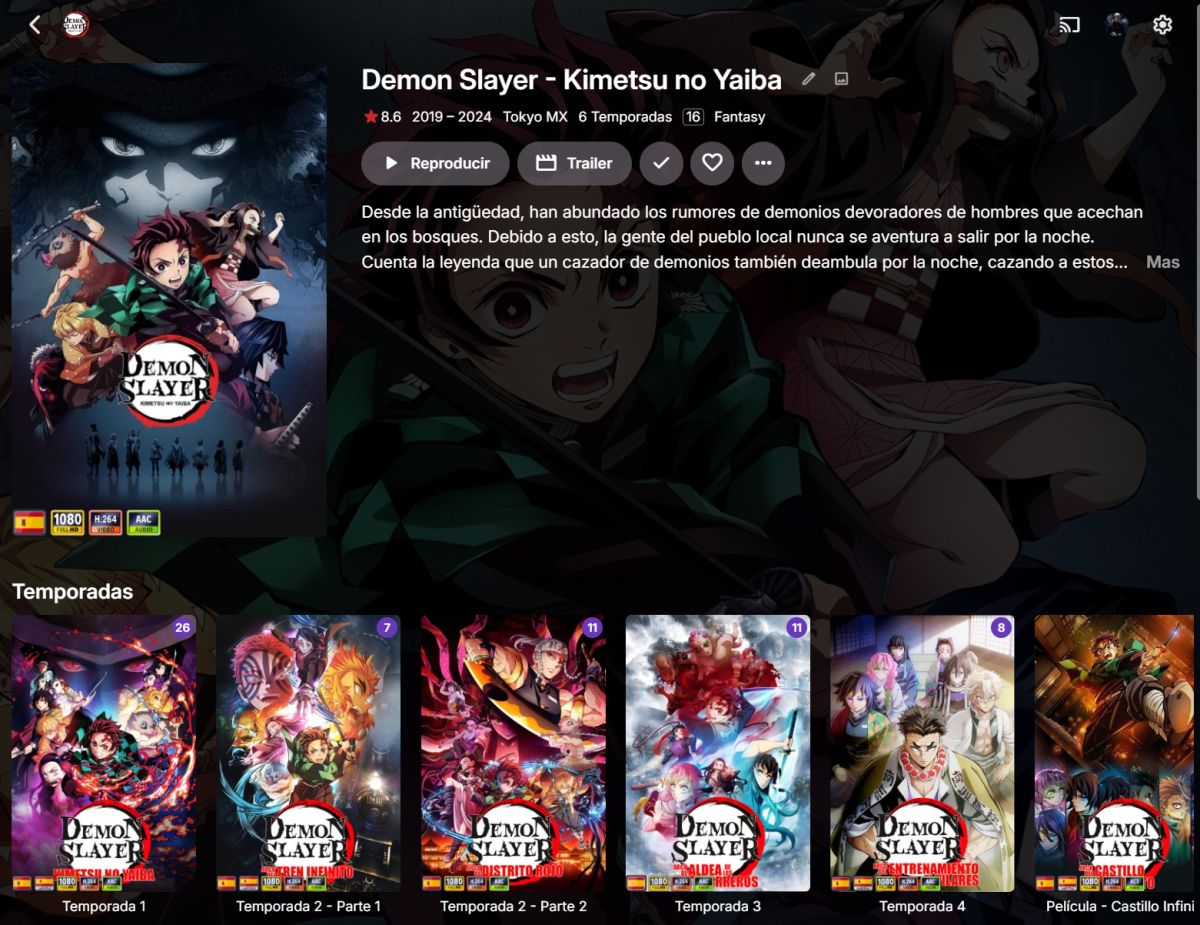
Hi @yocker, Me again. I have a question and also a feature suggestion about icon positioning. In most movies and series, the icons look very good when they are displayed directly over the poster. However, I have noticed a problem mainly with TV season posters, especially anime seasons. In many season posters, the title or important artwork/text is located near the bottom of the image. Since my icons are also configured to appear at the bottom, they sometimes overlap the season title or important poster text. I know there is an Icon Bar option, and I understand that it can work in different ways, including keeping the icons over the poster. However, in my case it does not really solve the specific problem. If I keep the icons as an overlay, the icons can still overlap important poster text. If I use the option that places the icons in a separate bar/space outside the poster, it avoids the overlap, but it changes the visual proportions of the poster. It does not look bad, but personally I prefer the icons directly over the poster. There are also two other reasons why Icon Bar is not ideal for my case: In collections, the poster aspect ratio/proportions do not always adapt correctly when using the external Icon Bar layout. When using custom tag-based icons, the bar can appear on posters where there are no icons, and I would prefer the bar to appear only when icons are actually present. So my question is: Is there currently any way to solve this overlap problem without using the external Icon Bar layout? If there is no current solution, I would like to suggest an optional feature: allowing item-specific icon position overrides, possibly through tags. For example, if the main EmbyIcons profile places icons at the bottom-left, but a specific season poster has important text in that area, I could add a tag such as: embyicons-position-top-left or icons-top-left Then only that specific item would show its icons in the top-left corner, while the rest of the library would continue using the normal position from the main profile. This would be useful because, as far as I understand, only one EmbyIcons profile can be used per library. So creating a second profile just for one specific series or season is not really an option, especially if there is no way to exclude that item from the original profile and include it only in another one. The idea would be to have a simple way to make exceptions for specific movies, series, seasons, or collections where the default icon position conflicts with the poster artwork. I do not know if tags would be the best implementation, but the main idea is to allow per-item icon position overrides without changing the global profile for the entire library. Just a suggestion. Thanks again for your work on EmbyIcons.
-
Just coming here 4 years later to say thanks for this -- was having the exact same problem with Jeopardy and this solved it.
-
Hi all, the LG Emby app keeps nagging me about Emby Premiere even though I have an active Abo. Emby server is on 4.9.5.0, the app is on 1.0.50. Is there a way to resolve this? Best!
-
Mine worked fine after the update. The streams are all working, but I am on beta version
-
So I just discovered the universal Emby app, and will be watching using that later. So I’m hoping that won’t have this issue.
-
I tested this out. Unfortunately, the update deleted all my streams. They're still visible in the frontend, but there are no longer any streams in the backend. Now I have to restore the VM backup and copy the links from there. Has anyone else noticed this behavior? (Emby Version 4.9.5.0)