All Activity
- Past hour
-
 Aleshia05 joined the community
 -
 Lara de Souza joined the community
 -
1.1.0.0 Improve folder icon in folder views Various fixes related to submitted crash and error reports Support cancellation of initial connection process Add new spotlight home screen section option (requires Emby Server 4.10+)
-
Emby Web App Update: Version The Emby Web app has been updated to version Go and try out: https://app.emby.media/ Changes 1.1.0.0 Improve folder icon in folder views Various fixes related to submitted crash and error reports Support cancellation of initial connection process
-
 Chepes joined the community
 -
Hello Riddickx5SGx, ** This is an auto reply ** Please wait for someone from staff support or our members to reply to you. It's recommended to provide more info, as it explain in this thread: Thank you. Emby Team
-
I am not getting any service I need some help with figureing this out.
-
Continuous changelog for Emby for Samsung in a single topic for reference. The topic remains locked. Please create your own topics or reply to the individual release posts.
-
Continuous changelog for Emby for LG in a single topic for reference. The topic remains locked. Please create your own topics or reply to the individual release posts.
-
 Ashlea joined the community
 -
 Wellington Francisco joined the community
 -
 Muhammed ahmed joined the community
 -
 BASIL_BK joined the community
 -
 Tntk joined the community
 -

Suddenly: Missing Movie Poster on Synology NAS
Luke replied to Sturmkater's topic in Linux & Raspberry Pi
Files being deleted is the most likely cause. So they could be under /var/packages/EmbyServer/var or in your media folders directly depending on how you have your library options set. -
 therooks joined the community
 -
 Rosariomm joined the community
 -

Suddenly: Missing Movie Poster on Synology NAS
Sturmkater replied to Sturmkater's topic in Linux & Raspberry Pi
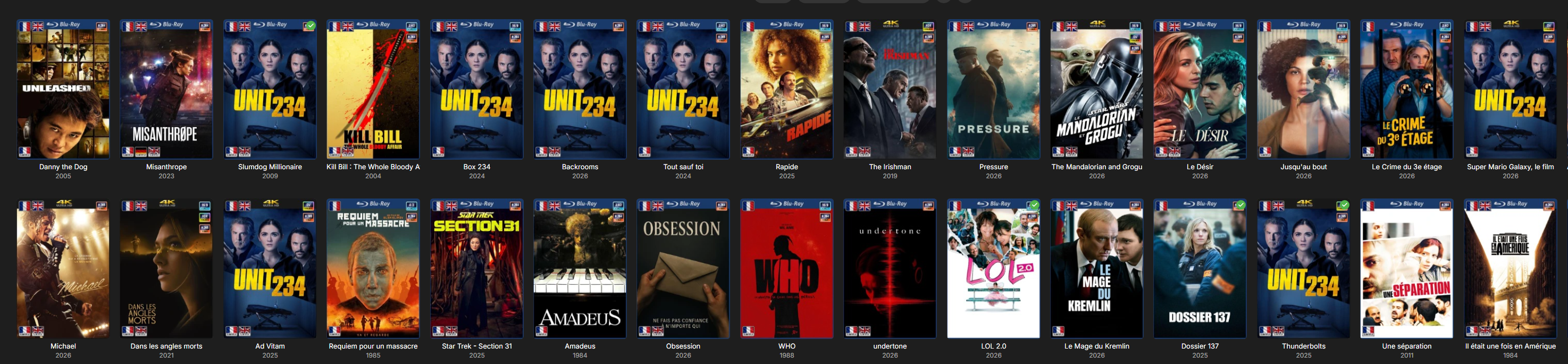
Yes and no, the first time it happened is a probably more then a month ago. But something seams to reset it over and over again. As sad, if I Refresh Metadata it is good for a few hours, before it goes back to half missing. What could case such a behavior? And I double checked, the server just looses pictures, not the other metadata of the movies. Is there a limit on how big the database can get? Ps: after the scan: and by tomorrow it misses half again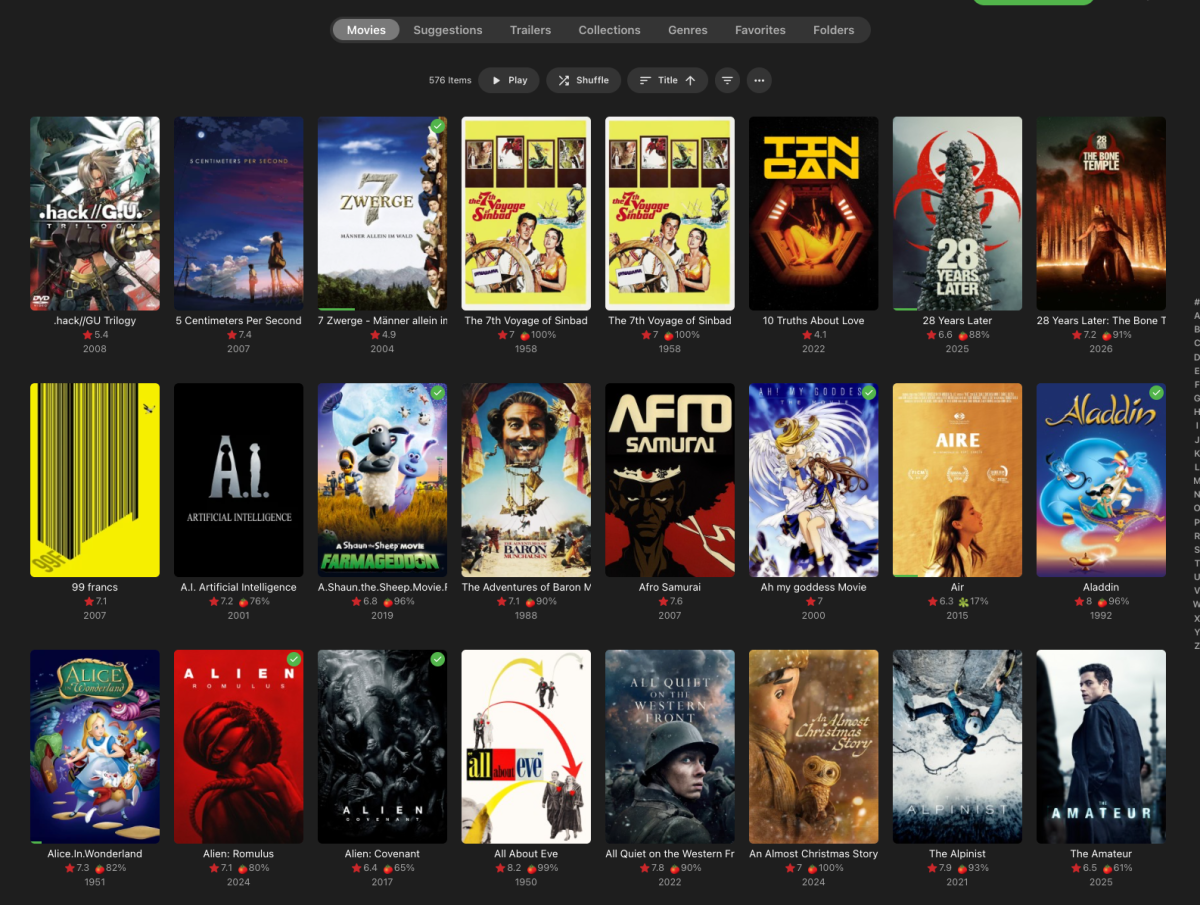
-
@ebrSeeing as backdrops also gets misidentified plus their problem also happens with EmbyIcons uninstalled, i'm 99.9% sure that it might be a problem with Emby. (If not then i of cause owe a HUGE apology!!) I did identified a problem in EmbyIcons that could cause problems when the ID returned by Emby was Empty but it has not fixed the problem.
-
Continuous changelog for Emby for iOS in a single topic for reference. The topic remains locked. Please create your own topics or reply to the individual release posts.
-
 jasonmcroy changed their profile photo
 -
Continuous changelog for Emby for Android in a single topic for reference. The topic remains locked. Please create your own topics or reply to the individual release posts.
-
Embeat — a native, music-only player for Emby (gapless, DLNA, offline)
jasonmcroy replied to vdatanet's topic in Third Party Apps
Just update to 1.2.1 - can confirm tailscale is working perfectly now. -

Emby for Android 3.5.28 break Av1 directplay on FireTV devices
gnubrew replied to Trelane's topic in Android
Yes on a shield pro. The picture of the stats ist taken after minutes of playing. I think it is software decoding. -
Continuous changelog for the Emby Web App in a single topic for reference. The topic remains locked. Please create your own topics or reply to the individual release posts.
-

Embeat — a native, music-only player for Emby (gapless, DLNA, offline)
vdatanet replied to vdatanet's topic in Third Party Apps
1.2.1 is alive -
Embeat — a native, music-only player for Emby (gapless, DLNA, offline)
jasonmcroy replied to vdatanet's topic in Third Party Apps
Excellent. Thanks for the explanation. Simple enough for now to handoff the sound via control center. Looking forward to testing out the vpn setup. For now I will download a few playlists for offline when I go out. I am always listening to music in my car when I drive so I have usually dowloaded the playlists I frequently listen to with the other apps. Just makes it easier sometimes. Currently using Audio-Muse AI to generate some mix type playlists and importing them into Emby. thanks for your work on this app. It looks really great and very easy to navigate. Sorry to bring up another item that I find useful - If I start a song and it plays about 1/2 way through, hit pause, close the app (and quit it completely by swiping up so it's not still running in the background), re-open the app and it doesn't save where you were in the song. This is especially useful in playlists where I usually start a playlist and like to continue listening to it later. But I also usually keep my running apps clean on the phone by completely closing them out every now and then. -
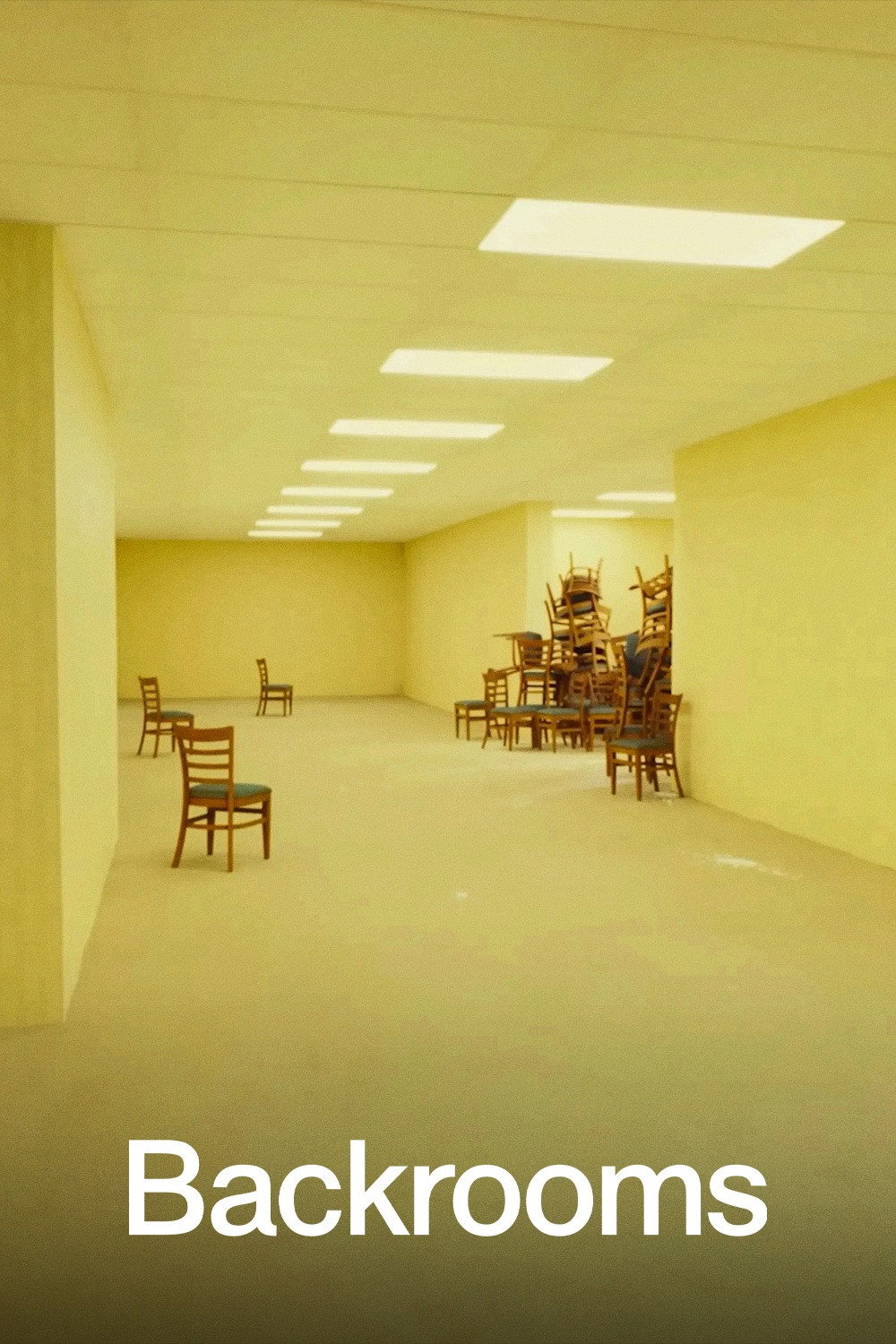
And if I go in the repertory of Slumdog Millionnaire or Backroom, I have the good pictures
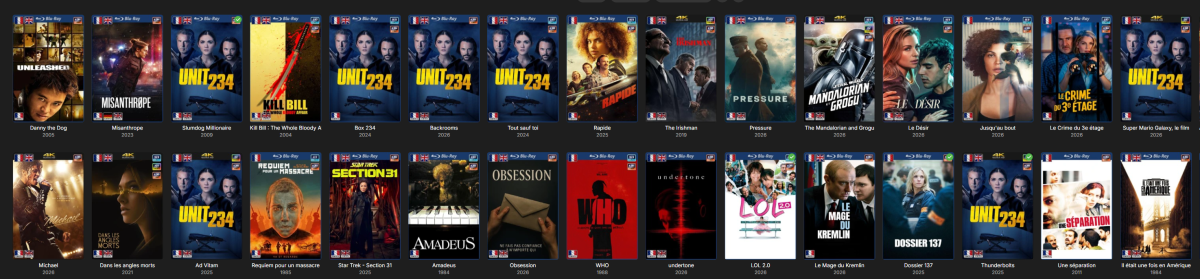

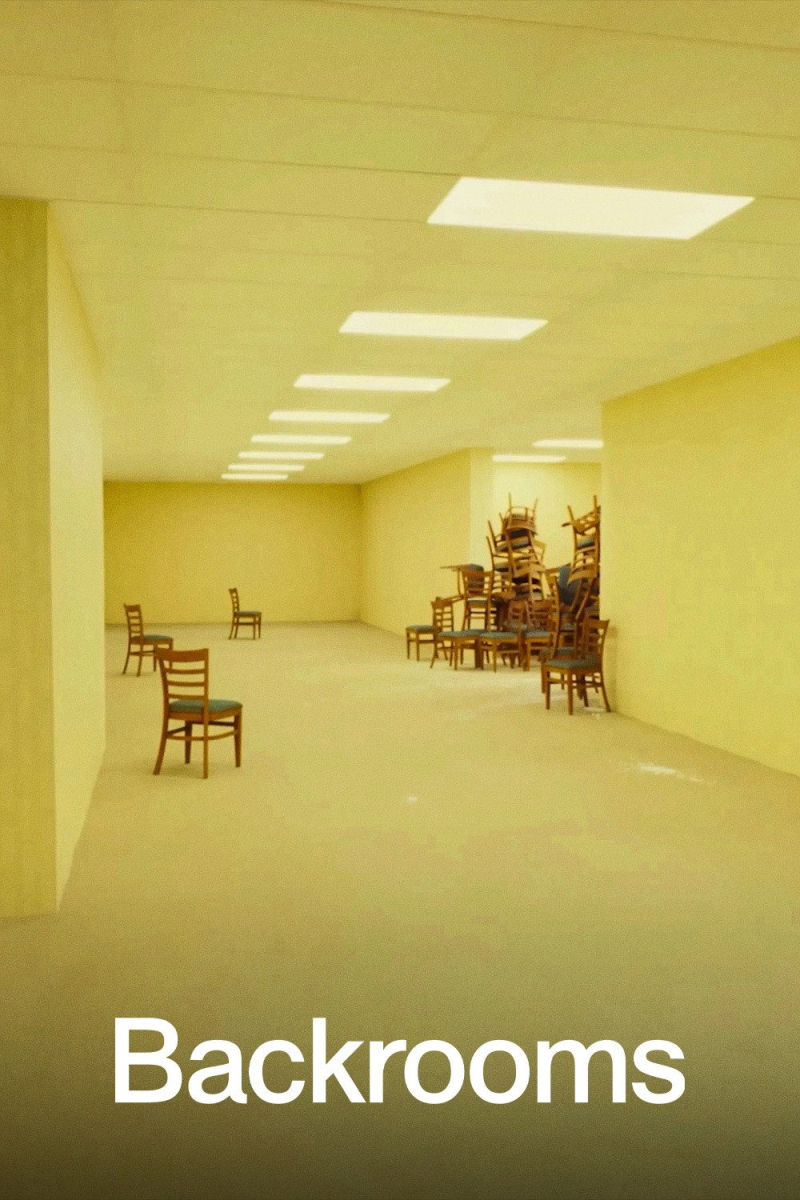
-
Embeat — a native, music-only player for Emby (gapless, DLNA, offline)
vdatanet replied to vdatanet's topic in Third Party Apps
Also, 1.2.1 followed it the same day with two fixes for when you're not on your own LAN: servers reachable only over a VPN (Tailscale, WireGuard) on plain HTTP now connect — an App Transport Security mistake on my side that had been there since 1.0 — and casting no longer stalls at 0:00 when your phone isn't on the same network as your server. -

When "autoplay next episode" is off, the app still prevents screen from going off
SucksToBeYou replied to SucksToBeYou's topic in Android
@Luke Did you see this? I answered quite a while after your question, and I wouldn't want it missed - Today
-
Embeat — a native, music-only player for Emby (gapless, DLNA, offline)
vdatanet replied to vdatanet's topic in Third Party Apps
The VPN issue. Correct: 1.2.0 doesn't have that fix. I found the cause on Sunday and it wasn't where I expected. The app carried two conflicting App Transport Security keys in its config, and on iOS the "local network" exception silently cancels out the "allow plain HTTP" one — so the app could only reach http:// servers inside the classic private ranges (192.168.x, 10.x, 172.16.x). Tailscale hands out addresses in 100.64.0.0/10, which isn't one of them, so iOS blocked the connection before it ever left the phone — and the app just said "couldn't connect to the server", which is why it looked like a server problem when it wasn't. Same story for WireGuard/ZeroTier. It's fixed in 1.2.1, submitted to Apple today, and the error message now names the real cause instead of being generic. 1.2.1 also fixes casting when your phone isn't on the same network as your server — worth knowing if you combine Tailscale and speakers. HomePods. Your read is exactly right. The button in the app is Embeat Connect, which is DLNA/UPnP casting: Sonos, WiiM, network streamers, many AV receivers and TVs. HomePods don't speak DLNA at all — they're AirPlay only — so they'll never appear in that list. You can still play to them today, just through iOS rather than through the app: start playback in Embeat, open Control Center (swipe down from the top-right), tap the AirPlay icon on the audio card, and pick your HomePod. Everything the phone plays goes there, Embeat included. The practical difference between the two: AirPlay — the phone does the work and streams the audio to the speaker. Your phone has to stay on the network and in range; walk out and the music stops. Great for HomePods and Apple TV. Embeat Connect — a real handoff. The speaker fetches the music from your Emby/Jellyfin server directly, and the phone becomes just a remote: play/pause, volume, seek. Lock the phone, take a call, walk out of the room — the music keeps going. (One exception: with Sonos and hi-res files the phone does help out mid-stream, so it stays involved there.) Both devices need to be on the same local network. So: HomePods and Apple TV → AirPlay from Control Center. Sonos and DLNA gear → the Connect button in the app. If you ever do add a DLNA device and the list stays empty, check that Embeat has Local Network permission in iOS Settings — that's the usual culprit. I've noted the idea of putting the system AirPlay picker right next to the Connect list, so you wouldn't have to leave the app for HomePods. Thanks for the report — the VPN one was genuinely useful. -
Embeat — a native, music-only player for Emby (gapless, DLNA, offline)
jasonmcroy replied to vdatanet's topic in Third Party Apps
Trying out the app today on my local network while waiting for the update to test again with tailscale. (I assume version 1.2.0 doesn't include that update) I am trying to get it to connect with my homepods but it never finds any device to connect to when hit the cast to button. Per the website it looks like perhaps that isn't implemented? I see you can connect to Sonos or any DLNA device. Looks like it connects to homepods via airplay. (sorry, not too tech savvy in some areas). -
Yes even if remote.
-

Optional or permanent change to media player ui behavior and design
Kyouma replied to Megumin's topic in Feature Requests
Just wanted to vote for this and then I saw that I already did last year. Damn.- 8 replies
-
- 1
-

-
- android
- android tv
- (and 3 more)
-
Even if the device is remote? …will try that, thanks?
-
HI, i would try setting up your trakt authentication again and see if that helps.