All Activity
- Past hour
-
 Twilight saga joined the community
 -
 samratgomes joined the community
 -
 决议 joined the community
 -
 Xuver joined the community
 -
 eternaux joined the community
 -
 Johnny130 joined the community
 -
 TheNicols joined the community
 -
 meph1s7o joined the community
 -
 richardlake joined the community
 -
 pamex245 joined the community
 -
Hi there, please attach the Emby server log from when the problem occurred: How to Report a Problem Thanks!
-
Great, thanks. Please keep us posted.
-
Hi, can you give it another try?
-
I will test this in the morning. (And if you're right, there should be some indication of this in the library configuration page!) But in the meantime the bigger question remains: why does Emby have musicbrainz lookups overwrite user implemented metadata? That just seems fundamentally wrong. Why can that not be fixed?
-
Hi, this has been resolved in the upcoming 4.10 server release. Thanks.
-
Hi, this has been resolved in the upcoming 4.10 server release. Thanks.
-
Hi, this has been resolved in the upcoming 4.10 server release. Thanks.
- Today
-
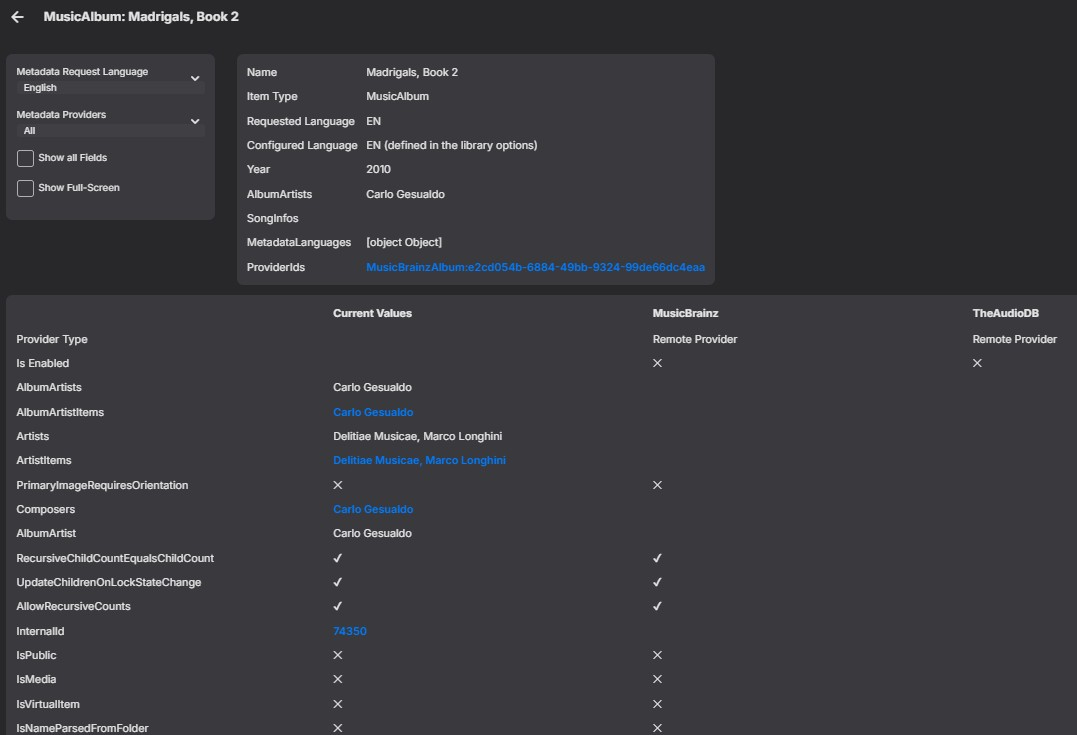
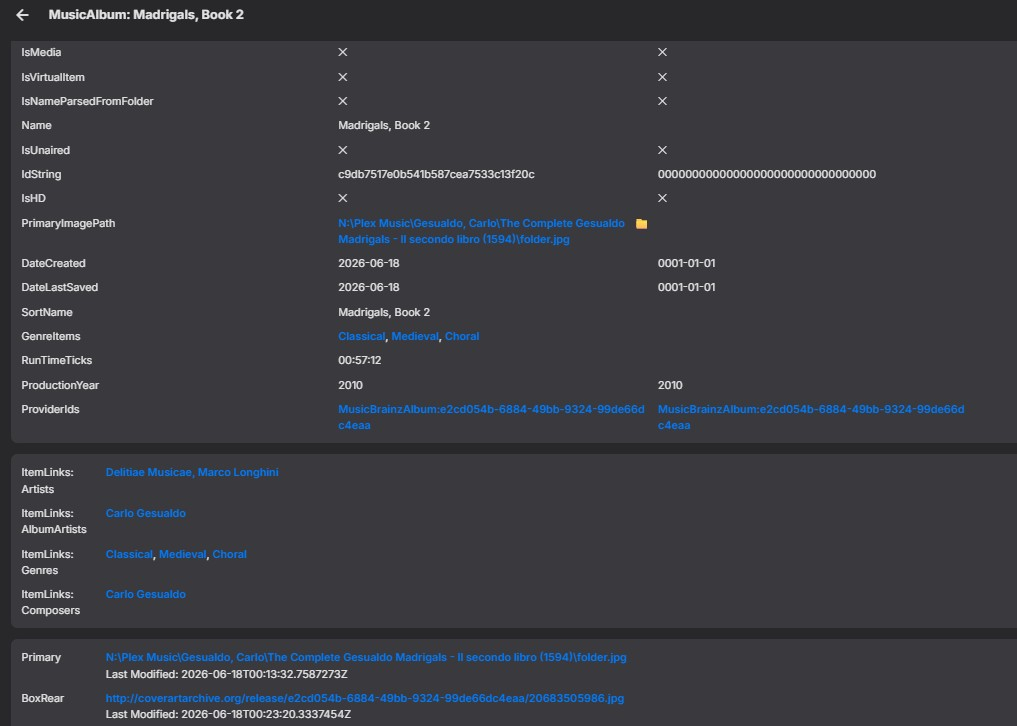
OK there is some special sauce happening here. Because you have fanart enabled, that forces musicbrainz to be enabled as well. This is because fanart is based on musicbrainz ids, and before we put this in place, users who had disabled musicbrainz were constantly reporting that fanart wasn't finding any images. The same also applies for audiodb. It's all based on musicbrainz ids. If you disable those, then you'll get the behavior you want.
-

MediaSync - Automated -arr/Emby sync tool, media pipeline dashboard (coming soon)
gbarone123 replied to gbarone123's topic in Third Party Apps
Thanks for testing 2.1.4 and confirming the issue still exists. I’m trying to determine whether MediaSync is storing the library type incorrectly or if the issue is happening later in the dashboard. Could you run the following commands inside your MediaSync host and paste the output? docker exec mediasync python -c 'import sqlite3; c=sqlite3.connect("/config/mediasync.db"); [print(r) for r in c.execute("select library_id, library_name, library_type from source_library_map order by library_name")]' docker ps --format "table {{.Names}}\t{{.Image}}" -

Will creating a new library with symbolic links to existing items cause issues?
Luke replied to podonnell's topic in General/Windows
Hi, yes the Home Screen features in the upcoming 4.10 release may provide some of what you’re looking for. -

Can a plugin leverage the UI on a channel's detail page?
Lyfesaver posted a topic in General/Windows
When going to a Live TV channel and opening it's detail page you can see the buttons for Play, Record, etc.... can a custom plugin add buttons to the UI there? Overall goal would be to add "Play from beginning" button if that movie/episode is in the library. -

MediaSync - Automated -arr/Emby sync tool, media pipeline dashboard (coming soon)
Eigeplackter replied to gbarone123's topic in Third Party Apps
No rush, both persists with 2.1.4. -
Sorry for not getting back sooner but after much struggle I just decided to cheat. I could not get the library edited, could not get the metadata extracted, so I just used my local Hermes LLM to generate NFO files from scratch for each game getting the data from thesportsdb and Wikipedia (using web searches which took time as I restricted hitting the site 10 games per minute). I then had Gemini and GPT both verify the data (out of 472 game spanning 4 leagues only 60 or so had bad data). After that I picked 25 games at random to manually verify and all of them were right so I just accepted the results. By forcing myself to go this route I ended up with more games having metadata and more metadata across all games, so it turned out to have a net positive result. Thank you to everyone who tried to help.
-
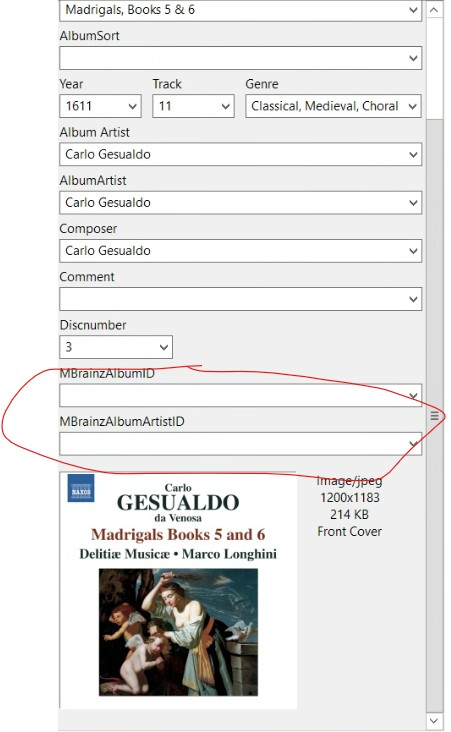
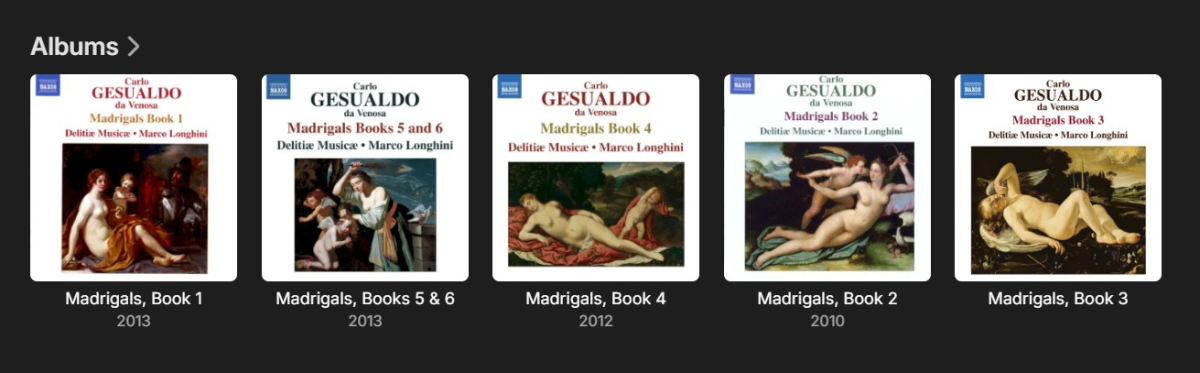
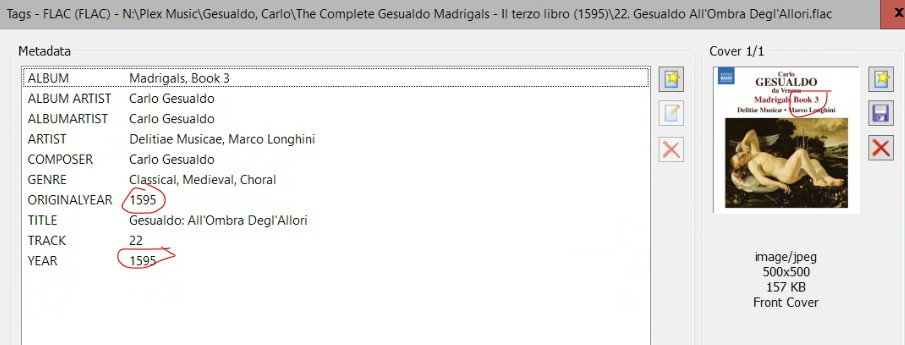
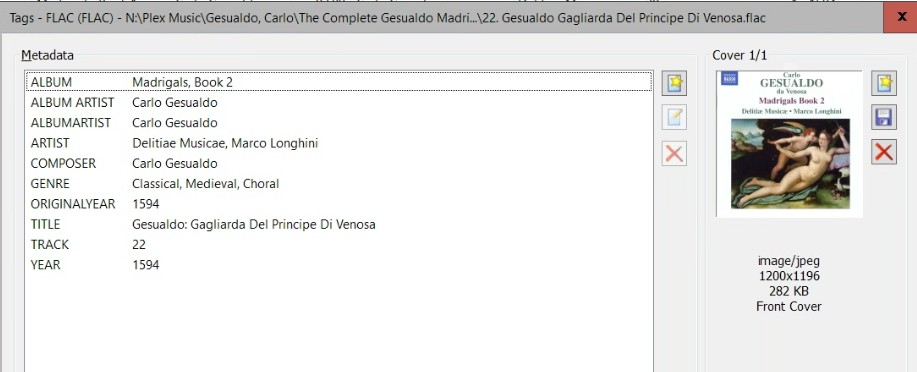
I have individually inspected each of the 130 tracks across 5 albums, including the extended tags (as discussed earlier in this thread) and not one has a MusicBrainzID in it. When I explore Emby's "Item Data" for the ALBUM (attached) it shows MusicBrainz not enables as a provider, and yet there at the bottom is the MusicBrainz id. I have done the scan of a folder, I have renamed the entire album folder and rescanned the library, and I have done the full Emby dance of removing the folder entirely from the hard drive, scanning, and then putting it back before scanning again. Is there a way to make sure that your database is fully cleared In case there are some weird artifacts still being preserved in your database, so I could start again from scratch and make sure that we are looking only at fresh files being imported?
-

Will creating a new library with symbolic links to existing items cause issues?
podonnell replied to podonnell's topic in General/Windows
Hi, I saw some discussion that the newest Server version (or possibly the current Beta) might have some features that allow for home screen customization? Is there a good thread to follow on that, or if anyone has an opinion they could share on if it's worth upgrading to that version? Thanks! -
Playback issues with certain shows on Sony Bravia using Emby app
Luke replied to Zaryt's topic in Android TV / Fire TV
What version number of the app are you testing with? - Yesterday
-
Hi, we’ll take a look at it. Thanks for reporting.
-
Hi, yes we should have it out soon. Thanks.
-
Did you check all of the tracks? Most likely one of them has the musicbrainz id embedded. It could also be embedded in a way that Emby is checking that your editor isn’t showing.
-
Aha, that's the problem. Generally a pretty common util to have, but maybe have to fully qualify the path for it based on the error. I assume it runs the command in the container so if you can get into the shell and find out if it has curl and where it is, the full path might work. It's usually /usr/bin/curl.
-
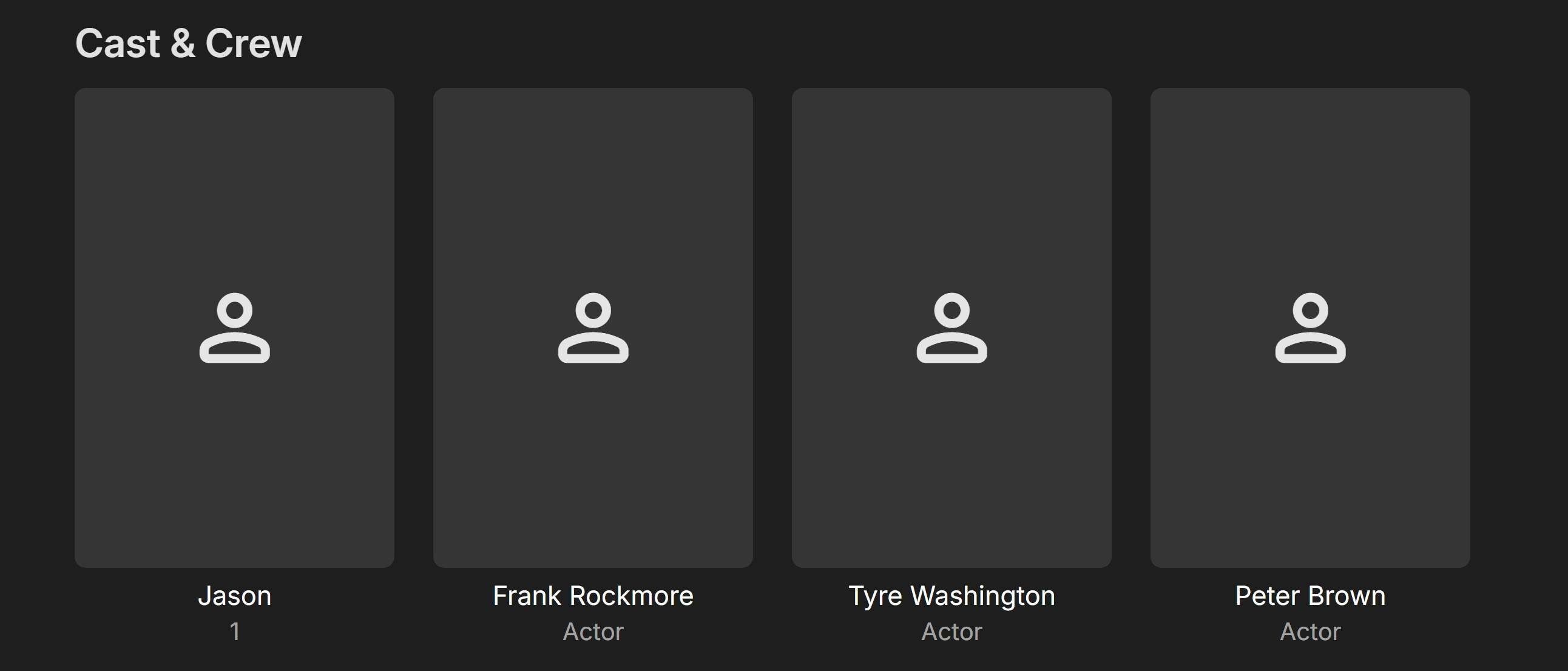
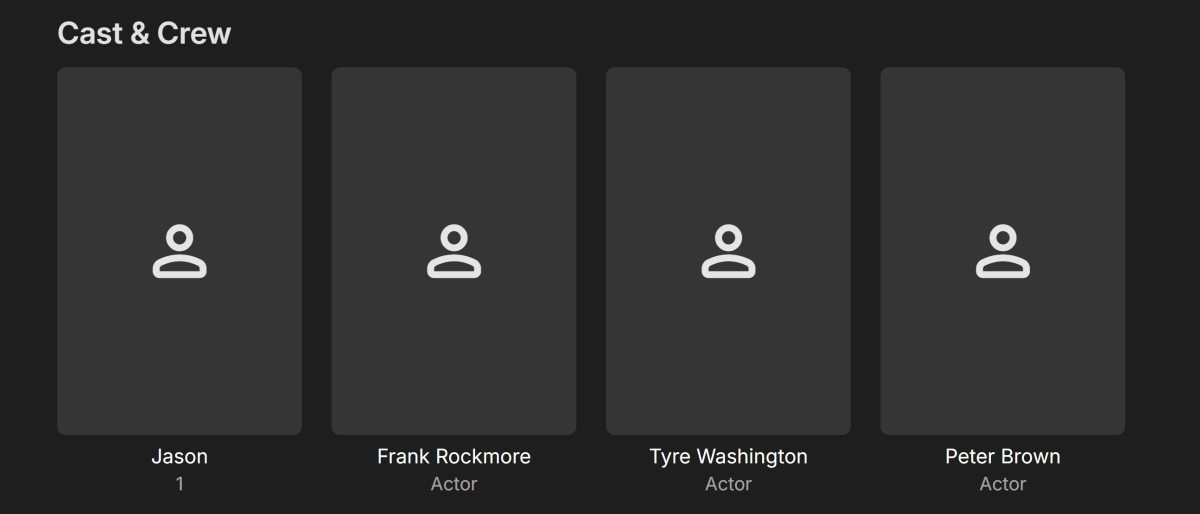
The metadata was imported by *.nfo files. The nfo files were created with "MetaX" software program. As you can see Jason (1) is now listed as; Jason 1 (as the role) Jason's swim race 2020-04-22.nfo
creation.thumb.png.a549b0a11256a1862bf4d97eb03bbdfa.png)
-
LOL Yeah, it'd probably be a good idea to check that, I suppose. OCI runtime exec failed: exec failed: unable to start container process: exec: "curl": executable file not found in $PATH: unknown
-
Sorry, not familiar with this tool. What does the Health tab show? I doubt Layers has anything to do with it.
-
Updated with: healthcheck: test: ["CMD", "curl", "-f", "http://192.168.1.100:8096/System/Ping"] interval: 1m30s timeout: 10s retries: 3 start_period: 30s However the issue with the red warning still remains.
-
I would do the health check as http://xxx.xxx.x.xxx:8096/System/Ping instead.




creation.png.4a30592fc7685beabd4e5b233193bc52.png)