All Activity
- Past hour
-
 prayingmantis26 joined the community
 -
 delo15 joined the community
 -
 ugy8657577 joined the community
 -
 kaiwen78 joined the community
 -
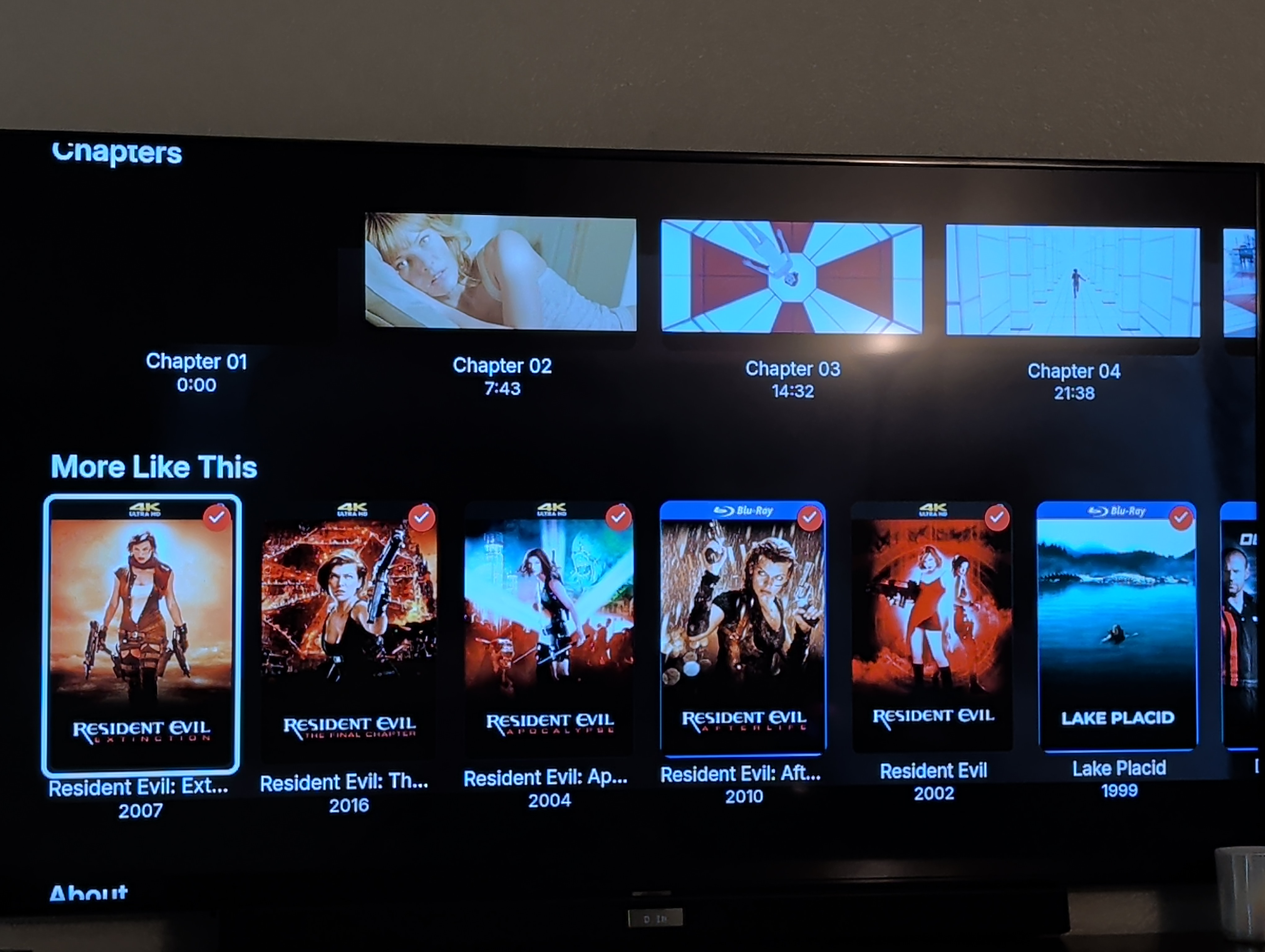
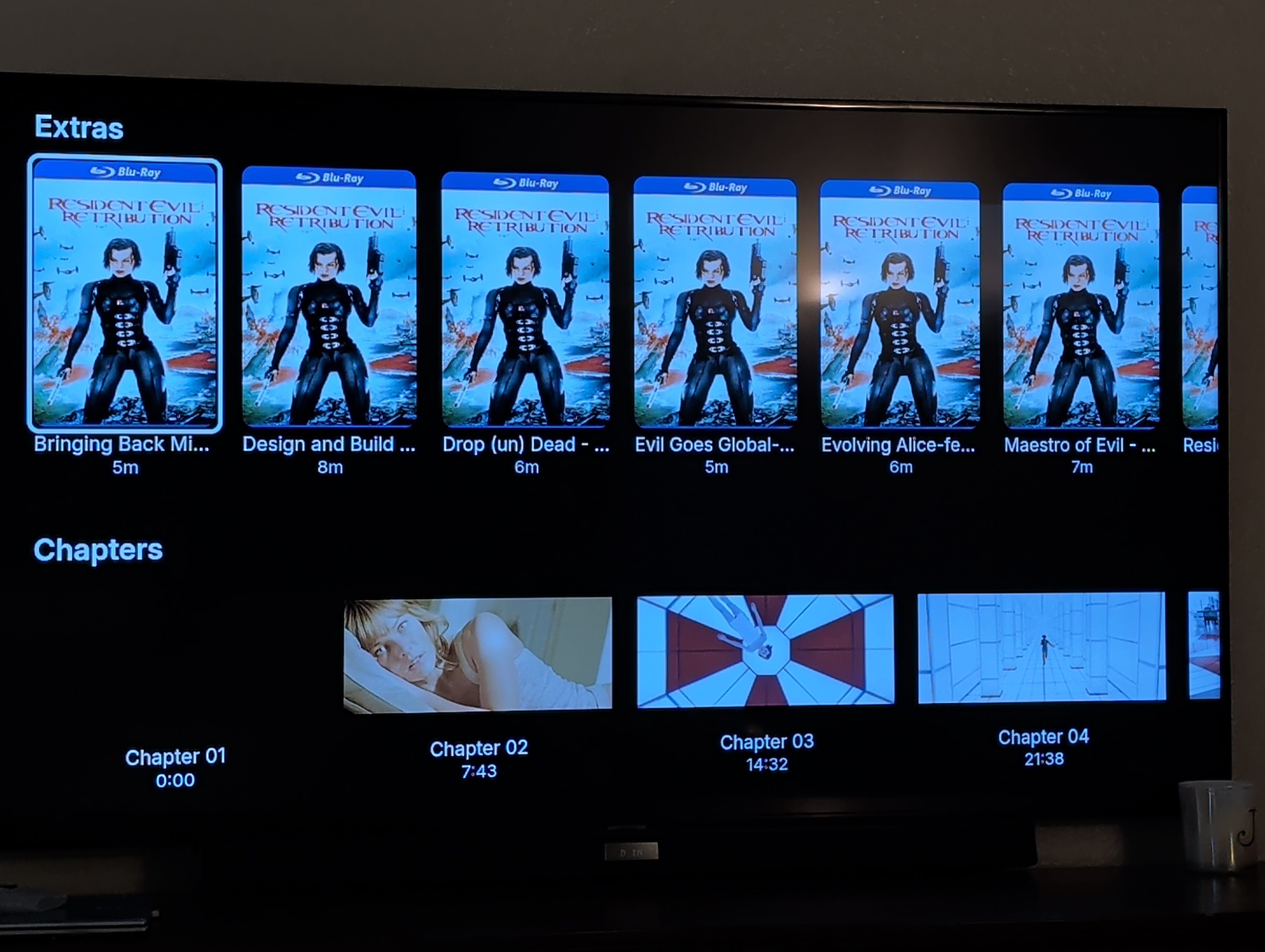
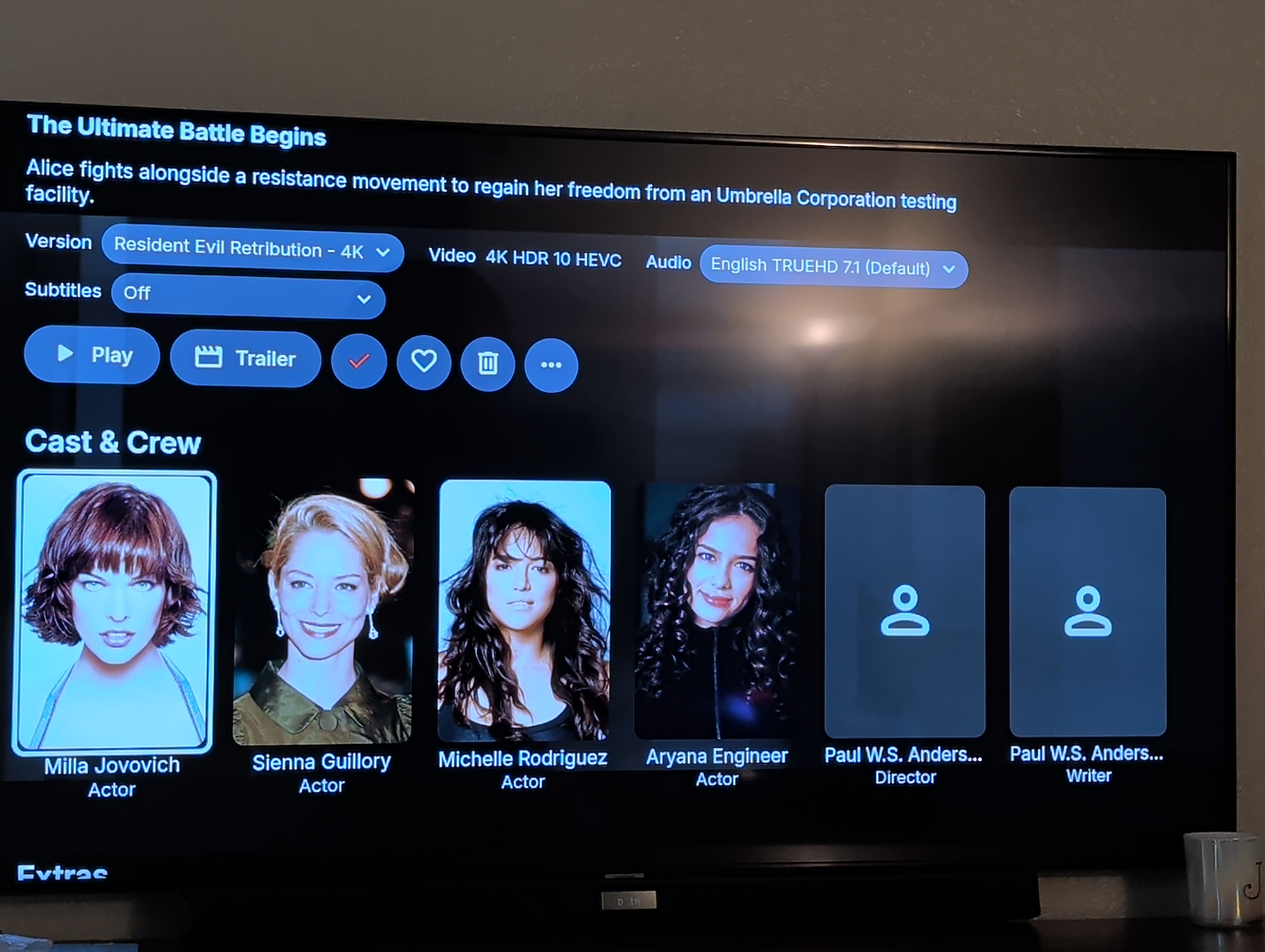
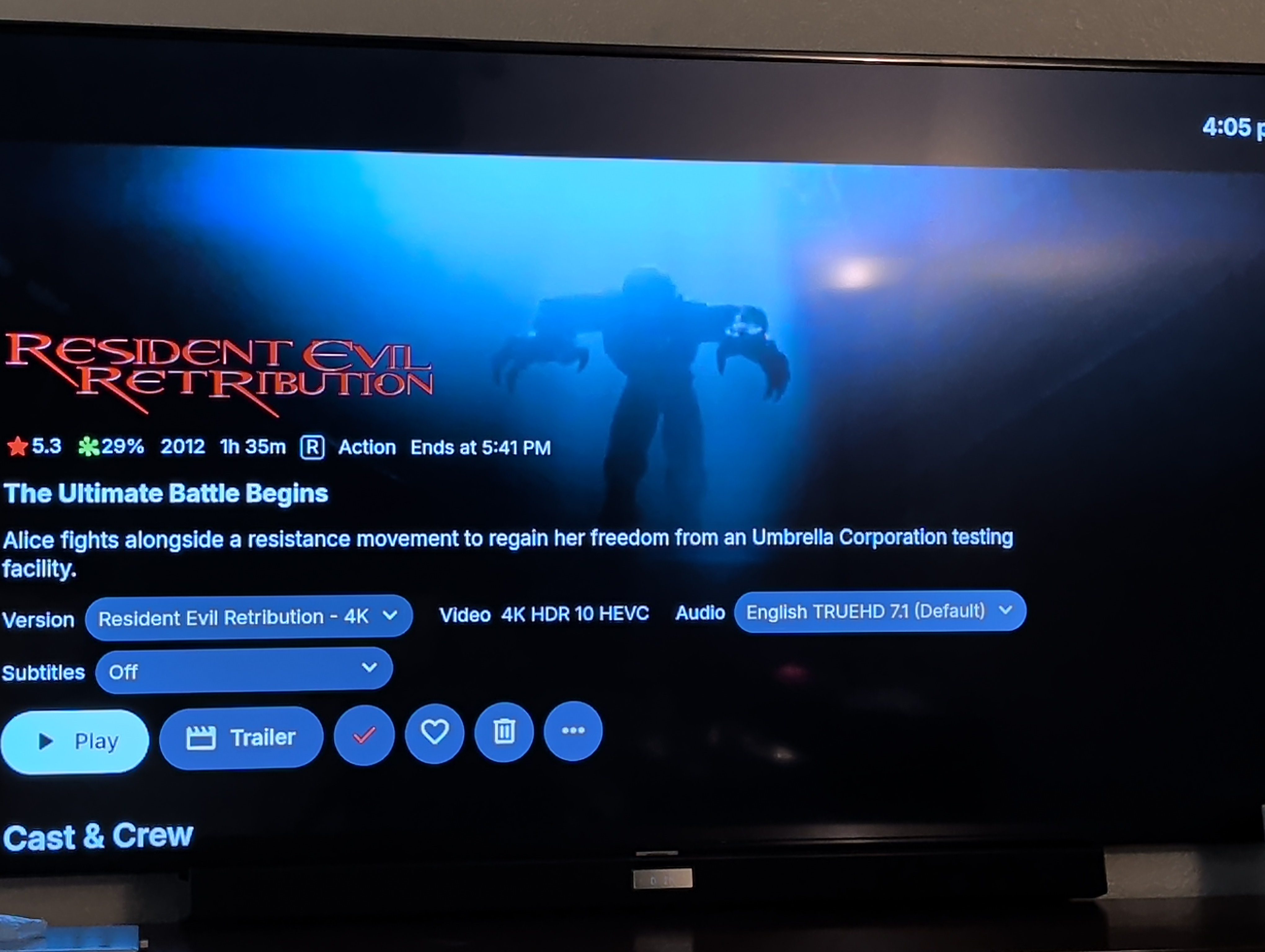
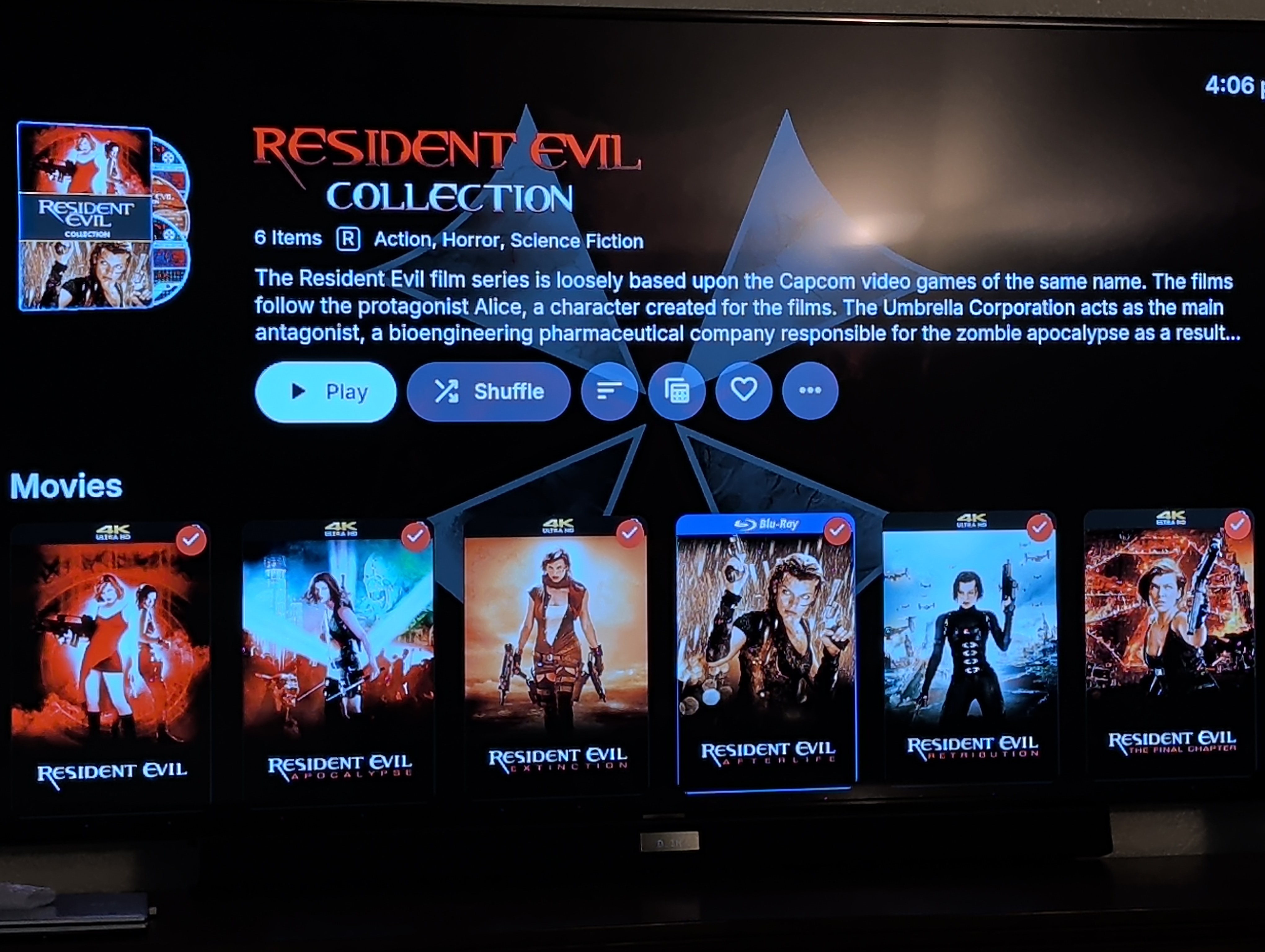
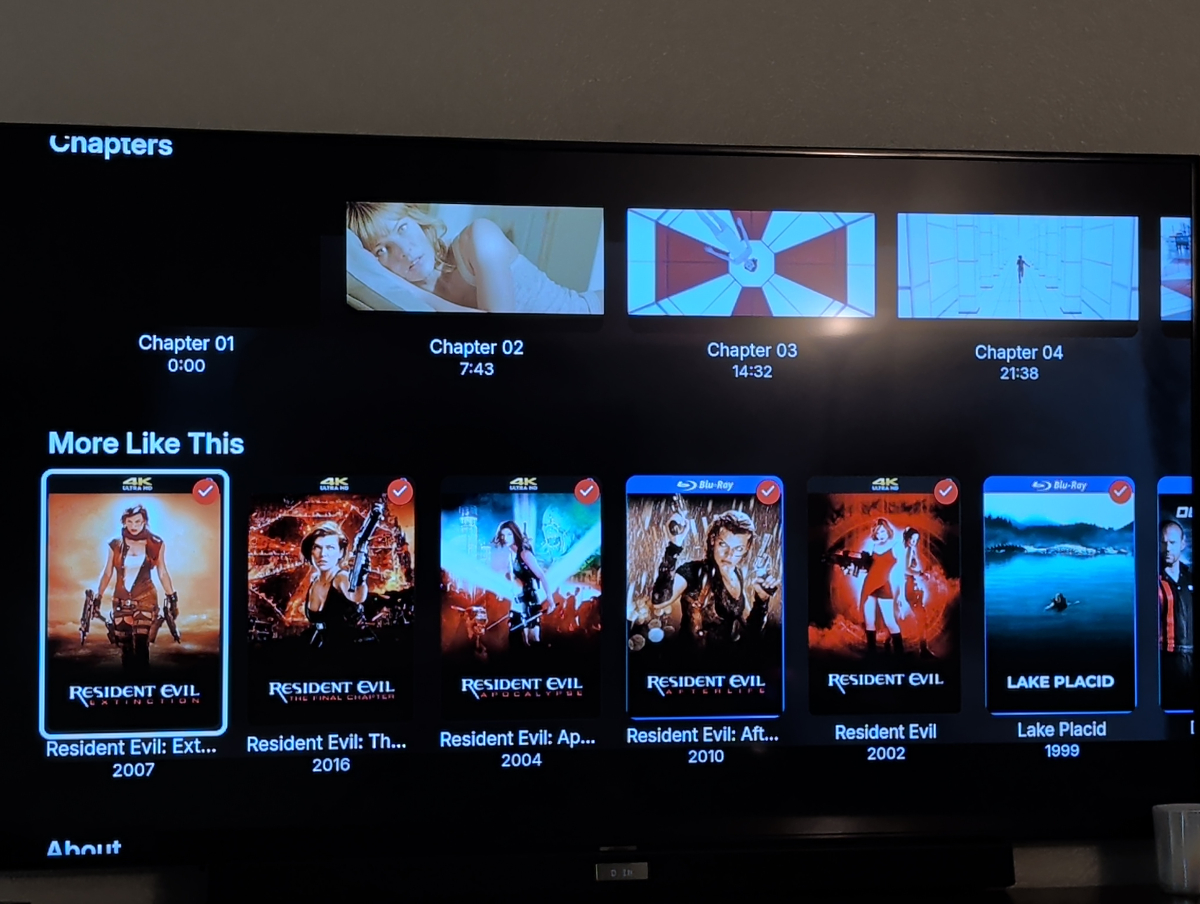
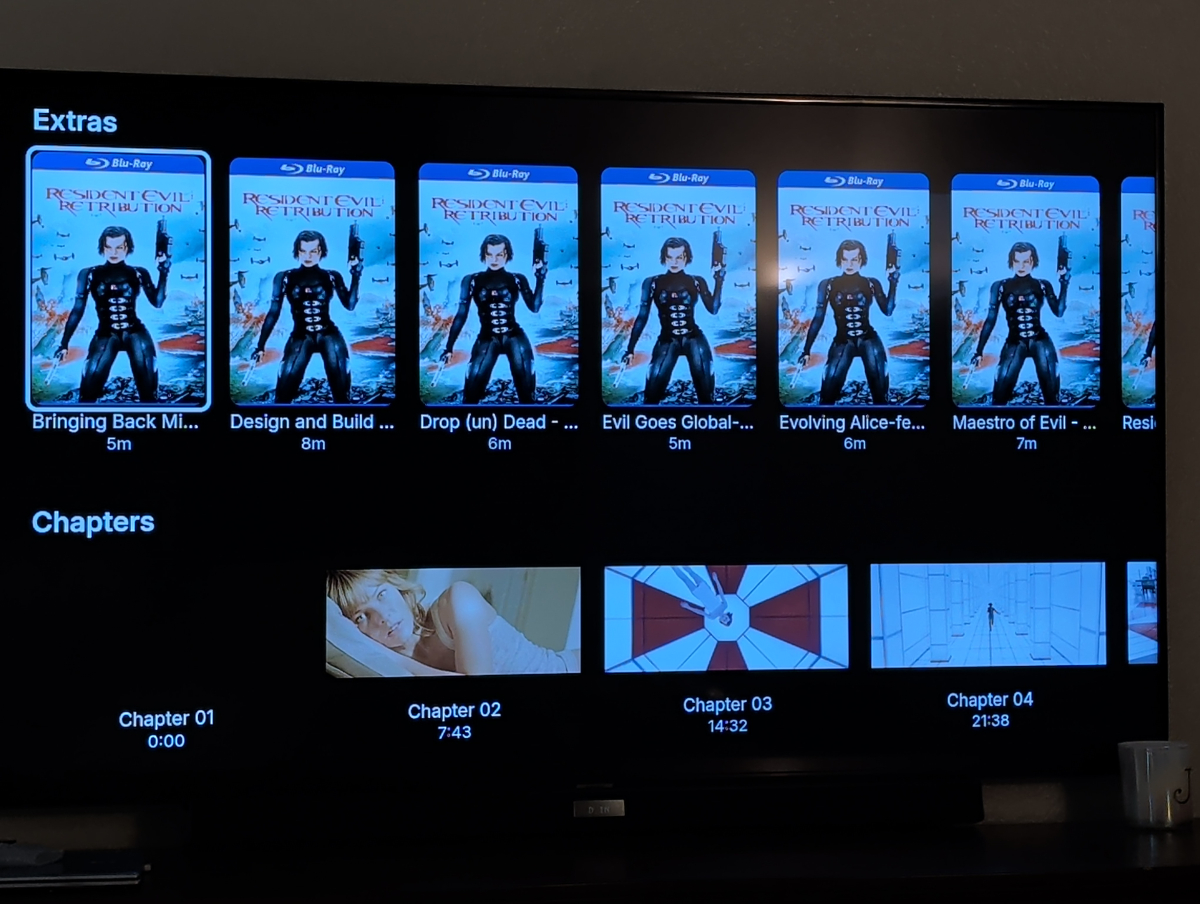
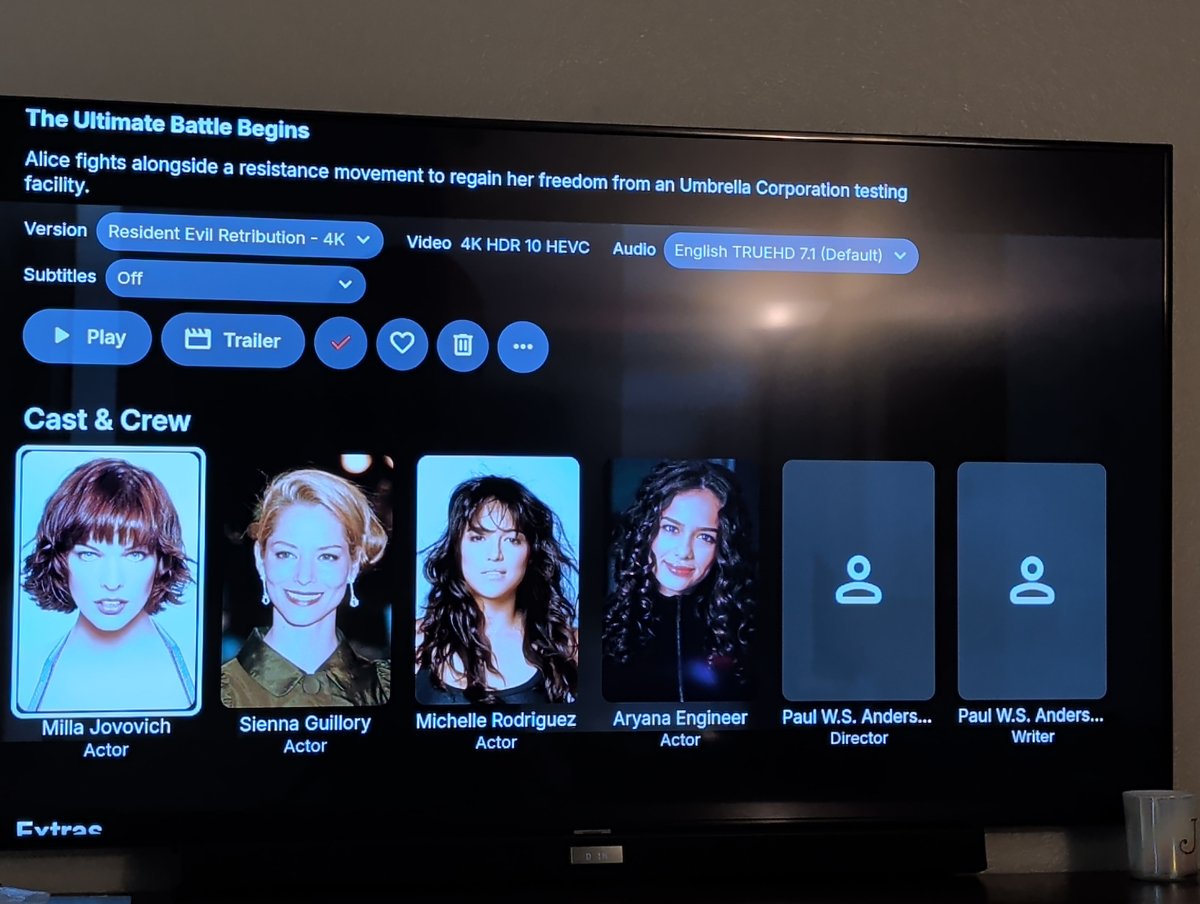
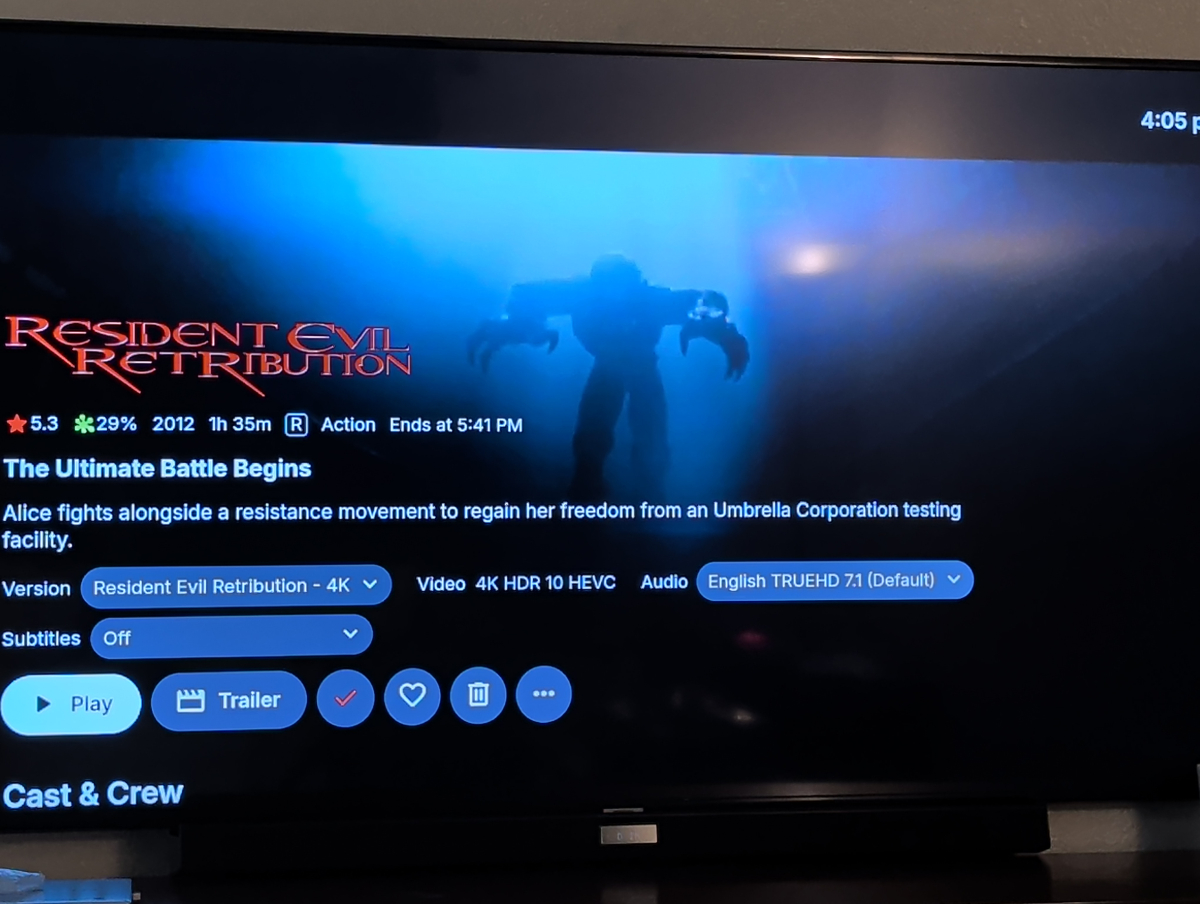
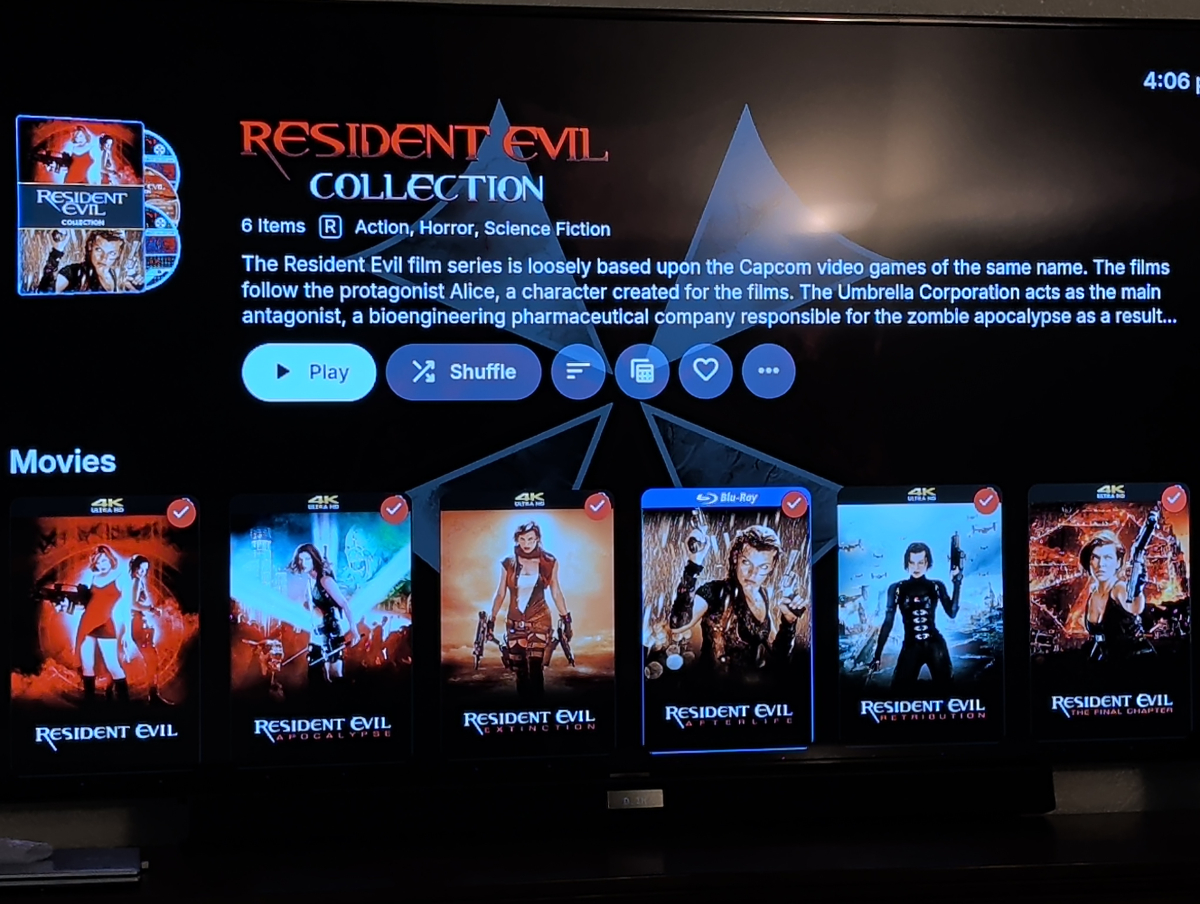
I had a quick question, I'm currently using the beta version of the plugin and I'm unsure if that's relevant to my question. I noticed that the plugin was intended for a couple top list sections and wasn't really designed for lists of 5, 6, 7, or more than 10 items. Considering that, I've compiled one top list (a top 10) and six additional collections focusing on categories like popular cult films, true stories, and underrated gems, among others. By doing this, I've noticed that when a movie is selected, it doesn't display the collection that specific or particular movie is part of. For instance, if you select the movie "Resident Evil," you'll see details about the movie, its version, audio, and more, but not the collection it belongs to. So, when you scroll down past "Cast & Crew," "Extras," "Chapter," and "More Like This," you used to see a collection folder indicating that this movie is part of or included in that collection. Now, it just displays all the movies from the collection within the "More Like This" section.(See pic) So my question is, would it be possible to allow or add to the HSC plugin to offer its awesome functionality while still allowing the (I'm not sure if "default settings" is the correct wording) setting to show that the collection the movie is included in as normal I guess I was hoping to have the best of both worlds.
-
 gener4693 joined the community
 -
 JJnae joined the community
 -
 gonemdz joined the community
 -
 Christian7878 joined the community
 -
 DAMRIGHT joined the community
 -
 CONCHI23 joined the community
 -
.thumb.png.f4cb0545e98b51fd9b00e427622ab761.png)
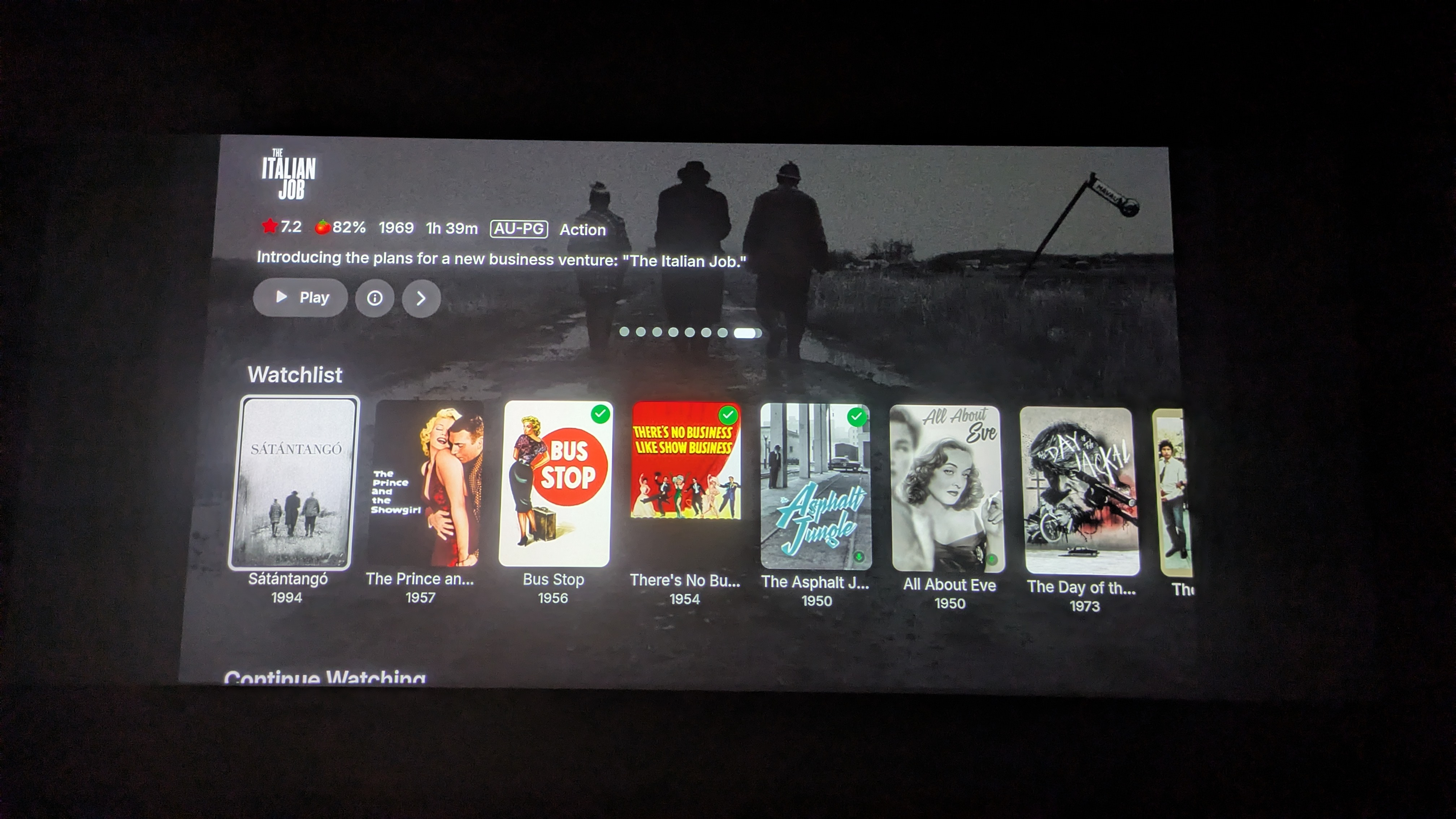
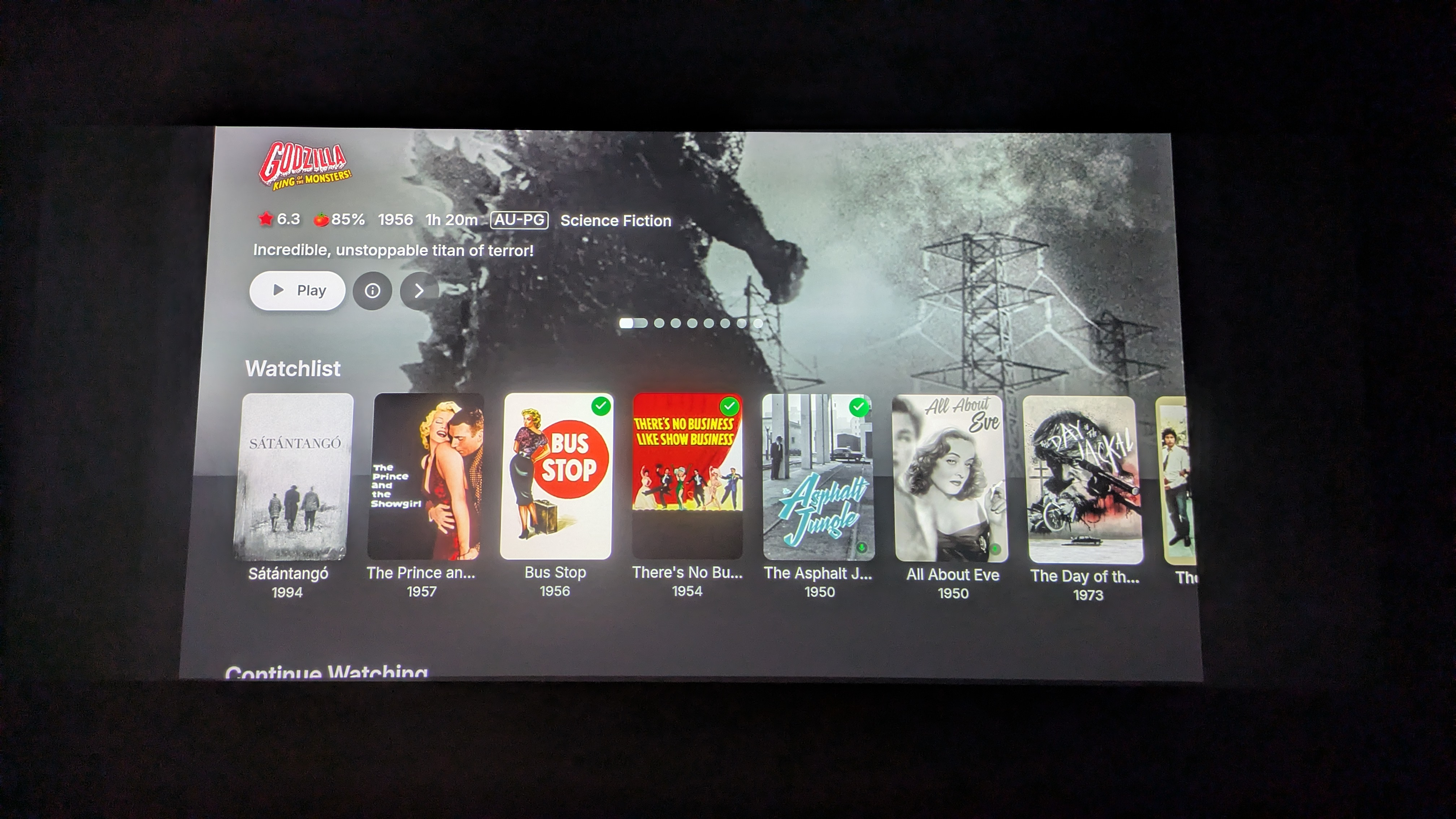
Spotlight and Single Collection Feature Requests
Amything replied to kizunarae's topic in Feature Requests
Here -

TV Guide - Tune straight to channel from guide rather than present popup for play/record
steve7789 posted a topic in Live TV
As per the title, is there any way to tune straight to channel from live tv guide rather than it present the options for play/record, all other apps, plex/channels manages to do this, but emby needs that extra click. Its the same when using the guide whilst already watching tv - changing channel stops the current live tv stream and takes you to the information page of the other chosen show, forcing you to click play again. If there isnt a way to do this - could I suggest a feature - a toggle to have the option to enable a long press or something instead to bring up the context menu to record if needed? This is only really relevant for live tv. Using an AppleTV if thats relevant. -
ok, it seems ANY folder inside the main movie folder not named TRAILERS, even an empty folder cause that issue. I seem to be getting mixed results because the new library for a test shows the gray at all times... even the individual movie. I actually thought it looked good on the parent folder (slight different color or whatever would be nicer, or a user choice to edit).. I'm at it too long.. tomorrow I look at it.
-
By the way do you guys like the extra navigation layer when navigating into tabbed settings areas? So for example manage server -> library It should make things easier for tv usage. There is also a display option now to hide server settings altogether.
- Today
-

Movies in collections that I made are missing movies
Luke replied to ZamBucca1's topic in General/Windows
Did you ever determine if you have nfo files next to your video files? -
OK it should be pretty straight forward. You won't see it on an individual movie file, but you will see it on the parent folder.
-
ok .. When I reproduce using the exact same files it works, but in a new library everything works no matter the path, strm vs .mp4 etc .... but now I found something... the few folders that have the gray while none of the other folders have that, they have folders I named WORK with poster pics such as poster-1.jpg etc... and I mean the folders in gray I posted above such as Frankenstein... But when reproducing I did not copy those work folders so I'll play with it some more.
-

Parental Ratings - Use BBFC Rating Symbols
SortSpion replied to abroadhursthall's topic in Feature Requests
I will totally chime in on this one. Being able to spot the age rating at a glance by the color and symbol would be a solid improvement, when those symbols are used everywhere outside of your media server. Having grown up with such symbols, they are so recognizable that legibility isn't a concern. For me, those icons would be the Danish icons. They share some similarities with the British, and the concept is the same And while I acknowledge that not everyone like emojis, having the option to display these icons will greatly help us that do.



-
And this still isn't being ignored after another 3 months -
-

Movies in collections that I made are missing movies
ZamBucca1 replied to ZamBucca1's topic in General/Windows
I wasn't using a plugin when I was having the issues. I am using the ACdb plugin now and so far its been fine. -
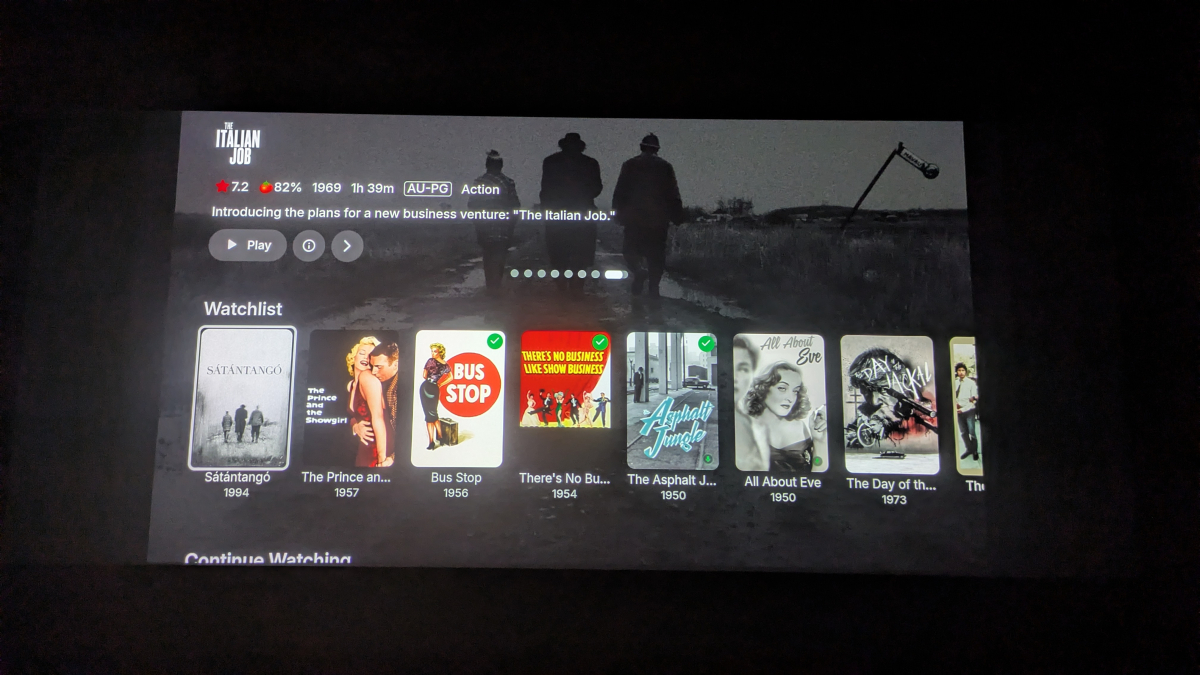
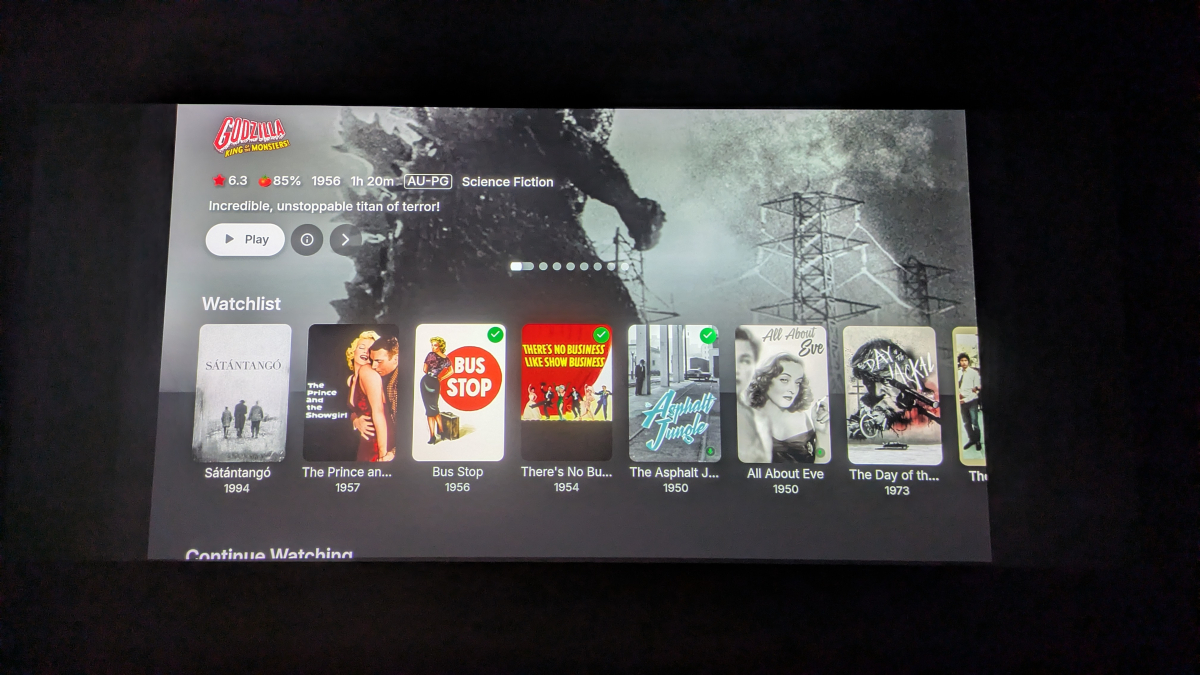
Both of these are still the case in .62.
-
How so? You asked how it handled an item with locked tags, and the plugin doesn't care. It would still write new tags and remove them. What i meant with "Simple answer is: it doesn't." is that it doesn't need to handle that, because it "overrides" the locked setting. Maybe bad expressed by me.
-
But it would still be helpful if you could update as there are some internal updates to focusing with arrow keys so it's mainly a matter of if you run into anything odd.
-
Tone mapping doesn't work with Dolby Vision, correct?
Luke replied to heffeque's topic in General/Windows
Hi, we'll have a new ffmpeg build on the server beta channel soon, so stay tuned for that. Thanks. -
Have you seen: Connecting from Client Apps?
-
VideoToolbox H.264 Hardware Encoding Fails on Apple Silicon (M1 Ultra) - Invalid Profile Parameter
Luke replied to rockinyp's topic in MacOS
Hi, are you still seeing this with Emby Server 4.10 ? -
I think they are showing the correct size but they are just being clipped by a few pixels. We'll try to chase this down. Thanks.
-
Those two paragraphs seem to contradict each other?
-
it is mainly release notes.
-
Just wondering, is .62 out just to somehow update release announcements (as there wasn't one for .61) or are there actual changes with .62 as well ?
-
3.5.62 Core UI Update Only Core UI Changes from 26.0.27 to 26.0.29 Various spotlight bug fixes and improvements Various spotlight bug fixes and improvements
-
Emby for Android 3.5.62 Released Changes 3.5.62 Core UI Update Only Core UI Changes from 26.0.27 to 26.0.29 Various spotlight bug fixes and improvements Various spotlight bug fixes and improvements
-
- 1
-

-
Simple answer is: it doesn't. The plugin will still write and remove tags even if its locked. But it will only edit the tags made by the plugin. So if you have manually added a tag, it should still remain on the item.
-
26.0.29 Various spotlight bug fixes and improvements Various spotlight bug fixes and improvements