All Activity
- Past hour
-
 rtyewrtyr5ey5y56 joined the community
 -

LAN IP ranges for access rules vs. LAN IP ranges for brandwith restrictions
wotgorilla posted a topic in General/Windows
Hello all, I have a second residence that has its own LAN and is connected to my main residence's LAN through OpenVPN at the gateway level. That is, no single device on the LANs needs to connect to the VPN individually. Both residences are connected to their respective ISPs through reasonably fast connections (I can watch Prime Video, Pluto TV, etc. without interruption), but when I include the VPN IP address pool to the "LAN networks" list in Emby, some movies that I play on Emby (I guess the ones with better quality) are interrupted all the time and, as a result, are unwatchable. I assume that the network link through both ISPs an the VPN is too slow for the movies to play at their nominal quality. However, they play fine after I remove the VPN IP address pool from the "LAN networks" list, presumably because transcoding is then enabled. My problem is that I would still like Emby to recognize my VPN IP addresses as "trusted" to relax some restrictions, such as the fact that I need to enter the password every time I log in. In other words, I want Emby to recognize my second residence as home, just a "slower" home. But for Emby there is only one kind of "LAN" that covers both security and speed considerations. Is there a way to achieve my goal? Thank you in advance for your help. Eric -
The .SVG Images work on a Samsung TV
-
 Khaledbeh joined the community
 -

Remote Connections not working with Emby 4.10.0.40 Server Update
Bradum replied to Bradum's topic in General/Windows
Hi Luke, thanks for the quick response! When I start up Emby remotely it tries to connect to the server, then boots me back to the "select a server" screen. If I click on the server from the "last used" option I get the "Unable to reach <server>" message. If I try and use Emby Connect it will prompt me to sign in, then just send me back to the select server screen. The server doesn't show any attempted connections. -
 Jefe1234 joined the community
 -
 3xd2013 joined the community
 -
 wykkk8007 joined the community
 -
 fabianrr8 joined the community
 -
 CathyH joined the community
 -
 Mohamed Bhl joined the community
 -
 keroli joined the community
 -
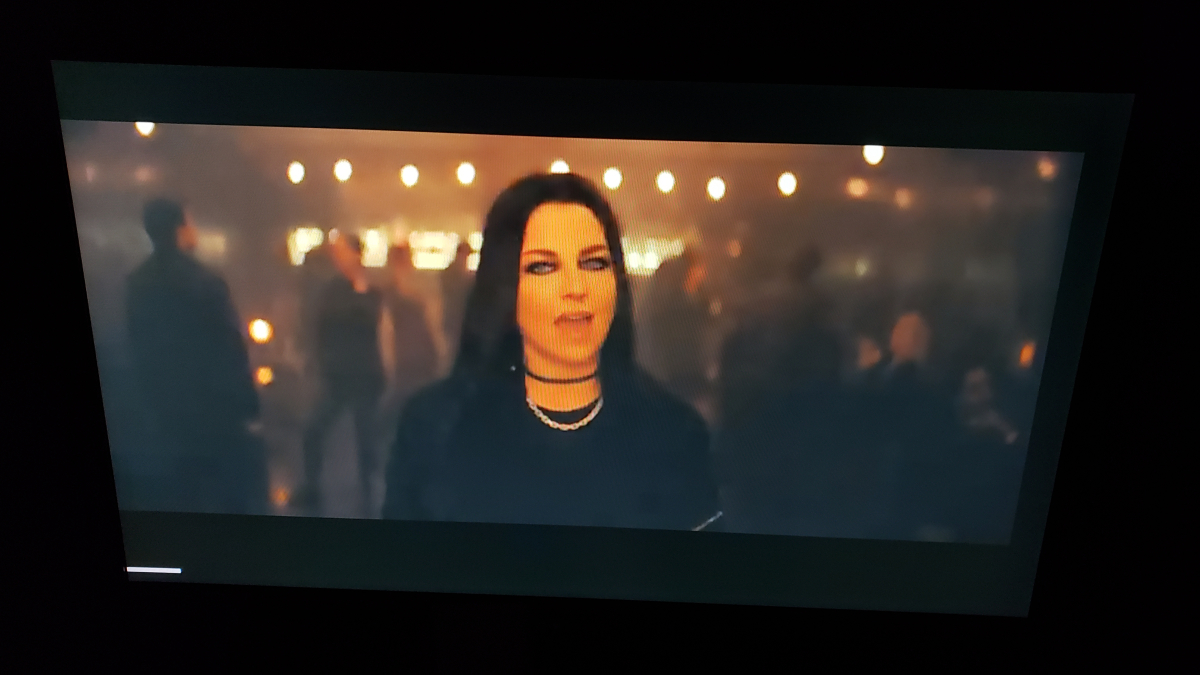
In most videos there is no pop-up at the end like this image. For playing I select a folder full of video files and select the random button. Sometimes I create playlists but have not noticed this being different with either option.
-
I will Try on the next Update
-

Pressing play (on remote) during playback should show overlay UI
Trunk replied to Trunk's topic in Windows & Xbox
Well the behavior before the new Emby Theatre in Windows Store had this. Now arrow up leads to putting the focus on subtitles and the position dot on the seek-bar is not present. Now arrow down leads to info screen about the media playing and the position dot on the seek-bar is not present. The middle ground was before hit play on the remote (standard media remote for windows) to show the HUD / overlay with the seek-bar having focus and position dot present. The seek-bar having the dot present is the main purpose to navigate with right and left arrows optionally. - Today
-

TV Show Status — TMDB-powered Returning/Ended/Cancelled badges for series
Blueskies278 replied to Blueskies278's topic in Plugins
@ginjaninja Already working — nothing to change Seeing that a season you haven't started yet is complete → already working, no action needed. Poster status (Returning/Ended/etc.) and next air date → already working, no action needed. Turn this on for the other two you asked about Settings → TV Show Status: Turn on "Mark season premieres and finales in the episode name". Pick a display mode — either Always or Hide once watched. Start with Always for testing, since it can't be mistaken for "not working." This tags the episode name itself (e.g. "Season Finale · Worlds Apart"), so it shows on your Continue Watching thumbnails with no image needed. Not built yet — no setting for this Knowing when the season finale will air, before the season is complete → there's no setting for this yet anywhere in the plugin. Nothing to turn on. For the show showing "Complete" instead of "Ended" I created a dummy folder for the same show myself and it correctly showed "Ended" — so this looks specific to your library's copy, most likely a stale cached status rather than a bug in the logic itself. To confirm and fix it: Go to that show's page. Click ⋯ → Refresh Metadata. Choose the option that replaces existing metadata rather than only filling in what's missing (on most Emby versions this is a toggle like "Replace all metadata" in the refresh dialog). Wait for the refresh to finish, then reload the library page in a private/incognito window. If the badge switches to Ended afterward, that confirms it was just outdated cached data and nothing further needed. If anything above doesn't work as expected Let me know, with: Which setting/mode you used Whether you restarted or reloaded the client afterward A screenshot of the card where you expected something and it's missing or wrong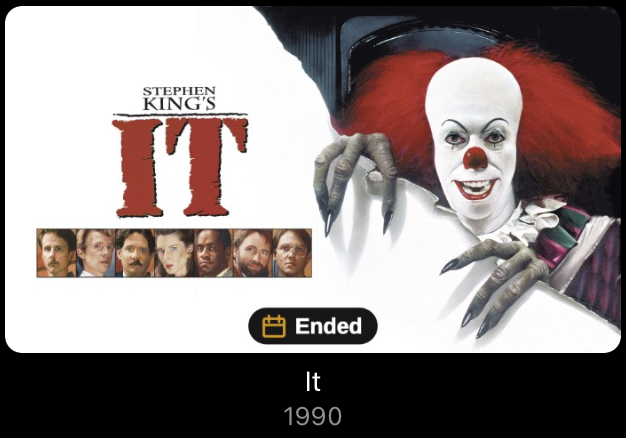
-
Ok do tell, how it goes
-
No but just been doing some reading it looks the browser is keeping a file open somewhere preventing the update i will get this sorted later after work then post an update
-
Is it installed as a service?
-
Windows 11
-
Hmm what OS is your server install on?
-
Ok that's the reason for your collection issues, since that was added in 4.9 if I remember right.
-
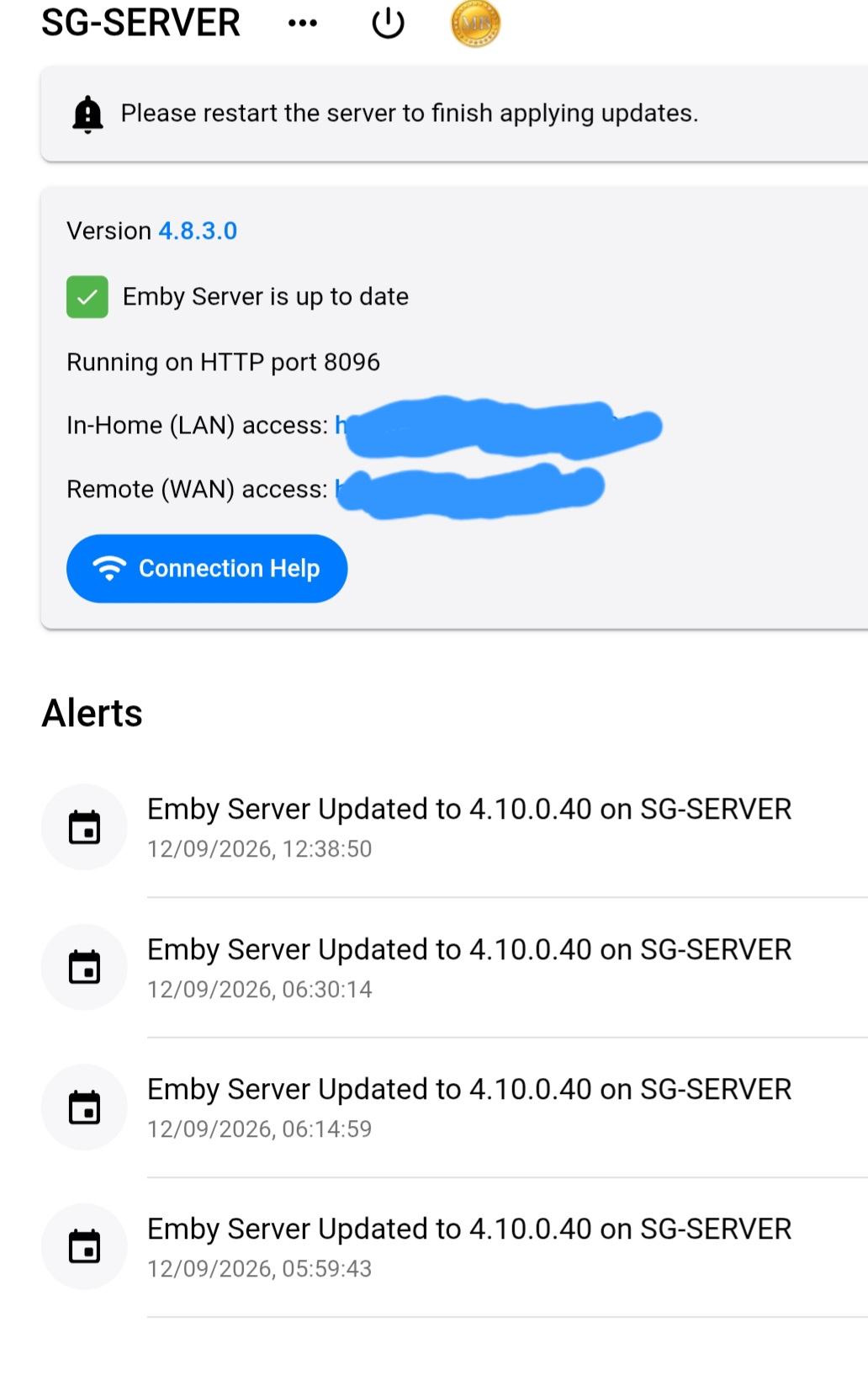
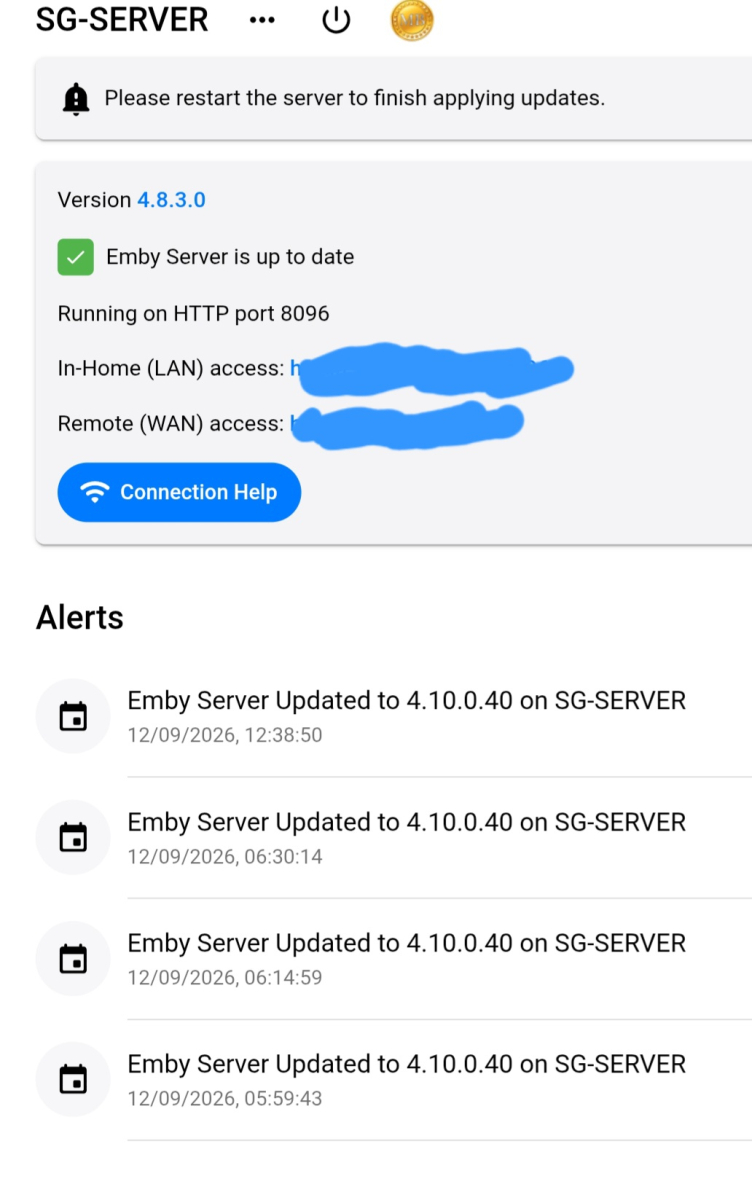
It says I've updated to 4.10.0.40 but the version says 4.8.3.0 And no matter how matter times I restart server to apply changes it Always says that
-
Thank you for you amazing work! It would be nice to be able to translate "Today" and "Tomorrow"
-
@rbjtech So you still prefer direct file access, even though you think HTTP would be just as good.
-
I can't see you full screenshot. What server version are you running?
-

Android application cannot playback audiostream (DTS-HD MA Stereo in *.mkv)
voodoo5_6k replied to voodoo5_6k's topic in Android
Just grabbed the newest release and it looks good. A quick test worked great. Everything's playing/starting fine. Cool Thanks again -
This is what im seeing through chrome dont have the group by option

-
Thanks, but way too complicated! I'm running 4.9.3.0 without any problems. I'm running the command pkg add -f https://github.com/MediaBrowser/Emby.Releases/releases/download/4.9.5.0/emby-server-freebsd13_4.9.5.0_amd64.pkg and then service emby-server start and it doesn't.
-
It would be really useful if when using Identify it would pre-populate the title and year fields based on either the folder name or the video name. Auto Organise does do this and it helps get new TV series sorted to the correct collection. But if Emby has trouble auto identifying the series then I need to manually perform Identify and I have to manually enter or copy the title and year into the search fields. Auto Organise: Main Emby identify menu option:


-
TV Show Status — TMDB-powered Returning/Ended/Cancelled badges for series
Blueskies278 replied to Blueskies278's topic in Plugins
deleted -
TV Show Status — TMDB-powered Returning/Ended/Cancelled badges for series
Blueskies278 replied to Blueskies278's topic in Plugins
Funny you mention that—I've been working on this feature for the last 2 hours!. it's going well so far. -
Creo que solo es para la web, no estoy seguro, porque en el tv, tambien tengo un Samsung si aparece las opciones estas, lo que no aparece es el Spotlight, la opcion de tipo de vista que aparece es Tarjetas y Botones. esto con la version 2.4.9 instalada desde usb
-
This would be cool to have in a collection as Extras. But I don't thing this is possible atm.