All Activity
- Past hour
-
 God's Tee joined the community
 -
 Darkfrog33 joined the community
 -
 ehc182 joined the community
 -
 sebastianotero5 joined the community
 -
 Arvaya joined the community
 -
 Ismelda joined the community
 -
 Addibeip joined the community
 -
 Ismelda ortiz joined the community
 -
 Josuenm joined the community
 -
 Alicerocha joined the community
 -
Luke posted the link above. Then follow the instructions on the screen
-

NVIDIA Shield screensaver appears while paused, then playback resumes behind it
FrostByte replied to Dr. Technolust's topic in Android
Yep, same steps. I've tried 1080p, 4K, clearing the screen saver using the center button, up button, etc and every time after clicking on the round button I get a black screen and then I see the Emby logo and the spinning circle and then I'm back at the home page. Shield 2019 pro. -
como ingresar mi pin del tv
- Today
-
hola buenas como abro mi tv ma da el pin lo ingreso pero deayi no pasa
-

NVIDIA Shield screensaver appears while paused, then playback resumes behind it
dbott replied to Dr. Technolust's topic in Android
Sorry to say currently you don't. I am also missing a few things from the "Emby for Android for TV" version that this version does not have. But this is the version they are developing now and are no longer developing "Emby for Android TV". I only switched as the TRAILERS do not work in Emby for Android TV and that is when I found out they were no longer working on that version and thus the items I liked are not in this. -

TV Air Dates — corrects US and Canadian broadcast times to your timezone
Blueskies278 replied to Blueskies278's topic in Plugins
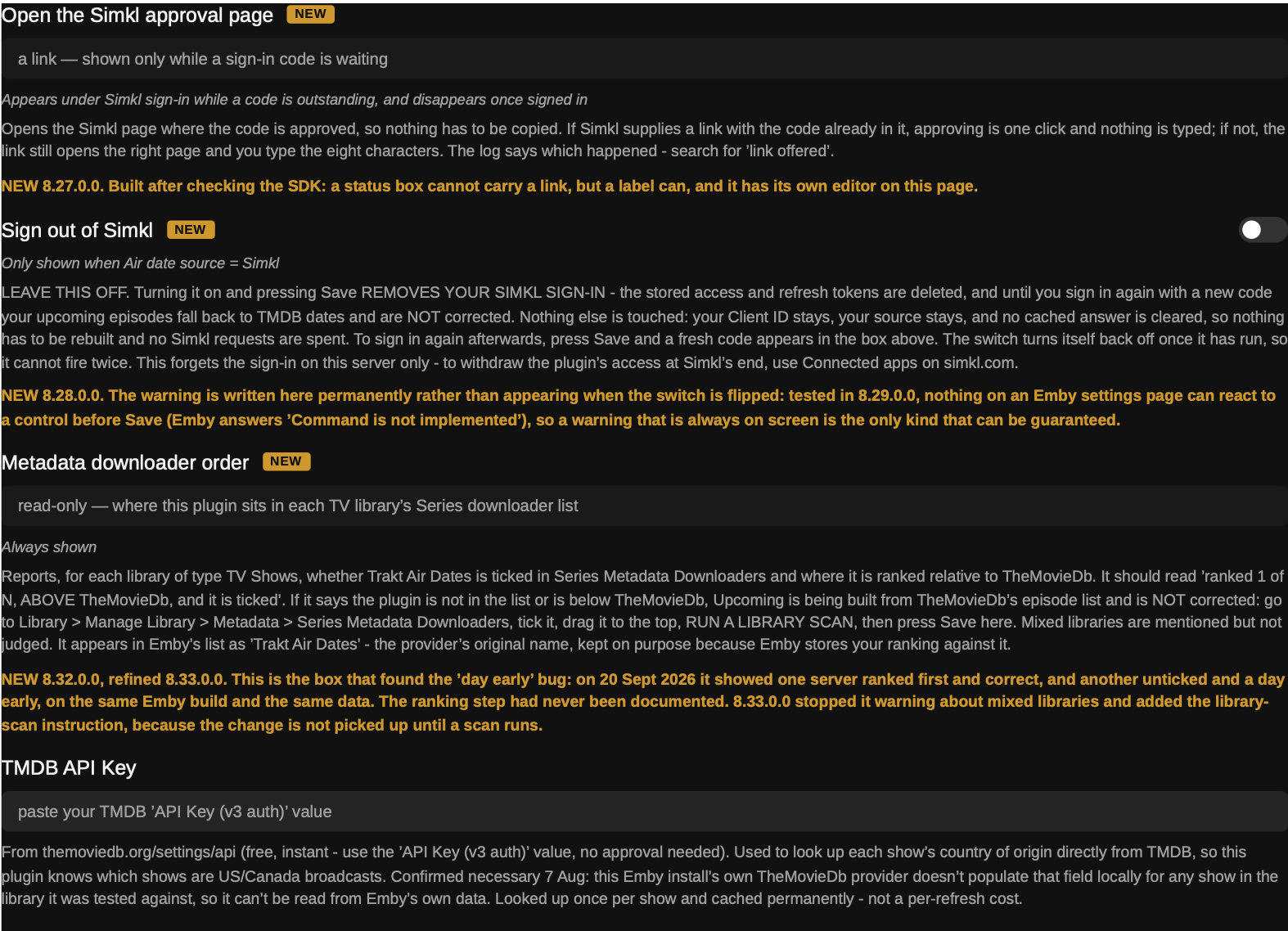
Update: added image of simkl settings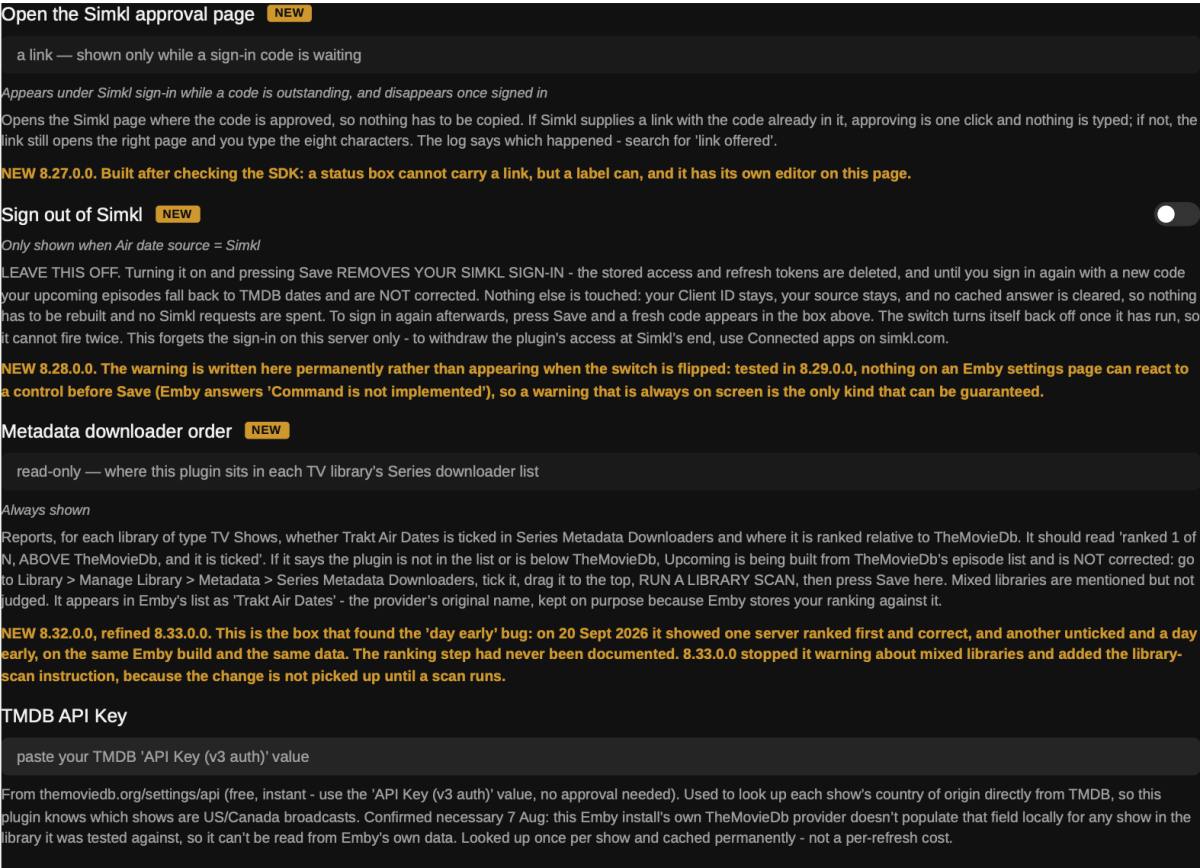
-
There's no automation to it, but it sounds like you would get some joy out of the Home Screen Companion plugin, it comes with a lot more automation and filtering than the built in functions https://emby.media/community/topic/146080-plugin-home-screen-companion/
-

Movie Theme Videos Plugin Questions and Support Thread
Scott310 replied to radeon's topic in Plugins
Hey @radeonSorry to come back with this but I left the plugin alone and didn't perform manual scans for a few days to just let is do it's thing. I'm going through my files and I can't seem to find a single new trailer that it has downloaded. Almost every error says "sign in to confirm you are not a bot" or "sign in to confirm your age" Anything I can do to fix this? Thanks in advance! -

NVIDIA Shield screensaver appears while paused, then playback resumes behind it
JoshuaAJones replied to Dr. Technolust's topic in Android
I used to use the other app on my Shield but switched to Emby for Android, when the pop-ups started. I liked the old app. When screensaver started, Emby stopped the video and backed up 10 seconds, as that's how I had it set. Worked perfectly. How do I get it to do that? -
NVIDIA Shield screensaver appears while paused, then playback resumes behind it
dbott replied to Dr. Technolust's topic in Android
Weird. My steps... 1) Start watching "Friends" for like 2 mins. (1080P) 2) Pause via center button. (run a stop watch) 3) At 5 mins, the screensaver kicks in and it stays paused. 4) Click the center and the paused screen comes back up. 5) Press again and it continues playback. (Same steps I did for .58 where it did play in the background when the screensaver came on.) Nvidia Shield Pro -
Thank you for the information... I just got that working... Is there a way to tell the system to use a specific image within the directory, such as *-banner.jpg. I don't see a "NONE" option for "Tag" if I want to use Genre or Studio, each option should have a none to prevent from using those. Or are they acting as Filters for the Tag? Is there a way to Turn On/Off spotlight in the event, I don't have anything to spotlight that month. I typically only want to spotlight maybe 5-10 videos per month.
-
The easiest way is just to tag items that you want to appear in the spotlight, then choose "dynamic media" for the section type, you can then pick media type and filter by tag
-
Hi All I have been using my own folder for Spotlight movies for some time and have been waiting for this feature. I typically put videos in a folder to spotlight them, but that's a lot of moving videos around. I have 4.10.0.40 installed. 1. I went to add a new section... picked "My Media" since no spotlight option exists. Then looked at "View Type" and only two options appear "Cards, Buttons". There doesn't seem to be a way to flag a specific movie to be spotlighted. I like to select movies based on the month... ie Christmas, Valentines, Halloween ect... 2. I looked at the properties of a video and don't see a checkbox or anyway to flag a video for spotlight. I would have though a section would be labeled spotlight and then the admin checks a box on the video properties (flag) to add to the spotlight rotation. I was hoping this feature would be simple. As it stands, it looks like you have to spotlight an entire library or section, that to me, is not spotlighting a video for a specific reason/month/holiday. So, not sure how this works, confused? Also, is this user specific, not global?
-

Plugin: EmbyCredits, detect end credits and add auto skip.
fbourg replied to yocker's topic in Plugins
-
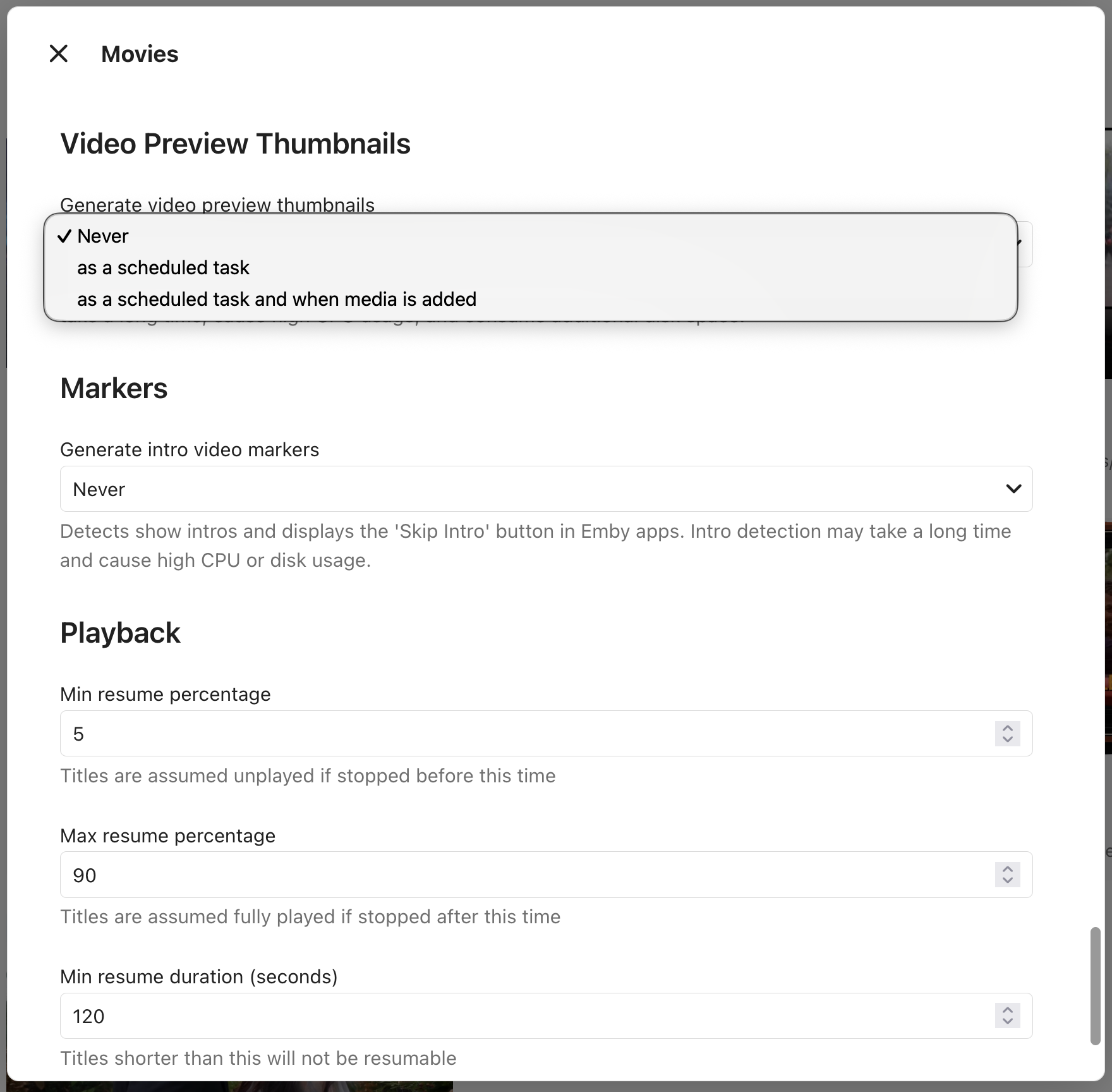
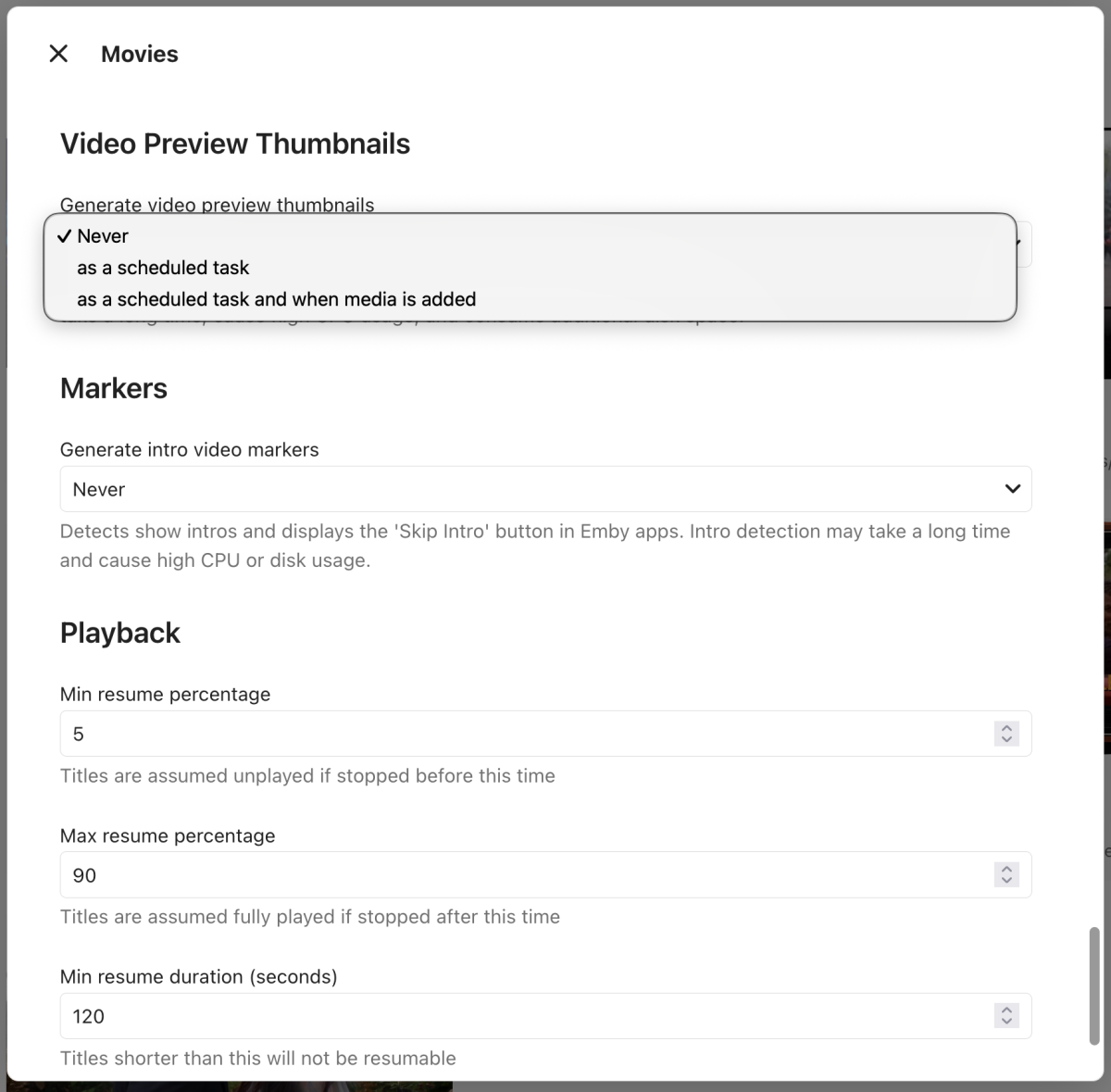
I do have that option and is set to Never. However, I don't have the Generated Chapter Interval option which would seem to solve my problem. Thank you.
-
Plugin: EmbyCredits, detect end credits and add auto skip.
fbourg replied to yocker's topic in Plugins
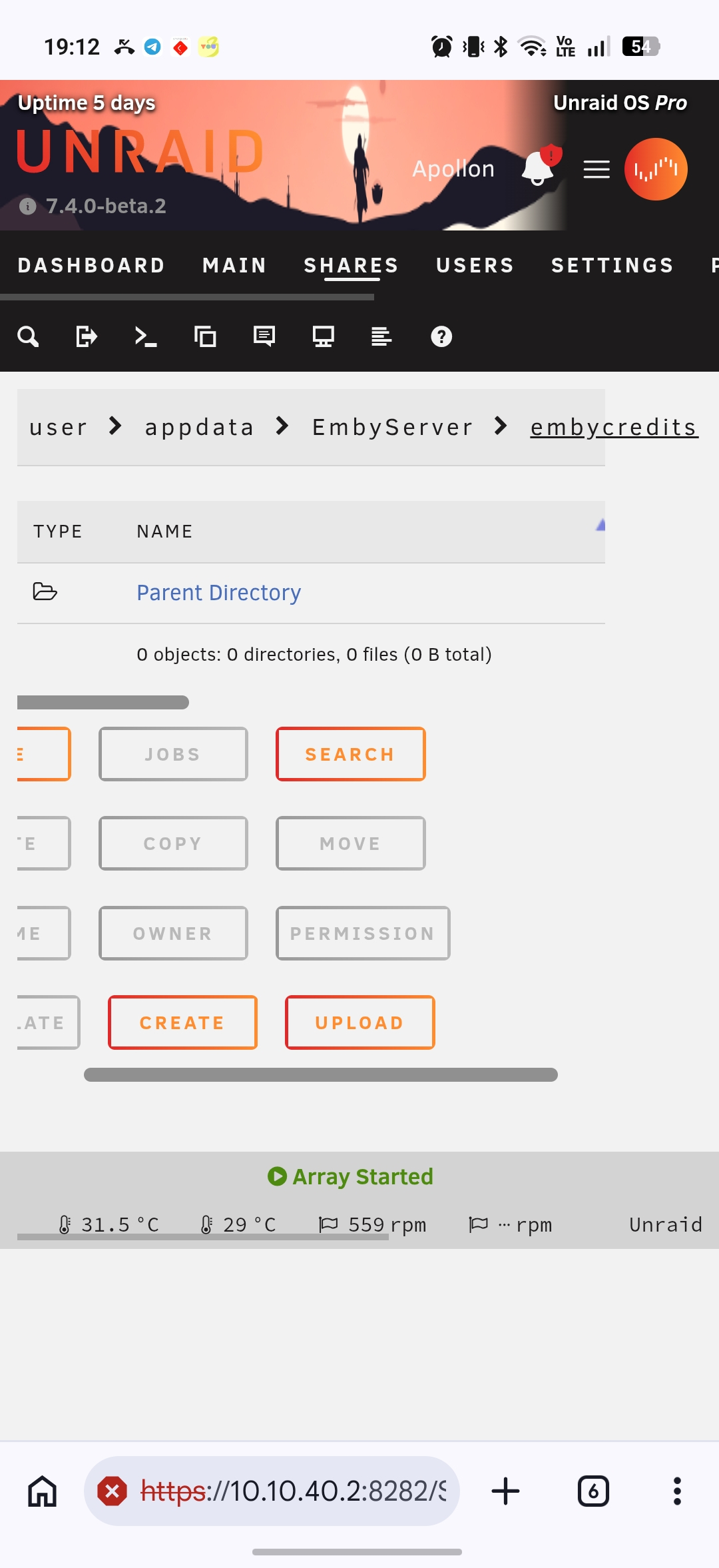
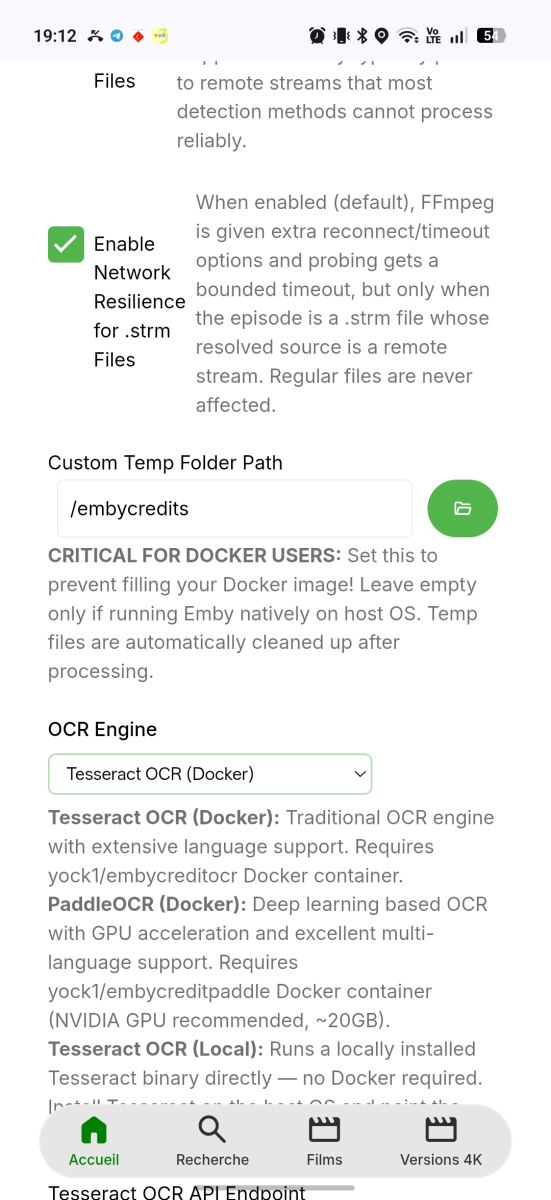
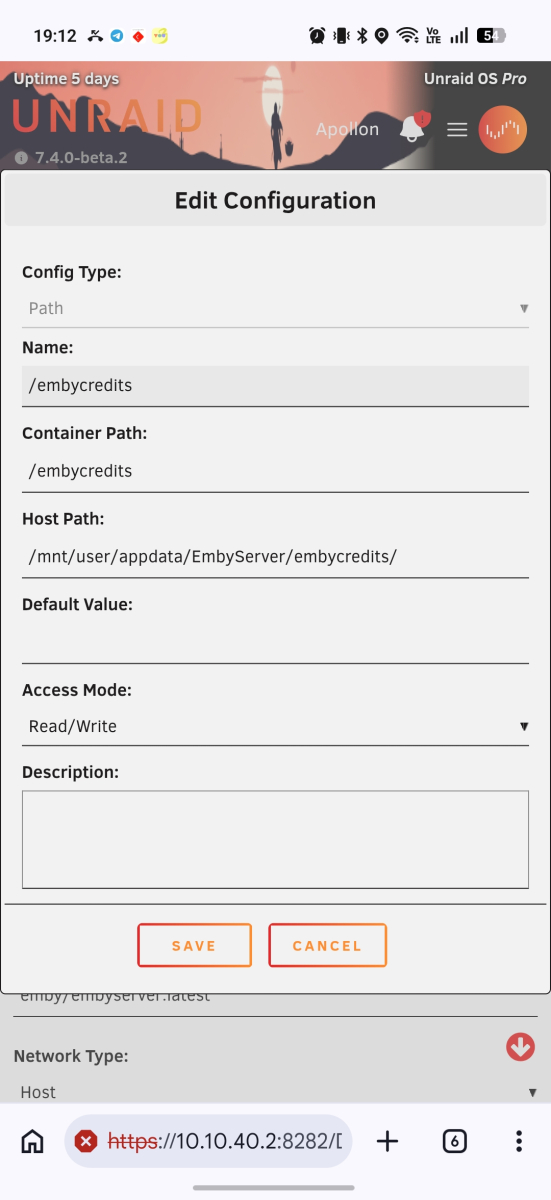
New problem ?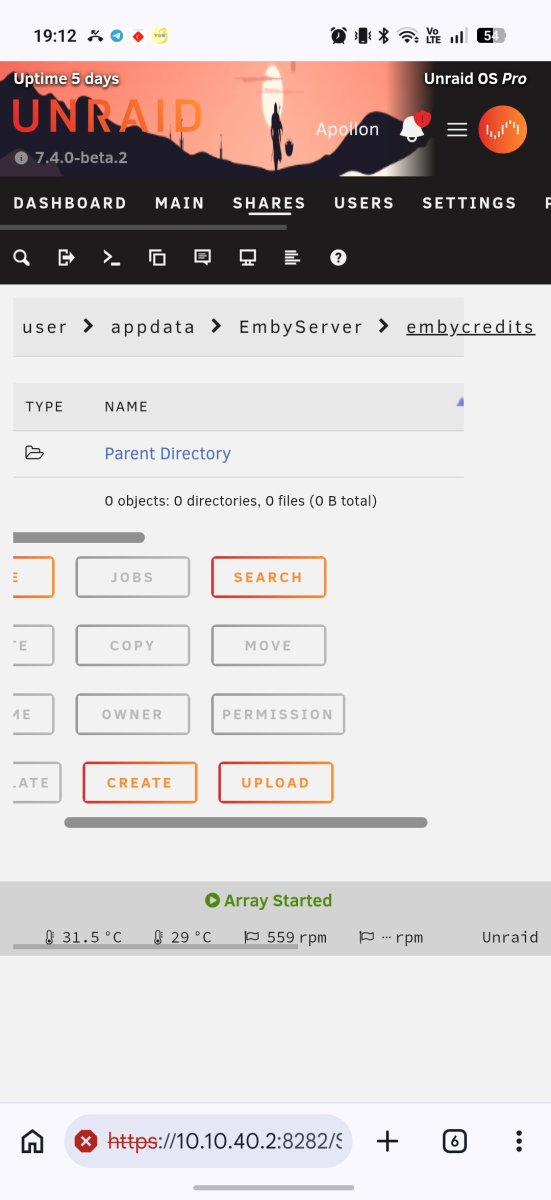
-

NVIDIA Shield screensaver appears while paused, then playback resumes behind it
Lessaj replied to Dr. Technolust's topic in Android
Yes I'm finding more frequently that the app is restarting when resuming from screensaver. Maybe not if you stop the screensaver fast, but don't have anything conclusive right now. -
iPod Touch 7?! Wow, what a gem.
-
NVIDIA Shield screensaver appears while paused, then playback resumes behind it
FrostByte replied to Dr. Technolust's topic in Android
I just tested .59 and it's still crashing using the same steps. -
I am running: DSM 7.4.1-90080 Emby Server 4.9.5.0 (I know there is a newer Emby Server, haven't installed it yet) No problems that I can see. Clients are Mac Studio M4, Mac Mini M1, Apple TV, iPod Touch 7 (yes, I still use it). Have not tried on any other clients.
-

TV Air Dates — corrects US and Canadian broadcast times to your timezone
sh0rty replied to Blueskies278's topic in Plugins
For everyone not from US/CA: This plugin is awesome and makes the TV Show Upcoming section usable for me for the first time since I began using Emby. -
I was wondering what it says direct instead of buffering? Is that normal? I would think even though the router and TV aren't even 20 feet from the PC Emby would still buffer x amount.
-

Plugin: EmbyCredits, detect end credits and add auto skip.
yocker replied to yocker's topic in Plugins
I don't really know tbh. It was another user on this forum that made what looked to be a fork of EmbyCredits but claimed some other things i didn't really get. I guess he deleted it all again. Disclaimer: People are allowed to do what ever they want with this plugin, it is released under the MIT license so only thing required is that the copyright is kept. -
Plugin: EmbyCredits, detect end credits and add auto skip.
yocker replied to yocker's topic in Plugins
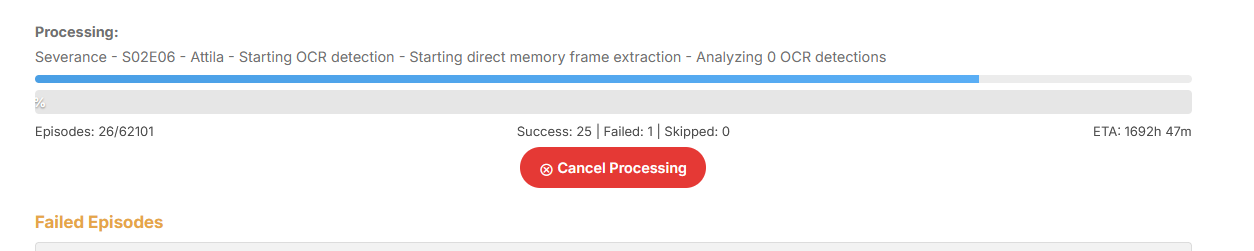
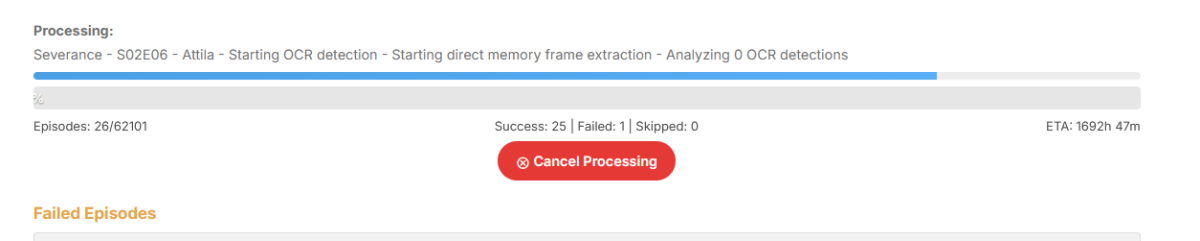
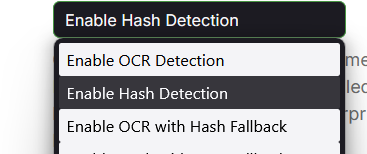
Yes, it can take a long time depending on what system it runs on. You can try and enable black frame fallback and use hash (Chromaprint) detection only. That should speed things up. I need to pull my self together and rename that option.
-

Plugin: EmbyCredits, detect end credits and add auto skip.
enterpr1se replied to yocker's topic in Plugins
Hi everyone, I just found an AI OCR engine that supports CPU-only execution and is compatible with EmbyCredits. Has anyone tried it before? Also, I noticed that pulling its Docker image returns a "404 Not Found" error. Has anyone else run into this issue?