All Activity
- Past hour
-
 tsuuki joined the community
 -
-
I am not sure what is going on I play a video it will stop at 8 seconds and then it will start playing again at 20 minutes into the episode and now it played to 8 seconds and it just stopped and not doing anything else
-
no issues with emby on the shield until recent app update. true 7.1 audio no longer works, tried several movies. the app is more sluggish going backward and forward within video. I did a quick look just in case others discussing; I saw nothing, but not much time to look. thank you.
-
 761223473 joined the community
 -
 JediJoe007 joined the community
 -
 KCGO joined the community
 -
 MKL_EMBY joined the community
 -

Emby server is deleting downloaded files immediately after transferring them.
mintman72 replied to mintman72's topic in General/Windows
Let me take a second to clarify this. My music files are located at E:\Music My temporary files are going to E:\Emby\Temp -
 Charly92p joined the community
 -
 Artzzer joined the community
 -

Emby server is deleting downloaded files immediately after transferring them.
inkypotomous replied to mintman72's topic in General/Windows
.. -
 Norinha joined the community
 -
 Yeiser joined the community
 -
 summ joined the community
 -
My problem is that the second line is a copy of the first one. for exemple, no problem for this one because I don't have the line "supprimer le xxx"

-
@Chilloutare you on 4.10.0.21? I'm also still running into server locking searches (both single and multi word) for a handful of my tests, although it seems less often than before. Certain searches that block the server will eventually bring back results if I wait long enough or try enough times. Once results return for a problematic search phrase, subsequent searches for the same phrase seen to return more reliably (cached?). I think we have 2 different issues people are reporting here: 1) Search queries aren't efficient / take too long 2) Querying the database causes all sessions to lock up
- Today
-

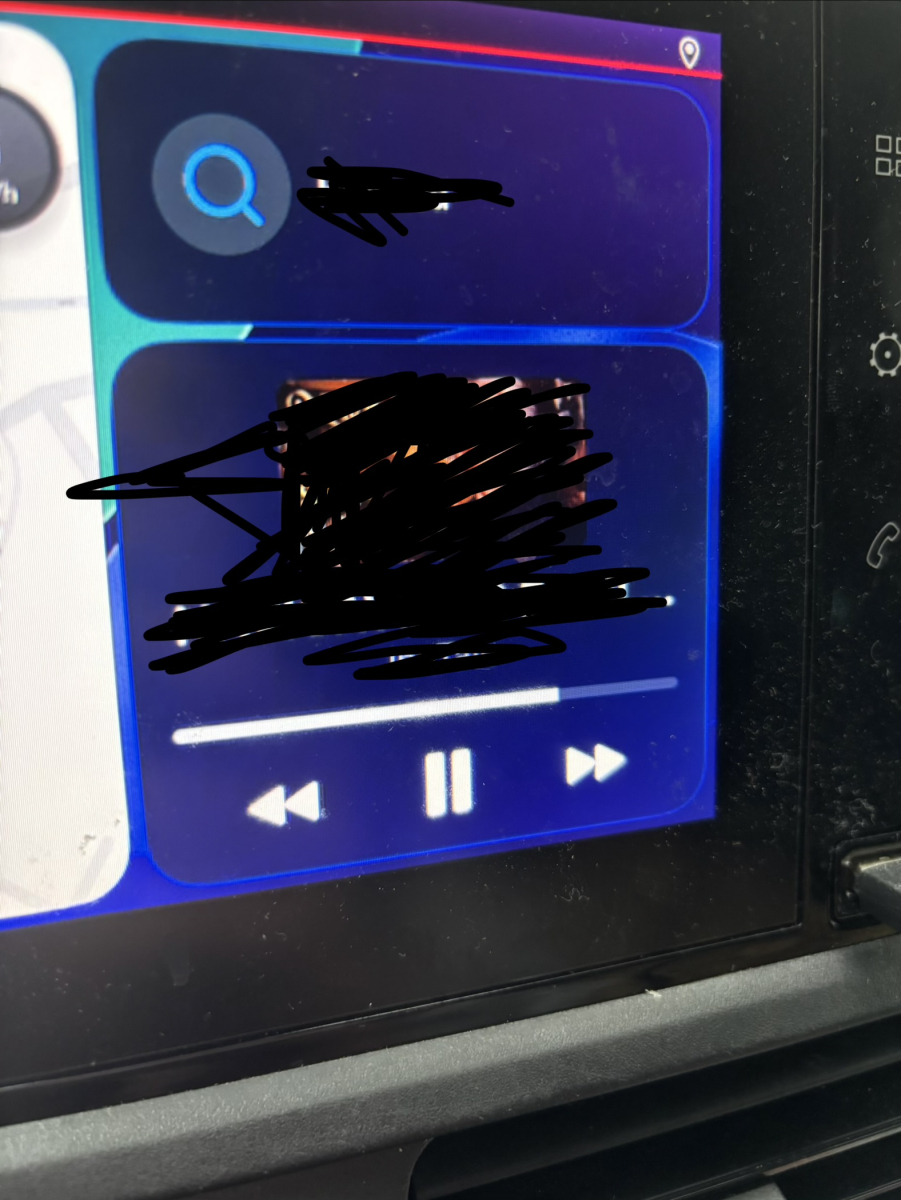
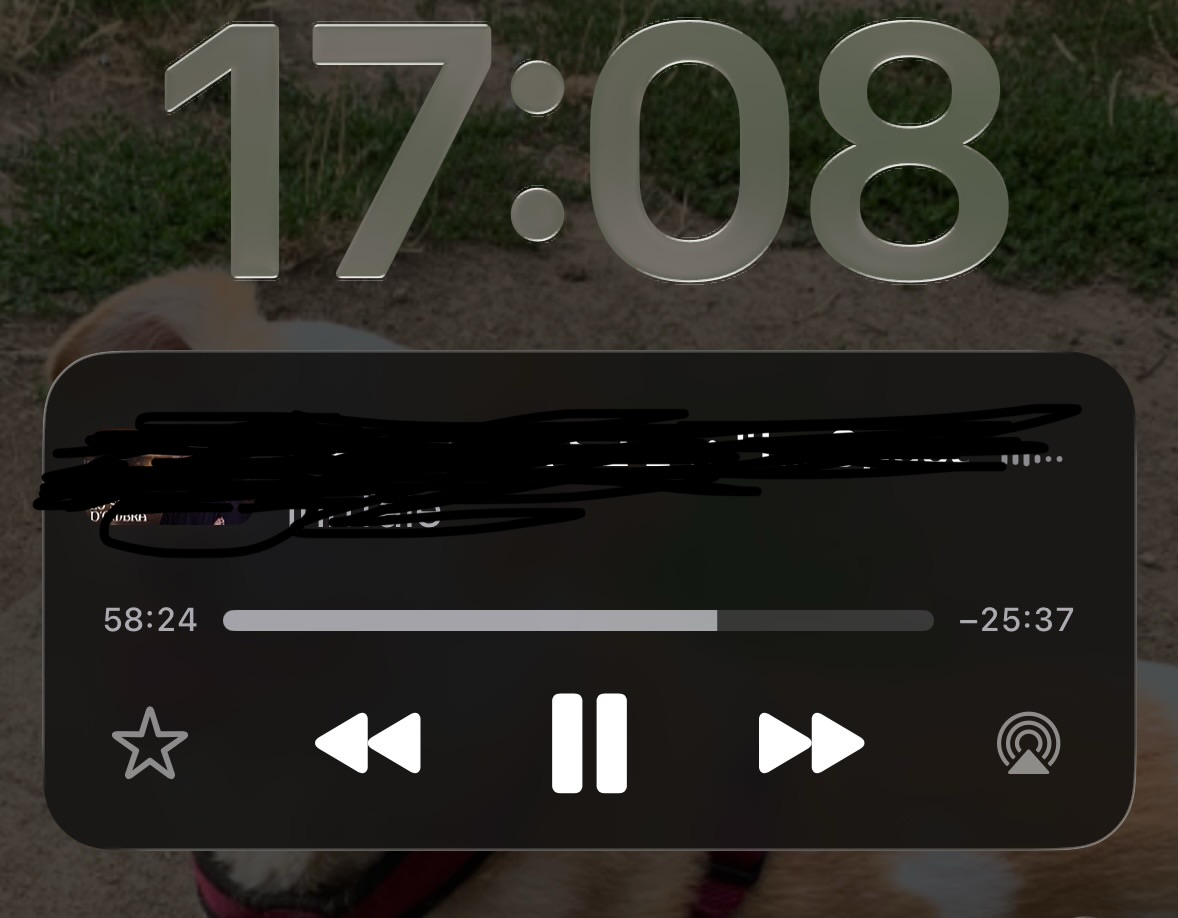
Can’t see skip/back 10 sec. with carplay and on the start screen
Valako posted a topic in Apple iOS / macOS
Hi, I’m using Emby for a while now, but only twice I saw skip/back 10 sec. with carplay and on the start screen. Usually I can only see next/previous. I tried looking all the settings, but I don’t find any way to male it default. Can anyone help me with that? (As my english is not great, I attach photo so that you can understand what I mean)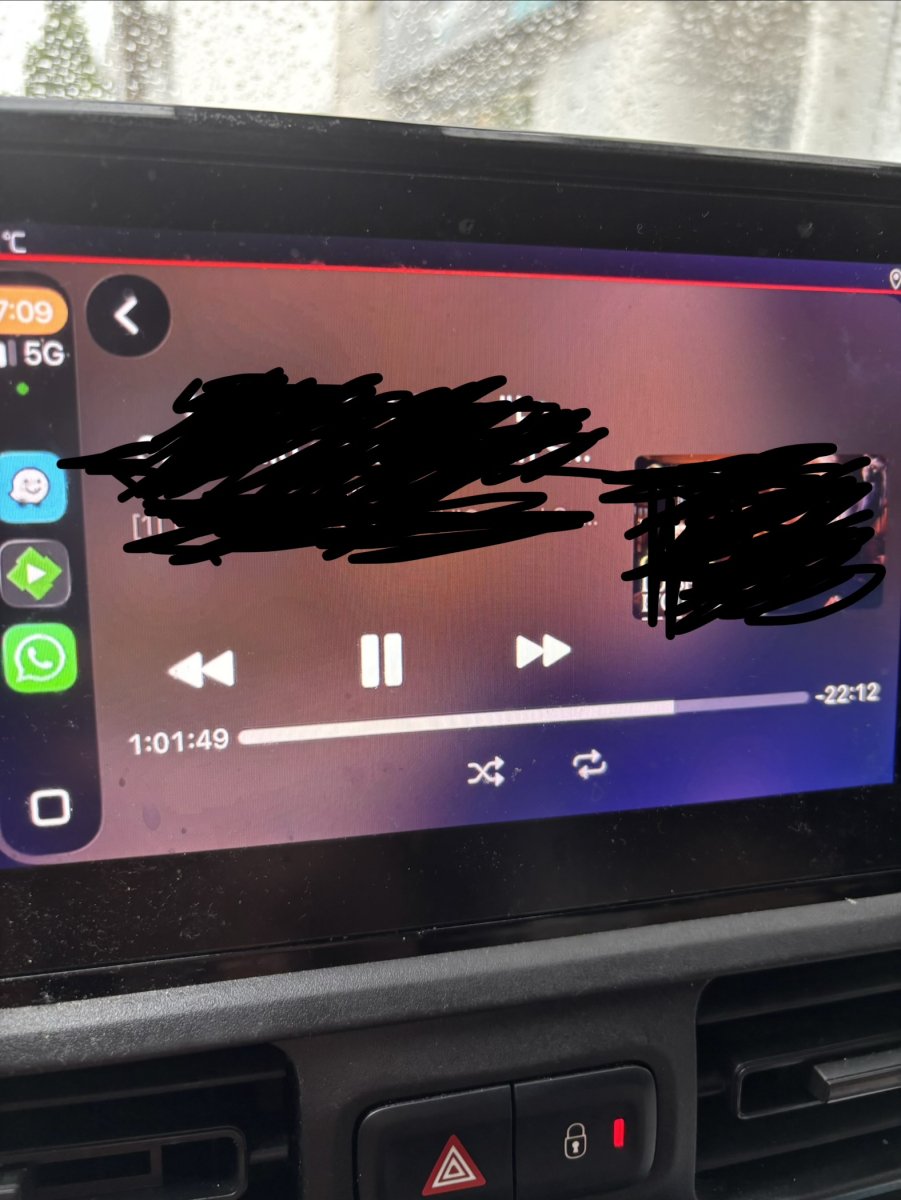
-
In Menue under the point " Alignment & Layout" - you can switch every position and size. Hope is, what you mean and need.
-
Yes, and now I was too lazy to take a closer look myself - sorry about that. But my nickname - TecEmbryo - is justified! Thanks for the effort and support - I'll just give it a try now!
-
With .21 beta still experiencing long searches that make the server unresponsive. searching: star wars - results are immediate searching for: war -spinning circle for minutes causing server to lag I dont mind searches that take long, I don't like how one user can cause problems for everyone else.
-
Hi, first of all - thank you for building such a great plugin. Genial I'm having a little problem with another overlay that displays the deletion date. Here's what I have: Is it possible to do something ? Thanks a lot

-
gotcha. so for now for the shows that give me this error ill watch them on my old firestick, and everything else on my roku.. off topic question. I run my server off a Mac and have just a plain old tv. what's the best "streaming item" to use emby on. I was usually using a fire stick but then I kept having issues with everything freezing constantly until it buffered and caught up. then I would have to drop the quality and it became a pain. so I switched to the roku. is there a preferred way to get emby to smart tv. my current main tv is Vizio.
-

EnableInUserMenu = true, plugin unresponsive for non admins
softworkz replied to ginjaninja's topic in Developer API
Probably we need to use Emby SDK Reference: ISessionManager.SendMessageToUserSessions instead when it's a user-scoped UI page? -
This is for me and @ebrto fix (and perhaps @Luketoo). I've only asked that question of you to make sure you aren't creating the issue yourself like I did. I had to disable audio transcoding to get the same failure you had. Since you did not have to do this it is something on our end we must fix. You do not need to change anything. We need to investigate why and how this happens and fix it. Thank you for reporting the bug. We will try to get to the bottom of this. When we do we will follow up in this thread to keep you in the loop too. But for the moment it appears a breaking change somewhere has caused this and we need to identify where.
-
negative. I'm mildly good at computer things and tend to only change things when told. most stuff is defaults. is there something I should check on my computer end to see? also of note I only have one user and just log in that way onto my devices. never dove into setting up different users for fear of something getting messed up. im of the age old if it aint broke don't fix it type.
-
It is more for @ebrand I to see if perhaps the server is adjusting our things after the fact. I think we are sending them correctly and the server is change them or something. The order of the AudioCodecs matters. The very first codec listed is what the transcoding will be used. In this case it has AC3 there which is most defintely wrong. Have you disabled any transcoding for that user. Specifically have you disabled audio transcoding for that user?
-

Shuffling music is always constrained by the active sort
Luke replied to brothom's topic in General/Windows
Hi, there is no limit. This is just an issue that we are looking at. Thanks. -
I'm mildly following what this means.
-
AudioCodec=ac3,aac,mp2,mp3,eac3,flac,vorbis,lpcm TranscodeReasons=VideoCodecNotSupported,DirectPlayError&allowVideoStreamCopy=false&allowAudioStreamCopy=false For some reason AC3 is in the front before AAC. In checking the capabilities code in the Roku app we always placed the AAC codec first in the transcoding profile. So that the server understands to convert to that when it must transcoding audio. But look at this here the server is showing us. AC3 is placed first. I do not think you can convert EAC3 to AC3 or rather it isn't converted but stripped of the extra channels. Because it is trying to pass the stream in untouched from the audio. My guess is your Roku only supports Stereo due to how you have set up the audio settings on the Roku. I've confirmed this happens and got the same error on my Roku. I disabled audio transcoding for that user. Now when I only support stereo via Roku audio settings and attempt to play that item with EAC3 back I get the "No compatible streams" error with a red box. @ebrDo you see anything where AC3 would be placed at the front of the transcoding profile? Maybe my eyes missed something. This is defintely the issue is the audio transcoding EAC3 to AC3 instead of AAC. Its weird because if you notice in the Roku code AC3 and EAC3 are always be placed together. One after the other and always after AAC. But here in the AudioCodec line from the server its changed position. How is the happening?
-
Hi We have made a change in Emby Server 4.10.0.21 beta to send the WOL magic packet to udp port 9 of the broadcast address for the network - so for 192.168.1.xxx subnet the magic packet containing the target mac address is sent to 192.168.1.255 I have not been able to confirm it is working - for some reason my Dell laptops are refusing to come off sleep after I force sleep through the power button options of shutdown / sleep / restart. I have tried also with windows wake on lan app and ios wolow app - my laptops refuse to wake up with the magic packet ! Could you confirm if Emby Server beta 4.10.0.21 fixes the issue you reported ? You would need first to use the emby client app with 4.10.0.21 so that it gets the WOL details from the server running 4.10.0.21 and then test out the wake on lan from within the Select Server ... menu Thanks
-
@LawragetvOS playback pipeline has a HUGE update coming today.
-
Yeah, once I confirmed it fixed the issue I just disabled “save JSON with metadata” and ran another restore, and everything seems to be working now. Re-enabled it afterwards, so it should overwrite the bad JSON files with the correct data on the next backup.
-
got it. here you go. there's a few shows its doing this to. but I figured if a solution can be found for one it should work for all correct? embyserver.txt ffmpeg-transcode-1c3f7918-338a-4251-aa05-2ddb78e13c44_1.txt ffmpeg-transcode-72bbe66a-d0b7-4650-99ff-1d60a727fc83_1.txt ffmpeg-transcode-613e42d9-1b7a-4817-870e-7a9722e050ba_1.txt ffmpeg-transcode-8771eea2-5db2-4378-9f91-4b6c2b56488d_1.txt ffmpeg-transcode-c1aa1bb9-dffe-4708-9c2b-c23bf00b8909_1.txt
-
It's almost August. Back in March, the expectation was that this would be nearly finished, right @Luke Since I’ve been waiting a long time with no visible progress, I’m going to explore the Docker route I guess.