All Activity
- Past hour
-
 Diluk joined the community
 -
 ajadon joined the community
 -
 LittleHutao joined the community
 -
Hello again to all, I would appreciate your opinion on something, as I'm not sure what's causing this issue. I'm downloading the movie again in a different quality so I can do some more testing. The movie is Ballerina (2025), and I have the 72 GB Remux version. The subtitles work perfectly in players such as VLC and BSPlayer. I've also tried changing the subtitle encoding, but the issue remains the same. Emby detects and lists the subtitle tracks, and I can select them normally, but they are not displayed during playback. I'm only experiencing this issue with this specific movie. I don't have this problem with any other movies or MKV files. The issue only occurs when playing the movie through Xiaomi TV Box. When I play the exact same movie through Emby on my computer, the subtitles work perfectly. Thank you
-
 Eusubel joined the community
 -
 xjund93 joined the community
 -
HI, what version number do you have access to?
-
HI, is this your Emby Server, or someone else's server?
-
 Aaaaaaazzzzzzzzzzqqqqq joined the community
 -
 dkdeeds joined the community
 -
 pacoeldel joined the community
 -
 Cesar suarez joined the community
 -
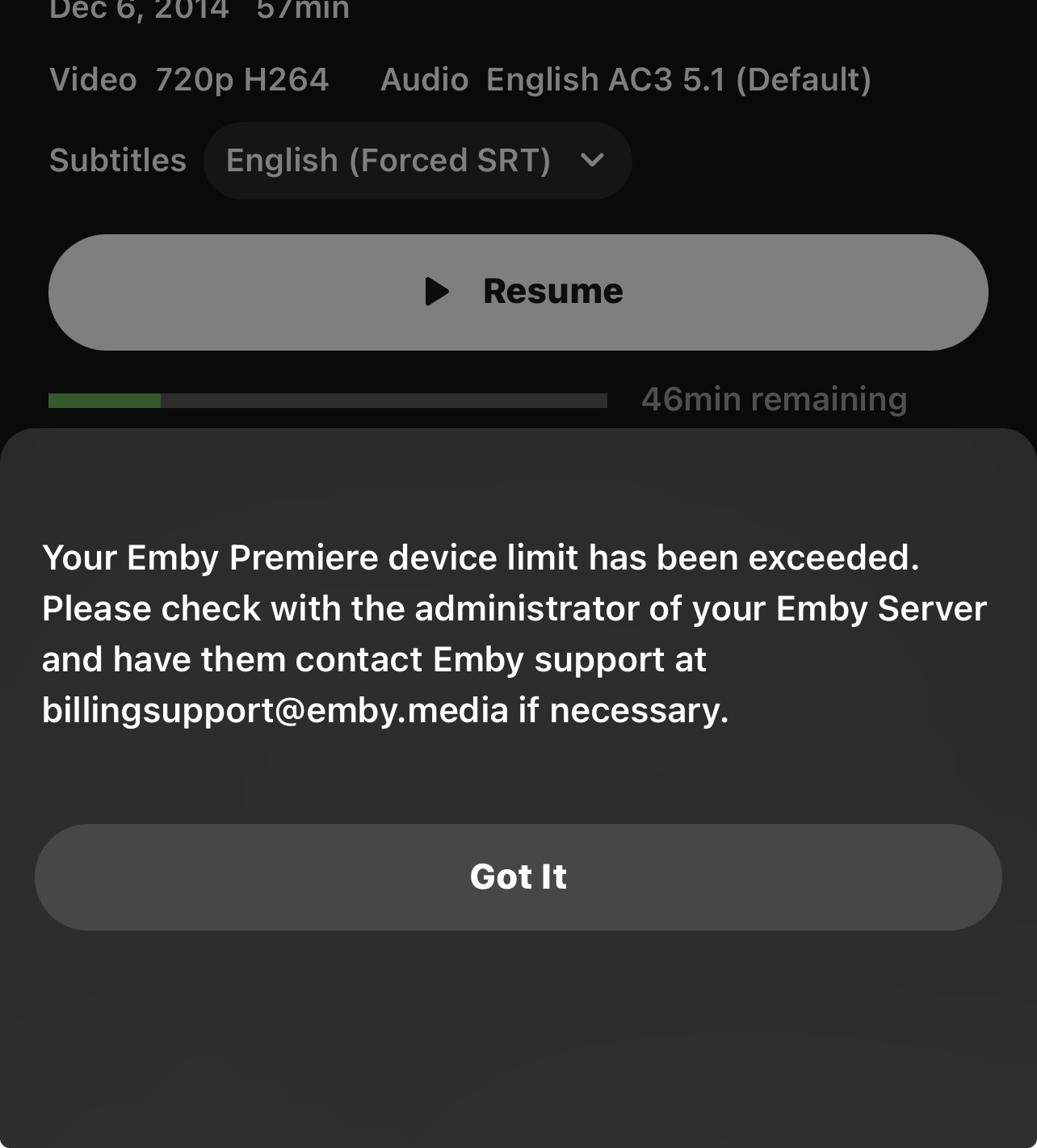
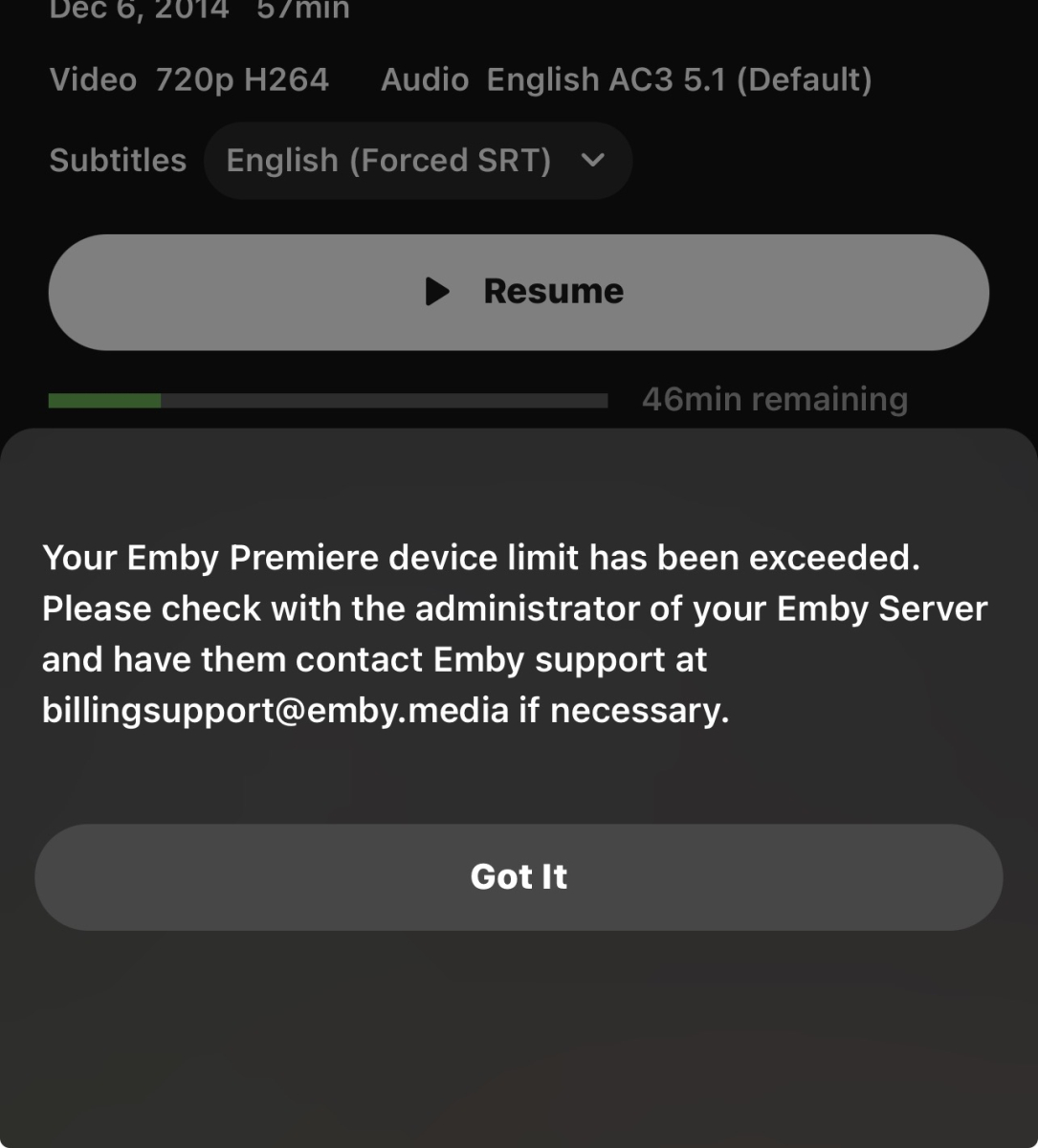
Movies and tv shows are not playing on my tv it keeps saying primary device limit has been exceeded. I emailed billing support they said to email my server. It works on my phone but not on my tv. Why? I even paid for emby premium.
-
Last night was the worst night in a while. While streaming three files playback stopped three or four times. In each case I immediately rewound to resume playback. Files played were: 1.3Gb 1080p. 40 min total duration 811Mb 480p. 25 min 560Mb. 480p. 19 min embyserver-6 Aug 2026.txt
- Today
-

Emby App Crash on Launch After iOS 12.5.7/Emby 2.2.19 Update
Luke replied to Just4Jo's topic in Apple iOS / macOS
@AndreaPrati? -
HI, please try the update to Emby for iOS that went out today and let us know how that compares. Thanks.
-

TOS 7 Stable and Latest Emby Issue Upgrading
Racerprose replied to Racerprose's topic in TerraMaster NAS
Terramaster has released the latest Emby on their app store. Who wants to be the first to test? lol -
[Annoying Bug] A series of issues on Android TV about the screen being forced refresh after stop playback
Luke replied to chuwz's topic in Android
Hi, we’ll take a look at it. Thanks. -

Unable to play MP3 files / constant crashes during audio playback
Reggie12 replied to hallansen's topic in Android Server
If it helps I used to be able to stream with no issues locally and remotely. Not sure when the issue arised. So, just back track through the last few changes to isolate the issue. I know that's easier said than done but just my little input into this issue. I know you probably know what the issue is, but as we all know that's only half the battle. Keep up the good work!! Other than this, excellent product all around. I've been a lifetime member since 2014. -
OK we may actually have to remove the third bullet point because most browsers are not allowing plain http anymore. So of the other three, which will you proceed with?
-
Like I said in my previous response...I've clicked all those links. I either get the same/similar window open which just gives the same message when I try to connect, or the page doesn't load at all.
-
Unable to play MP3 files / constant crashes during audio playback
Luke replied to hallansen's topic in Android Server
Hi, we are looking into it. Thanks. -
Yes it looks to me like data just not going there quickly enough. What happens if you play lower bitrate content?
-
That dialog with the four bullet points gives you four options to resolve your issue. Which of those will you proceed with?
-
Aside from the back button thing, couldn’t you just bookmark the web app and pin that to your TV Home Screen?
-
The testing area of the forum at the bottom.
-
Add optional English translation v0.12.0 ** Github: emby-insights GitHub ** With Emby Insights, the users of your Emby server get their own personal dashboard: playback statistics, recently watched content, recommendations, upcoming movies and shows, and — if available — media requests via Seerr. ! The first user who logs into the dashboard with their Emby credentials is automatically set up as admin and can configure the remaining settings. What users get: - Login with their normal Emby credentials - Their own personal playback statistics - Everyone sees only their own data and recommendations - Can message the server admin directly from the dashboard - Can keep track of upcoming movies and shows - Can optionally submit media requests via Seerr The project was built with AI assistance and is still young — feedback, ideas, and bug reports are very welcome.
-
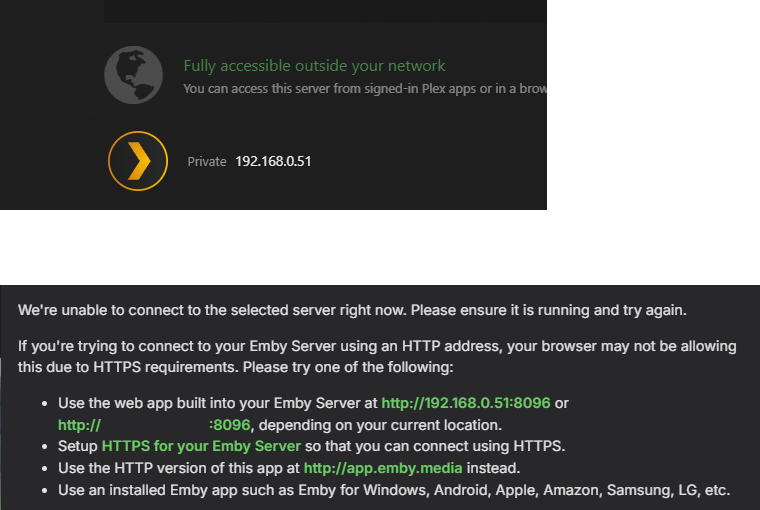
I know it's running because I can still access it via MyCloud and Plex using the same IP address info. These images are taken from trying to access the server via Plex (top) and Emby (bottom) at the same time. I've tried clicking all the green links on the Emby message, but none of these allow the connection
-
-
How do you know that it’s running. Just because you don’t use a dynamic IP doesn’t mean your router isn’t changing your LAN IP address. What is the LAN IP address of the nas?
-

When will your client be compatible with HarmonyOS NEXT system
Davey's replied to chensen2591's topic in Feature Requests
+1 for support -
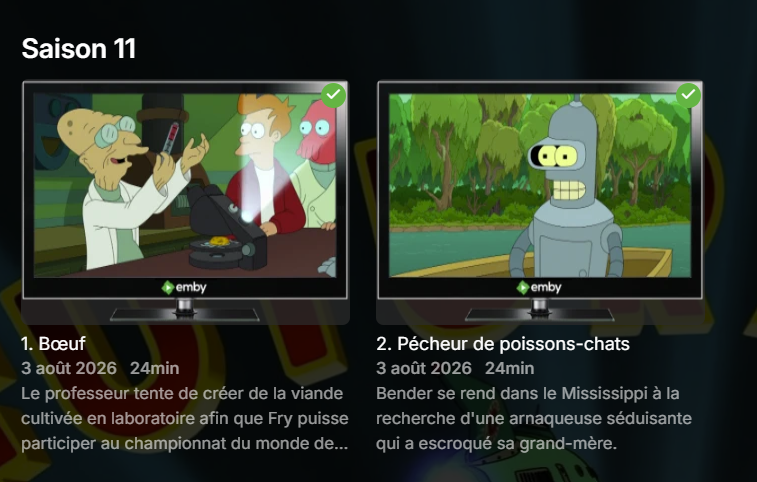
I noticed this horrible view is on all apps now will they also get option that you could choose the option to change view I also hope there will be option to get thumbs of series movie not like they do now have thumbs of adverts
-
Après un énième rafraichissement, c'est tout bon.
-
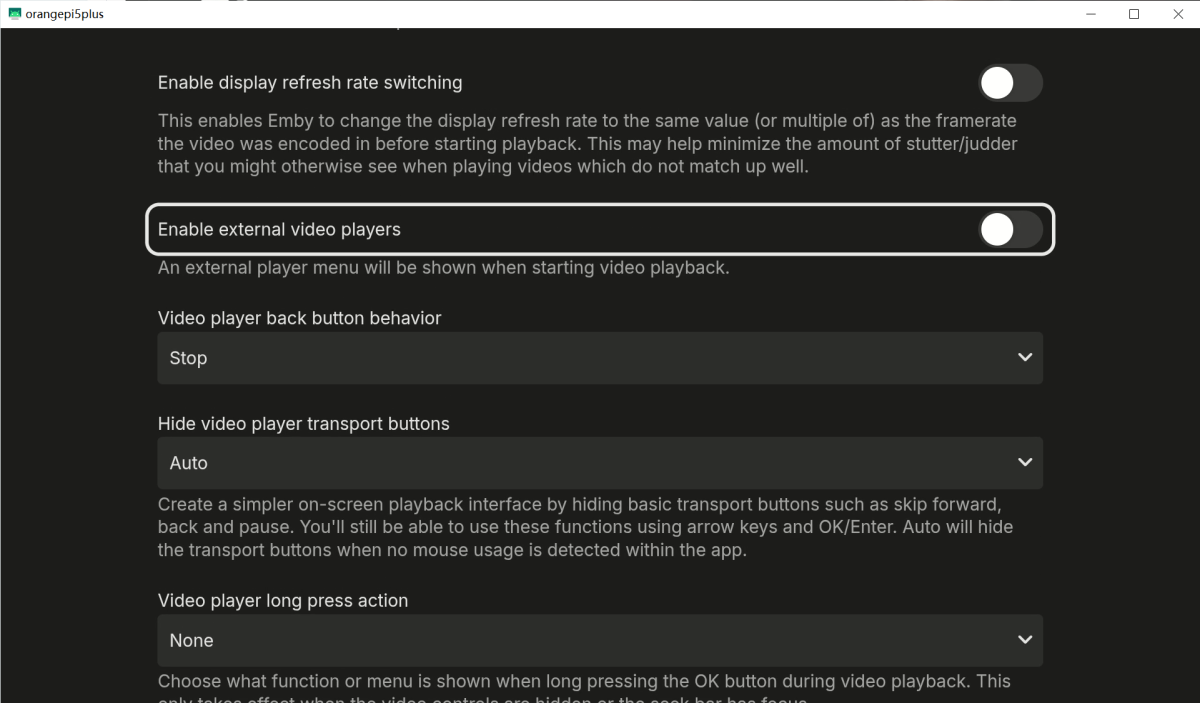
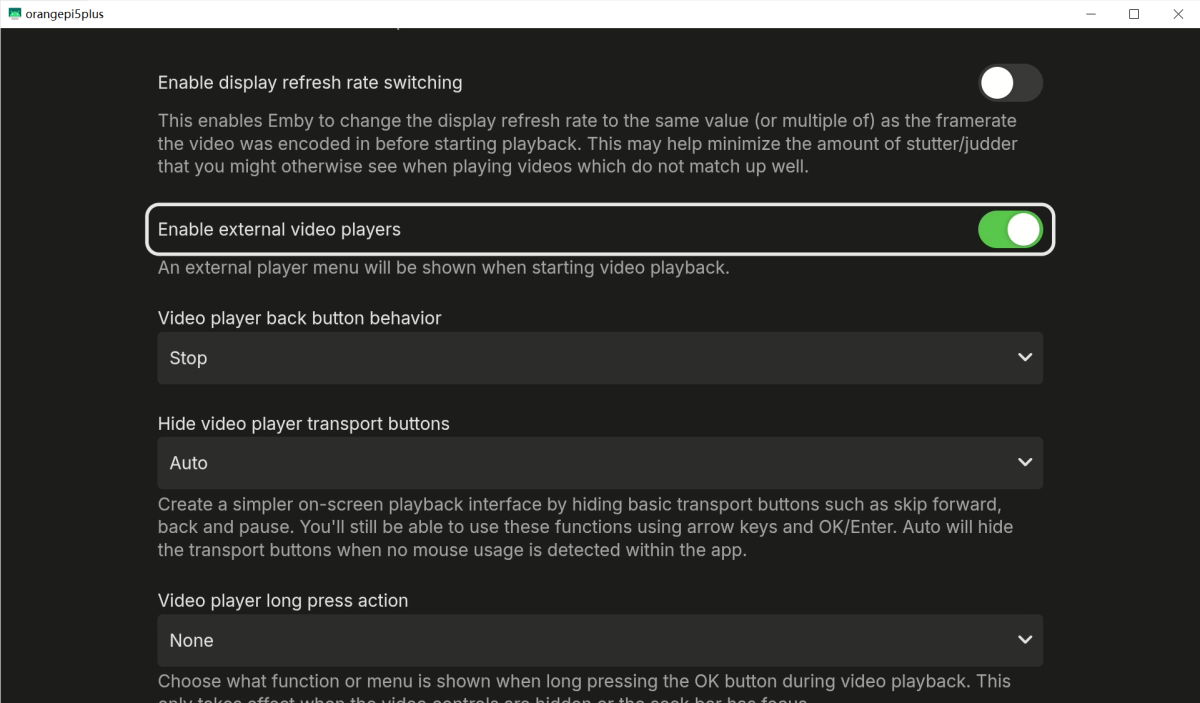
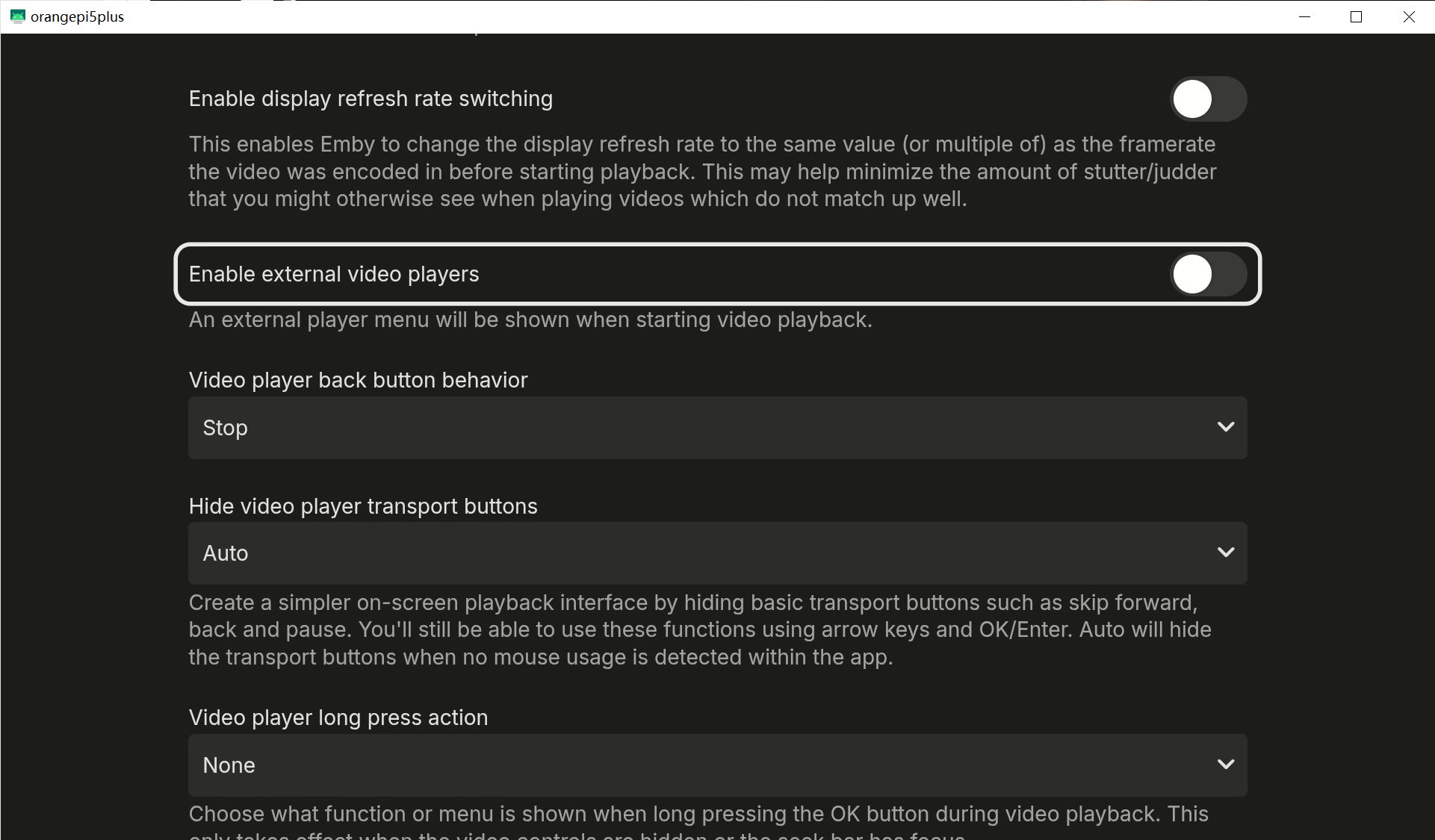
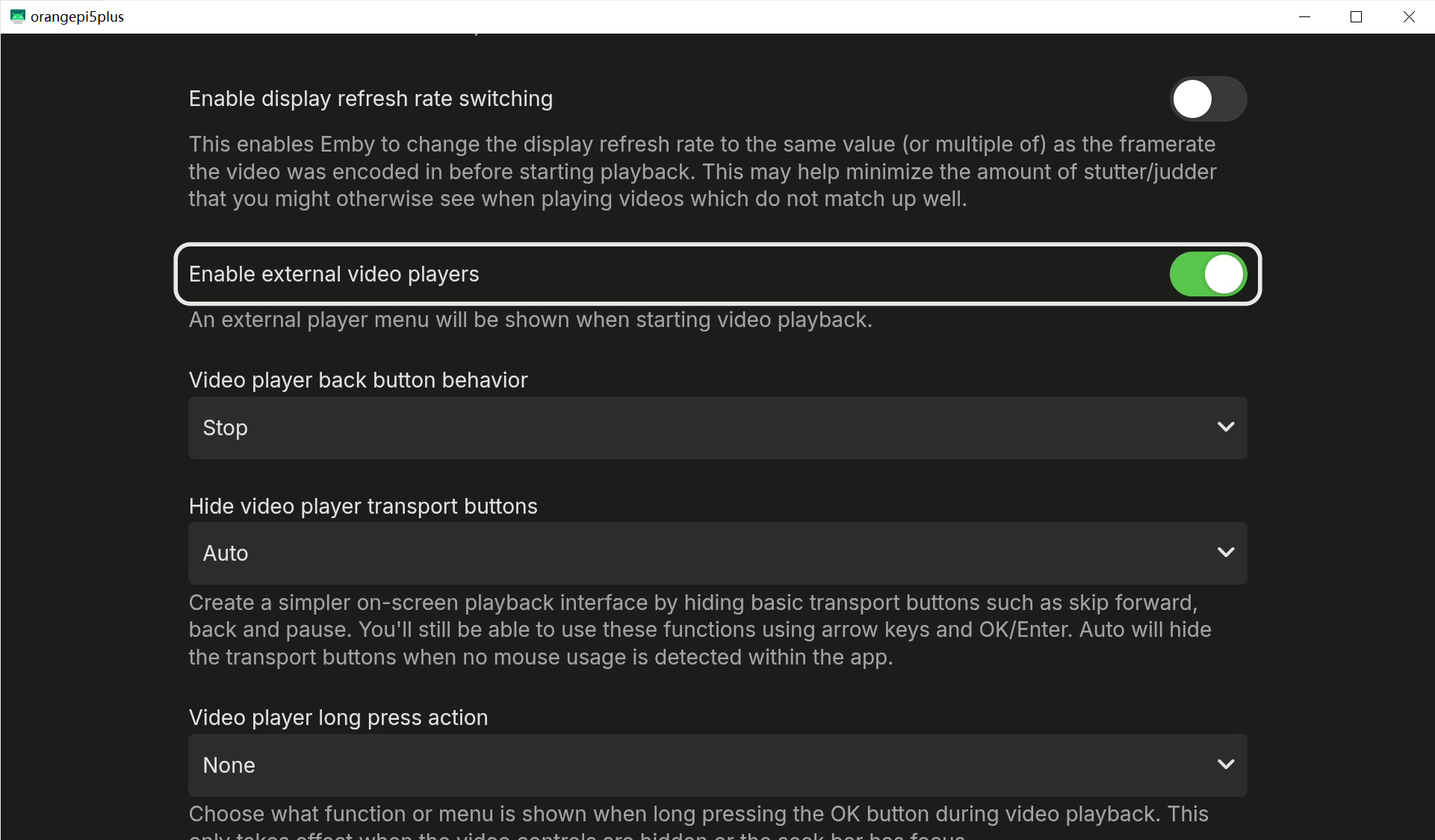
 Hello, I’m using the Emby Universal App on Android TV, and both versions 3.5.36 and 3.5.42 have this bug. One of my devices is a Shield TV 2017 (though this bug occurs on all of my devices) The problem only occurs with TV shows; movies just fine. And the issue only occurs after “play and stop a TV Show” This bug manifests in two different ways depending on the situation. A. When using Emby’s built-in player, “Enable external video players“ is not enabled. as shown in the video: 1. Play a TV show 2. Exit the TV show 3. At this point, the bug occurs: the screen refreshes briefly. Screenbits 2026-08-07_150257.mp4 After this, additional navigation issues occur, as shown in the video: 1. Press “Down” on the remote to navigate to the actor’s photo. 2. Tap to open the actor’s photo details. 3. Go back. 4. You’ll notice the page has refreshed again, and the remote’s focus is no longer on that actor’s photo. Screenbits 2026-08-07_150333.mp4 B. When using a third-party player (such as MX Player), “Enable external video players“ is enabled. as shown in the video: 1. Play a TV show 2. Exit the TV show 3. The screen does not refresh automatically (but don’t get too excited just yet—the problem is still to come) Screenbits 2026-08-07_150824.mp4 At this point, That's when a bug pops up.: 1. Press “Down” on the remote to navigate to the cast’s image 2. Tap to open the cast’s image details 3. Go back 4. You’ll notice the page refreshes automatically, and the remote’s focus is no longer on the cast’s image Screenbits 2026-08-07_150942.mp4 It’s clear that under normal circumstances, after opening the actor’s image details and then going back, the remote cursor should remain on the actor’s image, as shown in the video: Screenbits 2026-08-07_151048.mp4 Finally, by way of comparison, Movie is working fine, just as I said at the beginning: “The problem only occurs with TV shows; movies just fine.” Screenbits 2026-08-07_162234.mp4 This issue can be reliably reproduced on any device, so I don’t think it’s necessary to provide logs. This issue is easily reproducible on Android TV devices. Hopefully you can reproduce it and investigate the cause. Thank you!. Please fix this strange issue as soon as possible. Thank you very much!