All Activity
- Past hour
-
 liufuchao joined the community
 -
 Edinglaimarys joined the community
 -
 rakib-live.tv joined the community
 -
 Gregrobbo joined the community
 -
 xox581818 joined the community
 -
 Racsor joined the community
 -
 hsusof joined the community
 -
 花花三叔 joined the community
 -
 alesto joined the community
 -
 Mmann35 joined the community
 - Today
-
Hi there, can you please use screenshots to demonstrate what you are asking? It's a little hard to visualize. Thanks.
-
HI, what version of firefox? I can't reproduce in 153.
-

Do not record shows with no season/episode listing
Luke replied to atreyu4055's topic in Feature Requests
Hi, yes it makes sense and could be helpful. Thanks. -
OK please try Emby for iOS 2.2.54. Thanks.
-
Hi, what options would you like?
-
Can I install two versions of emby side by side on Sony Android TV?
Luke replied to ivnivnivnivnivn's topic in Android TV / Fire TV
Hi, you can disable picture in picture in the device settings. -
Hi, yes the text is just meant to show what you have selected.
-
Hi, please check out our quick start guide: Quick Start
-
You mean the legacy app, you just download, unzip and run: https://github.com/MediaBrowser/emby-theater-windows/releases/tag/3.0.20
-
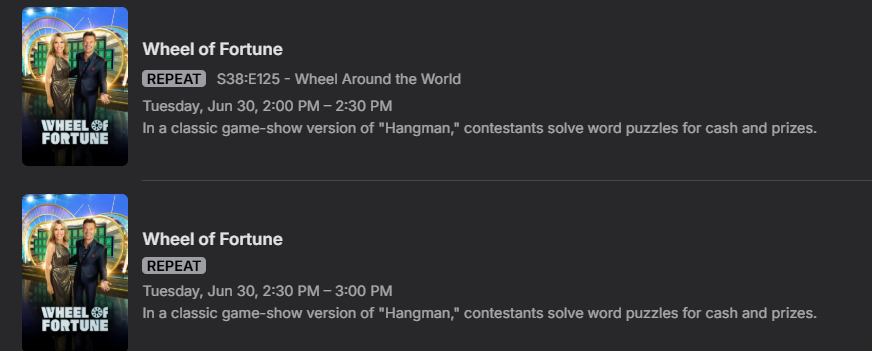
I would like to see a simple option where shows with no season/episode guide-data will NOT be recorded. Example:
-
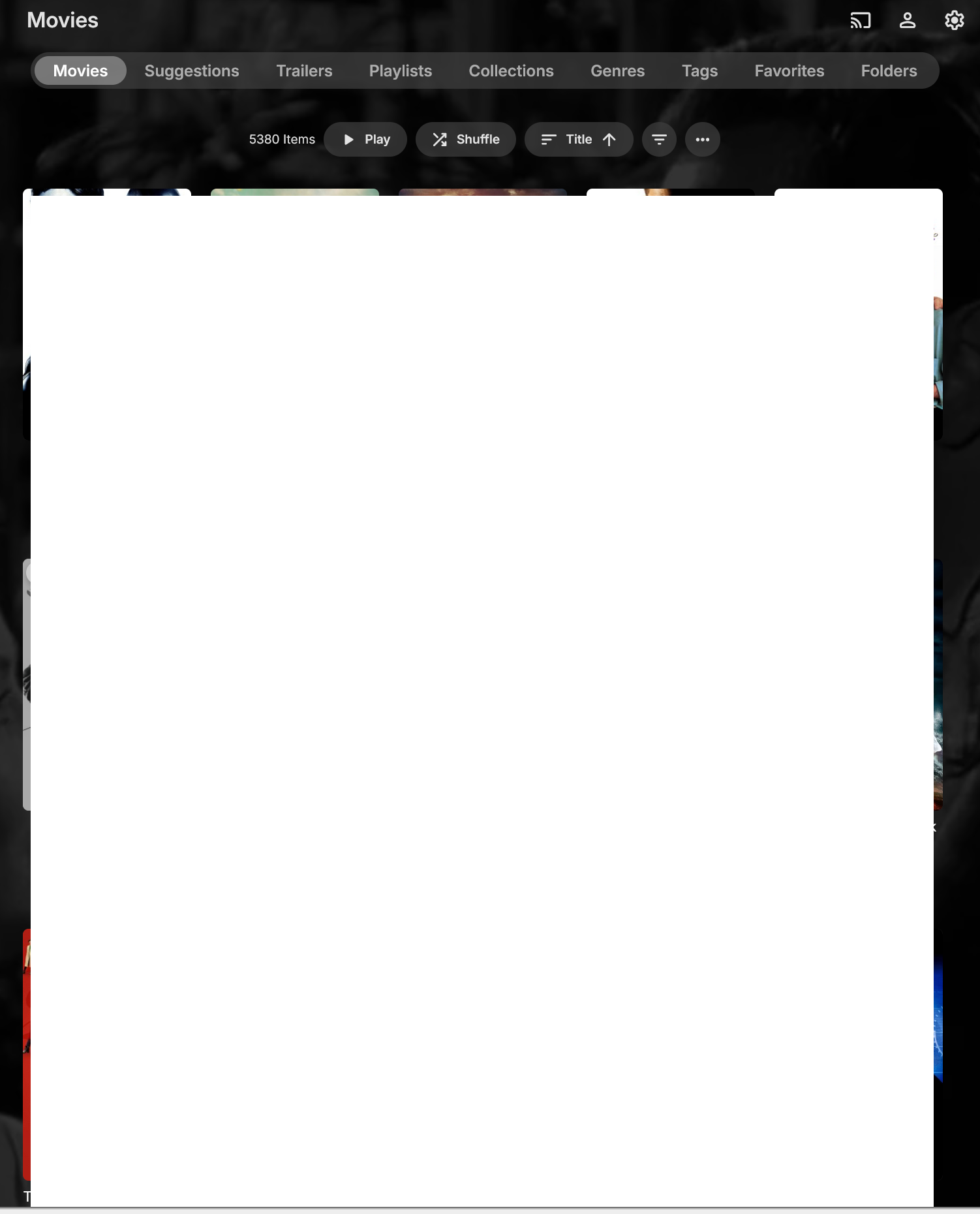
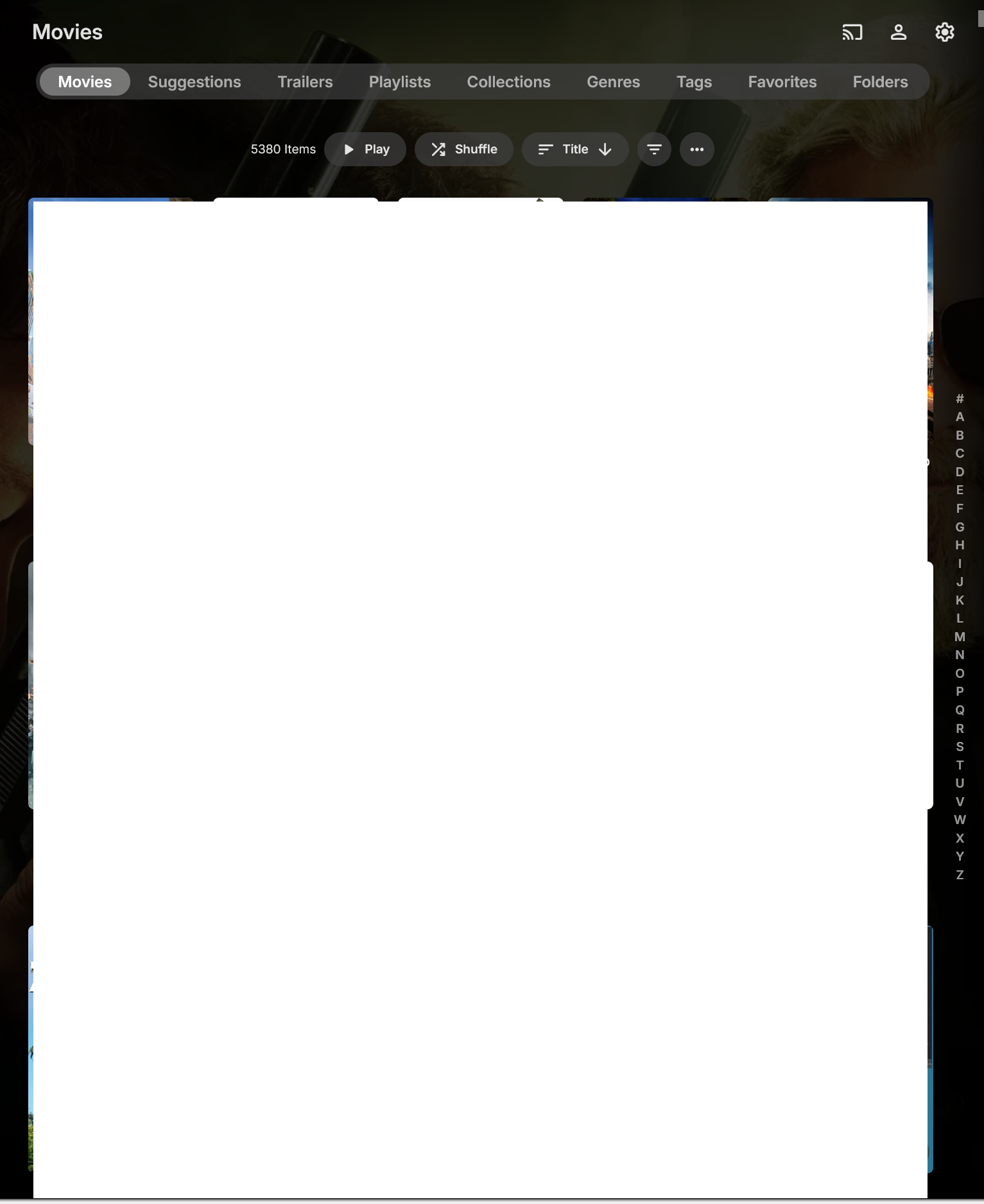
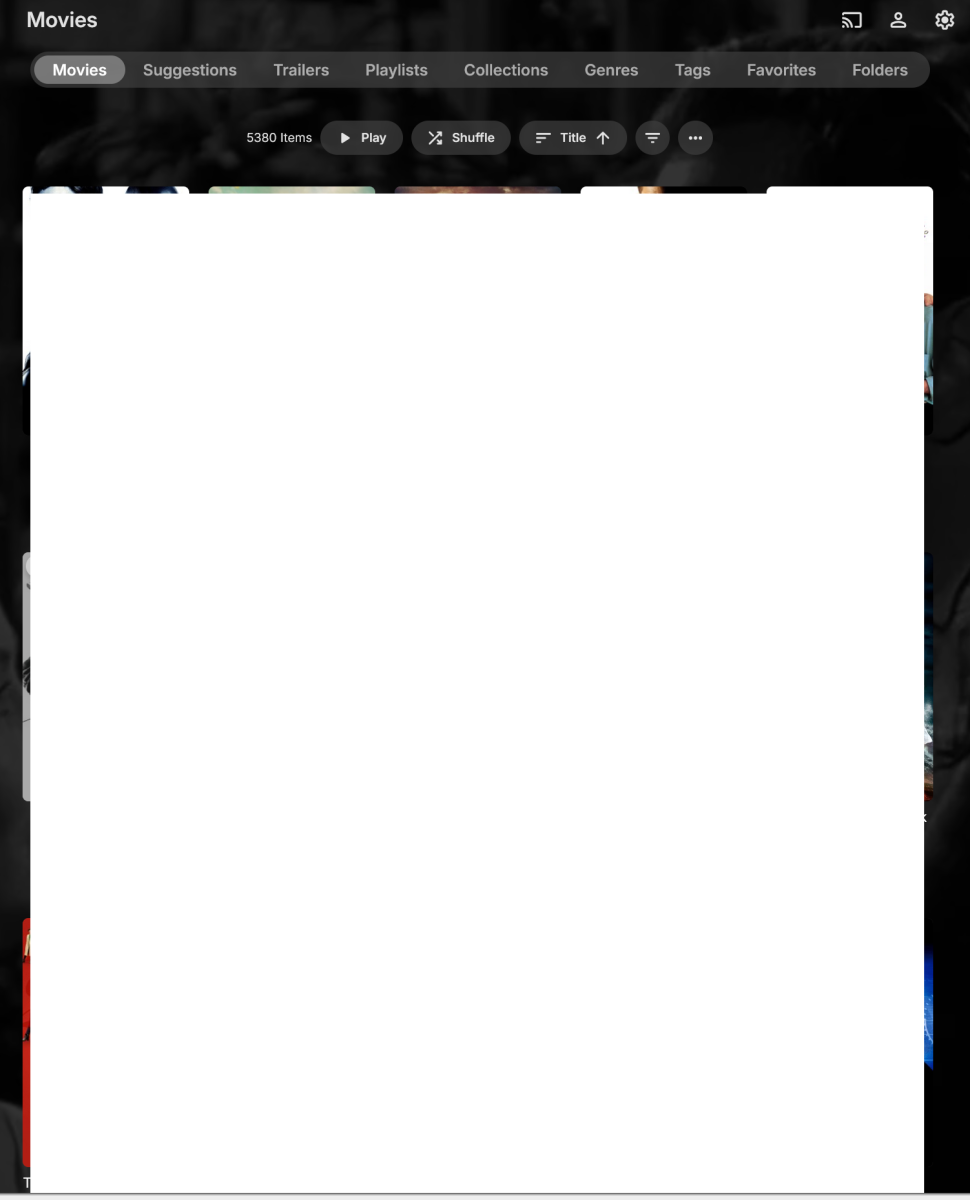
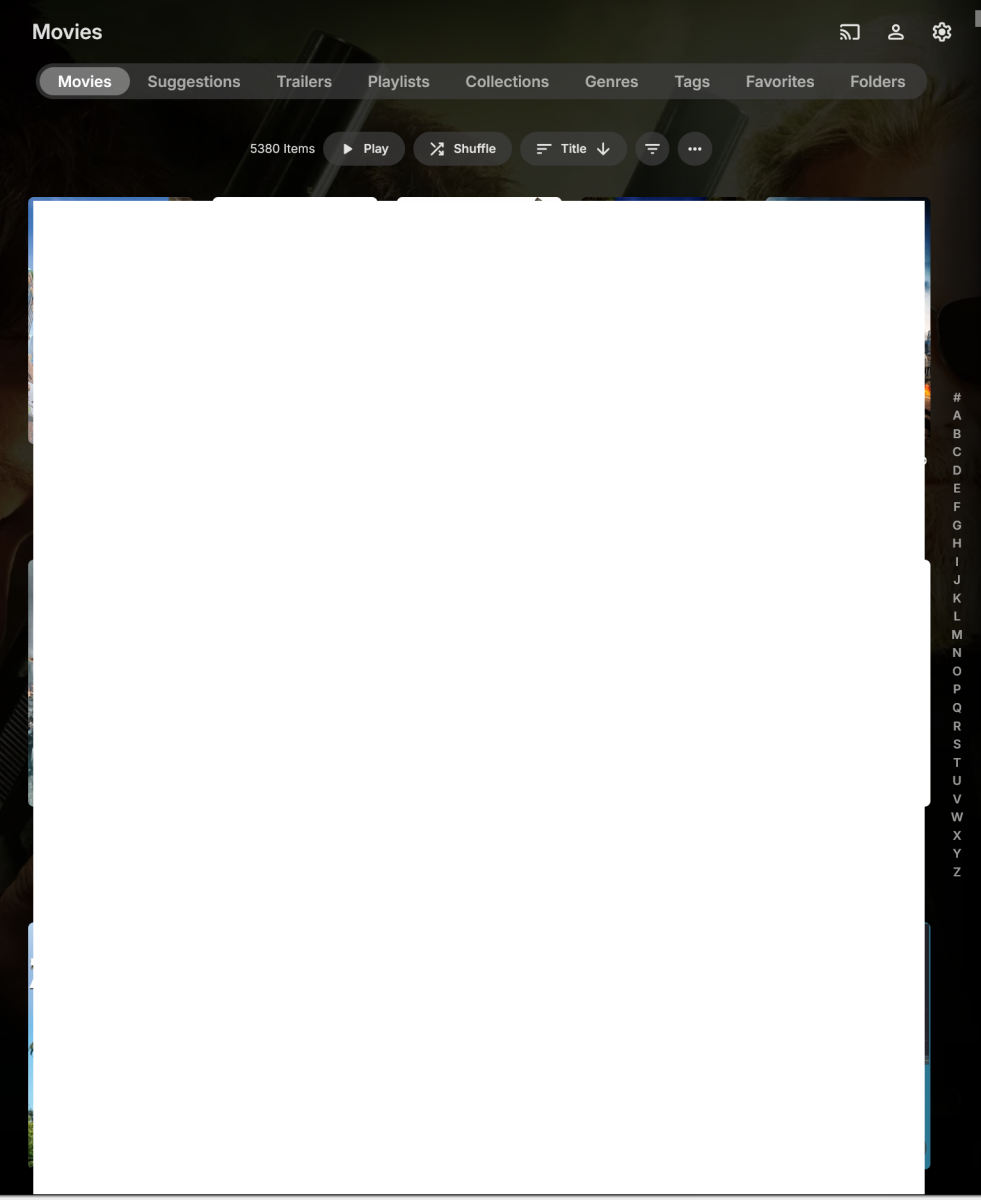
@Luke Opened new tab in Firefox Connected to my Emby web client Clicked on Movies library under My Media Movies was set to Title A-Z and displayed properly. Clicked on sort order and changed to Date Added Clicked on sort order and changed back to Title A-Z Movies now listed in correct order (A-Z), but no "ABCDE...." on right side of the screen (EmbyProblem1.png) Click sort again and select title and the "ABCDE...." now appears but my sort order is Z-A (EmbyProblem2.png) Click sort again and select title and the sort order is restored to A-Z and now I have the "ABCDE...." on the side. Once I've done the above steps, it no longer seemed to have the problem switching between Date Added and Title order but that was just in my testing now. I'll continue to keep an eye on it.
-

SRT subtitles force software decoding on iOS
mssssman replied to mssssman's topic in Apple iOS / macOS
I can't test this because I only have an iPhone, not an Apple TV. -
I have my MUSIC sorted in ALBUM ARTISTS. When I click ALBUM ARTIST (ex: AC/DC) - it goes to SONG/ALBUMS and the albums are in a ROW. HOWEVER if the ALBUM label is clicked it goes to a GRID style, that is much better and shows the albums in YEAR it was release. Any way to go ALBUM ARTIST directly into ALBUMS to show the GRID style??
-
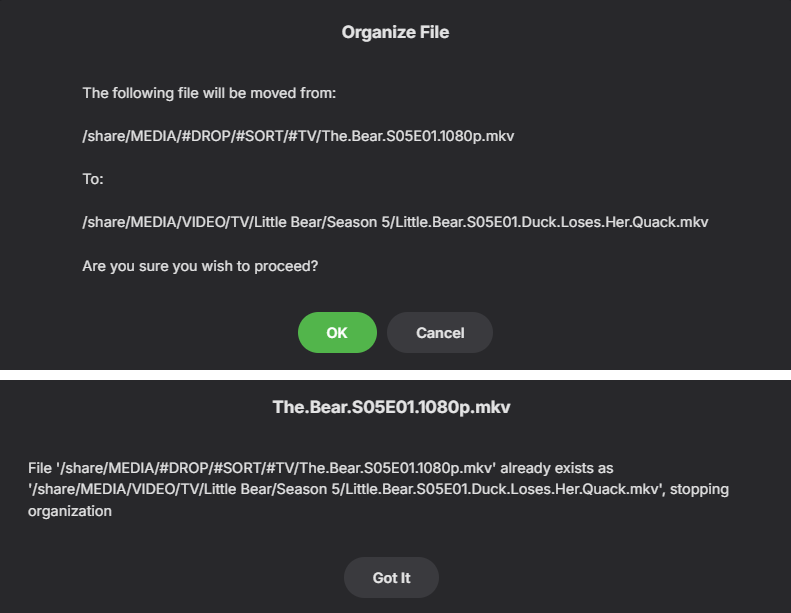
Hi checking in to see if any options have been added to improve this. I am running into the same or very similar issue with Auto organize plugin. The only options are to accept the error and overwrite/cancel or "got it" What is the solution / workaround when this happens?
-

Can I install two versions of emby side by side on Sony Android TV?
kricker replied to ivnivnivnivnivn's topic in Android TV / Fire TV
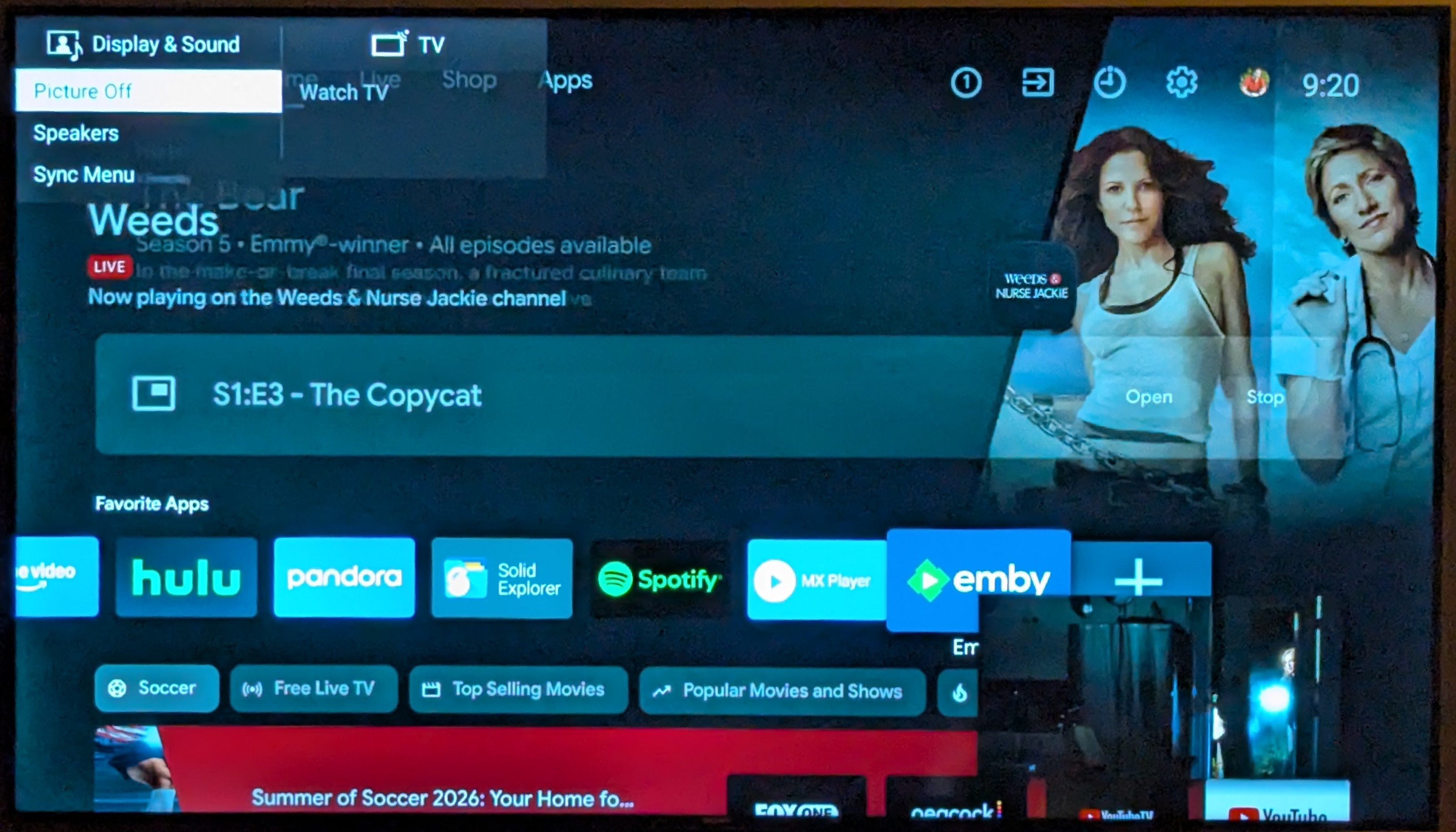
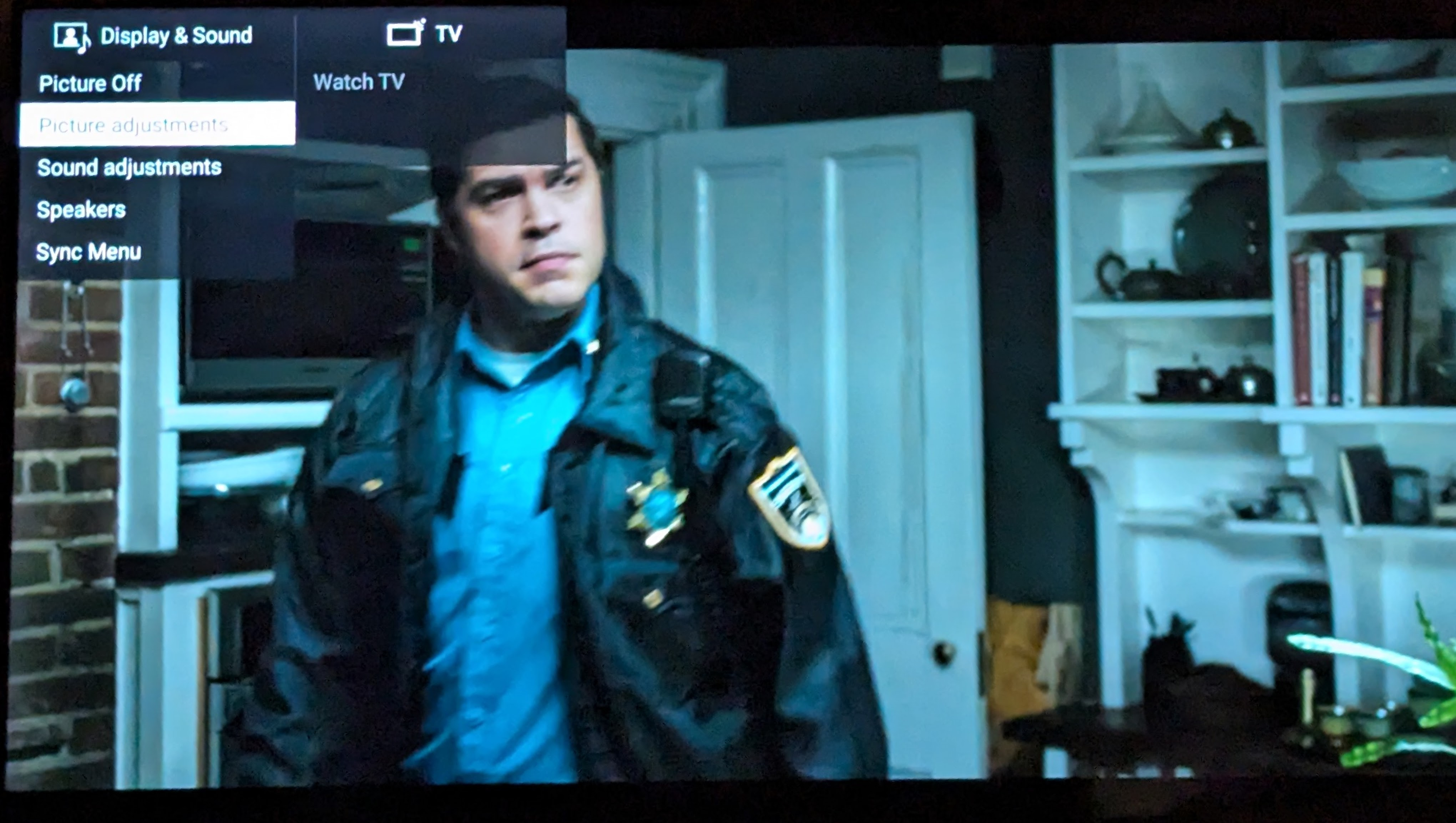
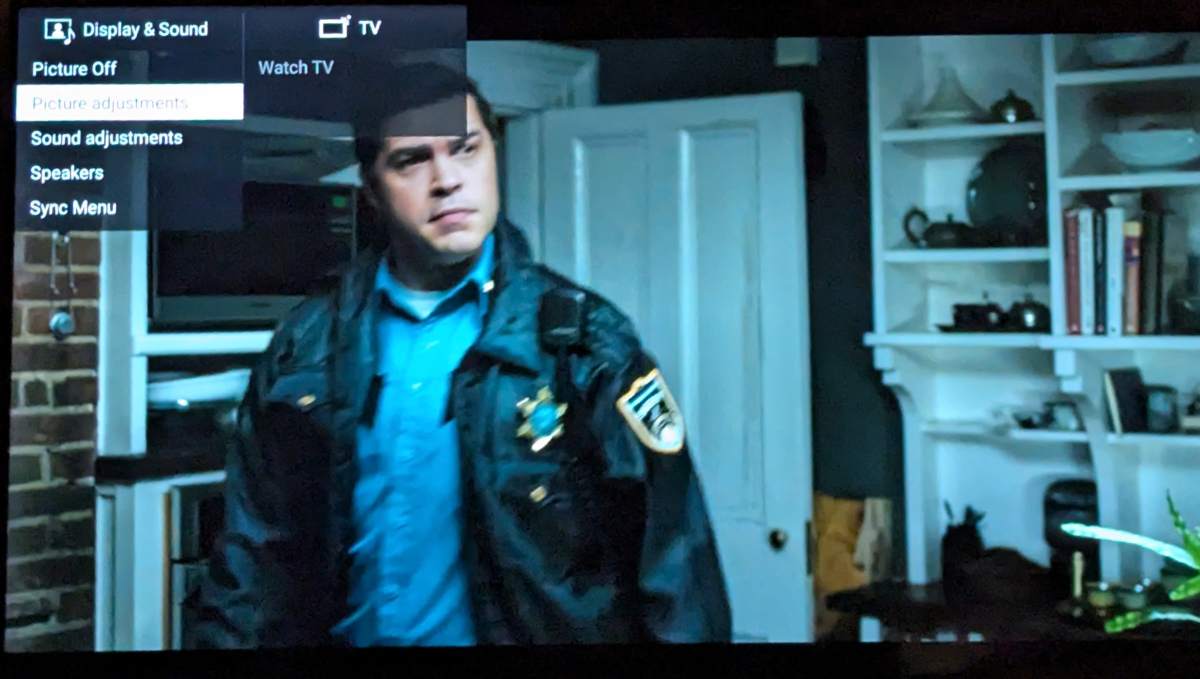
I have both the ATV version and the universal Android one both installed. You may run into the same issue I have on an older Sony TV. I have yet to see a response. I'd be interested in your experience. I can never switch to the Universal Android version if this does not get resolved. I also ran into another issue with the Universal Android version. If you try to access the TV's picture settings while a video is playing, the video shrinks into a small window, and you can't access the TV's picture settings menu; it jumps to a different TV menu. This action works perfectly fine in the AndroidTV version.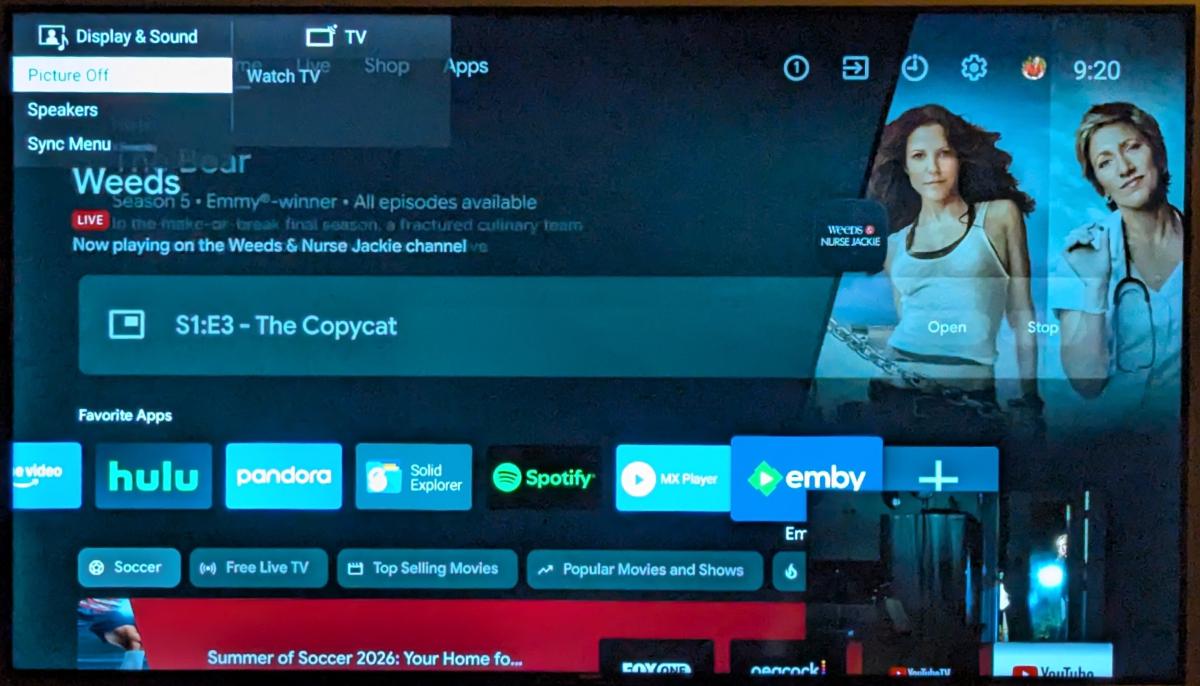
-
Mise à jour GITHUB https://github.com/pmspr4100/Encodage_Emby
-
اقدم طلب اشتراك
-
Running Emby Windows 2.310.2.0 Enabling "Use a layout on the home screen that shows a detailed preview of the selected item" in the Home Screen preferences still shows a backdrop at the top of the home screen from a random item in the selected library. In this version, only the backdrop is shown, the title and description of the movie/tv series/artist selected is missing. Is this intended?
-
Could not wait any longer, fix it myself. Now working natively without diagnostic plug in.
- Yesterday
-
Thanks Luke I'll keep you posted, and a question should someone wish to try Emby Theater Portable - how would they do that ? Jan
-
Hi there, let's look at an example. Please attach the information requested in how to report a media playback issue. Thanks!
-
Hi, this sounds like a great project for a community member !
-
What version is currently showing in the Synology Package Centre as the stable version ? You will see that as "Newest Online Version" Is the problem on both DS416 and DS420 devices? We could try launching the beta manually in an ssh session to see what errors show up Download the latest beta for ARM v7 (Link for ARMv7 (all other ARMv7 models)) and install it - this should install this package: "emby-server-synology72-mono_4.10.0.16_armv7_legacy.spk" Download link for Synology beta available on this page Emby Server for Synology NAS (the 7.2+ link) Once installed, do not launch it. Login on the NAS using SSH Enable ssh and then using tools like PuTTY connect to the NAS and login with the NAS admin account Then launch Emby Server manually in that session and see what gets displayed. To launch, just copy this into the ssh putty session /var/packages/EmbyServer/target/bin/emby-server /var/packages/EmbyServer/var If there are errors, use the puTTY to copy out the terminal session text lines. Clicking on top left of the top menu bar and selecting "Copy All to Clipboard" and then opening a text editor and pasting that text to it and then upload here
-
I've created a strm-file to stream a channel from my RadioTunes account. It works, but after about 1 minute, it stops. I see in the Emby player on my apple a timeline at the bottom that's growing until it reach the end of the screen (1 minute) and the it just stop playing. That also happens in the Emby player on my NAS. I use something like this: http://prem2.radiotunes.com:80/rtdowntempolounge?xxxxxxxxxx (the xxxx's are my usercode) Is there something I should add or so? Looking forward to your answer, Regards, Jos
-
Next time it happens I'll do that - I've been adding a lot so probably in the next couple days I'd hope.