All Activity
- Past hour
-
 DoughBrain joined the community
 -
 mairia2f joined the community
 -

Library Real Time Monitoring needs SAFETY CHECK
Lessaj replied to MacGyver27's topic in General/Windows
This is essentially a feature request and should be in the correct forum, but if you mount the paths as suggested you won't need this at all. -

embyforkodi (next-gen) 12.X.X support
Eisi2005 replied to quickmic's topic in Emby For Kodi Next Gen
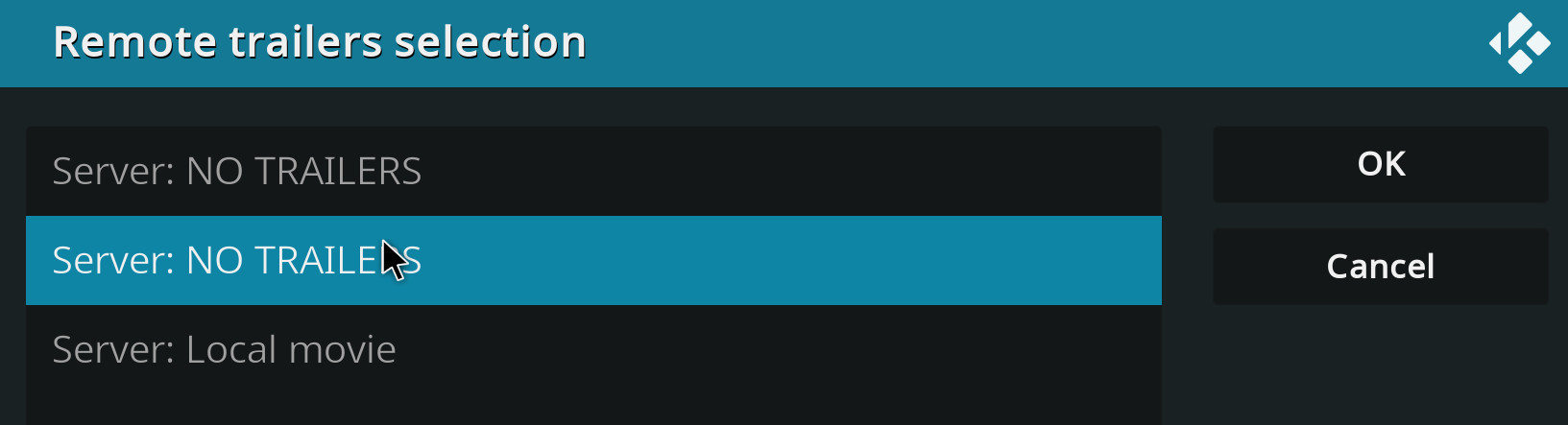
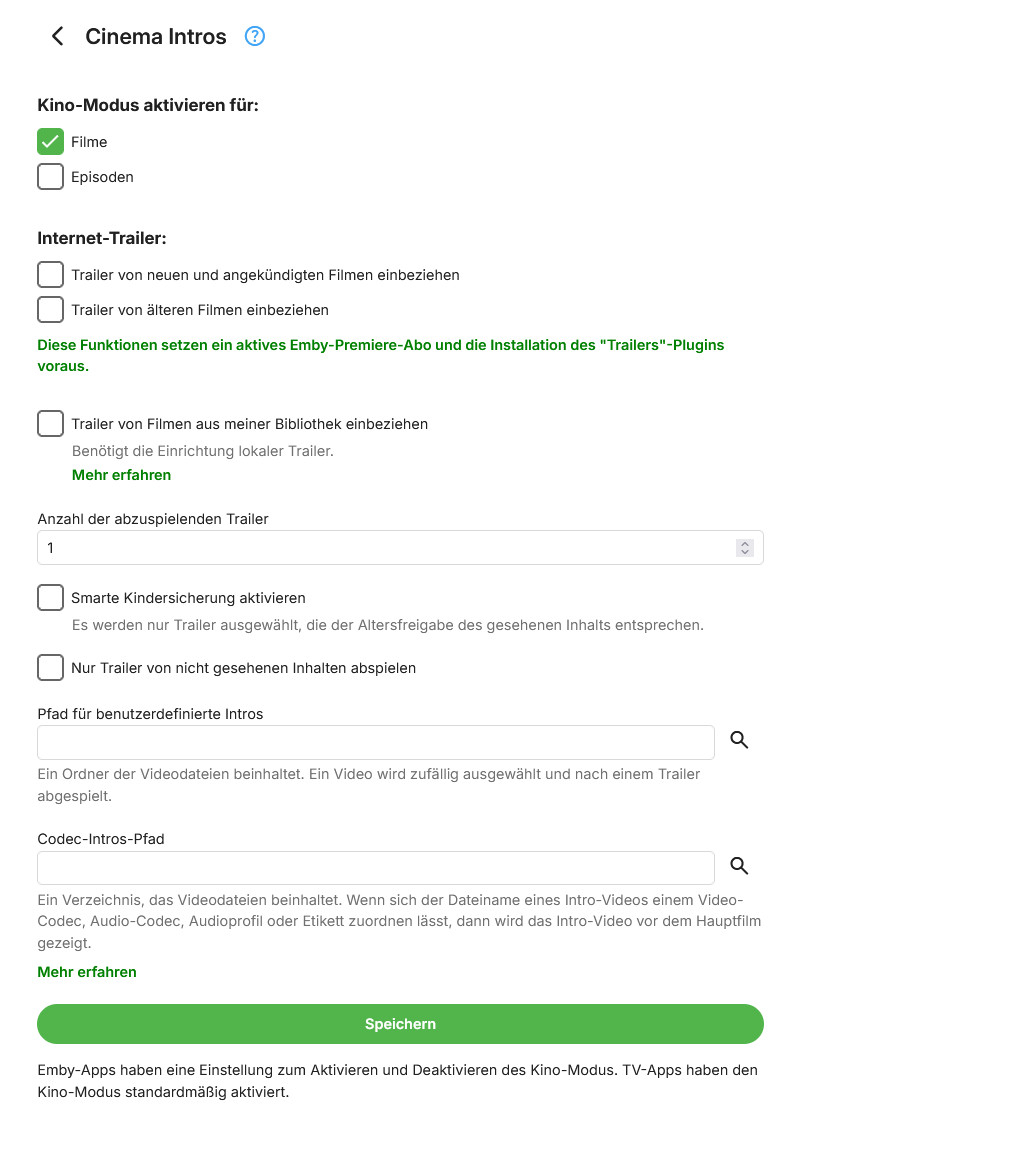
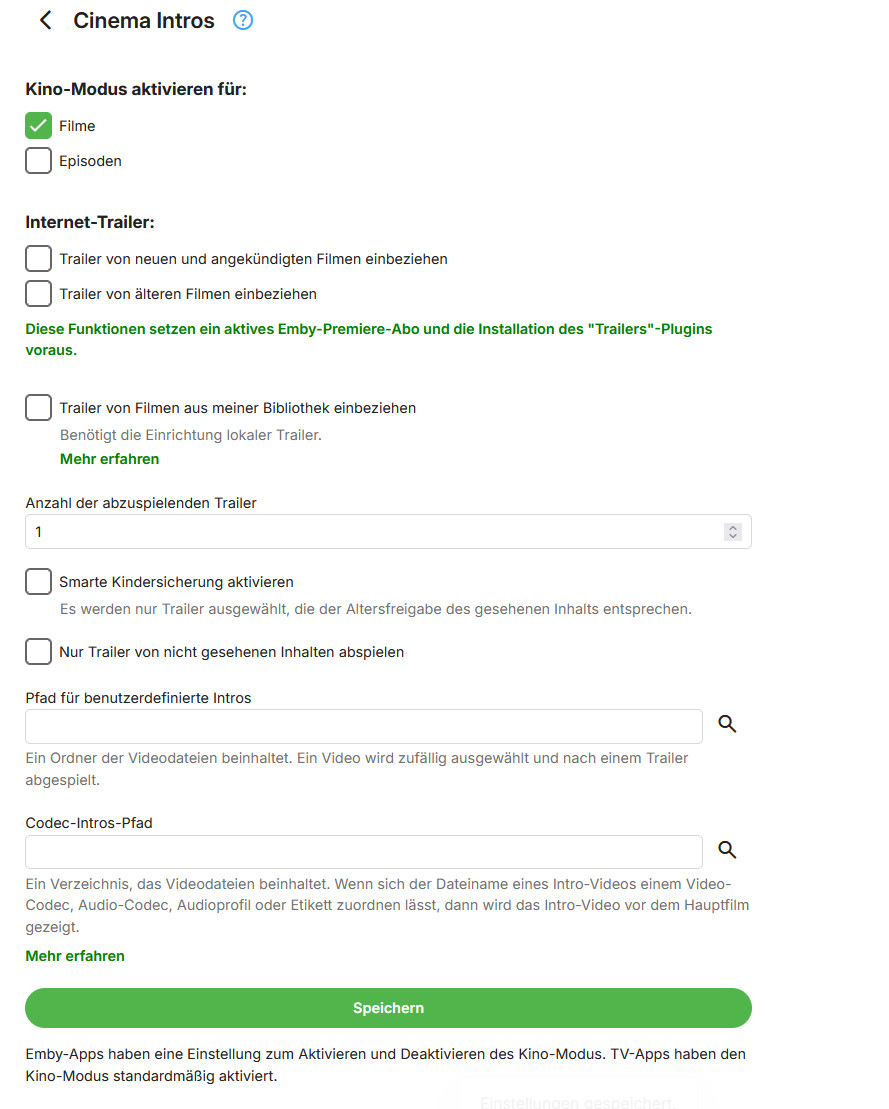
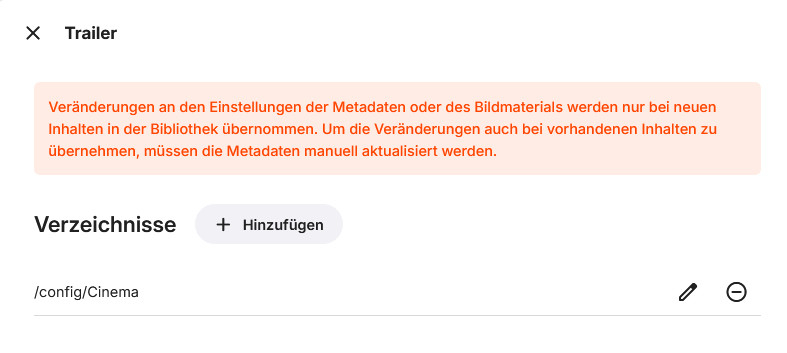
OK, thanks. I've now installed the Trailer plugin and enabled “New and Upcoming” there. But I still can't enable anything else in Kodi or Cinema Intros. Does the library with the trailers have to have a specific name, or how do I add my own trailers there now?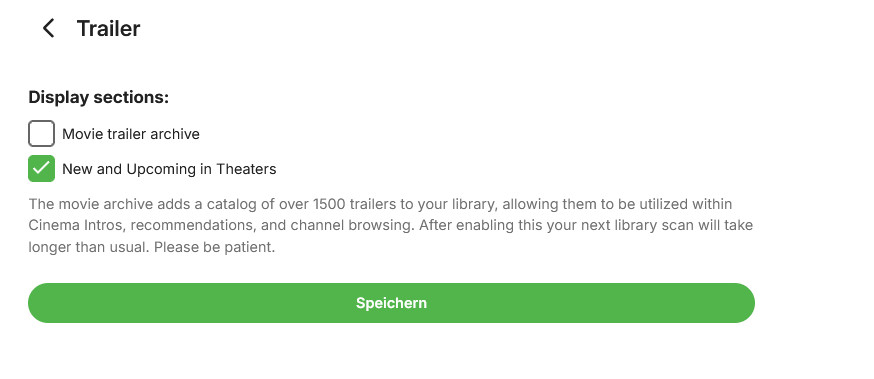
-
 matu88_muri joined the community
 -
 Menaucciero joined the community
 -

Plugin: EmbyCredits, detect end credits and add auto skip.
RedNo7 replied to yocker's topic in Plugins
will do! -
 杨百万 joined the community
 -
 Thibz joined the community
 -

embyforkodi (next-gen) 12.X.X support
quickmic replied to quickmic's topic in Emby For Kodi Next Gen
Cause you didn't install the trailers plugin. -
 RajeeuRashad joined the community
 -
 yspemby joined the community
 -
 sun11yun joined the community
 -

Plugin: EmbyCredits, detect end credits and add auto skip.
yocker replied to yocker's topic in Plugins
@RedNo7I've added a new beta version in the catalog (v2.7.1.7) which should fix the problems. Please report back. -
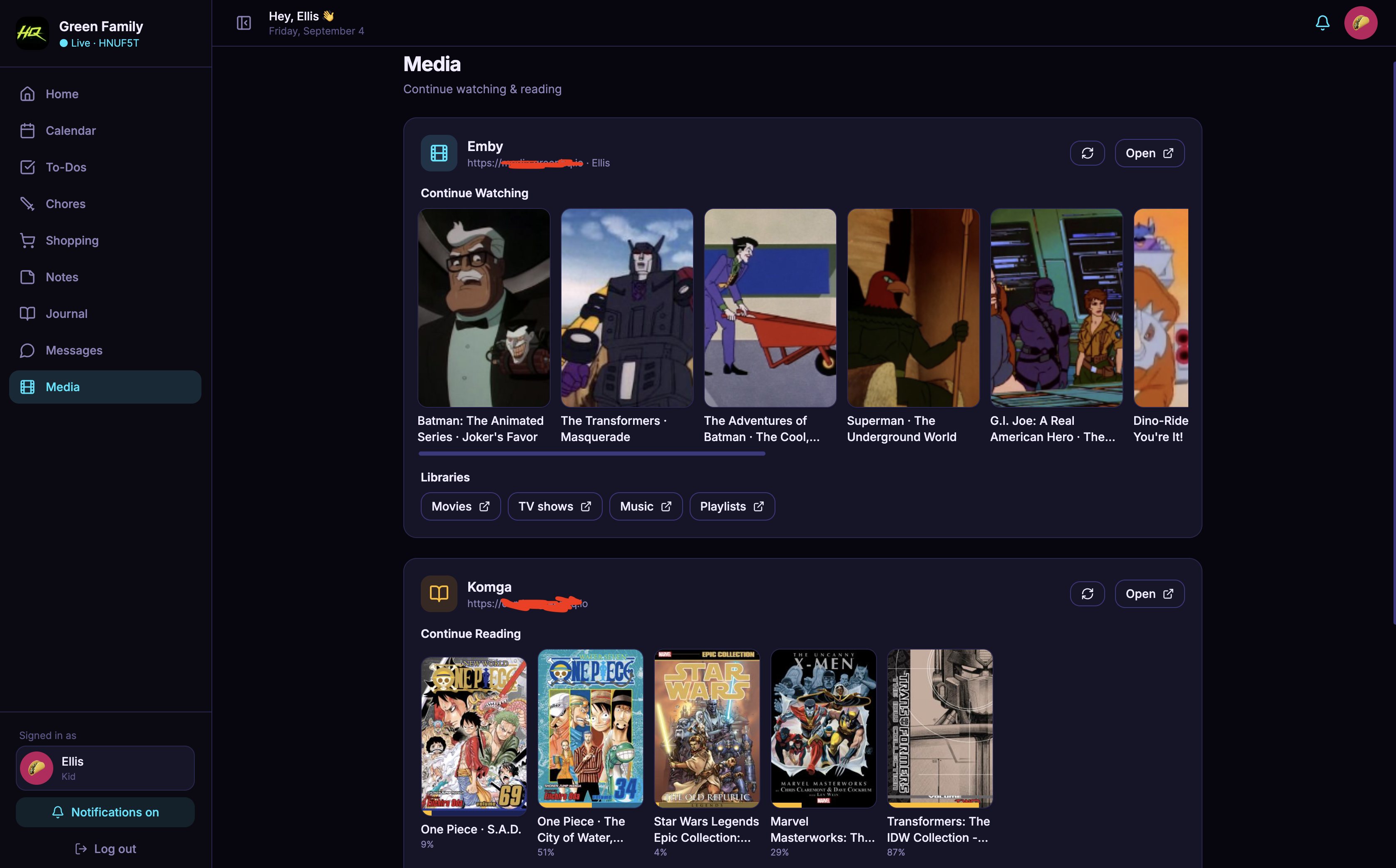
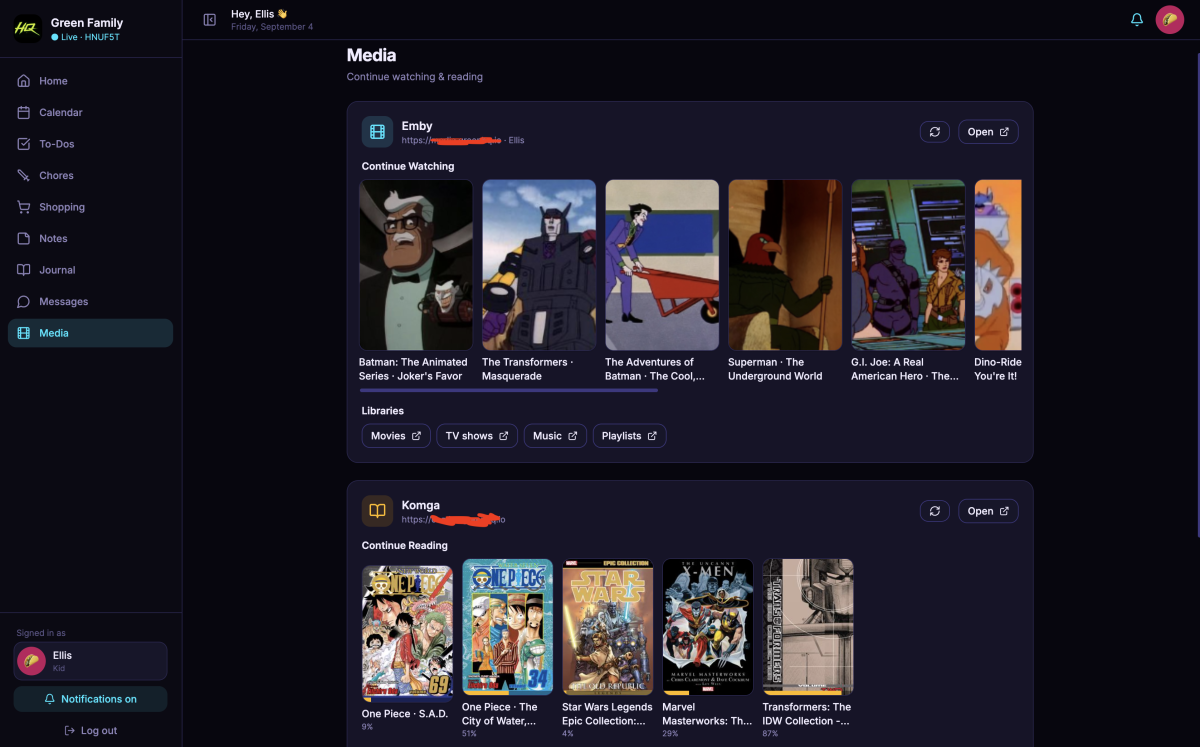
As much as everyone loves to hate AI, it just helped me create a family portal complete with Calendar, To Do lists, ChoreQuest RPG game, Shopping List, Public Notes, Private Journals, Private (family) messaging, a media center for browsing cartoons (via Emby's API - which I have no idea how to use but AI seems to "know" the ins and outs of it) and reading comics/manga (Komga), 3 different themes and a dashboard that holds it all together. It took less than a week to complete using free tier AI (Grok, Claude and ChatGPT), it's cost $0 to make, $0 for hosting (thanks again AI for showing me how to get it up for free) and about $35 AUD for a cool sounding domain name. The kids love messaging each other, my youngest is now eager to do chores because I gamified it, and I have a way of organizing everything where it's synced but Google isn't trying to push ads based on my families schedule. If this is what our AI overlords bring us, I welcome them. /s On a separate - maybe somewhat hypocritical - note ... I can usually identify AI writing, art and music and I hate it all - it's uniformly terrible! Curious if programmers see AI code and just think it's poorly done, because that's how I feel about AI and the arts (I just googled it and was not at all surprised by the answer).
-

TOS 7 Stable and Latest Emby Issue Upgrading
lunerorbit replied to Racerprose's topic in TerraMaster NAS
I have just updated TOS to version 7.0.1163 and everything appears to be back to normal. - Today
-

4K HEVC shows as 1080p, think I can't find any setup to fix?
vdatanet replied to PeteGul's topic in Android
There are real differences between the two protocols and they're worth discussing — remote access, buffering behaviour, BDMV/ISO handling, load on the server, and so on. But from a quality standpoint, both allow direct play, provided the client supports the file. HTTP is just a transport. In direct play the server sends the exact same bytes that are on disk: no remuxing, no re-encoding, no loss. The file only gets altered when Emby decides to remux or transcode it, and that happens because the client can't handle the original container, video codec, audio track or subtitles — not because the file was requested over HTTP. If the client can play it, it plays it untouched. -
Thank you very much for this immediate help and step by step guide. Took quite a while to get the .dll on the right place (with all those write managements and file handling via SSH - puh never did this before) and upgraded server to current version.... and finally it's running! This feature is breathtaking, further questions on this I put in the correct Plugin Thread. Thanks again for your help, I really appreciate!
-

Library Real Time Monitoring needs SAFETY CHECK
MacGyver27 replied to MacGyver27's topic in General/Windows
Precisely! That's why I said it is tricky via Docker.. only fast solution would be this empty folder check. Correct as well. I can make a health-check to prevent Emby from starting entirely when external mount is not present, but sometimes I maintain this external HDD enclosure and it is not in use and this would mean Emby would not start at all.. Usual scenario is when my RAID array needs a HDD replacement, for safety reasons I keep this HDD enclosure turned off and for this whole period of time - can be 30 days - I would not be able to run Emby server at all, until my RAID array is healthy again. That is why I proposed this to be implemented into Emby server directly. So you mentioned you have a safety check to skip it in case folder is not preset at all - could you please extend this safety check of a scenario where the folder is also empty? Thanks a lot! -
embyforkodi (next-gen) 12.X.X support
Eisi2005 replied to quickmic's topic in Emby For Kodi Next Gen
Hi, I don't need to use the Vantage Point plugin. But if I only use the Cinema Intros plugin, I'm not sure where I'm supposed to specify my local trailers—as a path or as a library? I probably—or actually, almost certainly—don’t understand how the add-on is supposed to access my trailers. I’ve already created a library in the Emby server called “Trailers” that points to the folder where the trailers are stored. I’ve synced the library in the Emby plugin in Kodi, and I can play these trailers manually in Kodi, but how does the plugin find this library now? I don’t see the image you have at all; I only ever see “Server: No Trailers” there.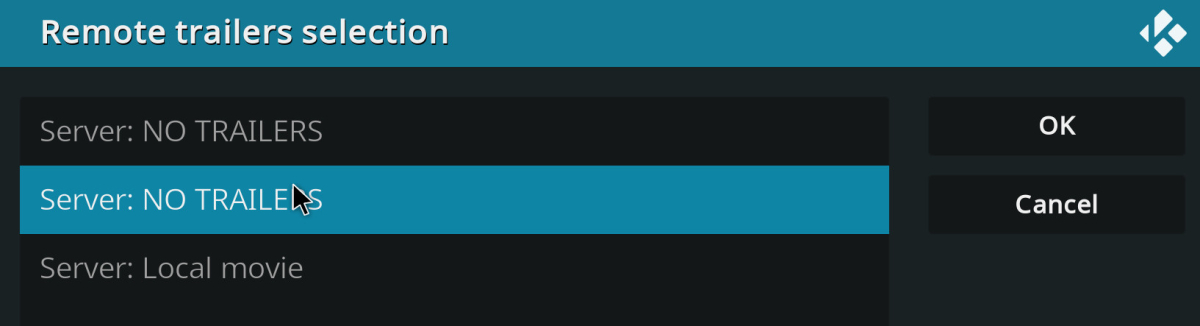
-
Library Real Time Monitoring needs SAFETY CHECK
MacGyver27 replied to MacGyver27's topic in General/Windows
My hardware is not faulty.. It is given when you are using an external HDD enclosure from time to time it wont mount after reboot - there are idle timeouts. When my server is down for longer than 10 minutes and I boot it, this HDD enclosure needs power-cycle, because it is in sleep mode or something.. -
Fix it!!!! Dont add useless features. This is annoying as h3ll and completely useless. And you say it is a upgrade? this is one way to destroy a userbase, keep up the good work
-
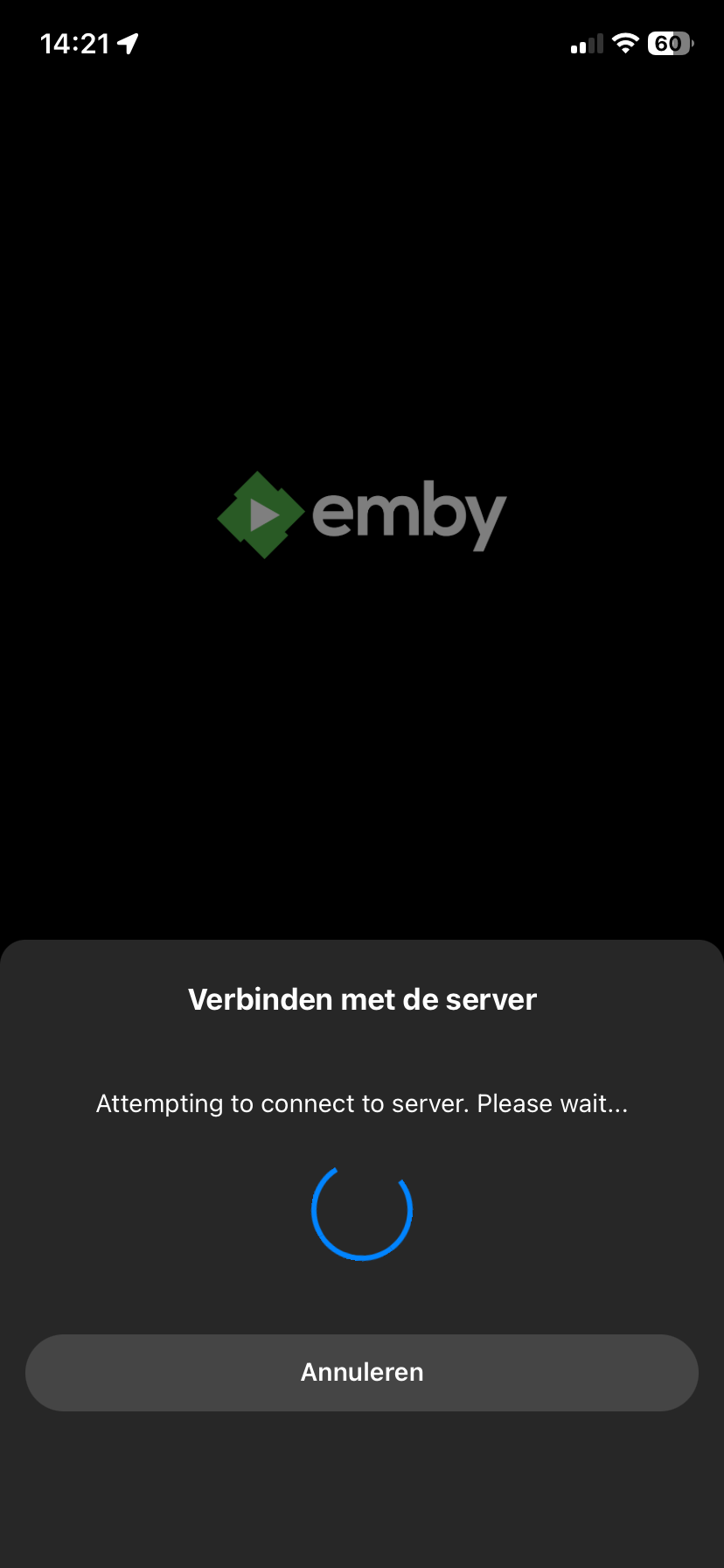
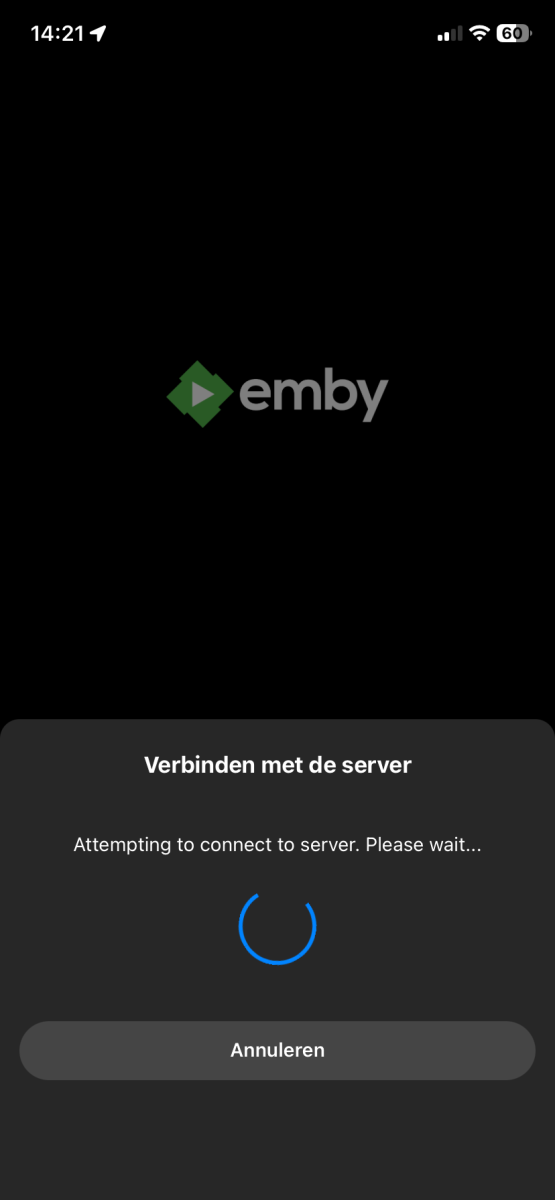
Why?!?! Why do we see on every device a ugly “try to connect” screen? Can this be disabled? And what is to use of this ugly screen? I assume emby tries to connect when I start the app, or are there users that dont understand that?
-

4K HEVC shows as 1080p, think I can't find any setup to fix?
Teddyknuddel replied to PeteGul's topic in Android
What do you mean, ‘already’? I raised this issue YEARS ago! And what have you actually done about it? Is DirectPlay over SMB available now? No! This isn’t misinformation! -
Plugin: EmbyCredits, detect end credits and add auto skip.
RedNo7 replied to yocker's topic in Plugins
they can't afford me -

Got 1080i Live TV Transcoding Working at True 59.94p – Can Emby Support This Natively?
bzellinger posted a topic in Feature Requests
I've been testing Emby Live TV with an HDHomeRun and 1080i59.94/29.97 MPEG-2 OTA channels. When these channels have to be transcoded for a browser, Emby currently outputs 1080p29.97. This discards half of the temporal resolution of the original interlaced broadcast and is very noticeable with sports, racing, scrolling text, and camera pans. I was able to get proper 1080p59.94 output by modifying Emby's generated FFmpeg command. Emby normally generates CUDA deinterlacing similar to: yadif_cuda@f1 with: -r:v:0 29.970029830932617 Changing those to: yadif_cuda@f1=mode=send_field and: -r:v:0 59.940059661865234 produces true field-rate 1080p59.94 output. I verified this in the FFmpeg transcode log. The output reports 1920x1080 progressive at 59.94 fps, and 3-second HLS segments contain approximately 180 frames. Motion on 1080i sports/racing content is noticeably smoother and looks like properly deinterlaced broadcast television. I currently accomplish this with a small FFmpeg wrapper that intercepts Emby's generated command and makes those two changes before launching Emby's real FFmpeg. It works reliably with NVIDIA NVDEC/NVENC on an RTX 2080. It would be great if Emby supported this natively, perhaps with an option such as: Deinterlacing frame rate Same as source frame rate (29.97p/25p) Field rate (59.94p/50p) Or Emby could automatically use field-rate deinterlacing when the client supports the resulting 50/59.94 fps progressive stream. For NVIDIA/CUDA, yadif_cuda=mode=send_field already appears to provide everything needed. Similar field-rate modes could presumably be used for the other supported hardware/software deinterlacers. This would make a substantial difference for transcoded 1080i Live TV, particularly sports. -
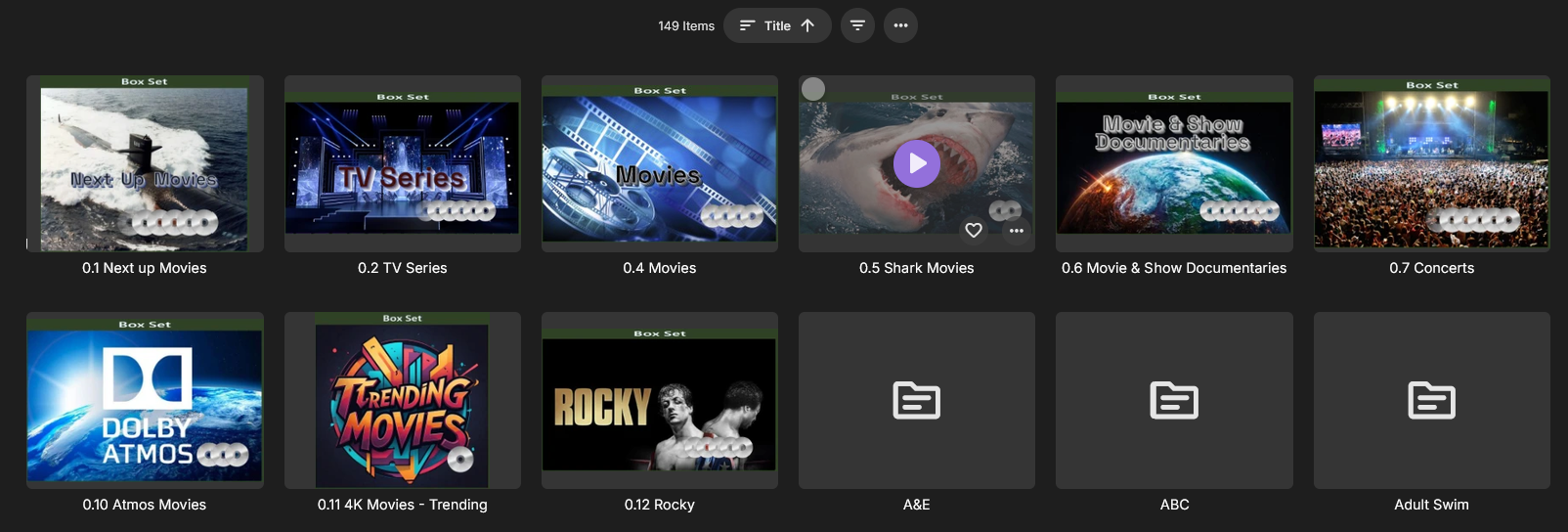
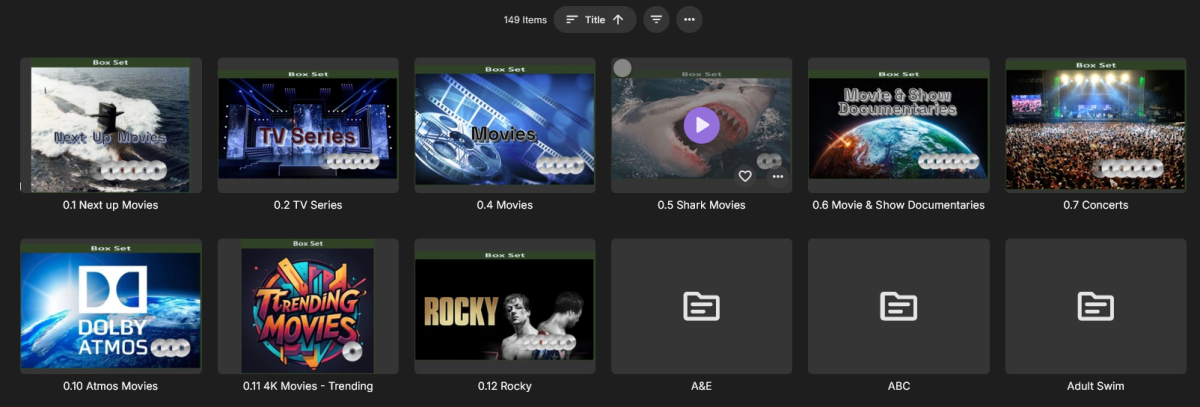
I am still waiting for a reply. I have already had to redo all my collections I made when I first started using Emby. I had to start all over, not fun and hours of work. I am looking into Home Screen Companion v4.1.4.0. to see if that helps.
-
How did you fix? I fear that I'm going to have to recreate my collections, then this may happen again in the future.
-
This is similar to my issue. I have lost close to 100 movies in a collection I manually created and added movies to called " next up movies"
-

4K HEVC shows as 1080p, think I can't find any setup to fix?
ebr replied to PeteGul's topic in Android
We've already adjusted for this situation. Please stop spreading mis-information. -
Have also noticed that some default primary artwork has changed too
-
I believe you already made this request:
-
Plugin: EmbyCredits, detect end credits and add auto skip.
yocker replied to yocker's topic in Plugins
Wow! You really are unlucky with finding bugs, Microsoft should hire you! I will look into what is causing it to ignore previously saved backups, this one i can replicate so should be easy to fix. I have fixed the scheduled task getting interrupted by auto detection, it will be in a future version. Btw. thanks for reporting the problems, it really helps make the plugin better!