All Activity
- Past hour
-
 Mrahim joined the community
 -
 Miriam Ulibarri joined the community
 -
 emby2@regex.sh joined the community
 -
 Sapirush joined the community
 -
 Mozinho joined the community
 -
 sapirr1 joined the community
 -
 uemby145904 joined the community
 -
 Denis98 joined the community
 -
 tboulland joined the community
 -
 fradeee joined the community
 -
Another issue I've encountered is that the active scheduled home screen sections are appended to the bottom of the home screen and you cannot change the order until it's active. I would like the scheduled home screen sections to appear in a specific order towards the top so it's easily seen during the active window.
-

Emby Page Plugin Install 500 (Internal Server Error)
Neminem replied to neunghaha28's topic in Linux
Try again -
Perfect! Thank you! Now that the "holiday season" is approaching, running a top of the app Spotlight feature is great! Everyone has been loving it so I am sure that running it this way will also help.
-
I tested this and the start date boundary is inclusive, but the end date boundary is not so you'd set it as 10/1 - 11/1. From a UX standpoint it's a bit confusing. I'd prefer if the boundaries were inclusive so 10/1 - 10/30 would achieve your goal.
- Today
-
No, it's a location that is offline during the day for other reasons... I get where you coming from though
-
Luke, any update on this? Thanks,
-
@Dibbes I would recommend removing the Iconic.xml from your plugins directory and rebuilding your Iconic configuration through the plugin UI. I suspect your Iconic config is referencing a library id that is no longer valid on your server.
-
Hi. Please try again now.
-
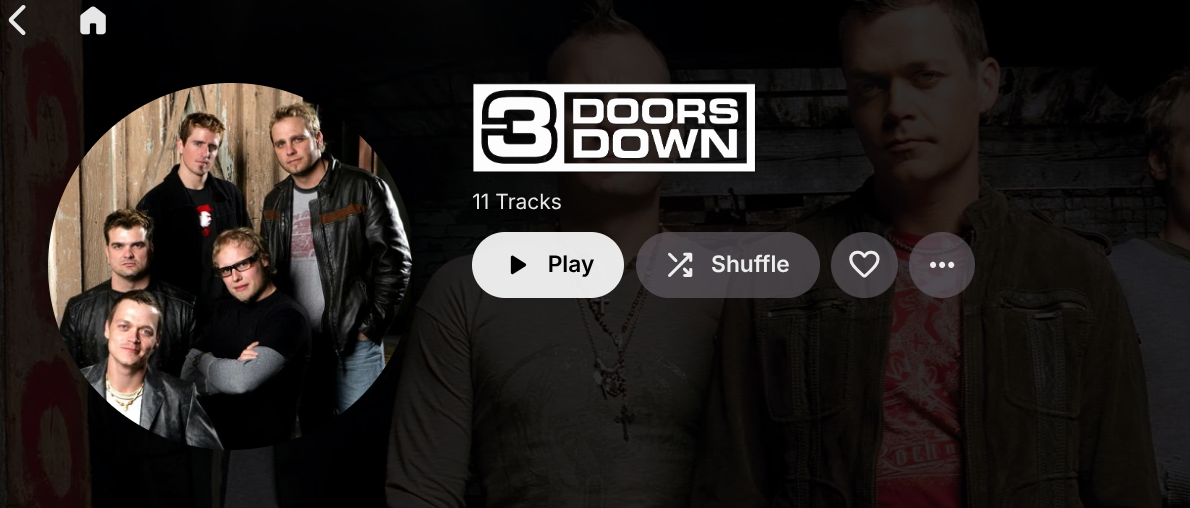
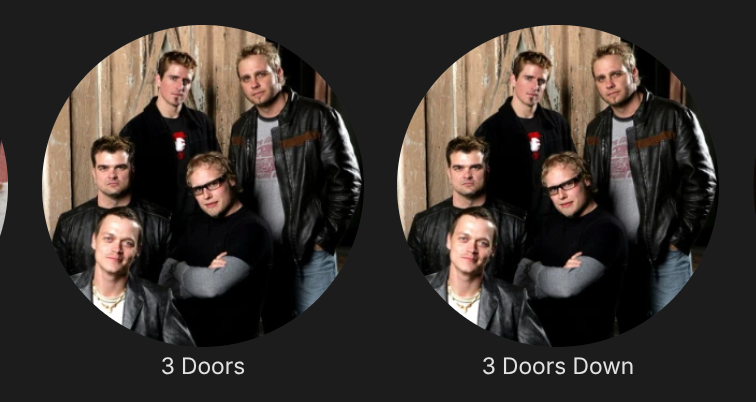
I should have dug a bit deeper before my previous post as I've realized the issue is more complex. My default view for music libraries is usually 'folder' but that was hiding some things like for instance artist 'duplication'. I'm uploading a few images of one example. One of the artist 'IDs' has coverart, while the other has an artist description but contributing-artist value with no coverart. As one might guess, I've found the '3 Doors' value in the contributing artist tag of some of my files, so that is a root cause and I've already found where I would need to make changes to start cleaning that up. I also noticed that I was not seeing a way to play albums in correct song order, like by track #, while in 'folder' view (my subfolders are albums). It wanted to play the songs in alphabetical order instead and I didn't see an opton to sort by track#. does that sound correct/expected?

-
Sorry. Here's the log from earlier and the one from the most recent event. I thought it had corrected itself after rebooting my system, but I just had an issue where I was kicked off while watching a recording in progress. The recording itself resulted in an 18 minute video of a 2 hour recording. embyserver-63926288018.txt embyserver.txt
-
@LukeIt's working.
-

Emby Homepage "Spotlight Widget" Proof of Concept
Uncle_Frank replied to sh0rty's topic in Web App CSS
I will be setting up a mini pc for just this today I have a few not being used this looks so much better than on Firestick even if it is a web based setup on pc. I will be checking your github out. -

Android downloads fail with 404 because the Emby sync file is missing
OUARZA posted a topic in Android
Hello, I’m having recurring problems downloading TV episodes for offline viewing. Some items stay on “Ready to transfer” or fail. This happens on two Android phones. Setup Emby Server 4.10.0.40 on a Synology DS720+ Emby for Android 3.5.55 on Android 17 In the latest server log, repeated requests to /emby/Sync/JobItems/277/File fail with DirectoryNotFoundException. Emby says the temporary file under /var/packages/EmbyServer/var/sync/91/277/ does not exist, and returns HTTP 404. Some FFmpeg and ffprobe operations in the log exit with code 0, but the Android download still fails when it requests the sync file. The log also contained an earlier Permission denied error when Emby tried to copy a converted file into my media share. I have since granted the internal emby user read/write access to the Download shared folder, but the Android download problem persists. Could this missing temporary sync file be a known issue with Emby Server or the Android app? What logs would help diagnose it further? I purchased the Android app and would appreciate your help. Thank you. -
If your'e on latest stable you can try out the Plugin dll. Settings in Emby UI, the Plugin does the rest.
-
Emby Homepage "Spotlight Widget" Proof of Concept
Uncle_Frank replied to sh0rty's topic in Web App CSS
Bro, bro this is soo sick I wanted my emby like this for YEARS with the trailers on home screen also shorty I can't believe I never seen this thread before this looks spot on with my style of thinking a media server should look like, Brilliant ! SoliFlix is sure good with the AI this is next level -
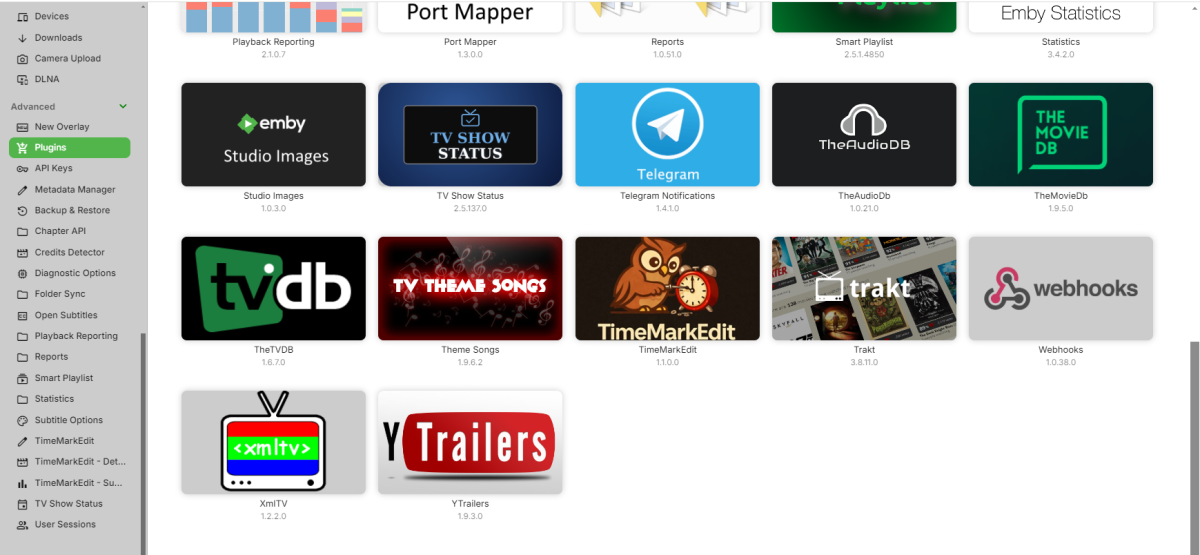
Installed and working now.
-
See attached logs embyserver.txt embyserver-63926348902.txt
-
Hi. Can you please try again?
-
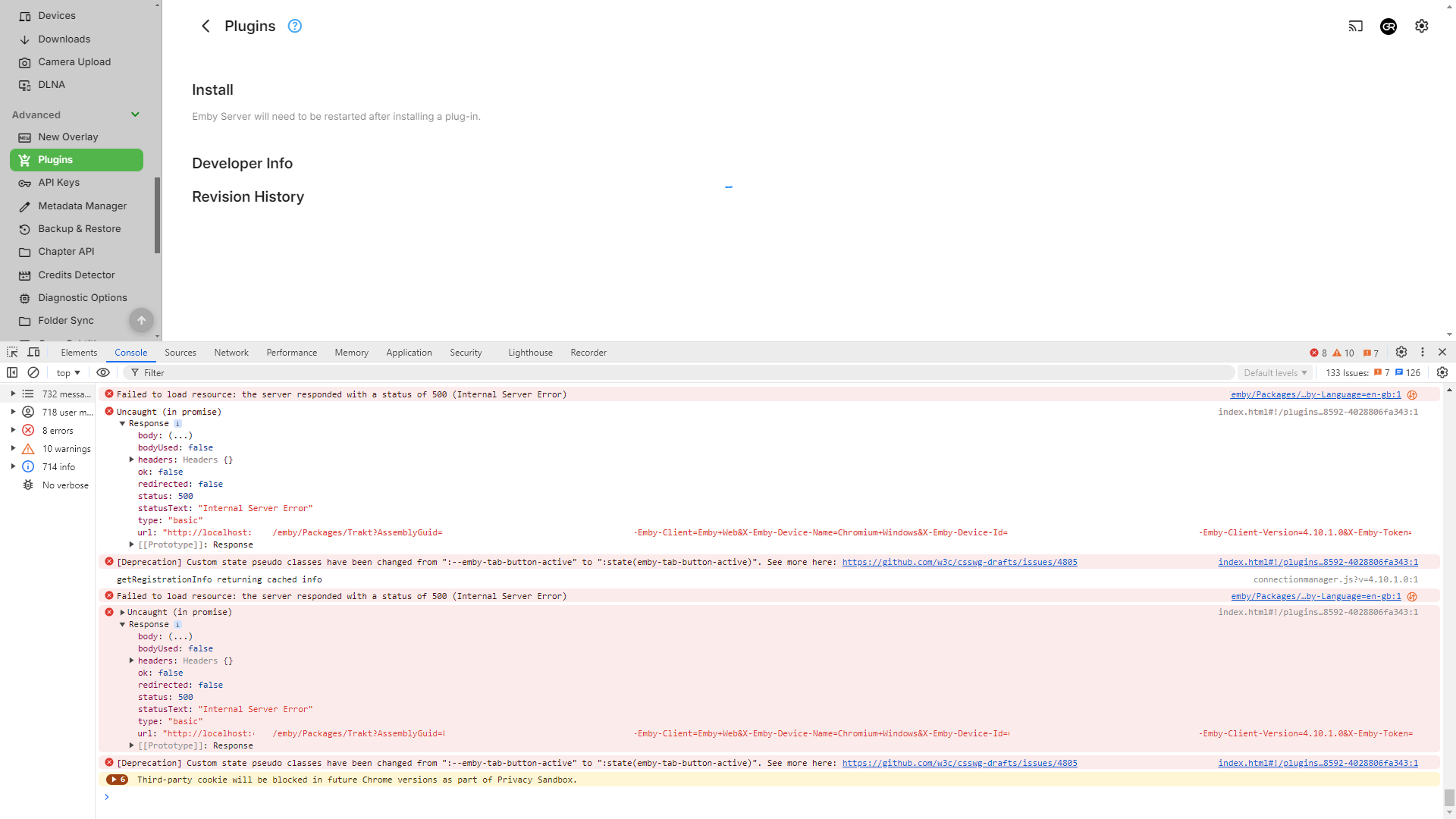
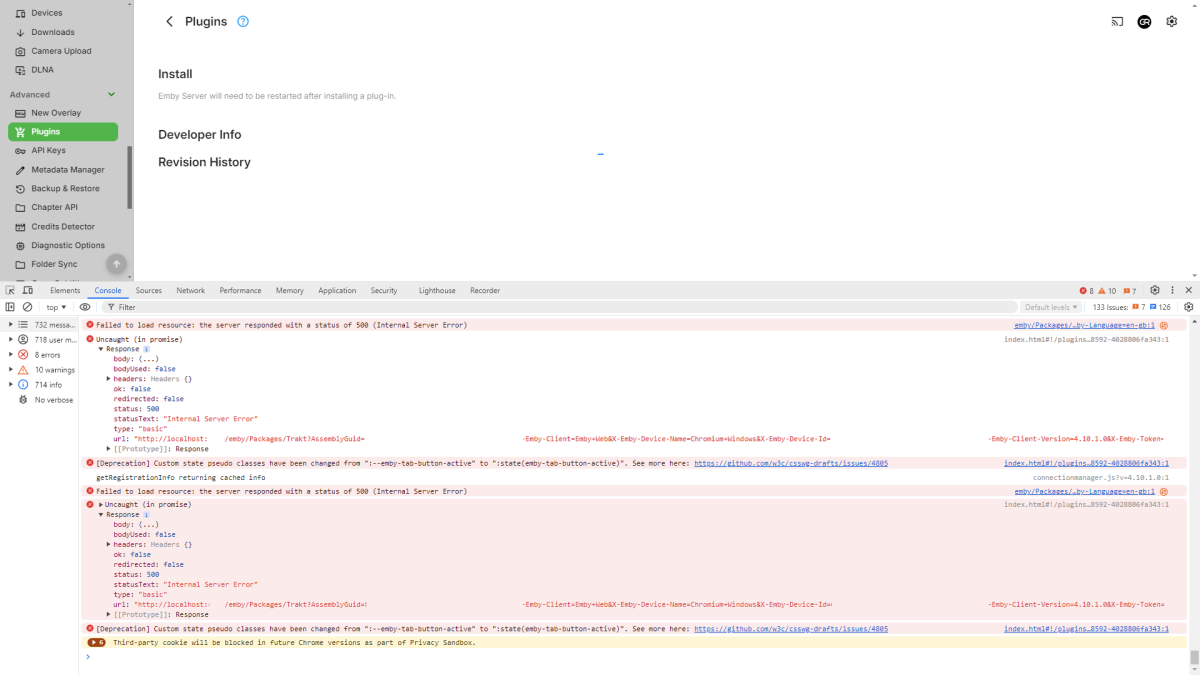
Looks like 4.10.1.0 issue, trying to install any plugin results in HTTP 500 response. @Luke
-
Hi. Then that is where the image references are coming from too. What are they? Always are...
-
Emby Homepage "Spotlight Widget" Proof of Concept
Uncle_Frank replied to sh0rty's topic in Web App CSS
I like how you have all the badges it looks pro -
Hi. That plugin is now defunct as the functionality was moved to the core a while ago.
-
Might be a silly question that has already been answered, but I don't recall seeing it. I am attempting to set up a Monthly section for Halloween. I want it only to be displayed in the month of October. Would I run it as start date October 1 - October 31 or October 1 - November 1?
-
Hello sparticus007, ** This is an auto reply ** Please wait for someone from staff support or our members to reply to you. It's recommended to provide more info, as it explain in this thread: Thank you. Emby Team
-
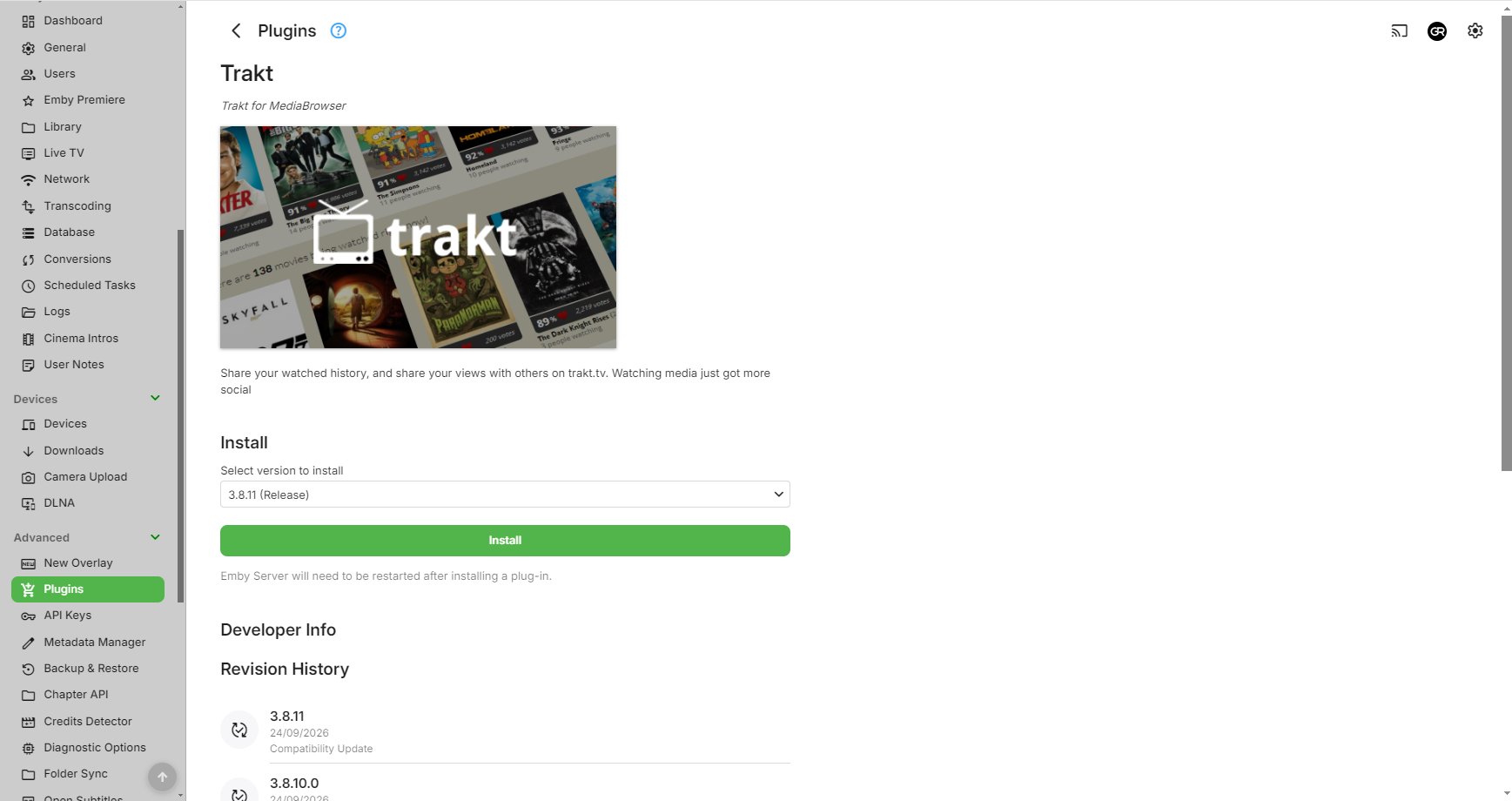
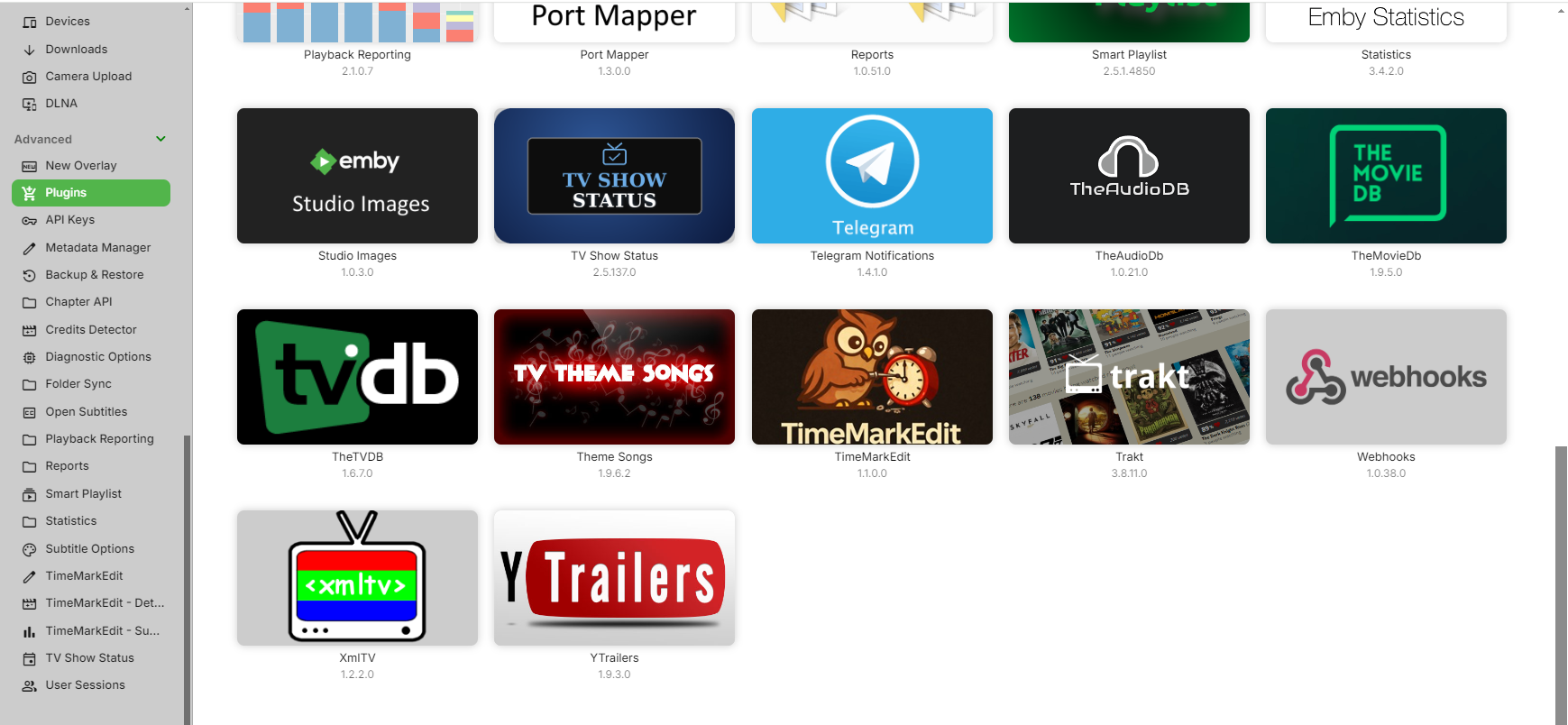
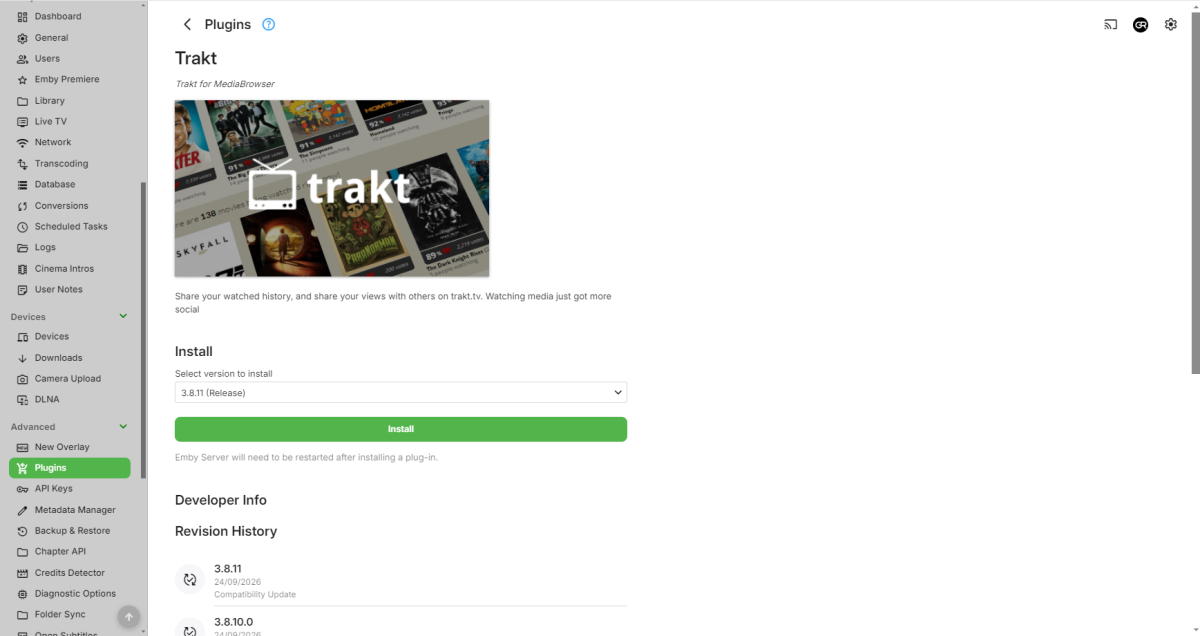
Hi, I recently did some motherboard swapping due to upgrades, I reinstalled Emby just fine, but when I go to reinstall the Trakt plugin, the only plugin I use, I can open the catalog, click on Trakt, but then I just get a spinning circle. I have checked the logs and there is nothing unusual there. Emby is fully accessible outside of my network, there is internet connection to the computer, I have tried another browser, EbmyServer.exe is in the firewall exemption, there is no VPN on the connection and there is no antivirus or any other software other than Windows Defender on the system. I even let the page try to load overnight, but no luck. Any help would be appreciated.