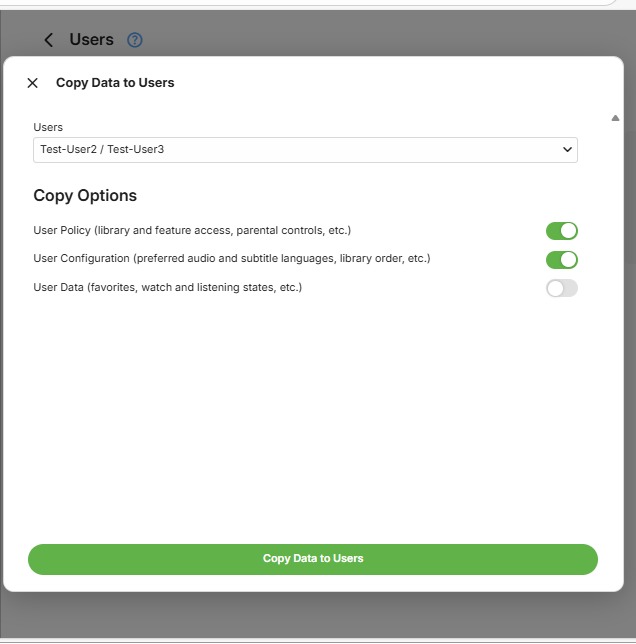
Copy User Settings
The Emby Server administrator has access through the server dashboard Users administration pages, top replicate the customization for a given Emby user account to one or more other user accounts.
In the example below, we are to copy the settings from Test-User1 to Test-User2 and Test-User3.
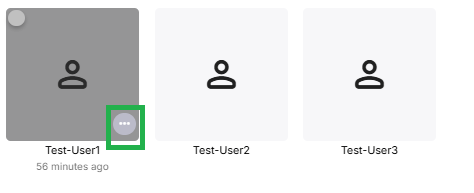
Select Users from the server dashboard and then locate the user to copy the data from and click on the ...
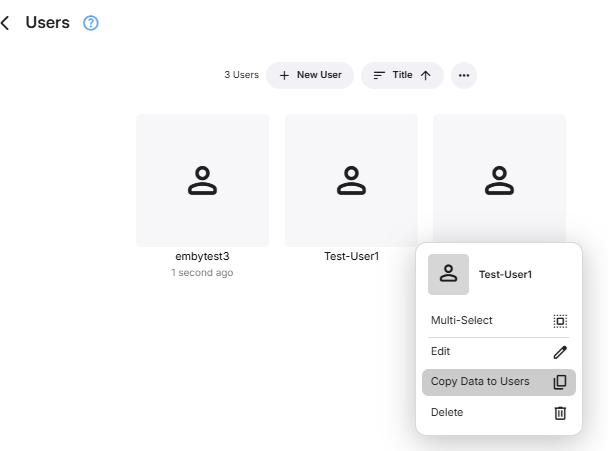
You will see an option to copy data in the pop-up box
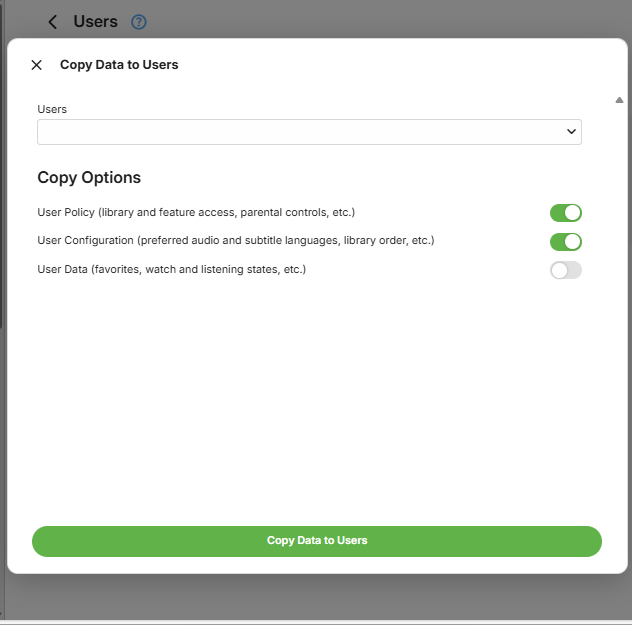
Clicking on Copy Data to Users will show the Copy Options available and a drop-down for the Users to select as target to copy to. Take extra care when selecting users to copy the settings to.
In this example, I have ticked Test-User2 and Test-User3 as the target users to copy Test-User1 settings and preferences to.