Passwords
By default, users have the ability to change their own passwords.
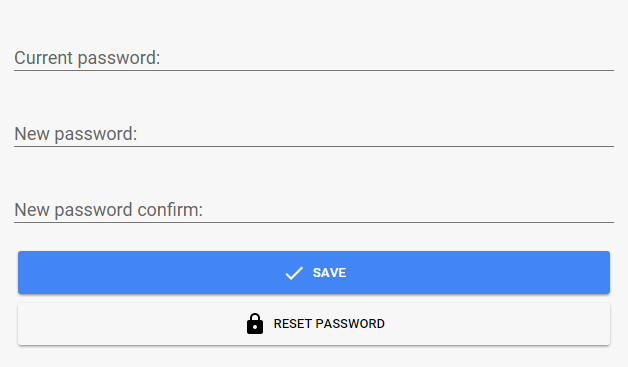
If you would like to set or change the password for a user, navigate to the server dashboard -> Users -> Click User -> Password.
Note
Make sure a local user password is set even when the user account is linked to an Emby Connect email address. The passwords for the Emby Connect](Emby-Connect.md) accounts can only be changed by the users themselves.
By default all Emby apps will require authentication on each device ONCE per user. After that, the credentials will be remembered on that device enabling easy switching between profiles without needing to re-enter the password.
Profile PIN (optional)
If you have a shared device where you wish to secure access to one or more users that have been authenticated, you can set a PIN code for that user and then require that PIN be entered any time someone attempts to login or switch to that user.
To enable this feature, simply fill in the Profile PIN field with a 4 digit number (must be numeric and 4 digits for easy entry on shared devices).
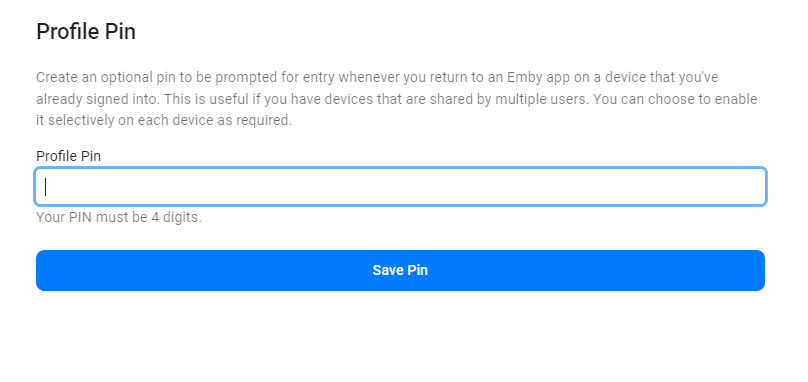
Then, the first time this user authenticates on each device, the app will ask if you wish to enforce the PIN code for access each time. Answer "Yes" to this and then, each time you return to that profile, the PIN will be required to continue.
Note
This feature completely replaces the old local network only PIN feature that existed prior to server version 4.8.x. That local network only PIN is no longer supported as it is inherently insecure. This new feature should provide better functionality in both local and remote situations in a secure manner.