Device Access
Device access allows you to configure the devices a user is allowed to sign in from. By default, users can use any device.
To manage device access for a user, navigate to the server dashboard -> Users -> Click User -> Access.
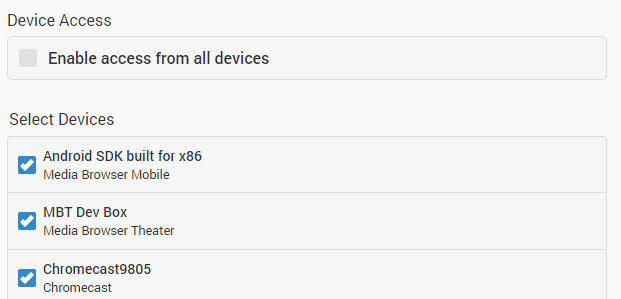
Important notes about device control: Filtering devices for a user will prevent them from being able to sign-in with a new device until it is enabled from this page.