<style> .wpb_animate_when_almost_visible { opacity: 1; }</style>

Emby for Fire TV

What you want to watch – right up front

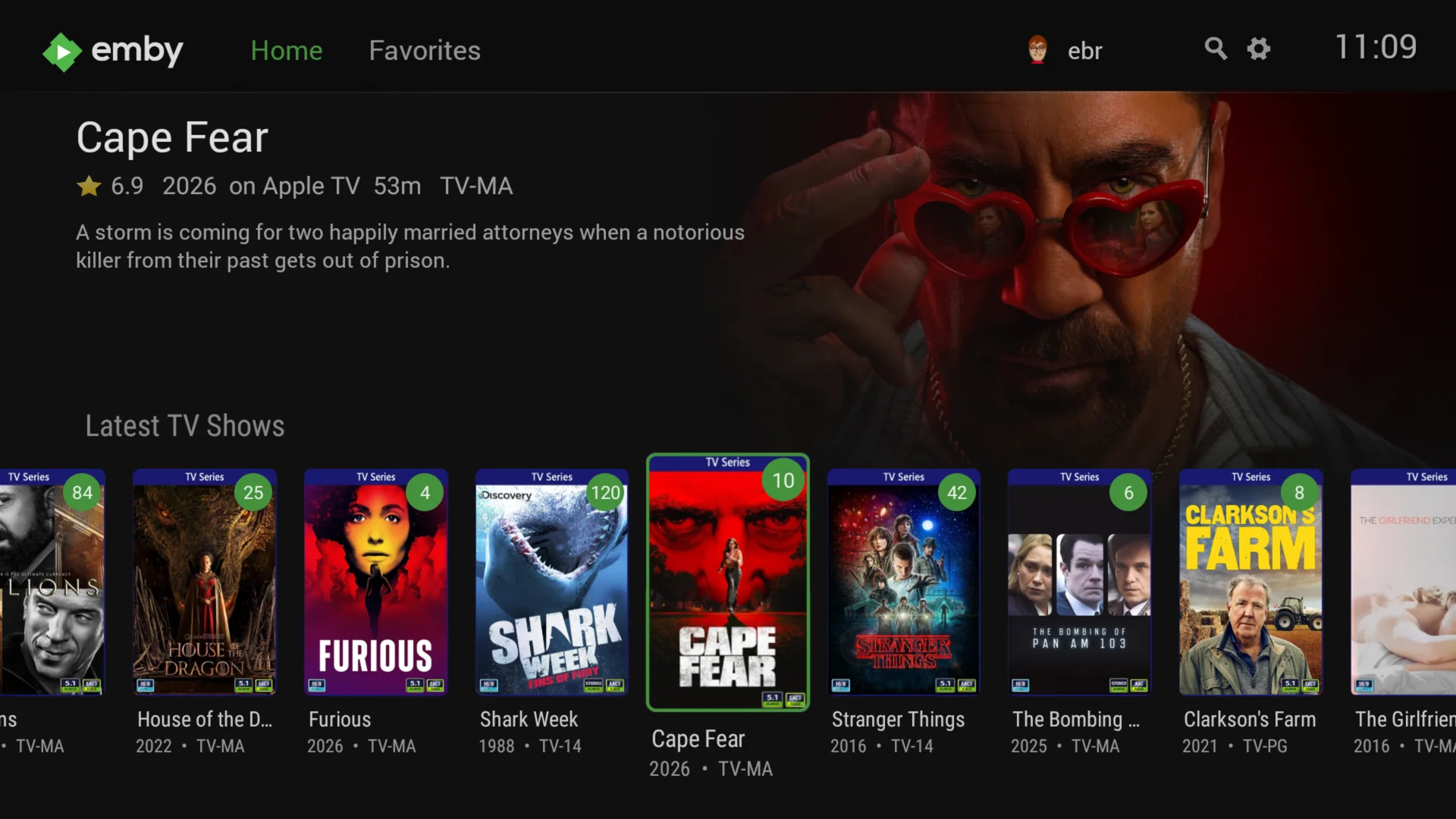
Designed with with typical usage in mind, you won’t have to go hunting through your library to find the content you are most likely wanting to watch right now. The home screen shows you the items you were watching but hadn’t finished, your latest un-watched movies, the next episode of all your current TV shows and what’s on Live TV right now. Plus, the home screen is fully-customizable so you can make it your own.
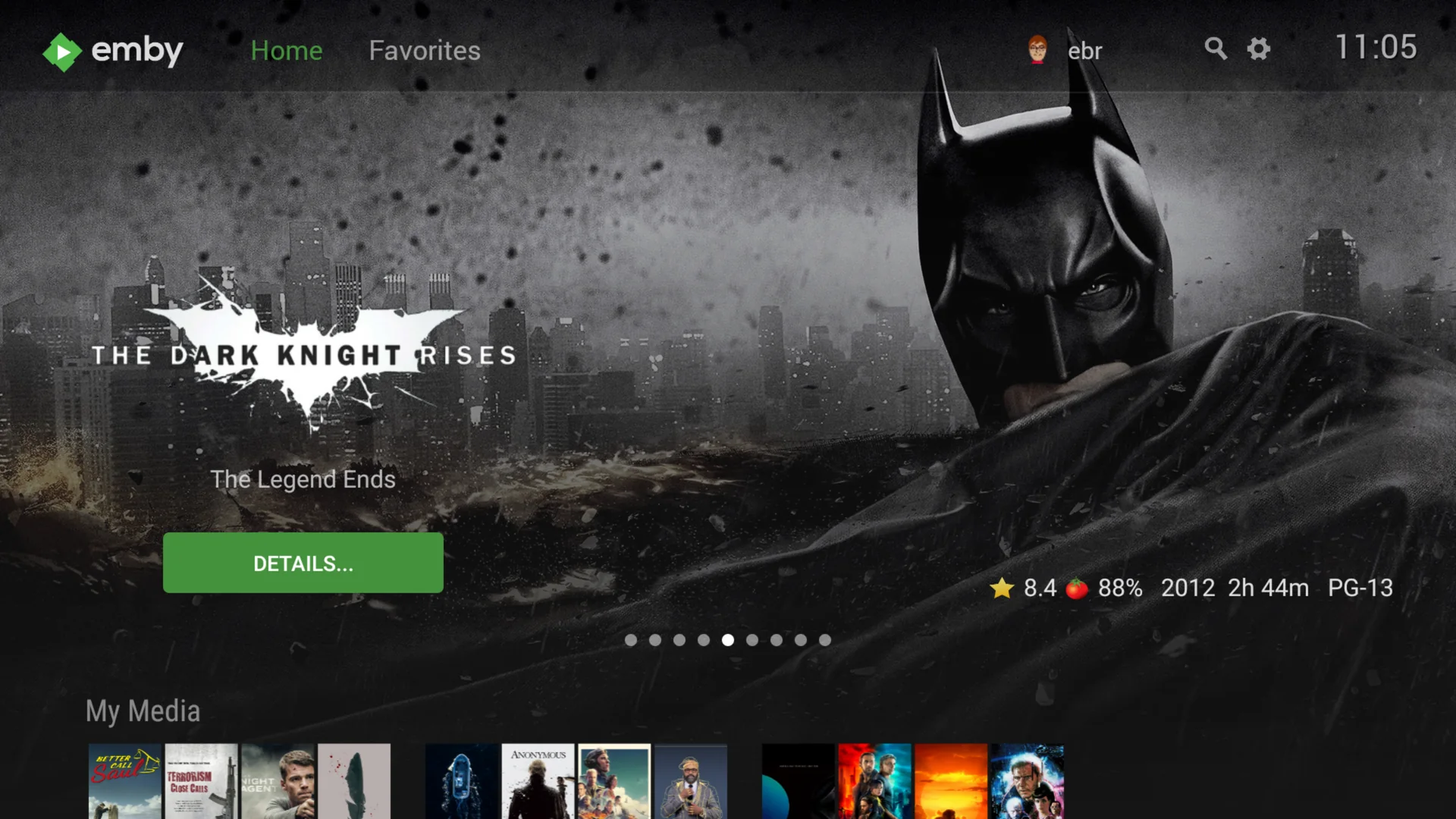

Emby for Fire TV home screen

Fast, easy browsing

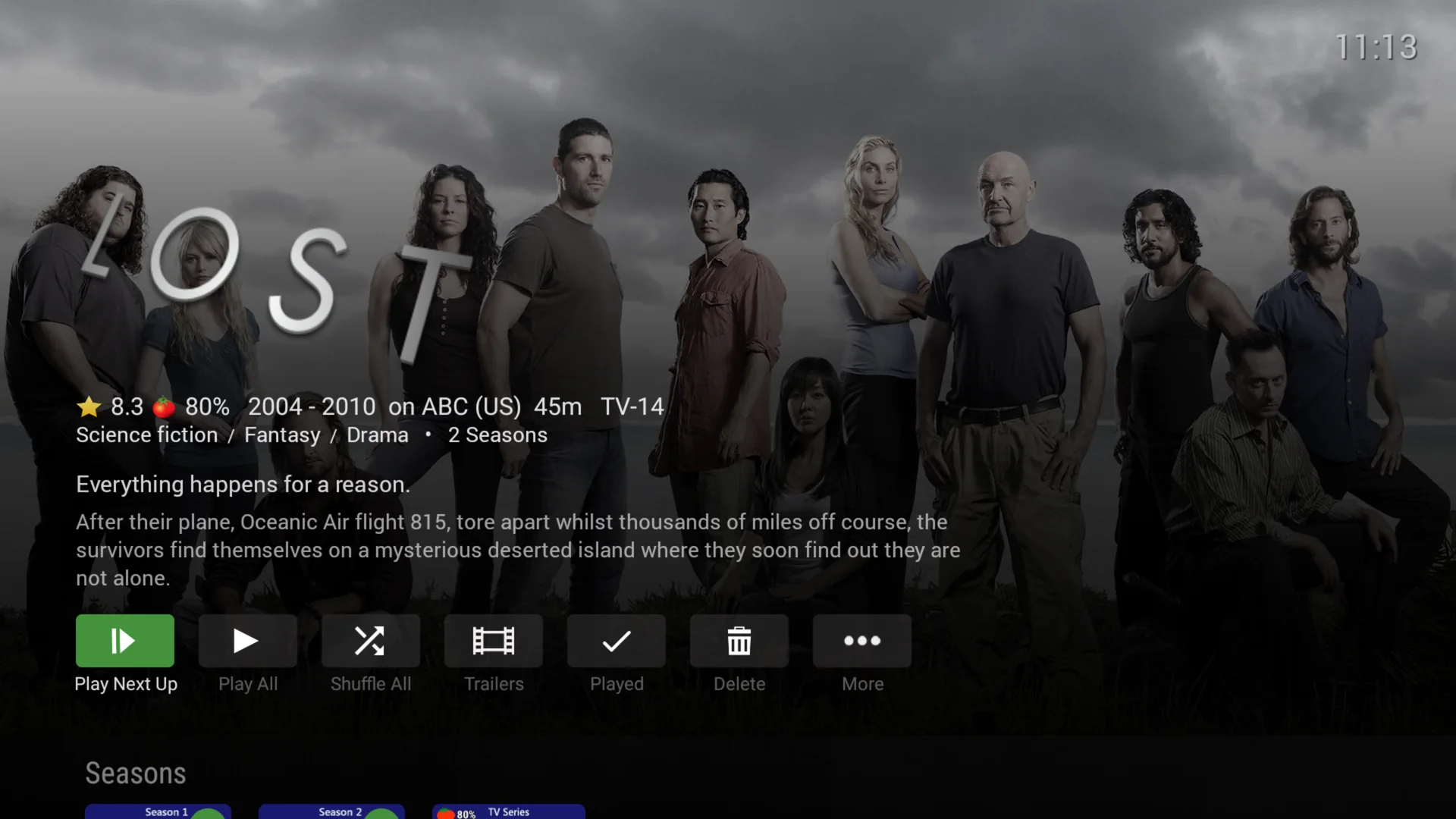
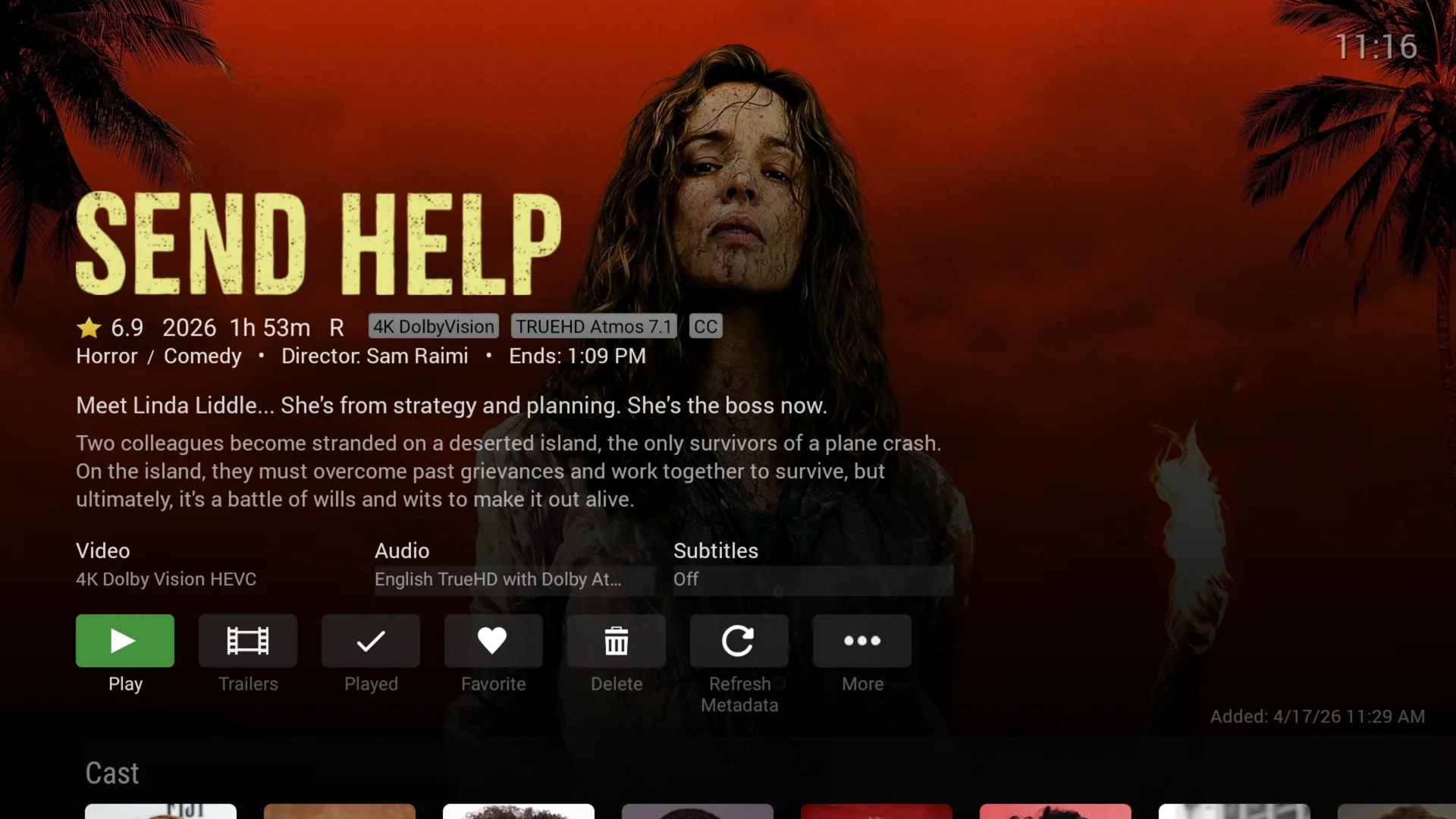
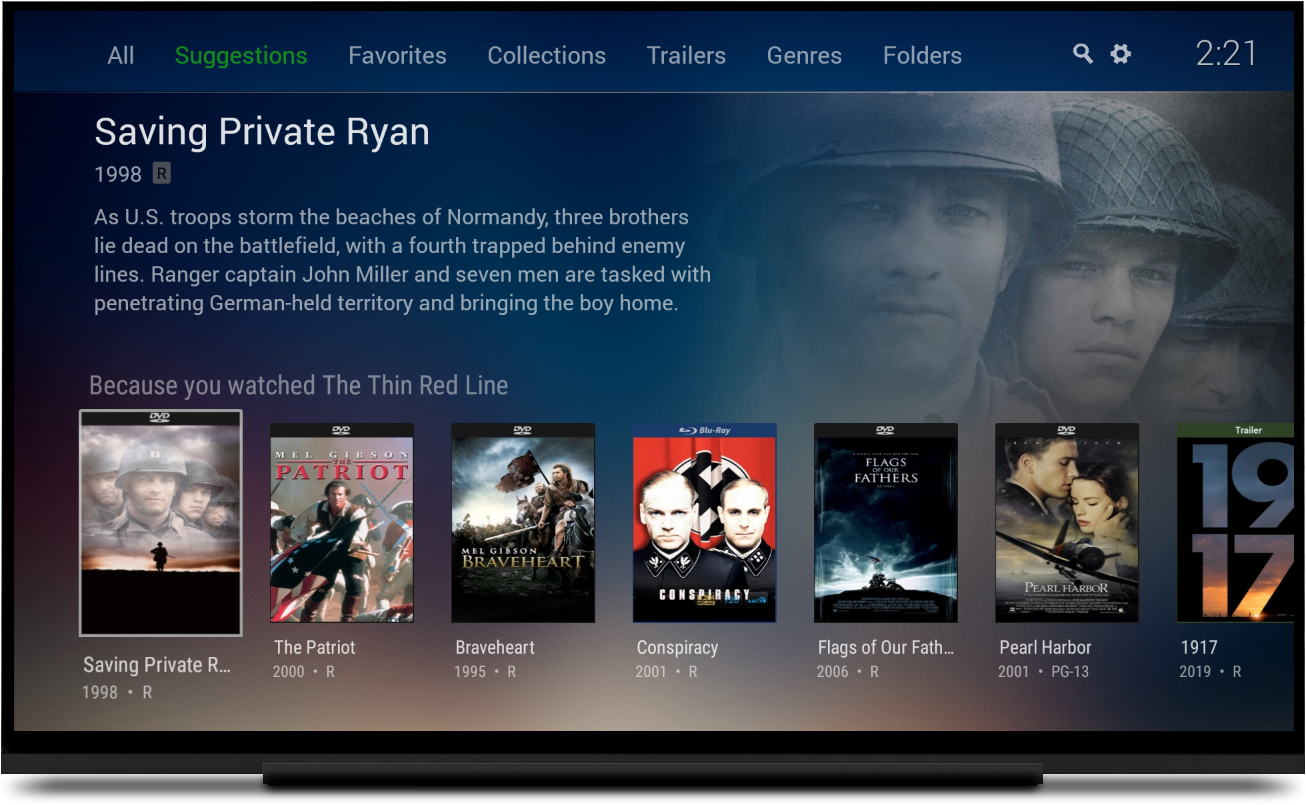
For those times you do want to peruse your library, Emby for Android TV makes it a breeze. Providing several ways to traverse your content and rich search capability, you’ll find what you’re looking for in no time.

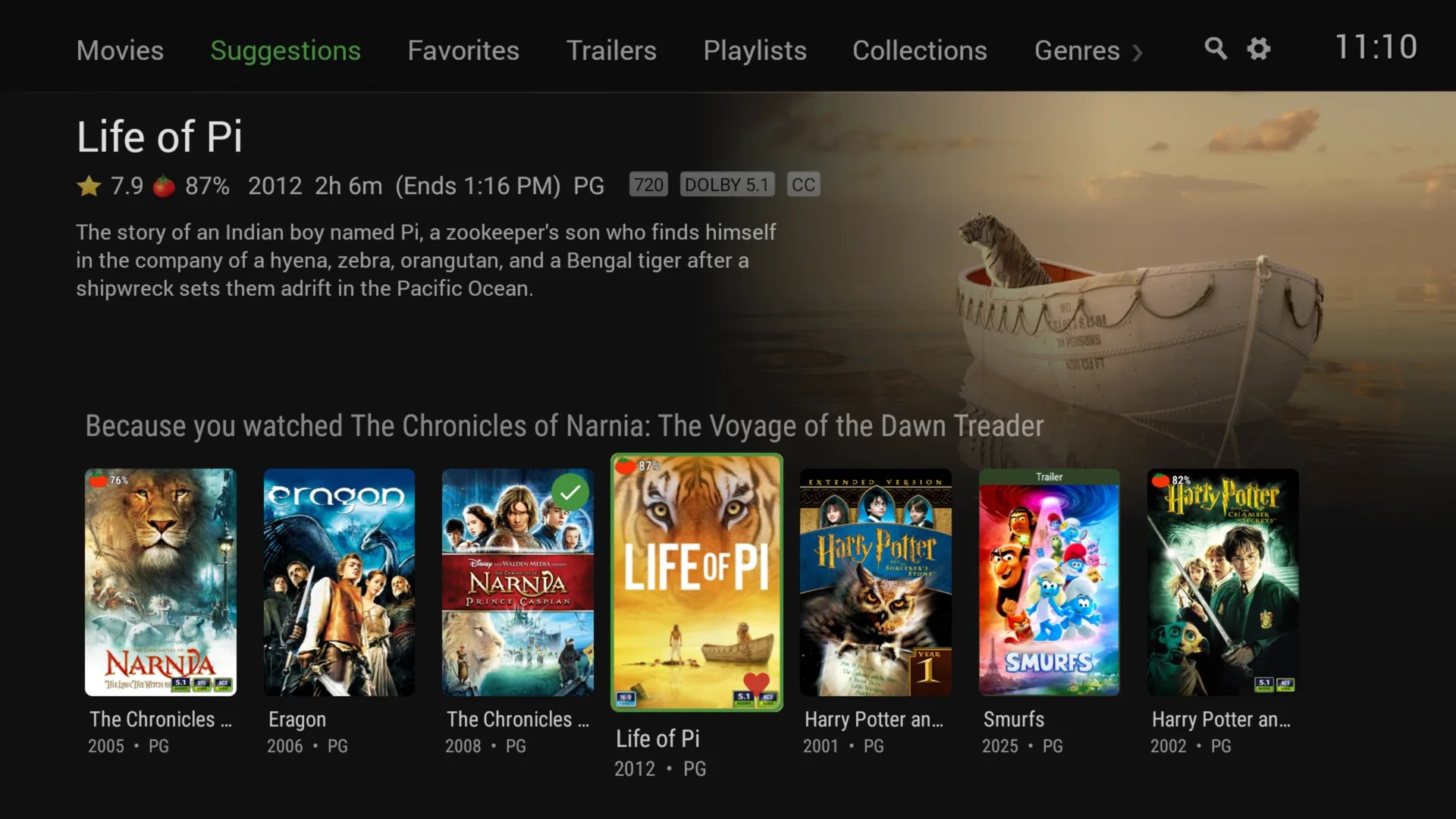
Rediscover your content

Emby for Android TV also uses the power of the server to help you find movies to watch for the first time or over and over.

The Best Way to Watch Live TV

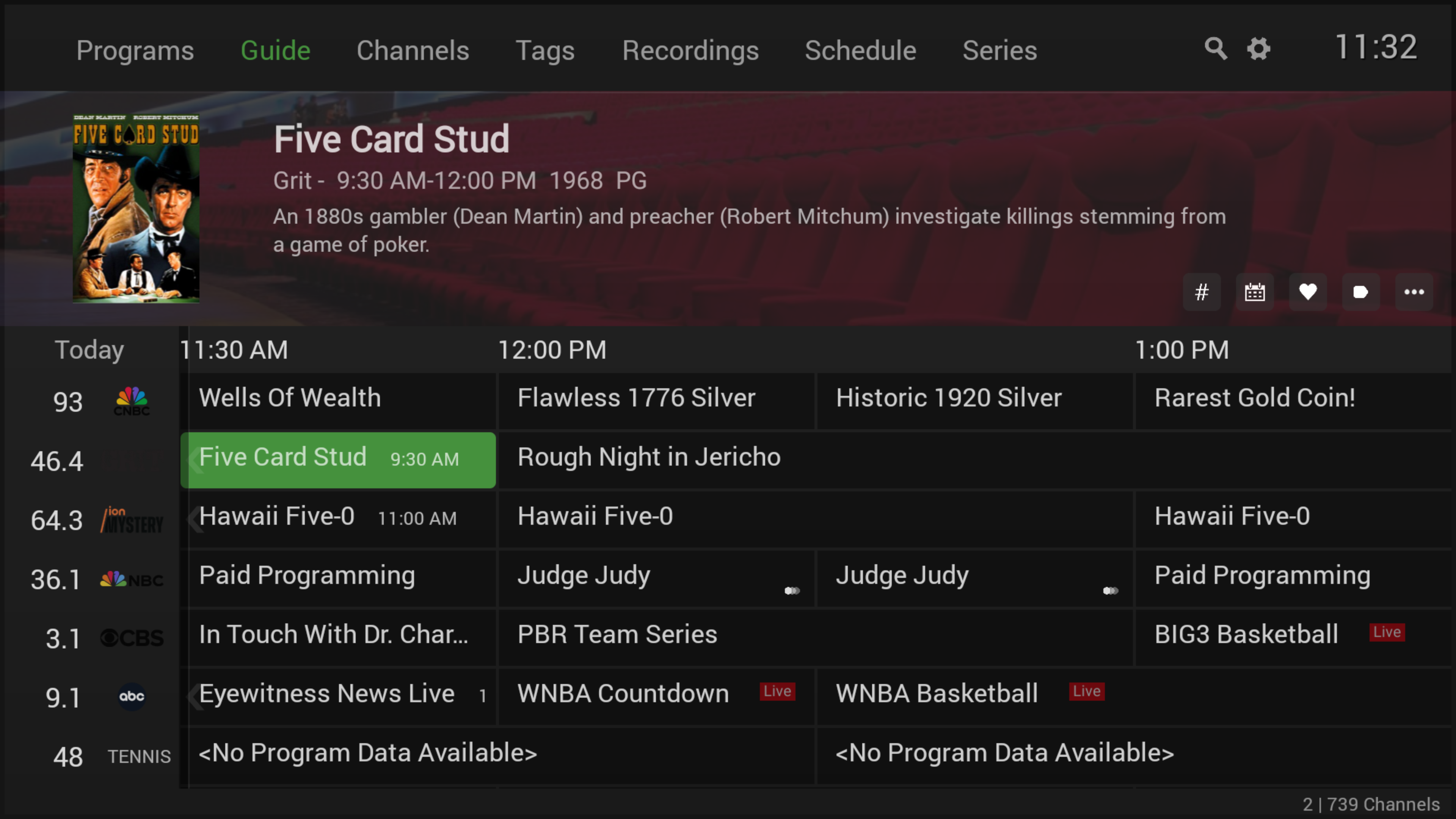
The Emby Live TV Guide helps you find what you're looking for quickly and easily.

Live TV channel guide in Emby for Fire TV

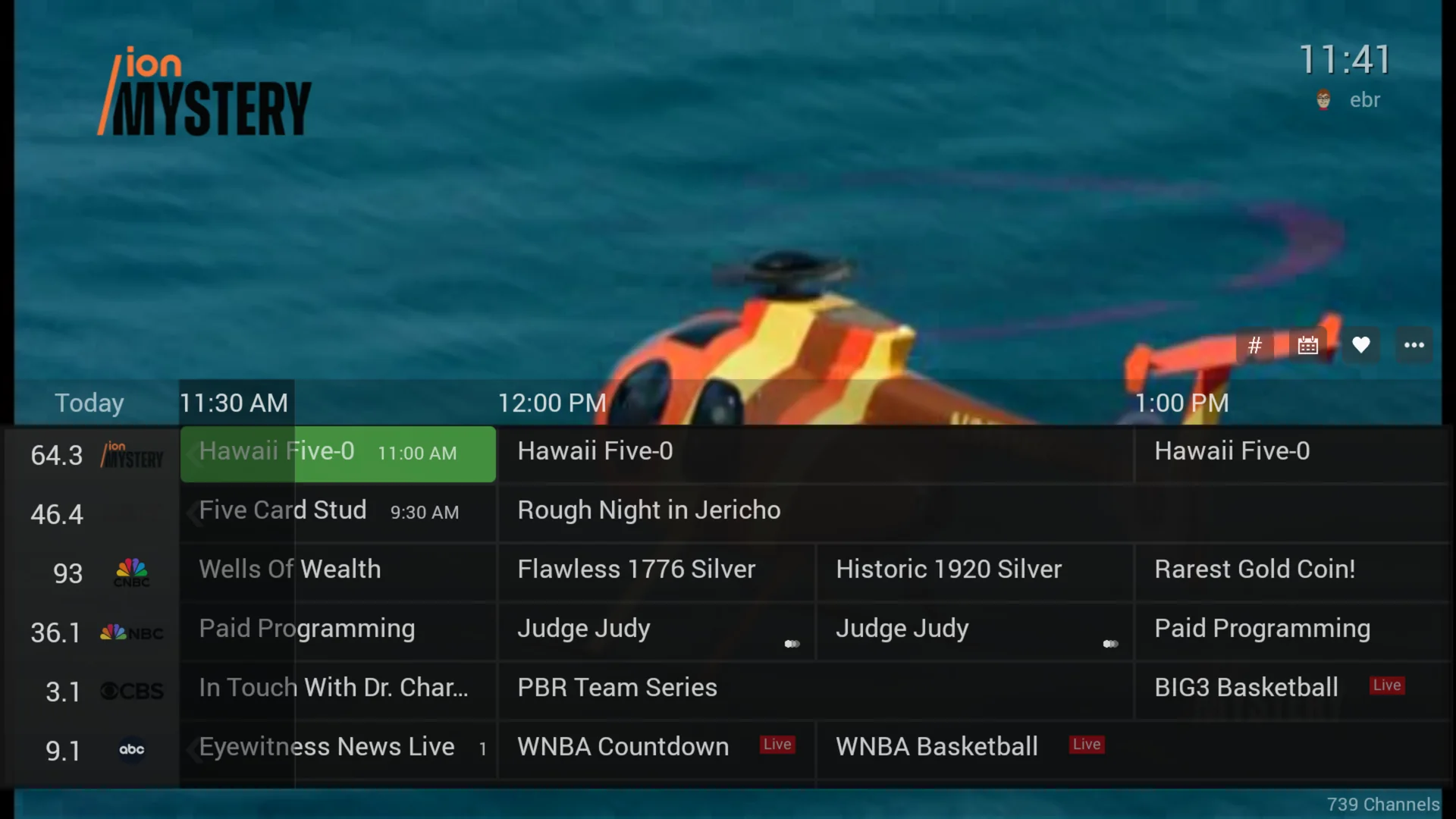
Fast Channel Changing

In-video controls make for fast and easy channel changing.

Fast Live TV channel changing in Emby for Fire TV

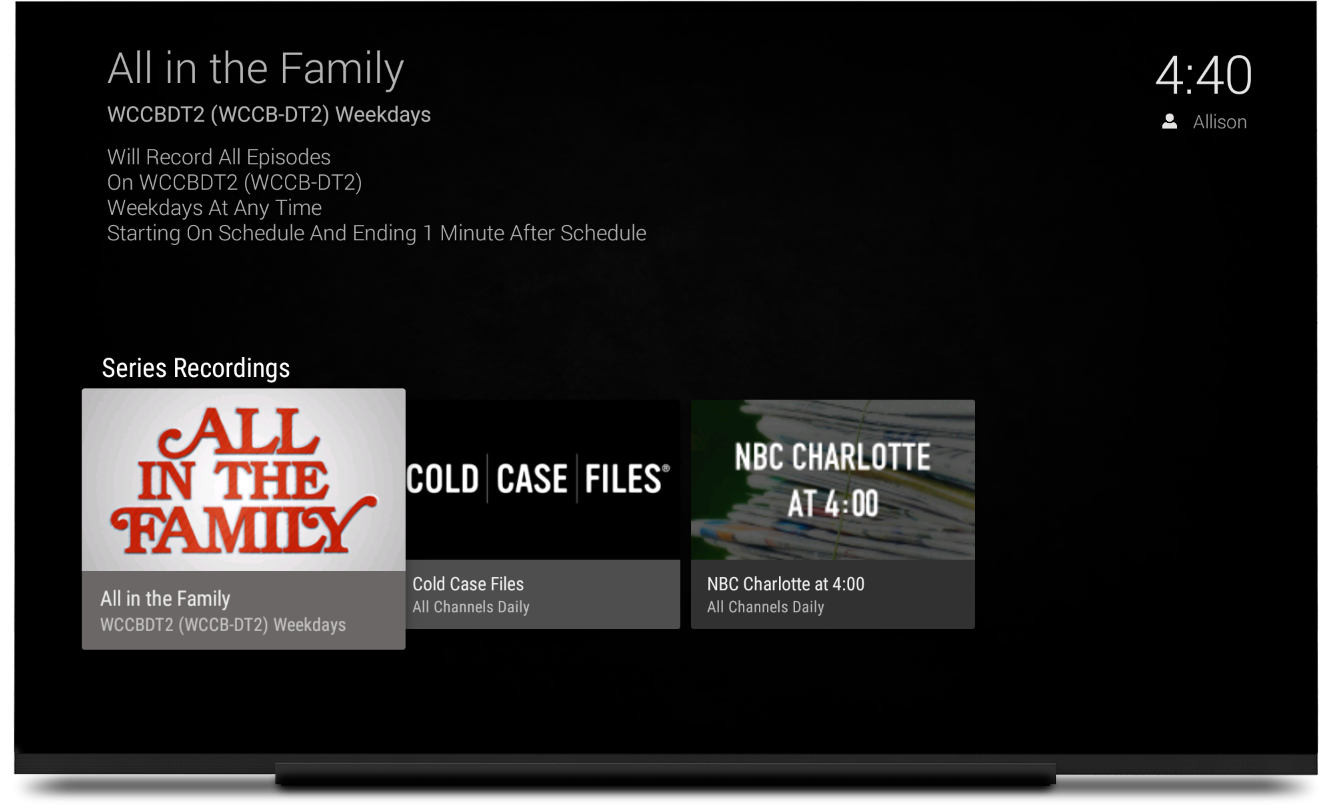
Never Miss a Show with Emby DVR

The Emby DVR allows you to quickly schedule and manage recordings using a simple and elegant interface.

A Beautiful Way to Play Your Music

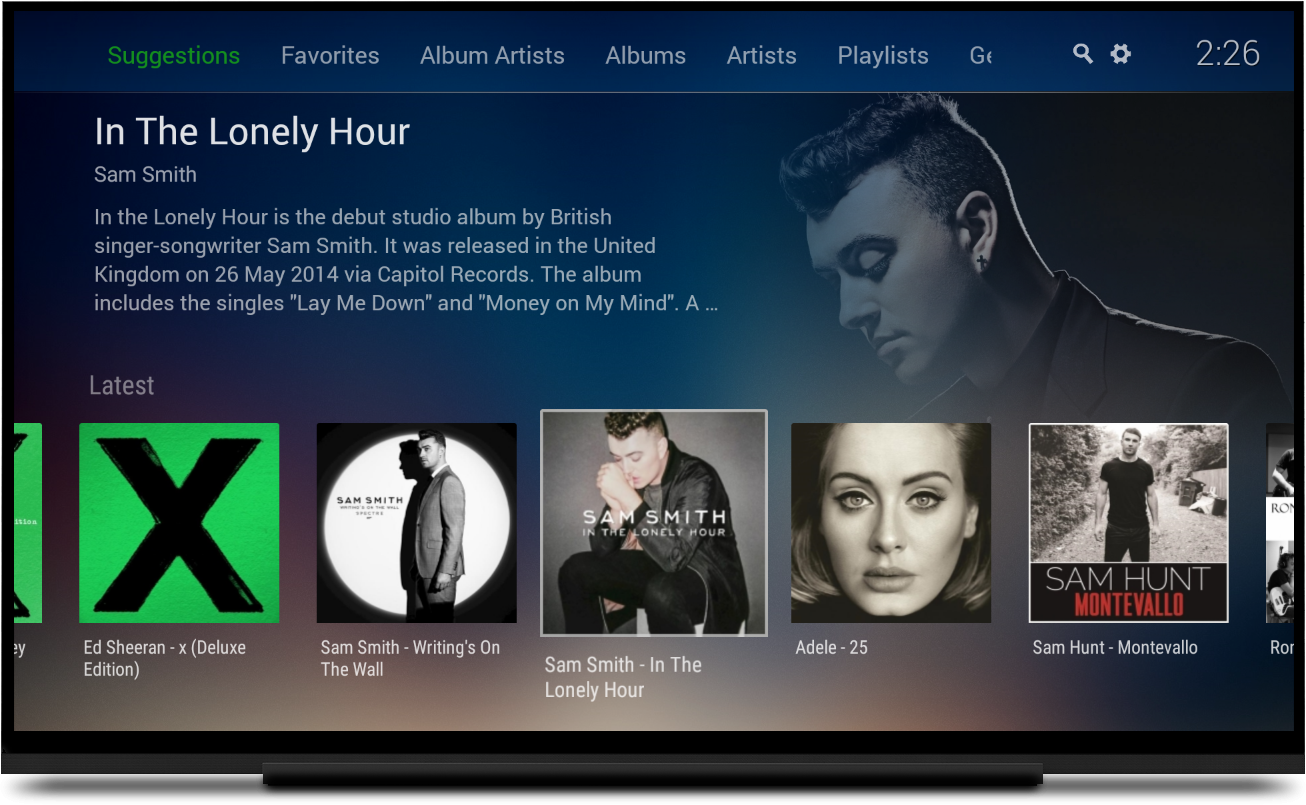
Easily play your favorite music albums, artists, genres, or instant mixes.

Easy Now Playing Queue

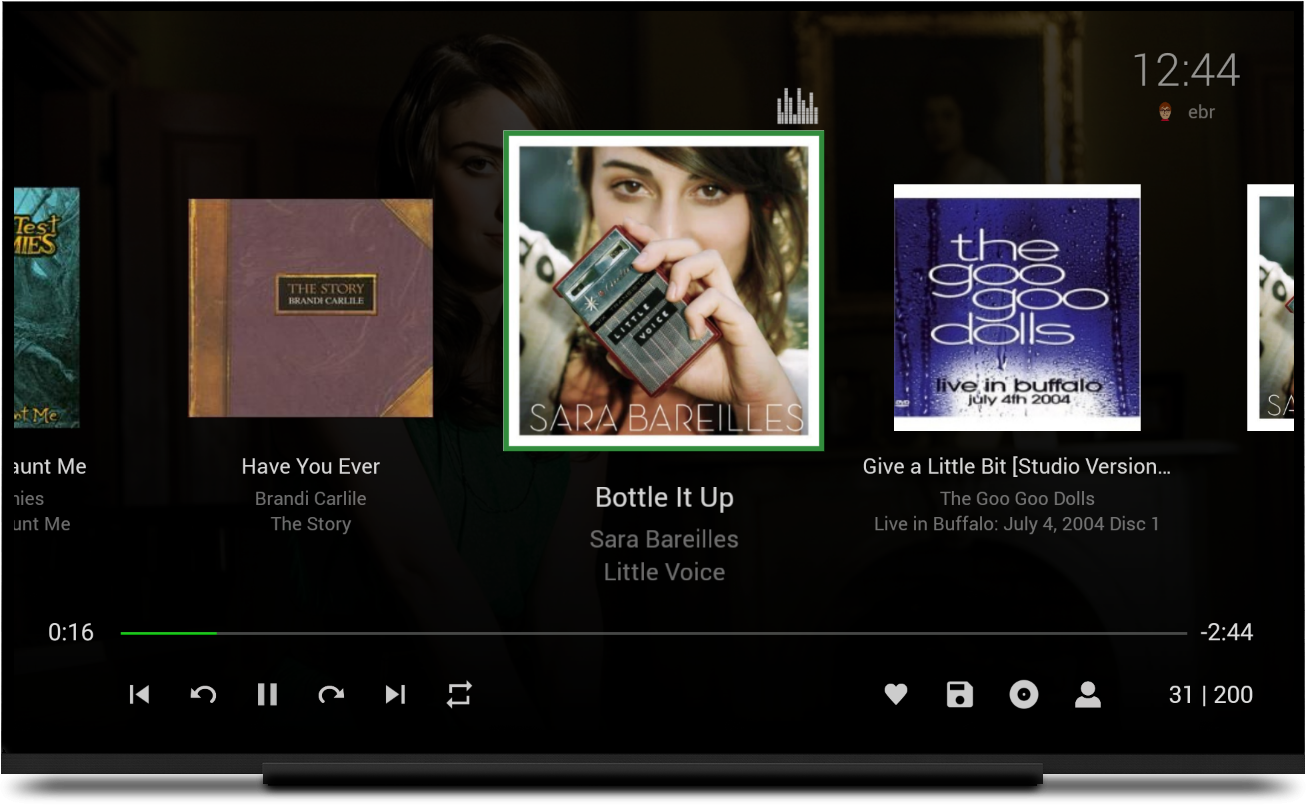
The app features a beautiful graphical interface that allows you to quickly move within your playlists.