All Activity
- Past hour
-

Back navigation not working on Favorites screen
Lessaj replied to scottpro's topic in Windows & Xbox
I think Favourites is considered a "tab" instead of a "page" so going back doesn't bring you back to the last "tab" but rather the last "page". Similarly if you're on the home page and you click into a library, say Movies, and you click on one of the other tabs like Collections or Genres when you press back it won't bring you back to your default "tab" for Movies, it'll go back to the home page. I don't how this used to work if the functionality has ever changed, I don't really navigate like that... -
 kpskilz017 joined the community
 -
 Princiinjv joined the community
 -
 camerond41 joined the community
 -
that was it thanks GrimReaper! ...I did't notice that clicking in "default" it open a full page of settings, great!
-
 Allexsant0sh joined the community
 -
 Ineedmymoney joined the community
 -

Can I stay on an Emby version without updating indefinitely?
GrimReaper replied to Daftpunkmx12's topic in Linux
There are number of related topics around the forum (thought that was mostly solved - guess not for all). You can join any of the existing topics or open your own. How to Report a Problem Edit: AFAIK this is the biggest ongoing topic: -
 Fanny38 joined the community
 -
 tokotay joined the community
 -
It is, CoverArt plugin. Disable treatments in plugin settings (or uninstall plugin altogether).
-
 dobieheard joined the community
 -

Can I stay on an Emby version without updating indefinitely?
Daftpunkmx12 replied to Daftpunkmx12's topic in Linux
Hmm, I see. The only problem I have is the excessive RAM usage, which changed with the last update. I haven't seen any updates or threads about it, or if it's a glitch/bug or some error that could be fixed later. -
 Azf joined the community
 -
 Nuhash007 joined the community
 -
Can I stay on an Emby version without updating indefinitely?
GrimReaper replied to Daftpunkmx12's topic in Linux
Theoretically yes, but that will also preclude not updating client apps, as they have minimum server version that increases gradually and will eventually surpass 4.8.11.0. And that will be very hard to control for all users, as number (or all) of them will certainly have auto-update enabled. -
Hi, I’m not sure if this is related to what’s being discussed here, but after a recent update I noticed that all my media entries/cards now have a top border showing things like “Blu-ray”, “4K”, “TV Shows”, etc. On my previous server I had clean cards for each media entry. I’m not sure if this is caused by a plugin or something else, but I have the same plugins as on my old server. Can these labels be removed without customizing CSS? I prefer a clean card layout. Thanks!

-
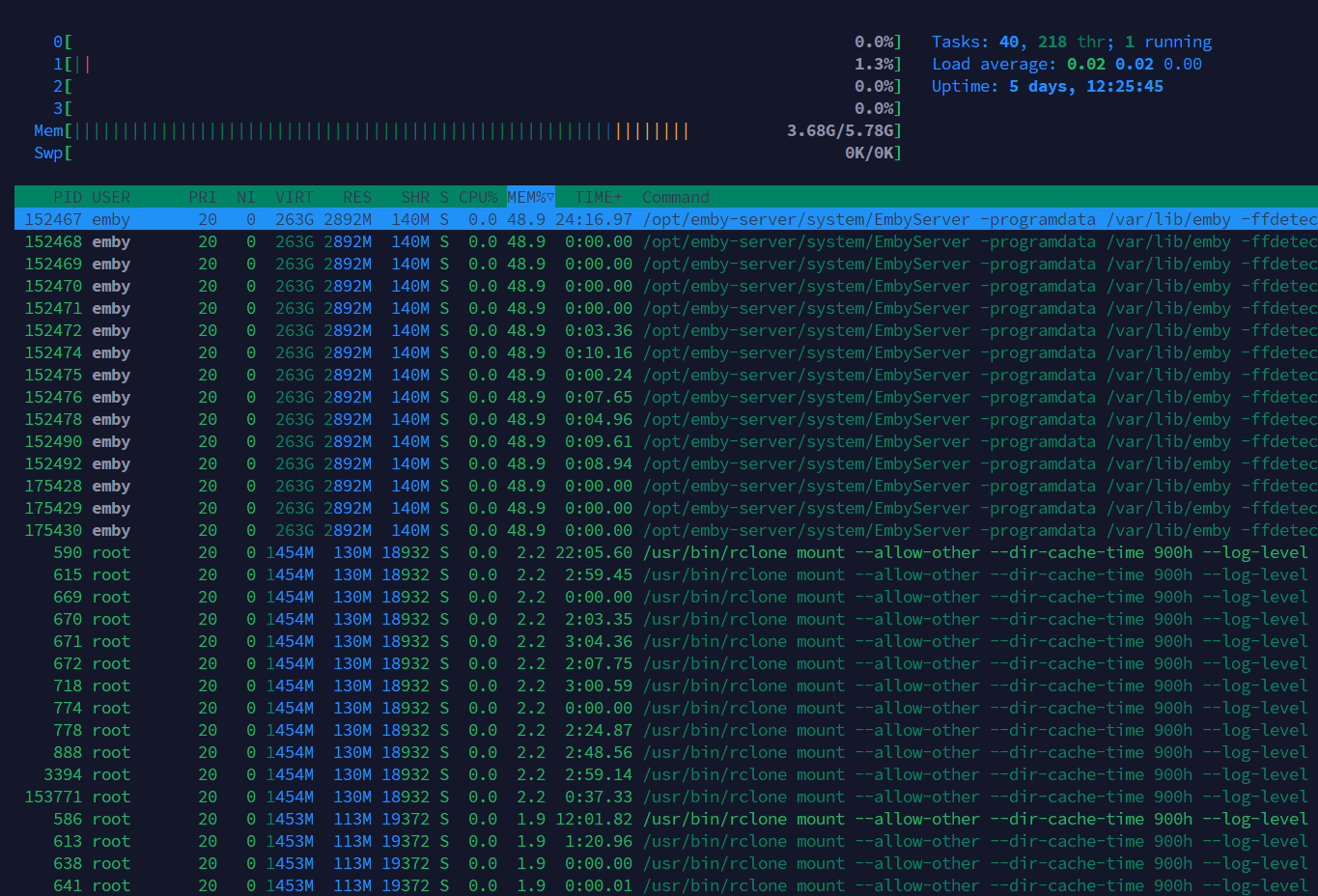
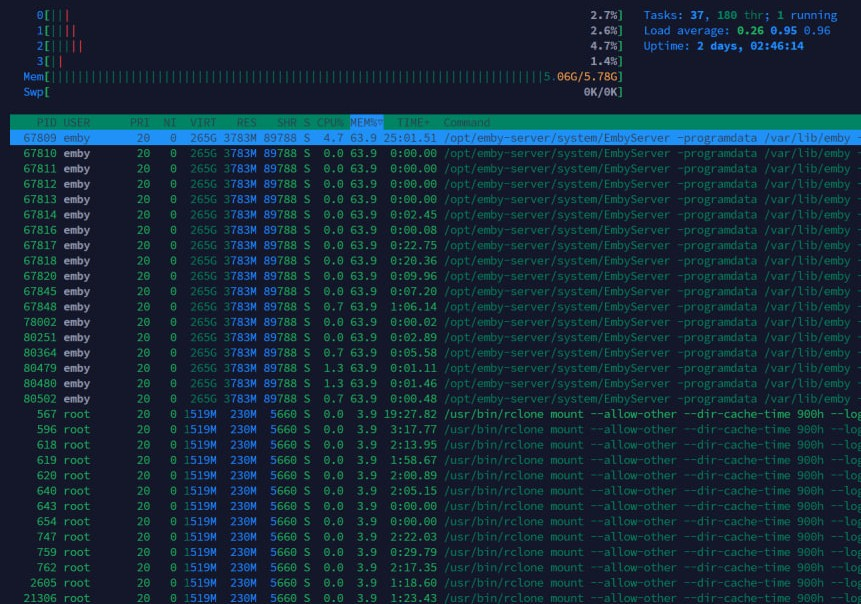
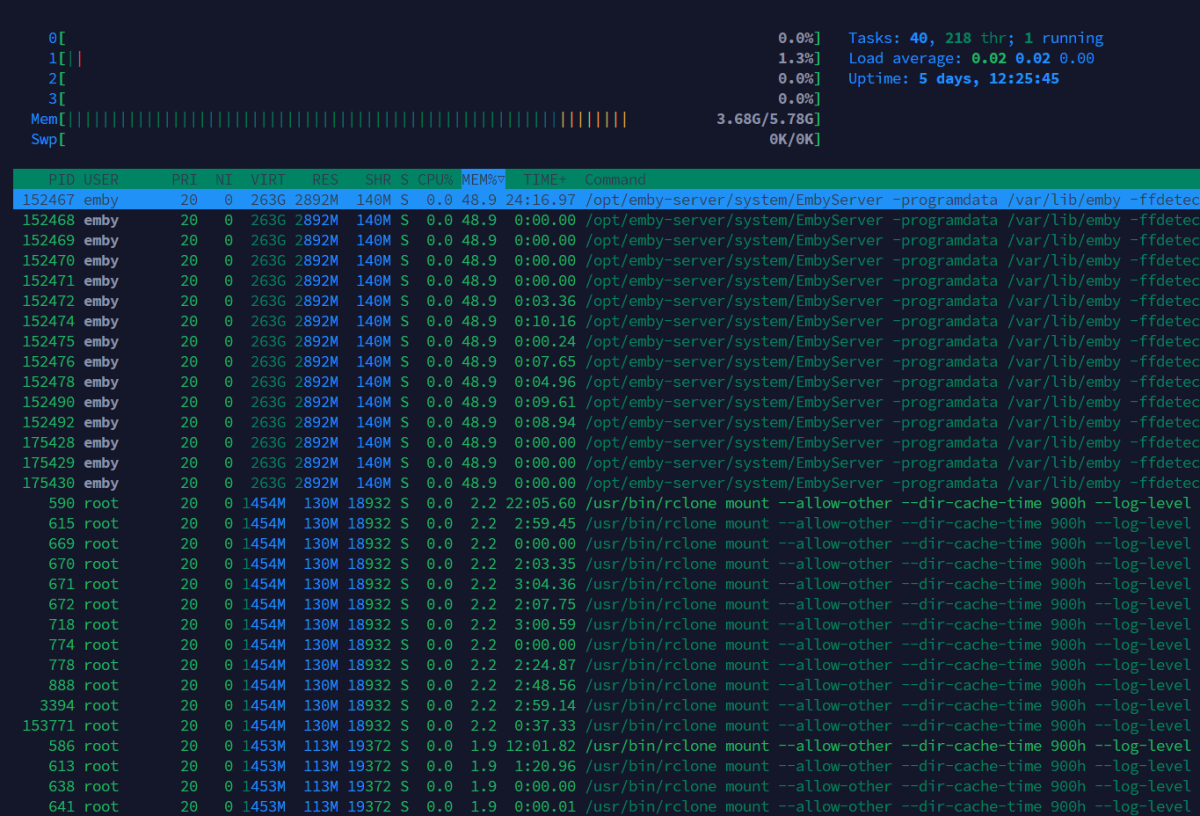
Hi everyone, I have a question. Can I stay on an Emby version (4.8.11.0) that has been working well for me indefinitely, possibly forever? With the last update (4.9.3.0), I had problems with excessive RAM consumption by the Emby service. The Emby service alone was using up to 4.98GB out of 5.78GB, and the server would crash even with two devices watching without transcoding, just direct play. This didn't happen with the previous version. Fortunately, I made a backup of the server before updating and was able to revert to the previous version (4.8.11.0). My server is very basic; I use it at home or when I'm out with my family. Can I stay on the latest version without updating indefinitely? Because with the latest version, even without any devices watching, Emby alone was using almost 50% of the RAM. I hope someone can help me with this question. Thanks and regards. Version 4.9.3.0 with 2 devices watching Versión 4.8.11.0 with 3 devices watching
-

Plugin: EmbyCredits, detect end credits and add auto skip.
Jutsch80 replied to yocker's topic in Plugins
One upside I didn't see coming was for using Infuse as a player. It does thave a "next episode" button but that only appears if one manually makes the timeline appear on screen and then the button can be pressed. The "Skip Credits" button on the other hand appears regardless and doesn't have to be put on screen manually. -
Seeing that it's 2026, i would expect more than 3 current trailers. Is it from a playlist that someone maintains on YouTube? What's the criteria for something to show up in here?
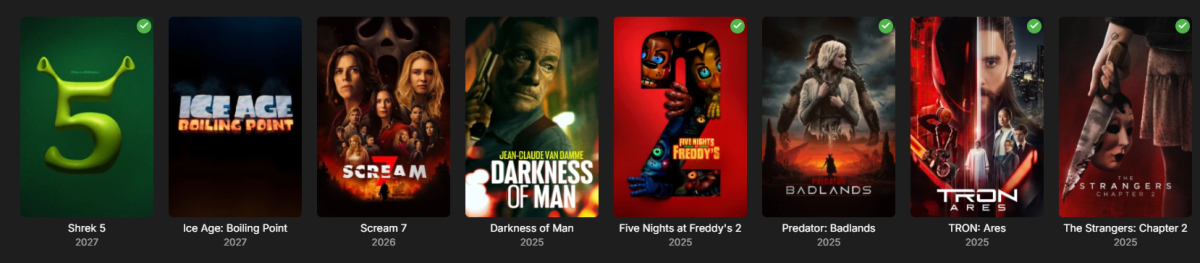
-
Und kann Emby mitlerweile auch das, was der tiny media manager kann? meine Ersteinrichtung von emby ist lange her. Damals habe ich alles mit TMM vorher gescrapt.
-

After install Emby on Synology 7.2.2 72806 update 3 URL gives " forbidden"
Happy2Play replied to karbo's topic in Synology
Technically you do not have to do that assume you are capable of navigating to the system.xml and correcting a config that you applied. But some platforms are not as easy as others. On can break other systems just as easy. - Today
-
@Lukeanything else I can provide to get this fixed? it did work on 4.8.x.x versions.
-
Active Backdrop background and image size globally for all user
Happy2Play replied to kfdlean's topic in Web App CSS
Issue is I believe both these options are actually user per client settings. And are not controlled by css. Not sure if the new copy data to user function in Beta would help here.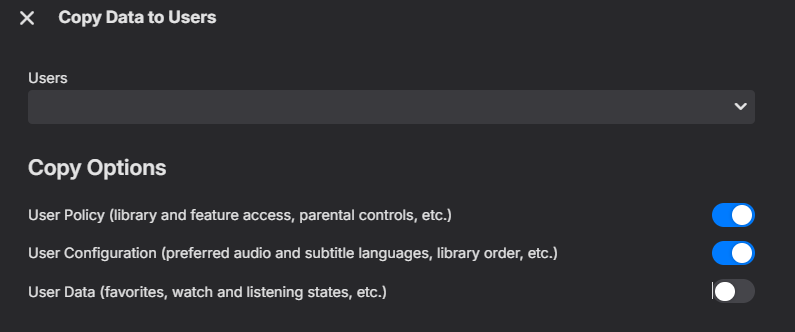
-

Problem mixed library, mp3 files, mp4 files, mkv files
mrmixed replied to gsites's topic in General/Windows
I recently had the desire to embed an audio m4a file in a folder along with some other video content (in my case, it's related to live performance/concert-related videos), and couldn't get Emby to catalogue it and make it available to play, even in my mixed content library. So after doing some research and stumbling across this old post, I figured I'd chime in with my findings in case anyone else winds up here with the same question. I was unable to get @GrimReaper's suggestion of VIDEO\ and AUDIO\ subfolders to work; I think this may because I am trying to get this particular content to appear within a TV Show context (my goal was to be able to categorize some of the content in this folder as a "Special" so it doesn't display inline with the main videos, but is available from the same "folder" location in my library). I'm sure it would work if I dropped the TV-style "Season 01/Special" folder conventions but I didn't get to try that configuration, and in any case I wanted the audio track to display alongside the other videos, and not require drilling down into a different sub-folder location. What did work was to simply rename the .m4a file extension as an .mkv. Emby immediately found the file, scraped the internal metadata, and displayed it alongside the other video files in the folder for playback (audio-only, with a black picture)--which is exactly how I wanted it to work. It's a bit of a cheat, but it works. -

Feature Request: Configurable timeout and auto-reconnect settings for Live TV channels
jonzey231 replied to jonzey231's topic in Feature Requests
Thanks! Also PM'd you for a TestFlight invite. -

Plugin: EmbyCredits, detect end credits and add auto skip.
yocker replied to yocker's topic in Plugins
Thank you for the suggestion. I have been planning on making something like a chapter editor at some point but never got around to finish it because the plugin ChapterAPI already exists. Maybe i should get around to finishing it. -
Plugin: EmbyCredits, detect end credits and add auto skip.
yocker replied to yocker's topic in Plugins
It threw out some needed information too fast so it didn't get to the OCR server. Basically a timing issue. -

Emby Watch Party - Synchronized Viewing for Friends & Family
Oratorian replied to Oratorian's topic in Tools and Utilities
Please DM me. This would be out of scope here, maybe, but I am intrigued. -
That's my point, the Pangolin login is easily bypassed by anyone actually looking to attack; so it adds no actual useful security and serves only as an additional barrier to genuine users trying to login. I'm not sure where you get the idea it's even necessary. I've quite happily had my server exposed publicly for 10 years... There's no need to put additional login pages in front of it; and doing so, particularly with this method, adds no real value/security. In my setup there is a reverse proxy handling wrapping traffic in ssl, and only responding to a very specific subdomain while dropping other traffic (direct IP connections for example); that's plenty sufficient.
-
Just tossing more stuff in here as I update things... would love to get some feedback. Screen recording (3).webm
-
@darkassassin07The Emby login still appears, only the Pangolin login is bypassed. And only admins can control the server. I understand this isn't ideal, but what other options are there if you want to expose publicly?
-

Unwanted fanart.jpg files being saved to Movie folders
tanStaafl replied to tanStaafl's topic in General/Windows
@Happy2PlayI checked a couple that had the fanart added, and at the bottom the the Lock this Item to Prevent Future Changes is not set and the SAVE button is available. -

After install Emby on Synology 7.2.2 72806 update 3 URL gives " forbidden"
Neminem replied to karbo's topic in Synology
@Burghard welcome to the forum, how can we help. -
Unwanted fanart.jpg files being saved to Movie folders
Happy2Play replied to tanStaafl's topic in General/Windows
Is the metadata locked on your content? Pick a problem item and edit metadata and scroll to the bottom.